Aligning a door contact sensor
The sensor and magnet must agree when the door is closed and separate clearly when it opens.
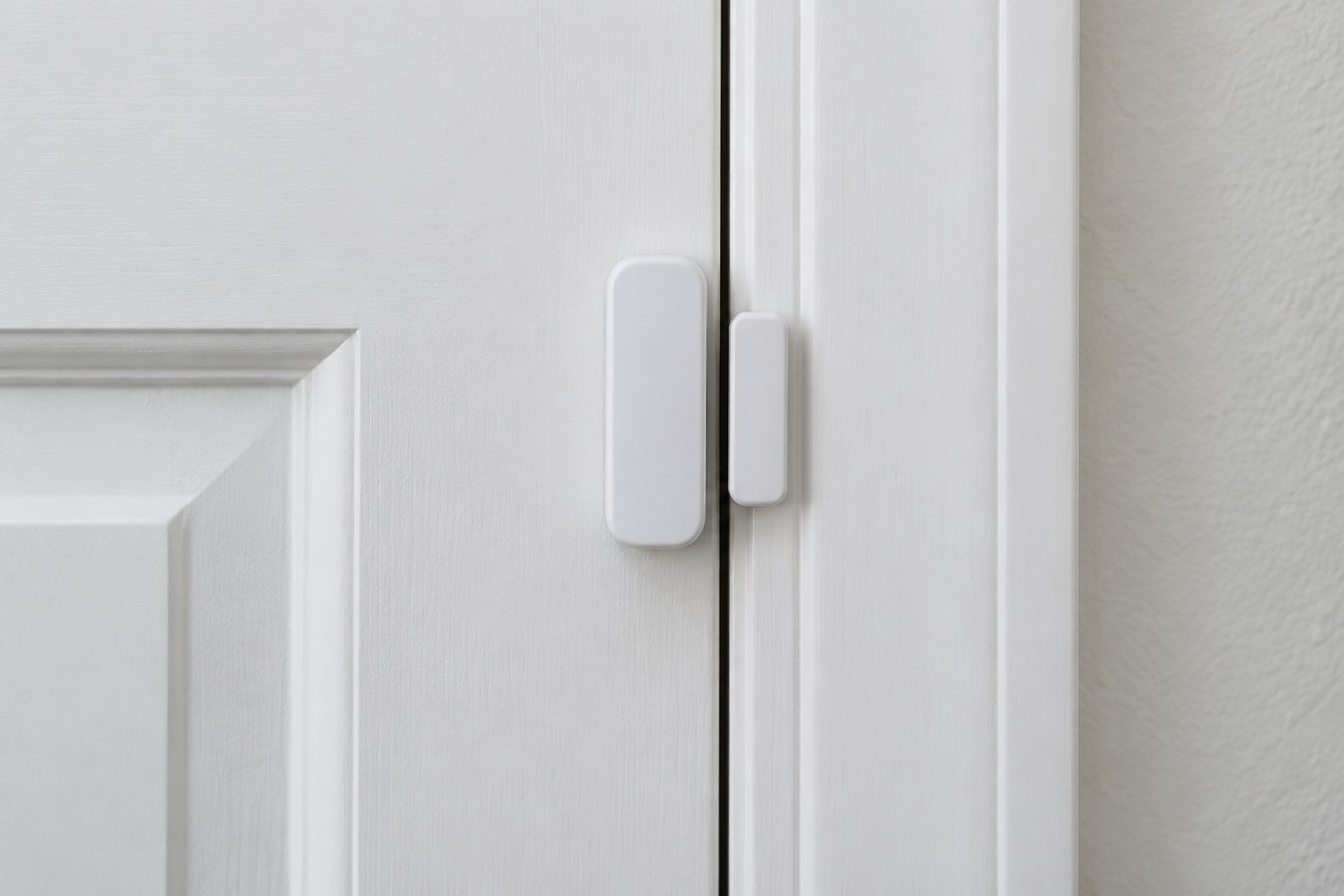
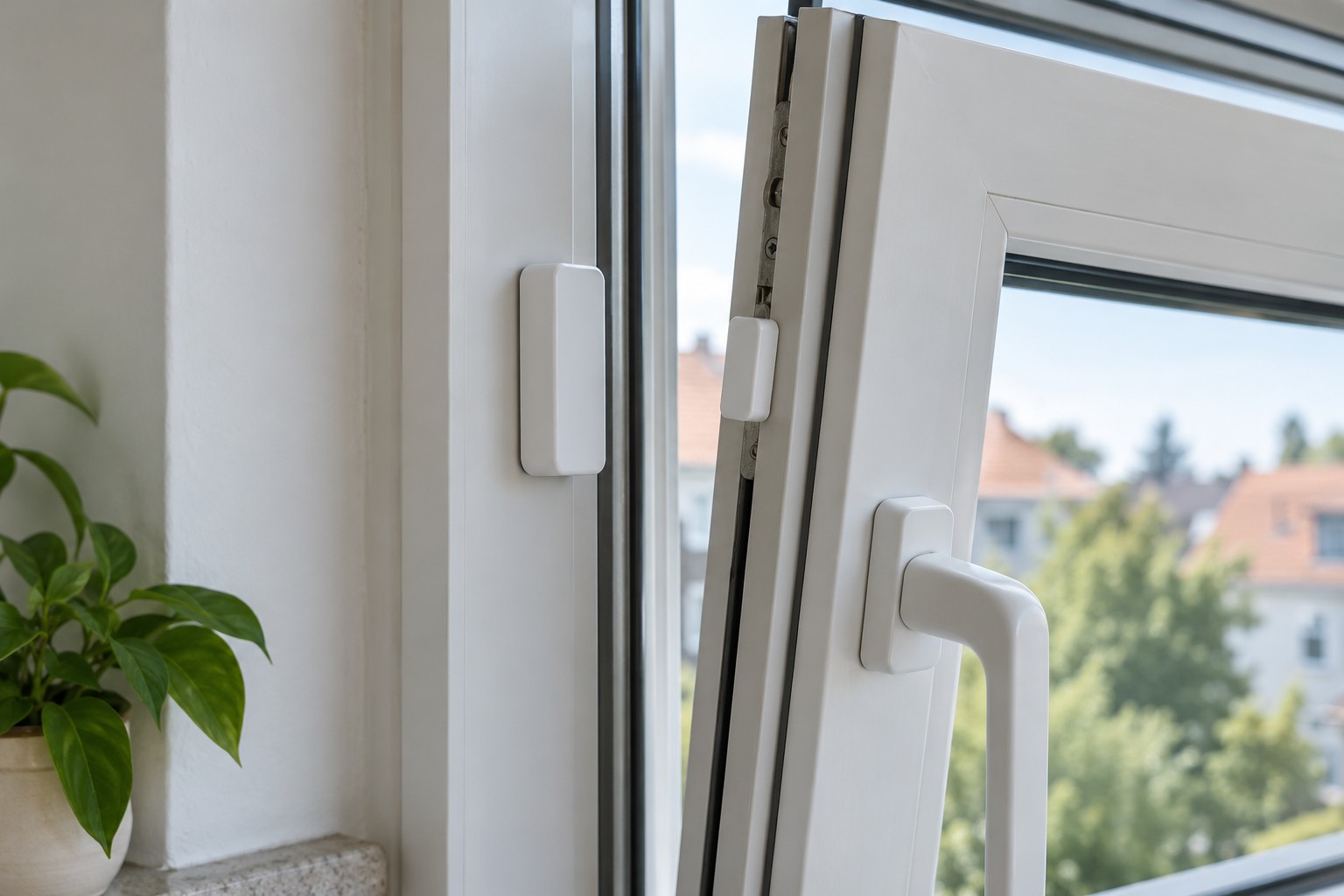
A typical door contact has two parts: an electronic sensor and a magnet. It detects whether they are close enough in the intended orientation; it does not see the door itself. Reliability therefore depends on their positions on the frame and moving leaf.
Read the instructions for the exact model before mounting. Alignment marks, permitted gap and orientation differ. A distance quoted for another sensor is not a substitute. Check that the frame provides enough flat surface and that neither part will hit surrounding fittings when the door moves.
Start with a temporary position
Pair the sensor as instructed, then test it at the proposed location. Hold the pieces in their intended positions before committing the adhesive. Watch the reported state with the door closed, slightly open and farther open. This reveals an unsuitable arrangement before the adhesive has set.
Stepped frames can leave the sensor and magnet on different planes. Use a manufacturer-supported solution if spacing needs adjustment. An arbitrary stronger magnet is not a dependable correction because it can change the intended switching behaviour.
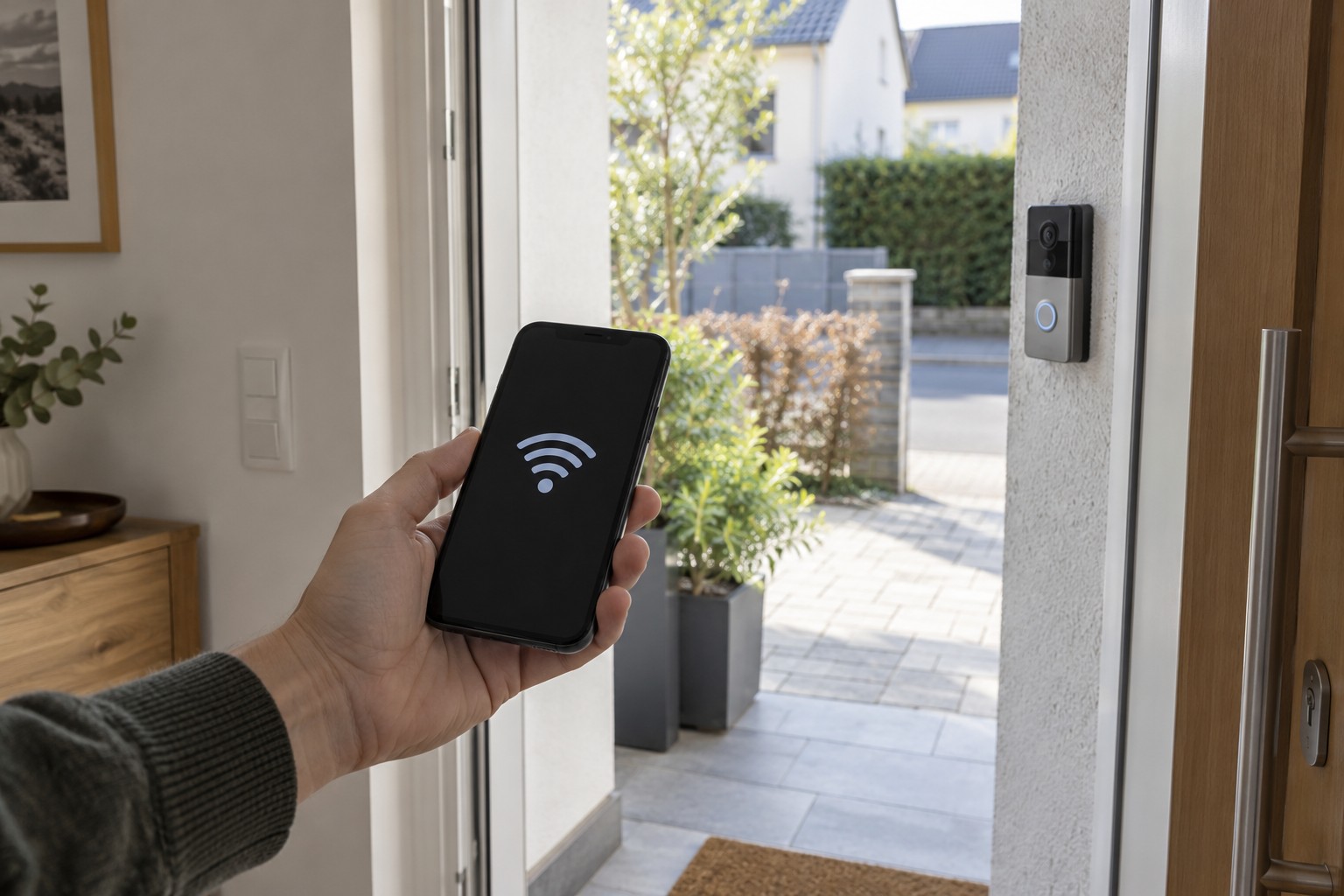
Also test wireless communication at the final position. Successful pairing next to the hub does not establish reception behind a substantial door. The change must reach whichever controller or app needs it.
Check again after fixing
Prepare the surface according to the adhesive and surface instructions, including any setting time. Open and close the door normally several times afterwards. Check that seals, fittings and movement do not shift either part.
Give the contact an unmistakable name, such as front door rather than sensor 1. If it triggers a notification, test delivery to the intended phone as well. Correct state in the app and successful push delivery are separate checks.
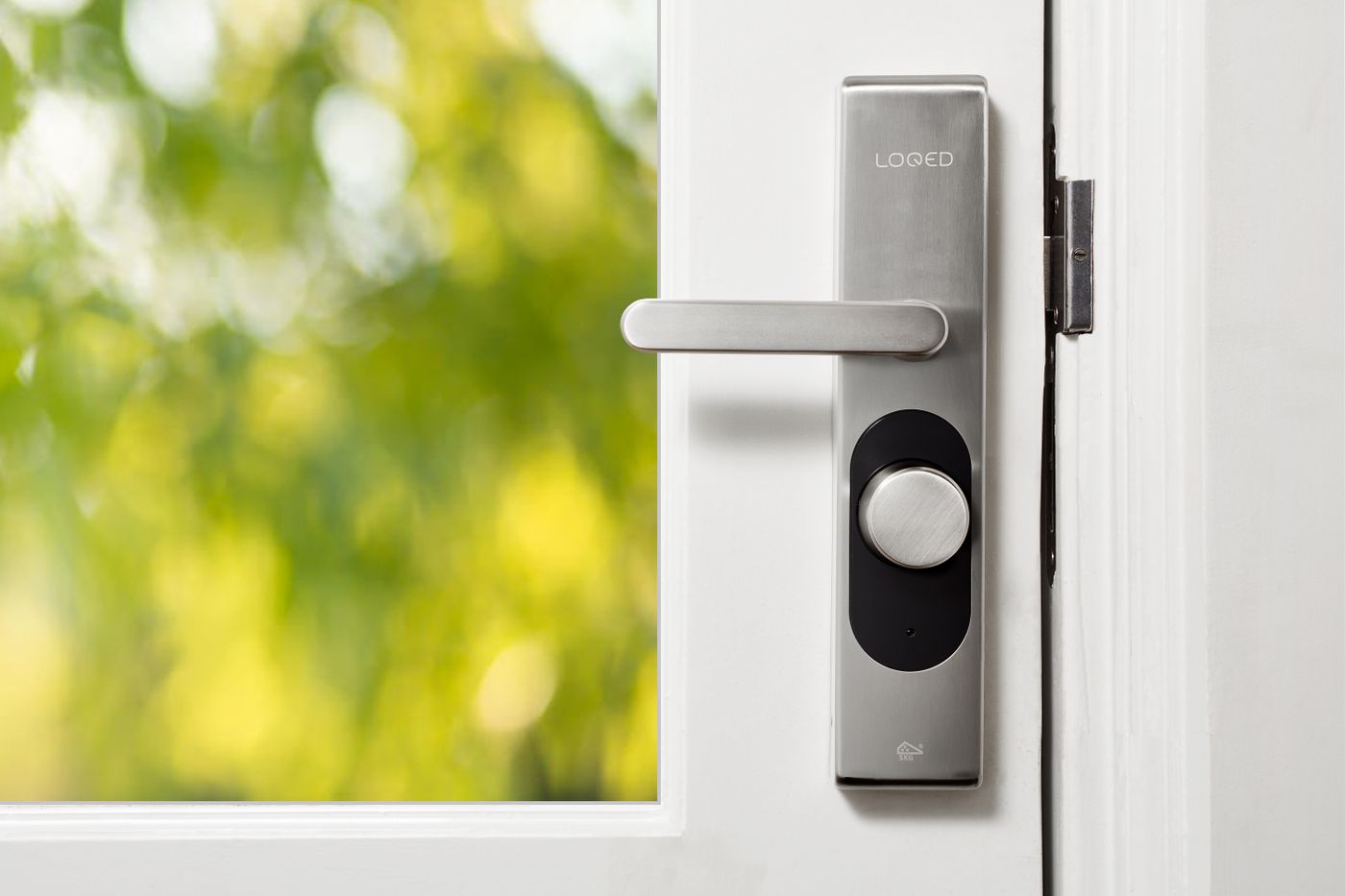
A closed contact normally does not prove that the door is locked. That requires a system designed to detect the relevant lock state. Use the report only for what the installed sensor can actually establish.