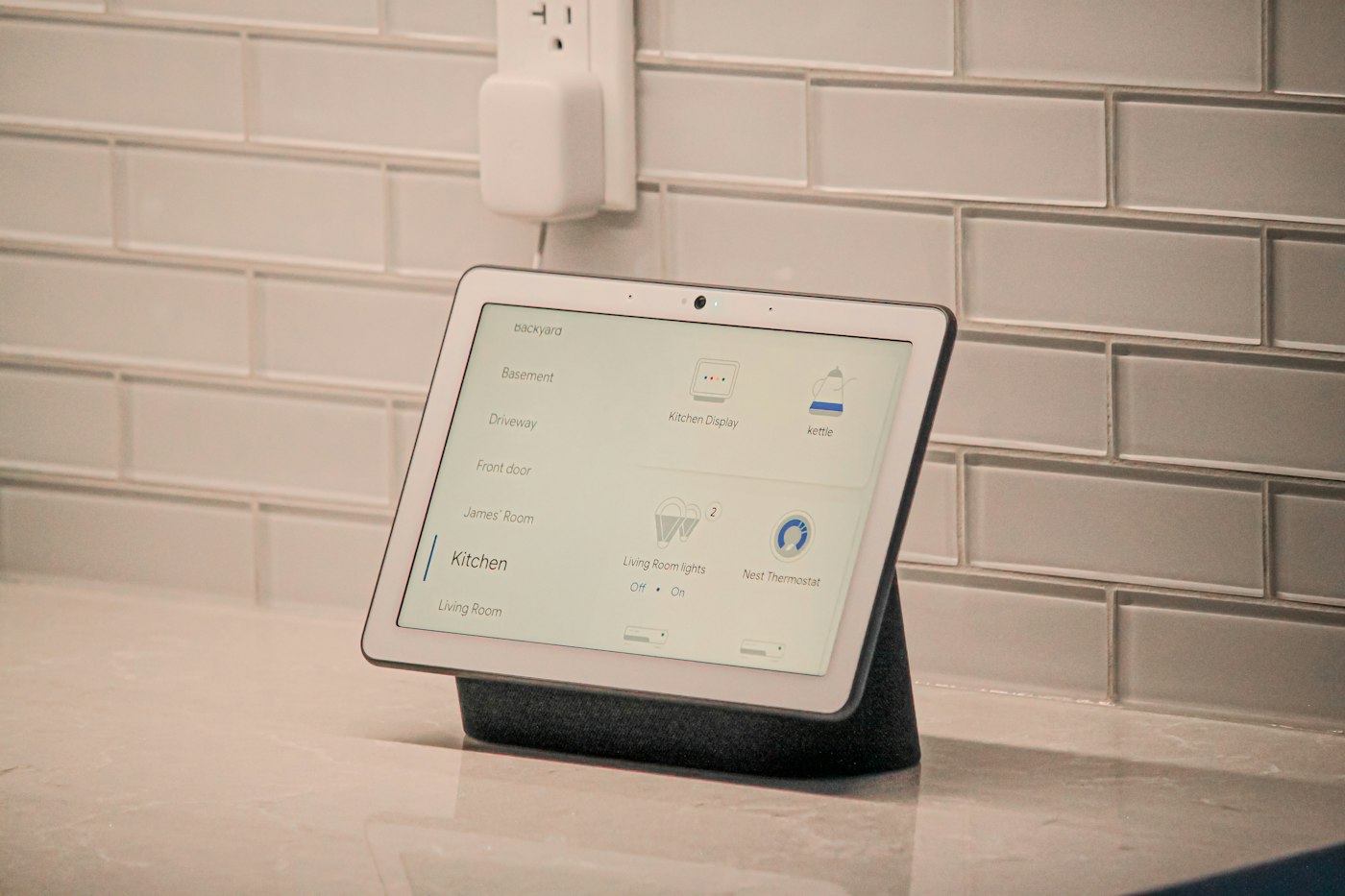
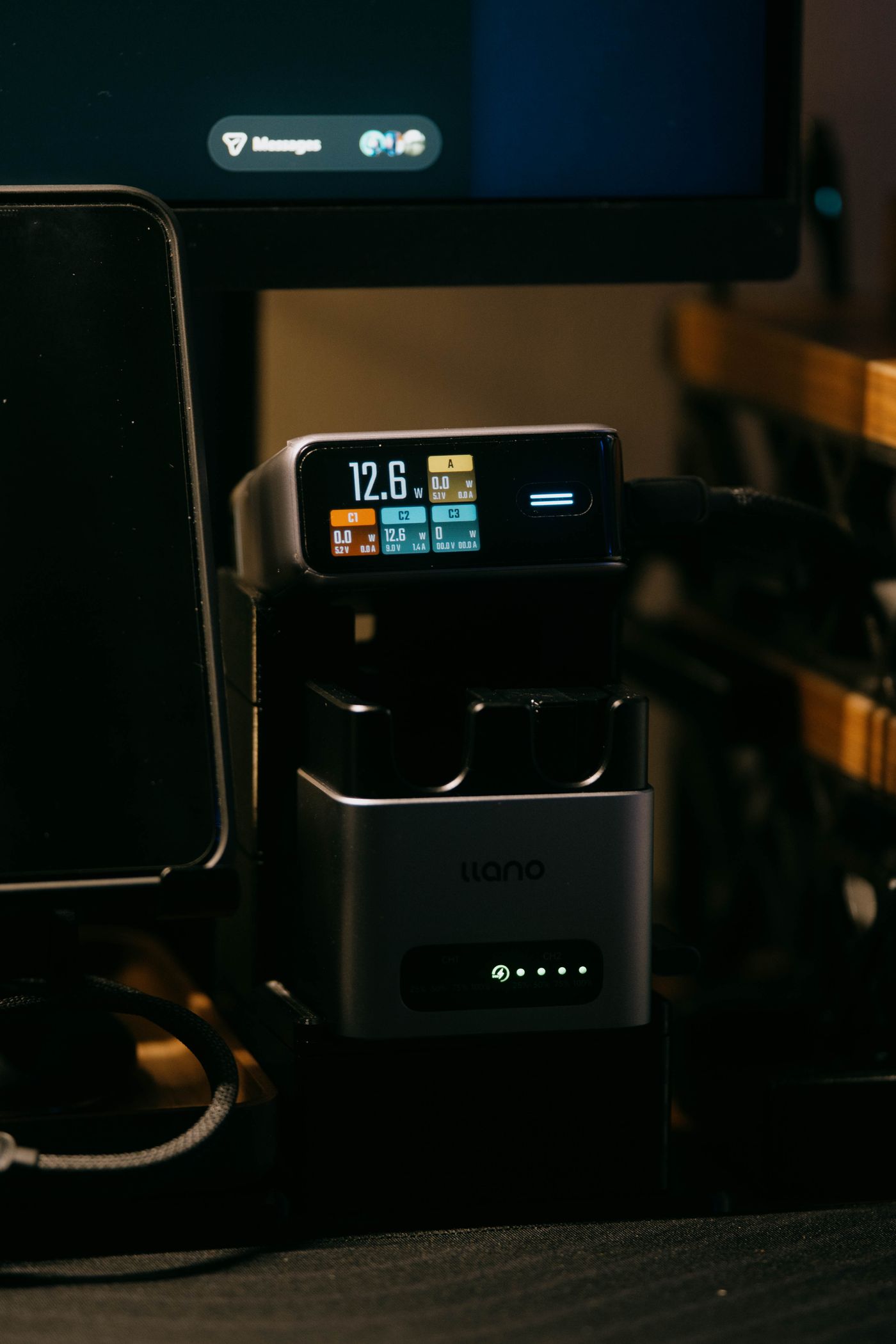
Finding a place for a smart-home hub
A hub needs more than an available socket. Connectivity, ventilation and access to its cables all influence its location.
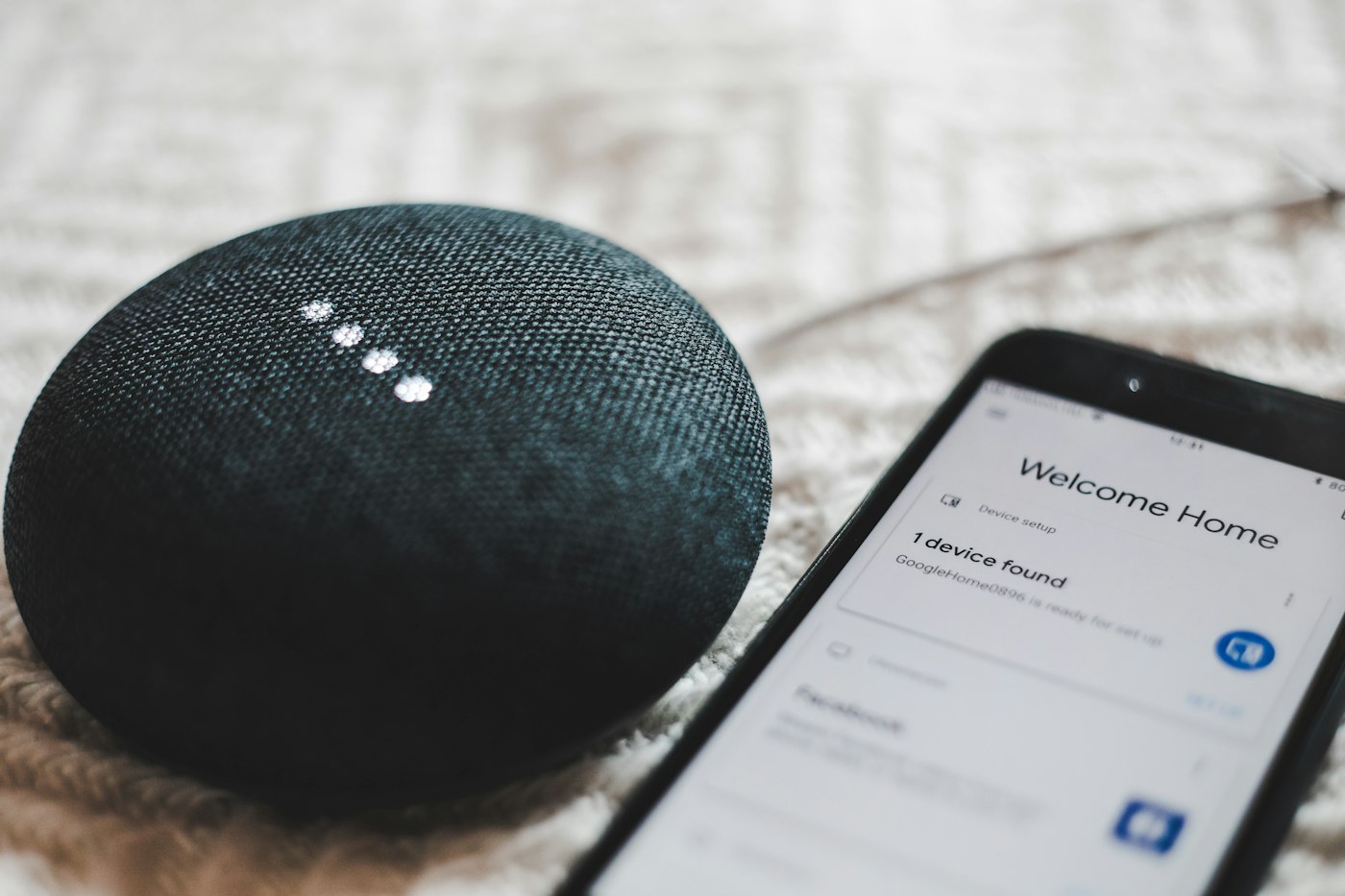
A small smart-home hub is easy to hide behind furniture. That same position can make it difficult to read a status light, check a cable or maintain radio links to other devices. Treat its location as part of installation rather than a final tidying decision.
Establish what the box does
Write down the hub's role in your system. It may connect sensors, run routines or contain additional network functions. A Thread border router and a Matter controller, for example, are different roles even when combined in one enclosure. The documentation for the exact model establishes which capabilities are present.
Those roles determine its connections. Ethernet needs a route to a router or switch. A separate radio module needs the specified port and, where relevant, the manufacturer's recommended positioning. An available USB port is not automatically a suitable power supply for every device. Use the intended adapter or an explicitly permitted alternative.
Test the location that will remain
Choose a stable, dry and ventilated surface within the permitted operating environment. Do not tightly stack several warm adapters and devices. Metal furniture or a closed installation box can change radio conditions. Check connectivity at the eventual location, not only during setup with the hub beside the sensor.
Label the power cable so that it is not accidentally removed during the next tidy-up. Do not switch the hub off through a routine that depends on that same hub to run. A shared switched power strip can create a less obvious dependency if it is turned off with the desk equipment each evening.
After positioning, test one nearby device and another near the edge of the intended area. Check a real action, such as a reported door opening or a manual lighting command. Seeing the hub listed as connected does not establish that every attached device is reliably reachable.
Leave enough room around the connectors to remove a cable without pulling the enclosure. If the hub stays behind a cover, consider how you will inspect its status indication when something goes wrong. A short note identifying its location, power supply and attached cables will help with later replacement and make the installation understandable to other household members.