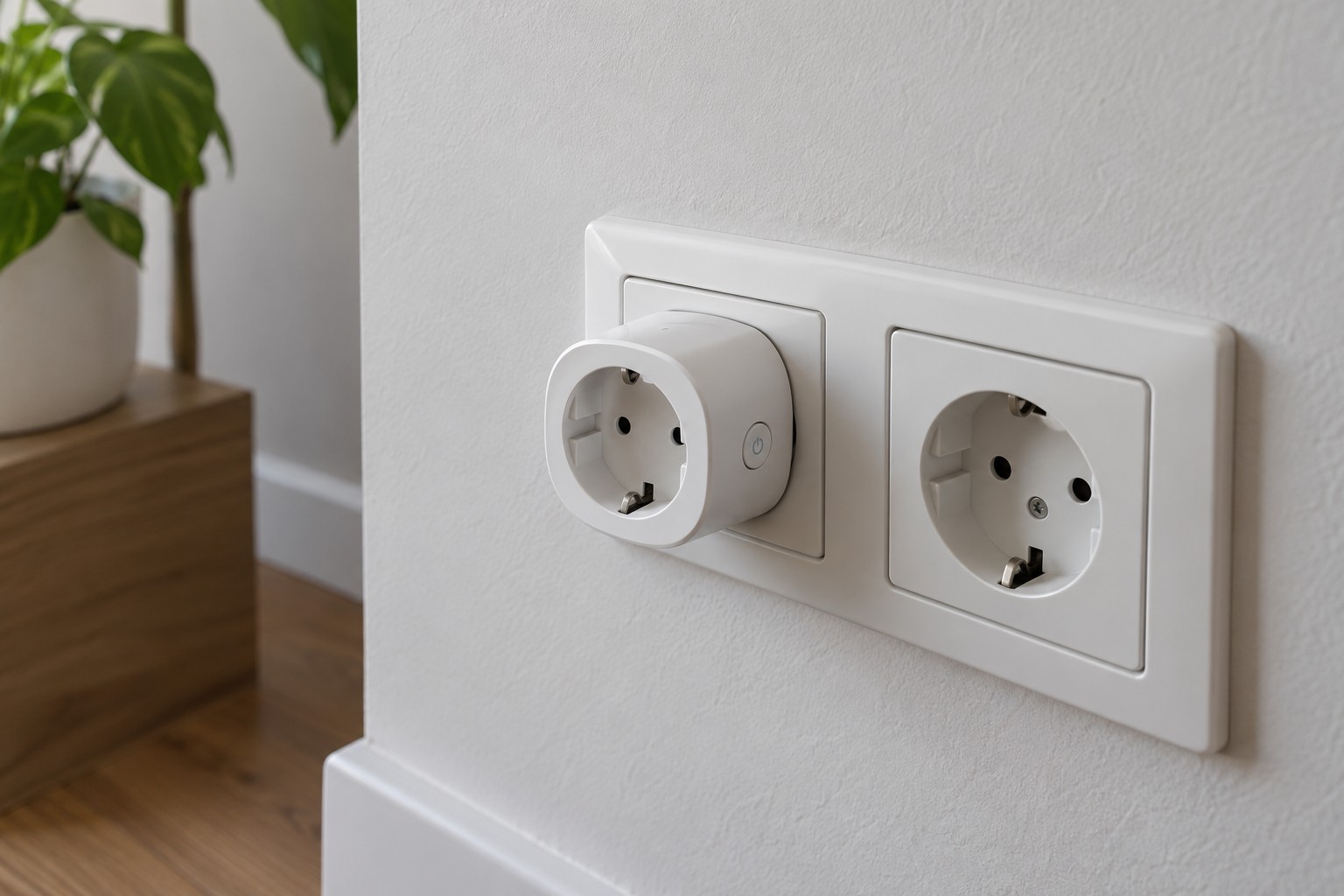
Testing a smart plug schedule
Check the clock, where the schedule runs and the effect of manual commands before leaving a timed routine to operate alone.
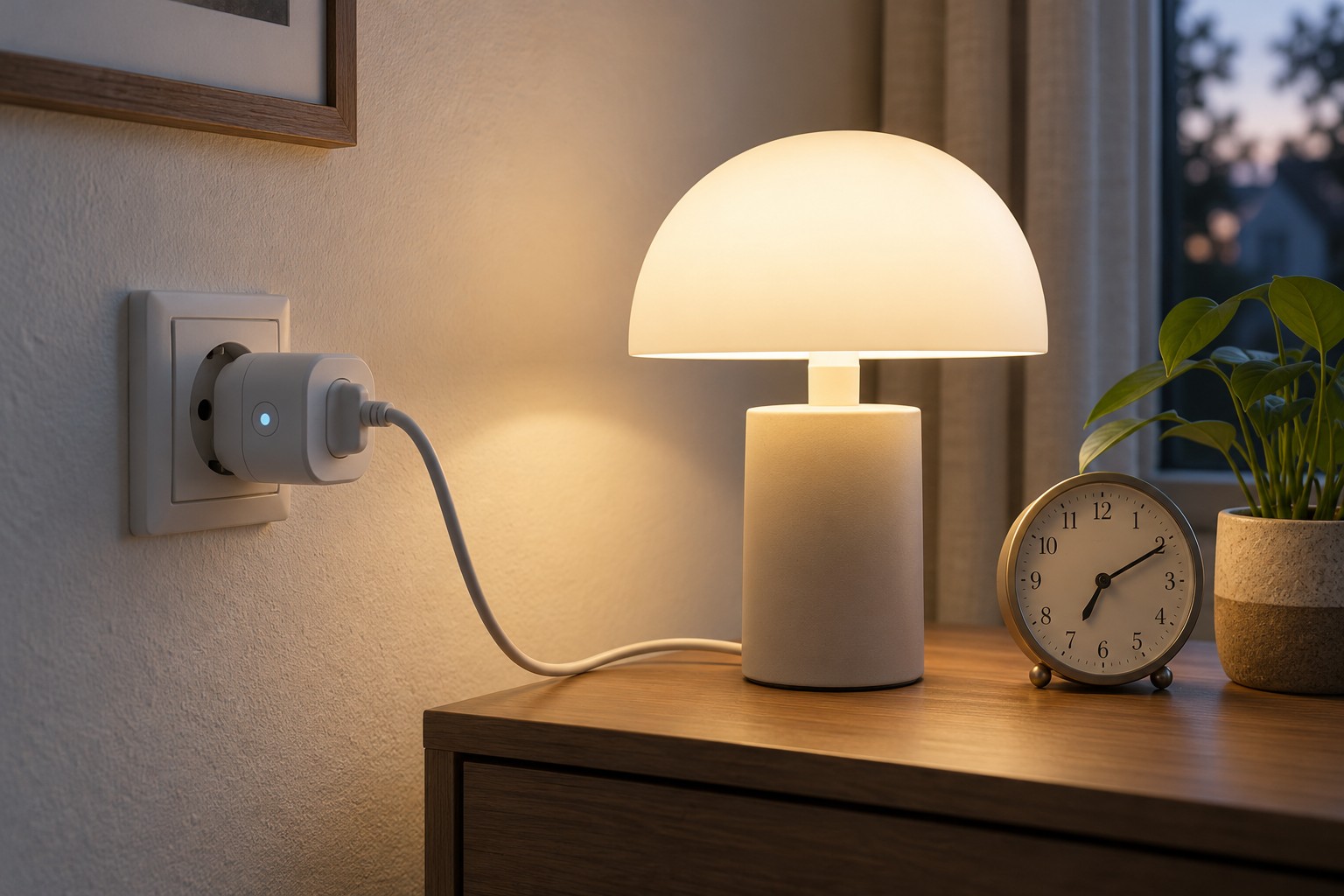
Saving an on time and an off time does not establish that a routine works. The rule may run inside the plug, on a hub or through an online service. The connected appliance must also enter the intended state when power is supplied. Test these relationships separately.
Start with a non-critical load whose instructions permit the intended switching. Observe the plug's load limits and safety conditions. A schedule does not automatically make heaters, cooking equipment or appliances with hazardous moving parts suitable for unattended activation. If the combination is unsuitable, stop the plan there.
Create a short trial
Set an on event a few minutes ahead and a definite off event afterwards. Stay present for the trial. Before saving, check the date, time zone and selected weekdays. A plausible time assigned to the wrong day can otherwise look like a device failure.
Observe the actual appliance, not only the app tile. Some equipment returns to standby when power is restored and still needs its own start button. The plug can therefore switch correctly without starting the desired task. Repeatedly cycling the supply does not solve that control mismatch.
Understand manual commands and the next event
During another supervised trial, switch off manually and observe what the next scheduled event does. Does the manual change override the plan temporarily or disable it? Check the documentation and record the behaviour. Other household members should know whether an automatic action will still follow their intervention.
For the specific model, establish where the schedule is executed and which connection it needs. A working app command does not prove that a saved schedule operates without internet access. Conversely, a routine stored in the device may continue while the app is unavailable. These are different situations.
Consider recovery after a power interruption too. Does the plug restore its previous state, remain off or use another configurable setting? Test only with a suitable load and follow the instructions. Do not interrupt a necessary continuous function merely to perform an experiment.
Remove the short test events before saving the real schedule. Check the intended routine again on its next scheduled day. A clear name based on the room and connected appliance helps prevent an old rule from silently applying to a different device plugged in later.