Choosing a smart plug for its intended load
The wireless system, physical shape and permitted load all need to fit the appliance. A wattage figure alone is not enough.
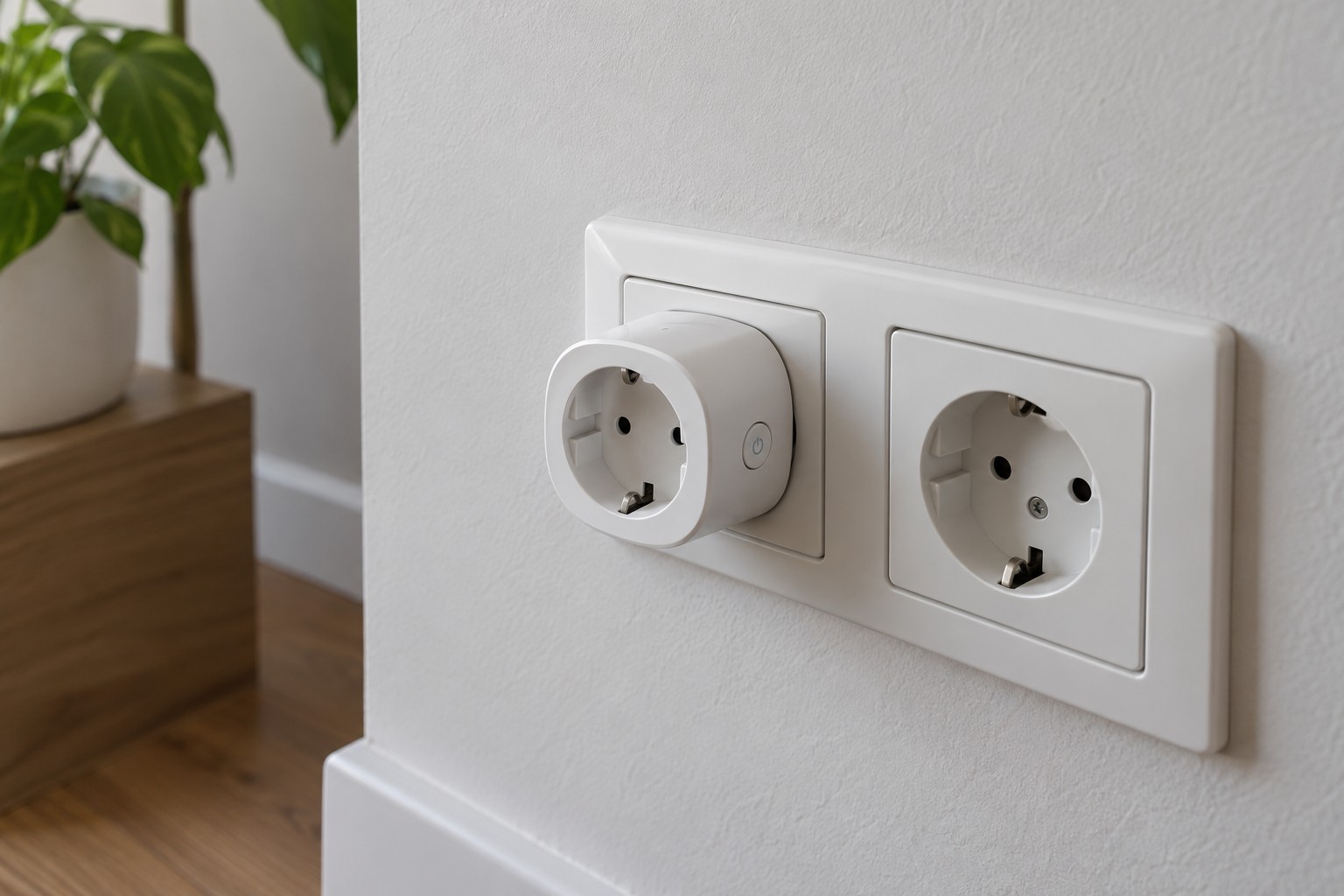
A smart plug switches the supply to whatever is connected to it. That simple addition changes how the appliance can start: someone may switch it on remotely, a schedule may run unexpectedly, and its behaviour after an interruption may differ from what you expect. First establish whether the appliance's instructions permit this type of control.
Start with the connected appliance
Write down the exact model, its electrical information and what you intend to do with it. A maximum power rating on a smart plug is not permission to connect every appliance below that number. Motors and some power supplies can behave differently at startup from a simple resistive load. The manufacturer's stated load types and limits matter as well as the headline rating.
Equipment with heating elements, hazardous moving parts or special supervision needs is not automatically suitable for remote switching. Do not ignore restrictions in either manual. An app does not make unattended operation safe. Nor should a smart plug be used to work around an appliance's protective controls.
Check the space around the socket
Measure the available depth, including the appliance plug and the bend in its cable. Behind a chest of drawers, the extra projection may prevent the furniture from returning to its normal position. A wide body can also block the neighbouring outlet on a double socket. Keep the manual control and the means of fully unplugging the device accessible.
Do not use an indoor-only product outdoors. Avoid solving a clearance problem by stacking plug-in adapters. If the outlet is damaged, the plug fits loosely or you notice unusual heating, stop using the arrangement and have the cause assessed by a qualified person. Do not open the smart plug yourself.
Separate connection requirements from daily behaviour
A Wi-Fi plug, a Thread device and a product requiring a manufacturer's own hub do not have identical infrastructure requirements. Check the exact model generation and the functions exposed in your chosen platform. Being able to turn the plug on and off does not necessarily mean that the platform can display its energy readings.
Carry out the initial setup while present, using a suitable non-critical load. Test the physical button, the app and the documented behaviour after an ordinary power interruption. Record whether the last state returns or the output stays off. That detail matters when planning a schedule, particularly if the connected appliance has its own electronic power button.
Name the plug after both the room and the appliance. If somebody later connects a different device, suitability needs to be assessed again. A small physical label can communicate that more effectively than a carefully named app tile that other household members never see. Keep the arrangement understandable to the people who actually use the room.