Keeping charging cables organised at a desk
Accessible cables depend on planning the holder, movement allowance and everyday device changes together.
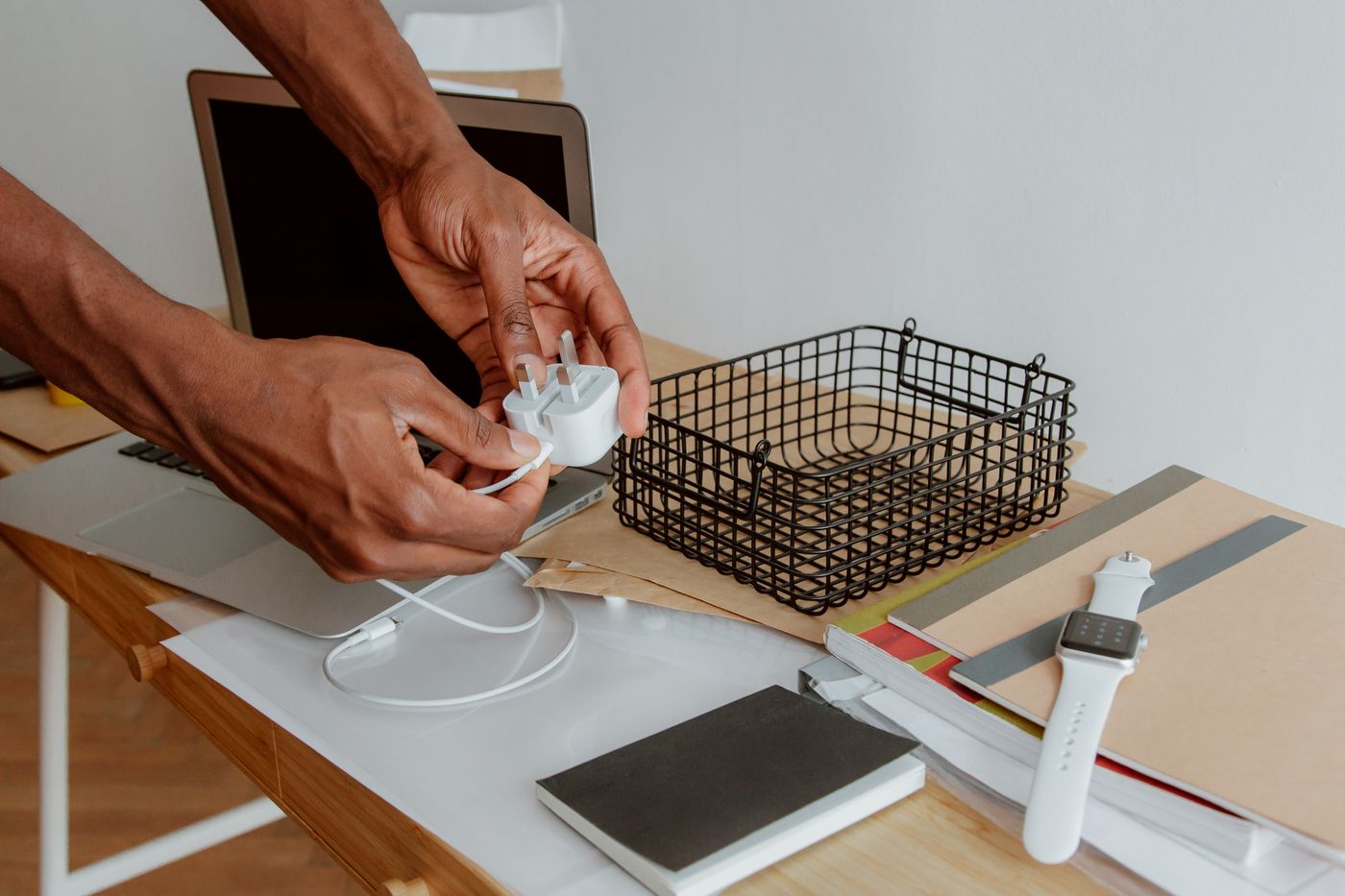
The neatest cable routing is not useful if charging a phone requires crawling under the desk every time. Start with everyday actions. Where does the device rest, which hand reaches for the plug and which leads regularly leave the room?
Keep only the cables actually needed. Unidentified or damaged leads should not remain simply because they are already there. For USB-C cables, establish the intended capabilities before assigning a permanent role.
Separate fixed routes from moving sections
A lead between an adapter and desk edge can be largely fixed. The final section reaching a phone or laptop needs movement allowance. Do not secure the whole length tightly, leaving the device socket to take the strain whenever someone moves it.
A small holder near the usual resting place keeps the plug accessible. Check that it suits the cable diameter without crushing the insulation. Avoid a sharp bend immediately behind the connector. A removable guide is often more convenient than permanent adhesive where equipment changes frequently.
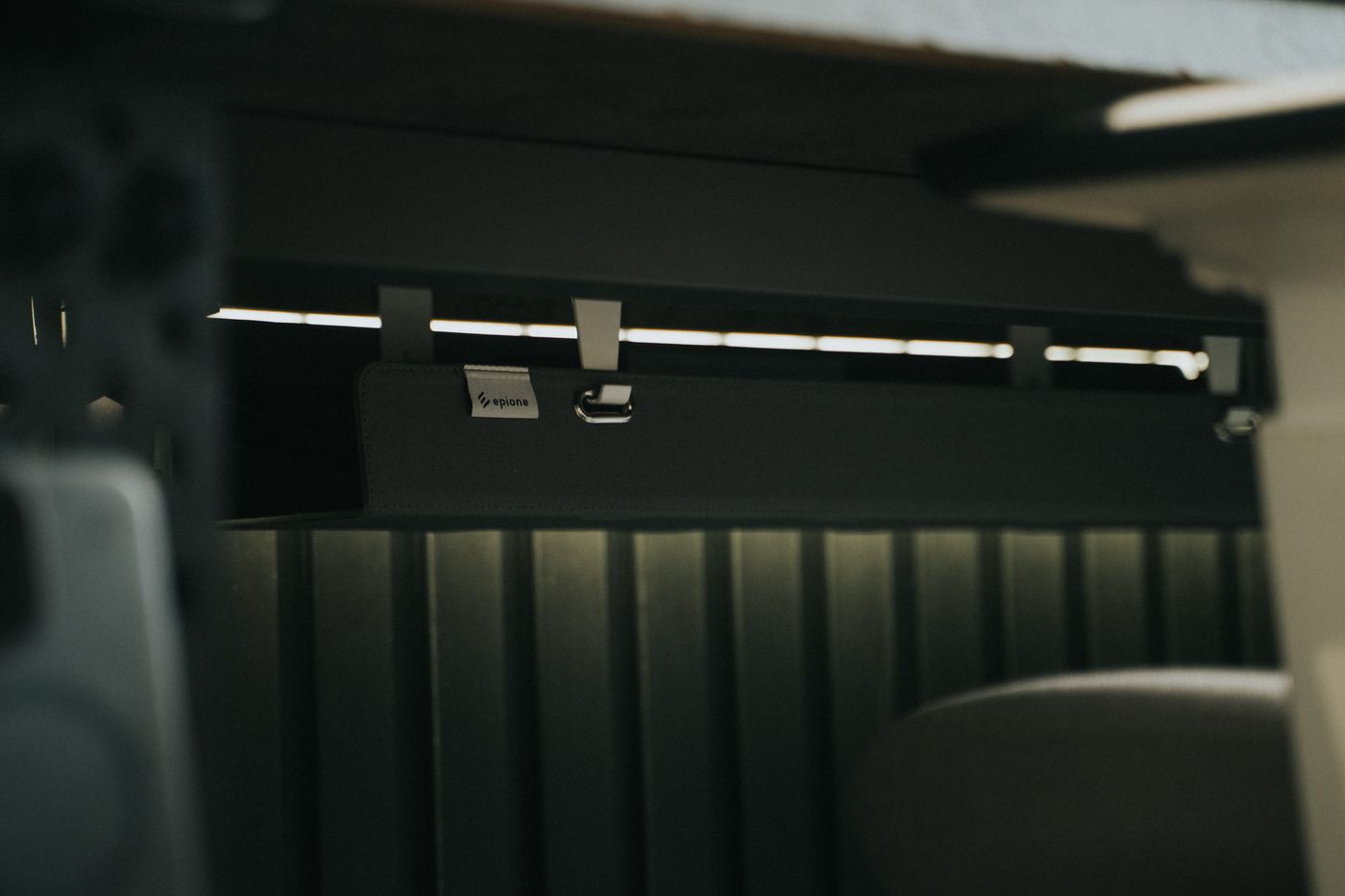
Under the desk, gather loose loops without tight bends or compression. Keep adapters ventilated and accessible. A cable tray is not a place to fill every gap with paper, fabric or redundant power supplies.
Match the fixing to the furniture
Adhesive holders need an appropriate clean surface and can damage delicate finishes when removed. Follow the holder and furniture instructions. A clamp can be easier to relocate, but it must suit the desktop thickness without damaging the material.
Before committing to a fixing, check reach with the actual device connected. A plug that barely reaches the middle may be too short when the laptop turns for a call. Try a temporary position and rehearse the normal movements.
For a height-adjustable desk, the route to floor-level power must allow both extreme positions. Move the desk carefully through its full range while watching cables and adapters. No connector should become taut and no loop should enter the mechanism.
Use labels that answer a real question
Label similar leads by role, such as dock or phone. This is often more useful than a technical abbreviation nobody remembers. Give removable travel cables an obvious return position so an arbitrary substitute does not silently change the setup.
Recheck routing after workspace changes. A new monitor arm, different laptop or added drawer can block the previous path. Aim for connections that are understandable and relieved of strain, not an invisible bundle whose plugs are difficult to inspect.