Separating power and data cables at a desk
A traceable route supports maintenance and movement without turning ordinary cable organisation into electrical installation work.
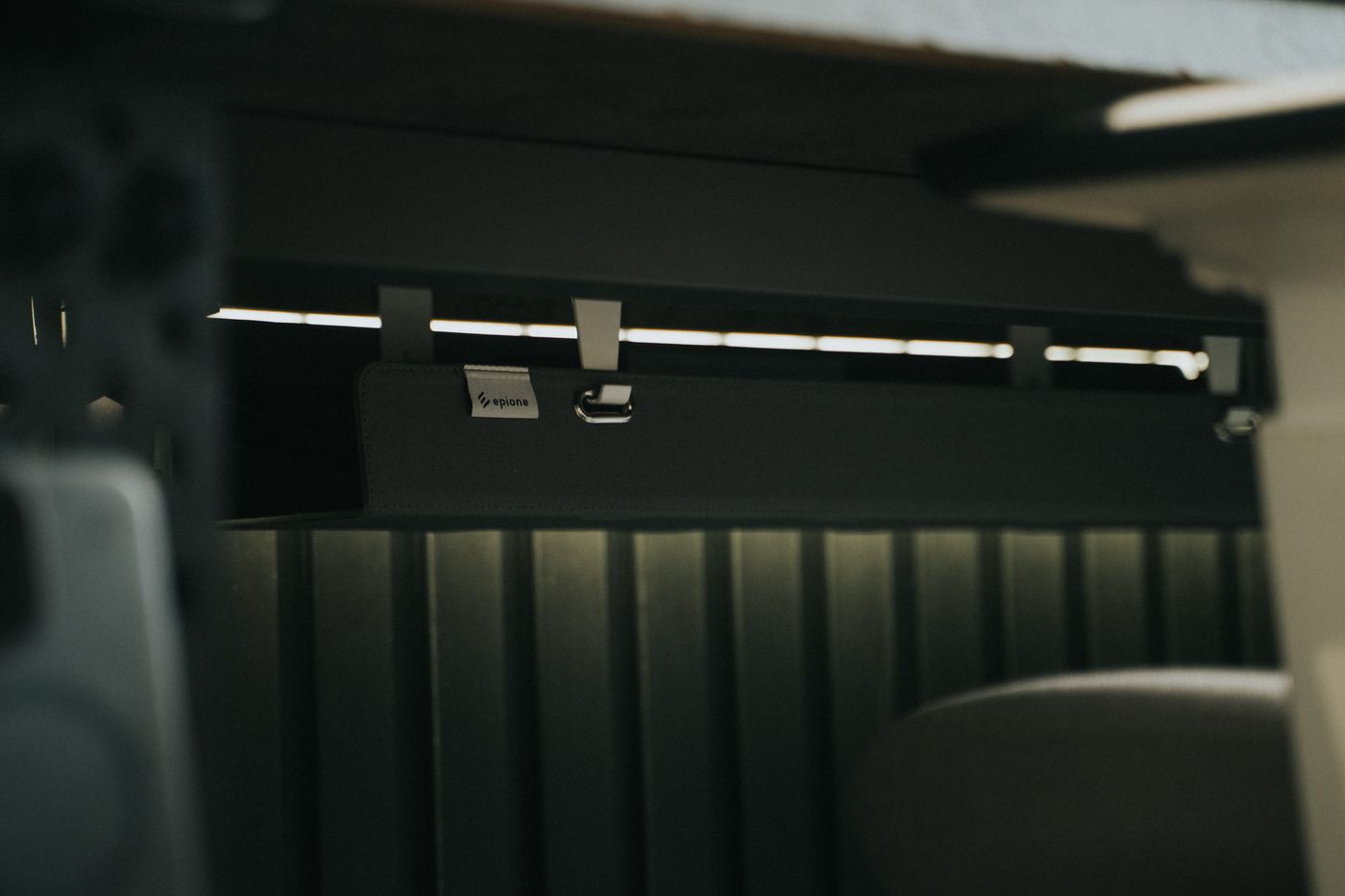
Monitor power, a laptop adapter, USB leads and perhaps Ethernet meet beneath a desk. Binding everything into one tight bundle may look tidy initially. At the first equipment change, it becomes unclear what goes where, and a short data connector can end up supporting other cables. Organise around function and movement instead.
Make the existing routes understandable
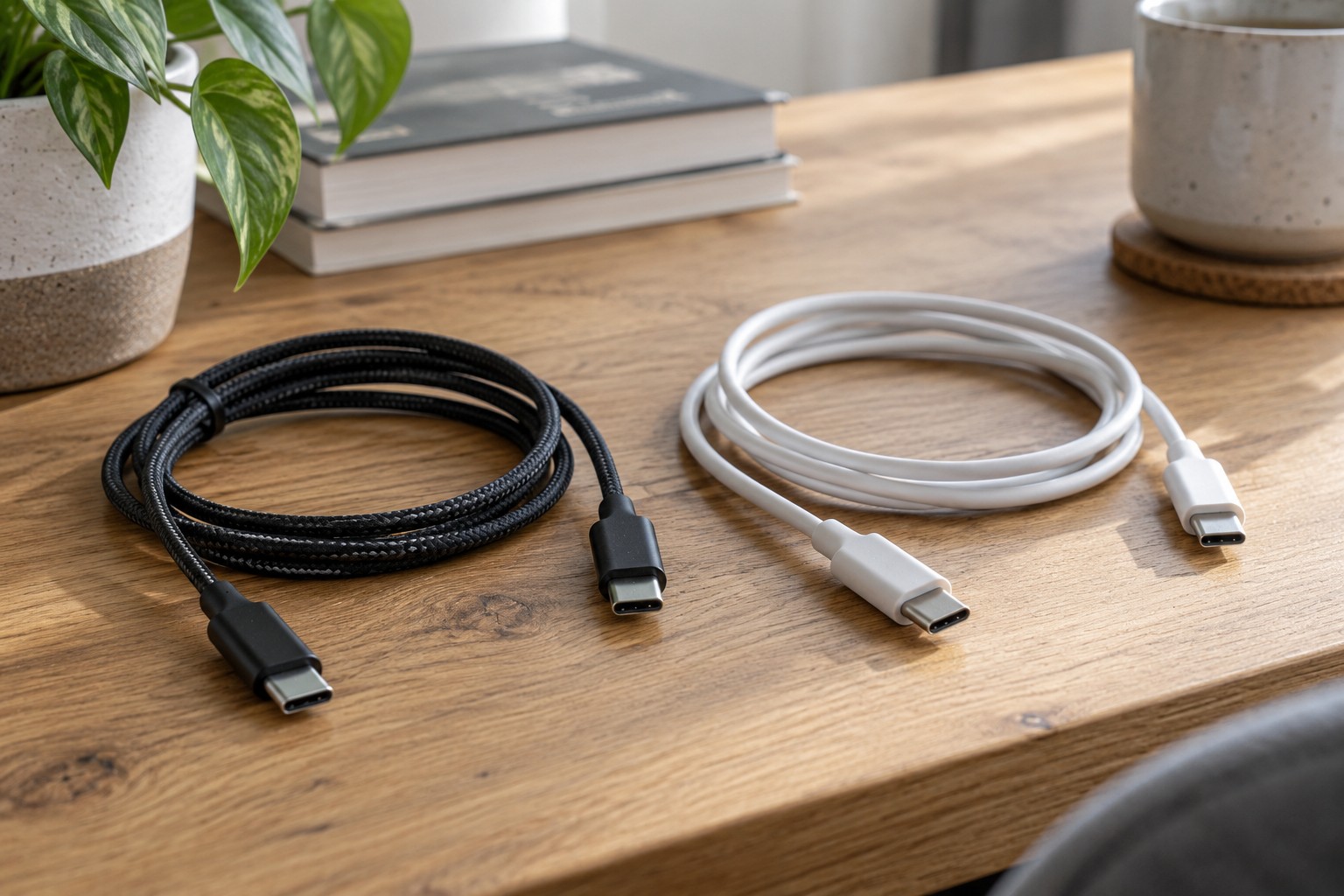
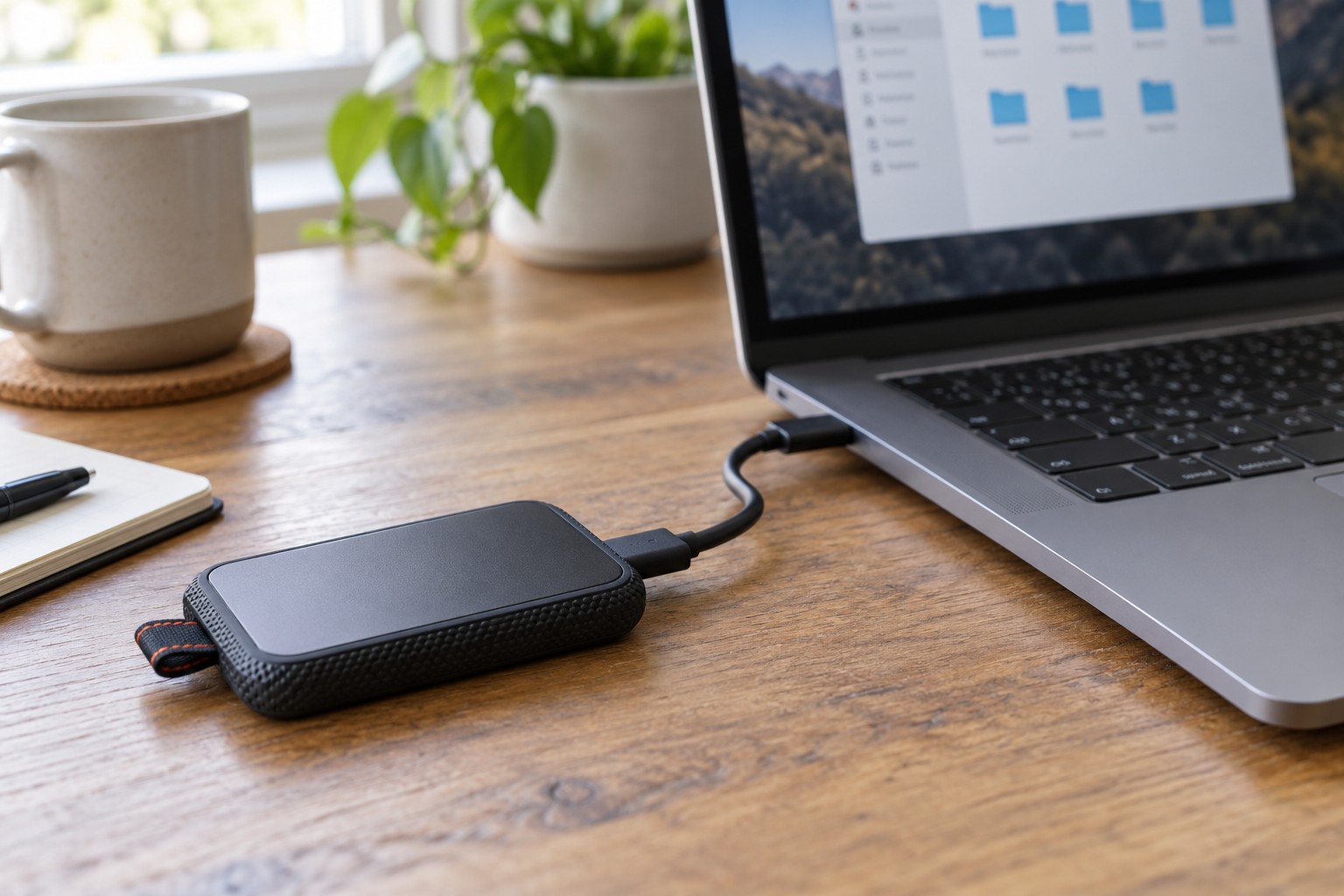
Arrange a short interruption and disconnect equipment as its instructions require before reorganising. Photograph or label associations where useful. Trace each lead from device to destination. A USB-C connector alone does not establish whether that cable currently carries power, video or data; the actual connection matters.
Distinguish fixed equipment from devices removed daily. A stationary monitor's supply can stay routed, while a phone lead needs an accessible end. The laptop connection should release without pulling several adapters from a cramped container. This separation often matters more than achieving one perfectly straight bundle.
Keep power accessible
Check the power strip's marked rating and the intended connected load. Additional empty sockets do not create additional capacity. Do not connect extension strips in a chain to obtain more reach or outlets. If more permanent connections are needed, discuss a properly planned electrical installation.
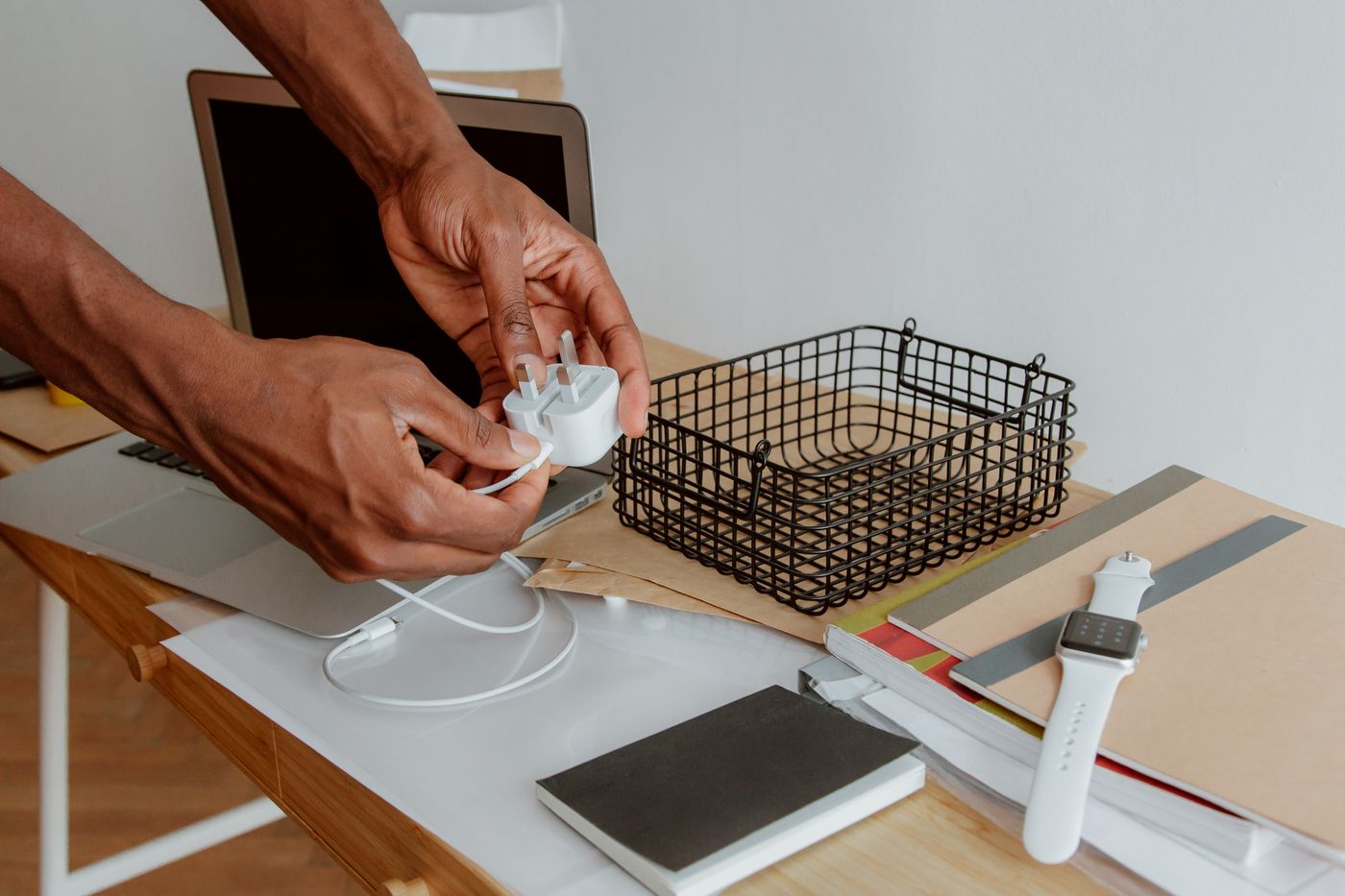
A strip can remain accessible on a desk using suitable approved mounting. Follow its instructions and consider the desktop material. Never drill through electrical equipment. Power adapters need their specified operating environment, not tight wrapping in fabric or burial in an overfilled box. Keep equipment vents clear.
Separating power and data routes here mainly supports clarity, mechanical organisation and servicing. It is not a promise to eliminate every radio or display fault. Fixed shared trunking, wall penetrations and specific electrical clearances raise additional installation requirements. Do not improvise those from a desk-tidying guide.
Test movement before securing
Temporarily route two understandable groups, perhaps power towards the back and frequently changed data connections nearer the working edge. This is an example rather than a mandatory layout. Keep crossings traceable and allow one lead to be removed later. Reusable clips help changes but must not crush the jacket.
For an adjustable desk, check the full movement from lowest to highest position. The connection to the wall needs slack, while cables between devices fixed to the desktop often move with it. Nothing should enter the mechanism or become taut. Include chair wheels, foot space and standing up in the test.
A heavy adapter should not hang from its thin output cable. Support it with an appropriate surface or holder and retain access to connections. Avoid tight bends immediately beside plugs. A neatly routed cable can still be damaged, so inspect condition as well as appearance.
Rehearse ordinary use
Reconnect correctly and test displays, network, charging and peripherals. Then remove the laptop as you would on a normal working day. If that pulls other connectors, revise the route. Check that the power supply remains safely reachable when required.
Label only the connections likely to be confused. A short identifier on an adapter and both ends of a long lead is often enough. Revisit the arrangement when equipment changes or the desk is cleaned. The goal is a maintainable installation on the furniture, not a permanently sealed bundle nobody understands.
If a cable becomes frayed, a plug is damaged or an unusual burning smell appears, stop treating the issue as tidiness. Follow the manufacturer's safety guidance and obtain suitable help. Concealing a questionable connection inside a tray does not resolve its condition.