Reducing excessive camera notifications
Separate detected events, saved clips and push messages before silencing information you still need.
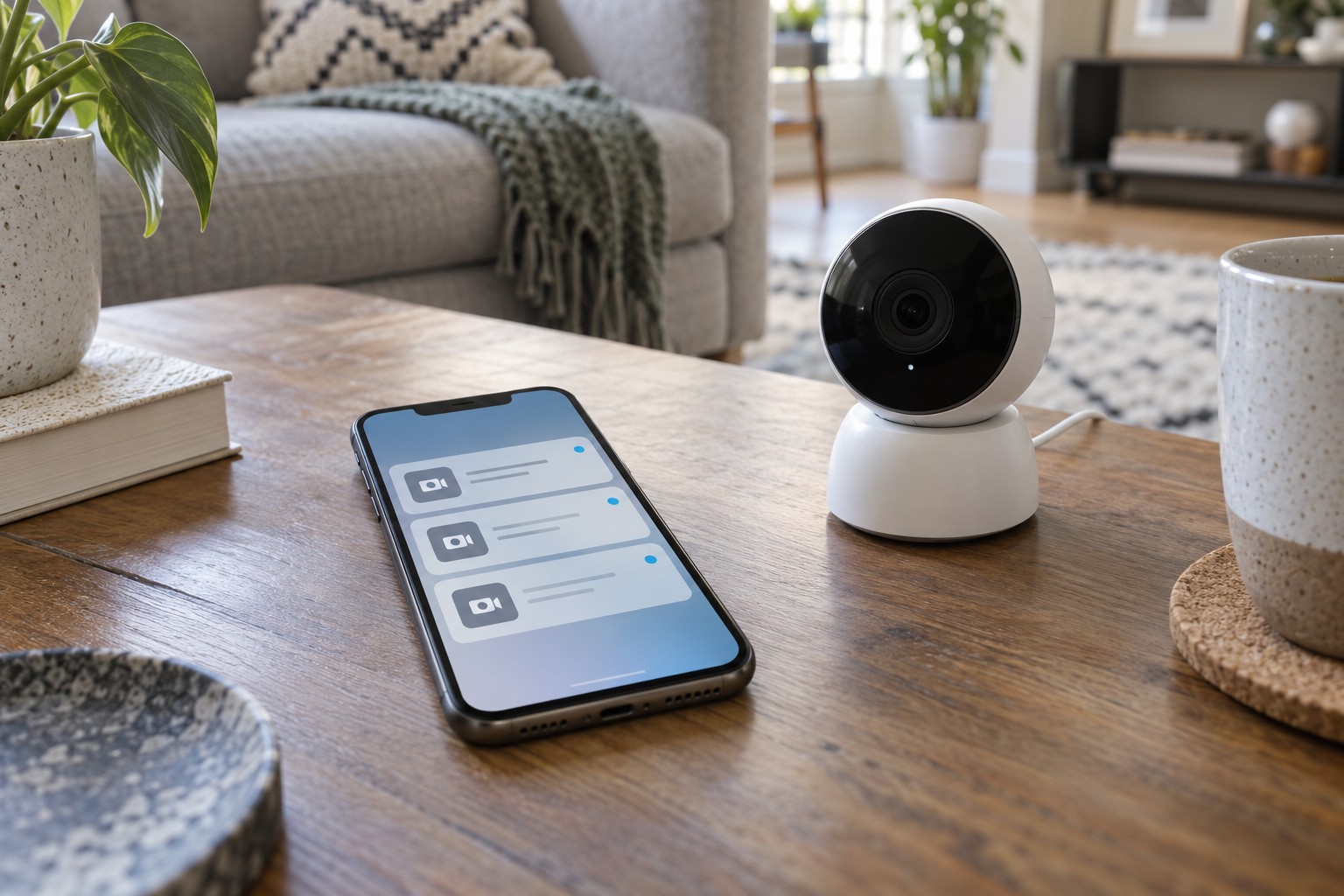
When a camera sends alerts all day, people soon dismiss them unread. The issue may be less about sensitivity than about which events deserve attention on a phone. Start with a few actual notifications and identify their causes.
A moving plant, passing traffic and a person at the door are different events. Decide which matter for the intended task. Also check whether two cameras cover the same movement or two apps send duplicate messages.
Distinguish three stages
A system can detect motion, save a clip and send a push notification. Those functions are not always controlled by the same setting. Read the model's explanation. Disabling an alert may leave recording active, while excluding a detection zone may change whether an event is created at all.
If the app distinguishes event types, choose those actually needed. Classification is not perfect, however. Inspect examples rather than assuming a label such as person or parcel guarantees correct identification.
Limit the physical view and detection area to the intended purpose. Repositioning may avoid a persistent distraction better than continually reducing sensitivity. Remember that a detection zone does not necessarily mask the recorded image.
Change one thing at a time
Adjust one relevant setting, allow a normal period of use and compare the number and type of messages. Also test an intended approach. An empty notification list is not a success if important events disappear too.
A schedule can help when the task genuinely applies only at certain times. Check weekdays, time zone and behaviour after a manual change. Agree who restores a temporarily muted state so a short quiet period does not become permanent by accident.
If all messages stop unexpectedly, inspect phone permissions, quiet modes and the signed-in account. An event present in the camera history without a push message points to a different stage from movement that was never detected.
Keep the settings that meet the intended task in testing and note significant changes with dates. After an app update or environmental change, that record helps distinguish altered rules from altered surroundings.