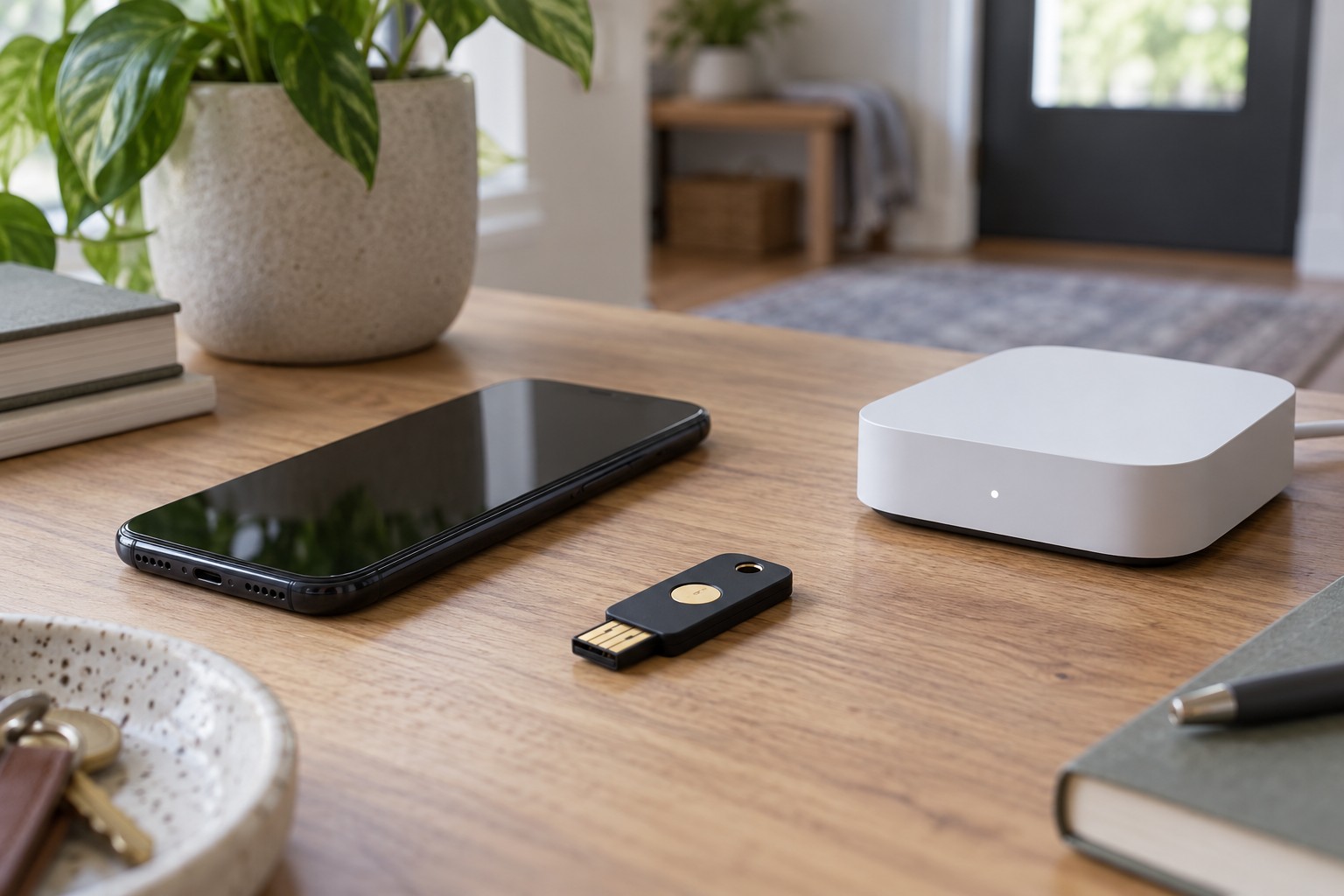
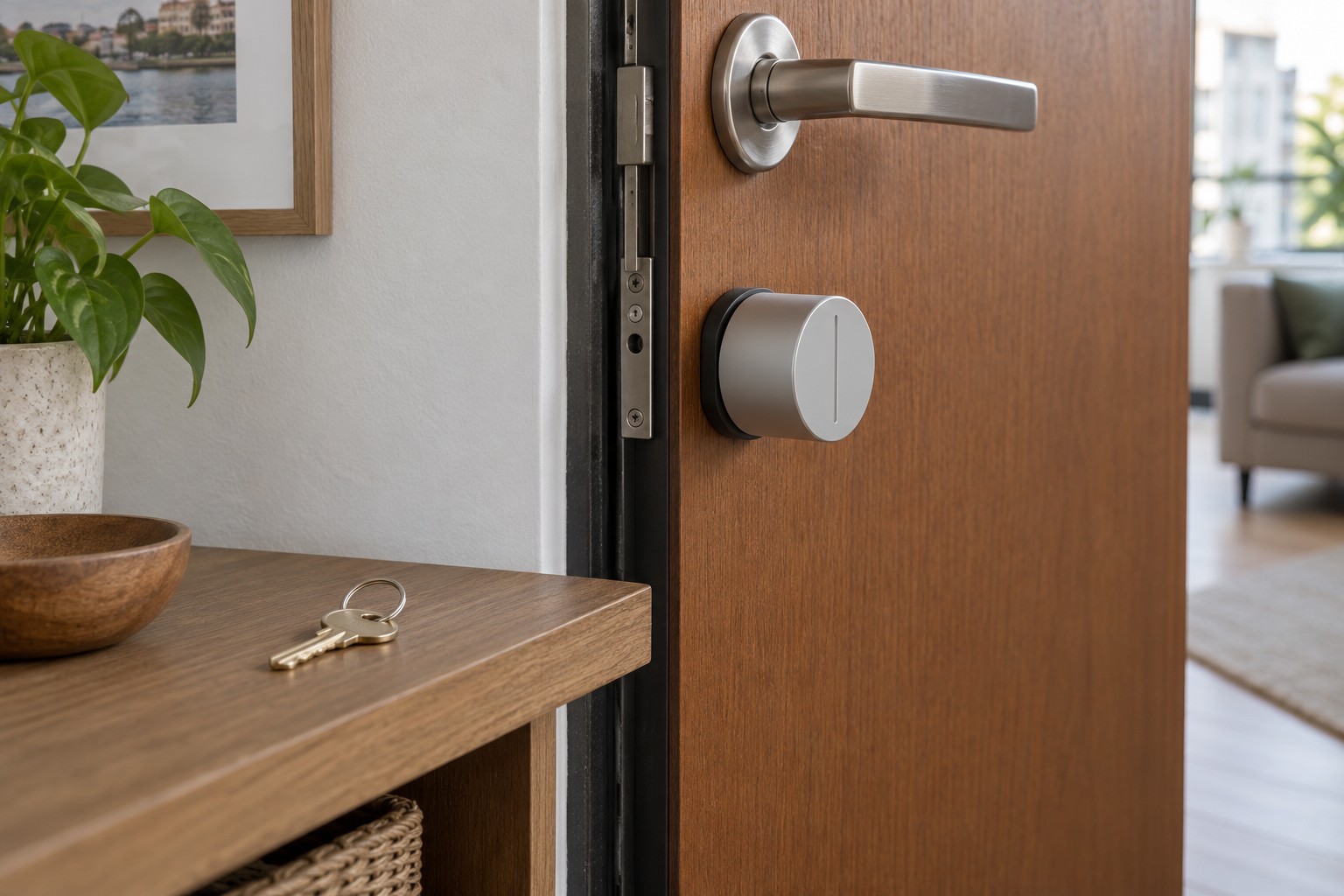
Resetting smart devices before passing them on
Local data, account associations and shared access are separate layers. Prepare the transfer before losing the only management route.
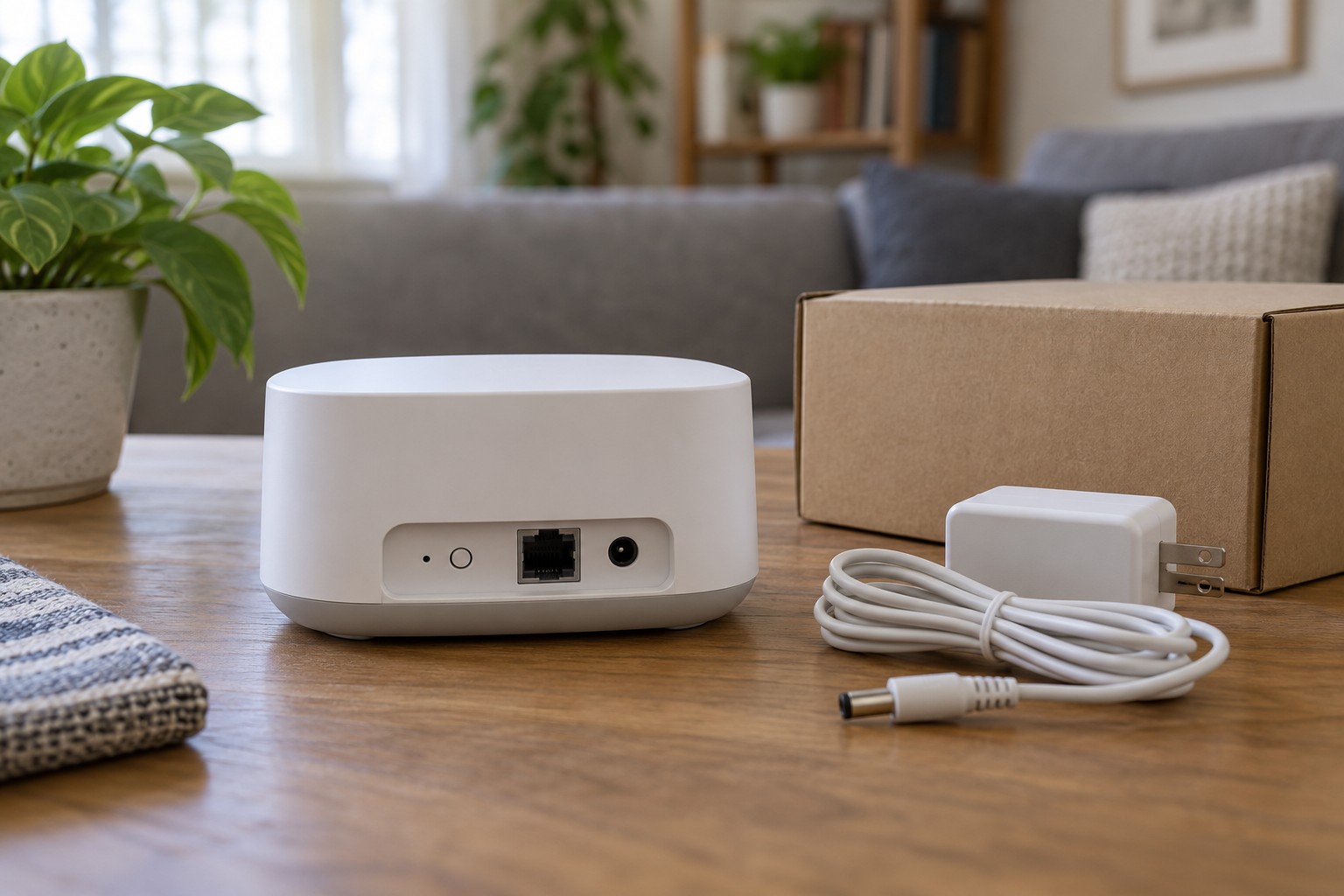
Removing a smart device from an app and factory-resetting it can be different operations. There may also be a storage card, cloud history, shared accounts and connections to other platforms. A clean transfer therefore requires more than seeing its icon disappear from the home screen.
Establish what can be transferred
Confirm ownership and responsibility. Rented equipment or a device associated with another person's account may have a specific return process. Do not attempt to bypass someone else's account lock. For a used device that remains locked, the previous owner and official support are the appropriate contacts.
Identify the exact model and read its transfer, return or setup instructions. A short button press may only restart it, while holding the same button can have different effects. The required order of account removal and hardware reset varies. Do not rely only on the process for a similar-looking product.
Preserve needed material before deletion
Check whether recordings, settings or other information are still required. Export only material you are entitled to retain through the supported method. Open and inspect the exported file before deleting its source. A download filename alone does not prove the backup is complete and readable.
Removing a camera from an account can affect its history. Removing a hub can affect several other devices and rules. Read the full warning in the relevant dialogue. If it is unclear whether the command removes one device or an entire home, stop there and establish the scope.
Make a short list of associations: manufacturer account, voice platform, another home controller, shared permissions and local media. It need not contain passwords. Its purpose is to identify places to check later. A device can disappear from one interface while remaining associated in another.
Perform the intended process
Follow the documented transfer procedure while both account and equipment remain accessible. Do not remove the only management route first if an account release will be needed afterwards. Run the prescribed factory reset with stable power and wait for the documented completion state. An interrupted attempt is not a confirmed reset.
Then examine the relevant accounts and permissions. Remove obsolete entries and associations that belong to the transferred device, without deleting integrations still used by other equipment. Removing an entire platform connection may affect more than one sold sensor. Make broad changes only after understanding that scope.
Remove personal storage cards or other removable media unless they are deliberately included in the transfer. If a medium is included, treat erasing its data as a separate task using an appropriate procedure. Resetting a camera does not universally establish that every inserted card has been securely erased.
Check the handover state
Confirm that the device shows its documented setup state rather than continuing to use your Wi-Fi. Check whether the previous account can still control it or open live access. Loss of access alone does not prove every kind of deletion, but is an important check alongside completion of the manufacturer's process.
Include necessary non-personal accessories such as the correct mount, power supply and release tool. Remove your own name labels. Do not hand over private login credentials to make an account restriction easier to overcome. The new owner should use their own account and setup.
Review subscriptions separately. Removing equipment does not necessarily cancel a paid service, while cancelling may affect other devices you still use. Read the current plan and management options before changing anything.
After transfer, update the equipment inventory and remove obsolete automations. An old sensor name left inside a rule can produce confusing faults later. Keep only information needed for your records and distinguish a completed equipment transfer from accounts that you still legitimately maintain.
If the device cannot power on, its normal reset may be impossible. Do not claim it has been cleared merely because it is broken. Ask the manufacturer about the appropriate return, repair or disposal route and consider any remaining removable media separately. The uncertainty should be resolved before offering the unit as ready for another person's use.