Connecting a games console by Ethernet
A cable removes one wireless link, while provider capacity and game-server behaviour remain separate issues.
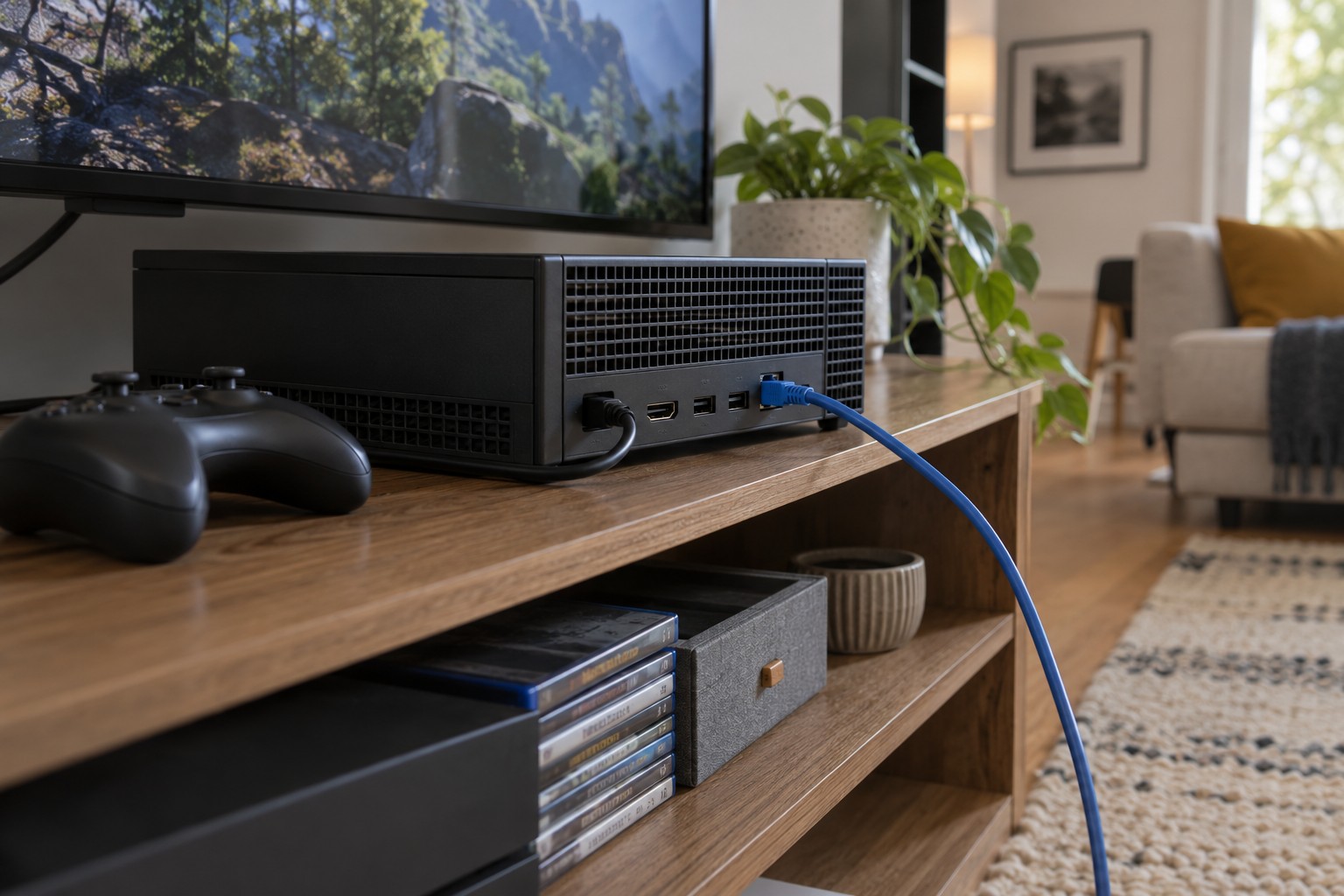
A console often occupies an awkward wireless position: behind the television, inside furniture or beside several other devices. Ethernet can bypass that portion of the radio path. It does not promise a particular response time in a game. The provider, distance to the remote service and game server still contribute.
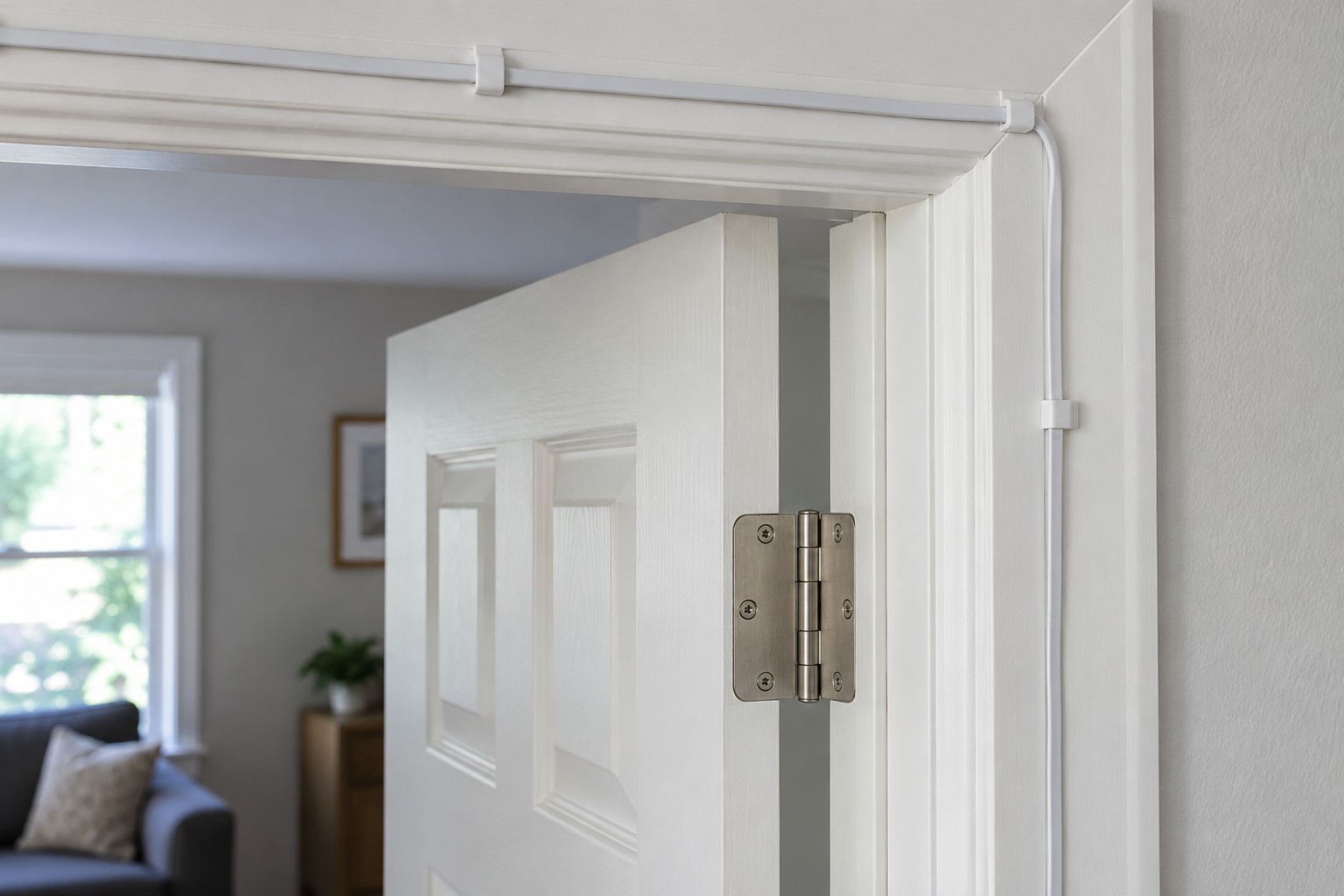
First check whether the exact console has a LAN port or needs an explicitly supported adapter. Plan the route from router or switch to the console. Leave enough slack to move it for cleaning and access without pulling on the port. The cable must not obstruct the console's ventilation.
Select the wired connection
Connect to a suitable LAN socket on the router or switch. Then open the console's network settings and follow the manufacturer's wired setup procedure. Do not assume that inserting a cable always replaces an existing saved Wi-Fi connection automatically.
Run the console's connection test, then try the actual game or service that has been troublesome. A fast download and a stable online session are different tests. Compare at a similar time of day and without simultaneously downloading large game updates.
If only one game fails, check its service status and whether other online functions work. If several household devices are slow together, the console alone is not the whole investigation. A known-working port or short replacement cable can help check the new local connection.
Do not weaken security speculatively
A NAT or connectivity message does not automatically justify disabling the router firewall. Follow the official guidance for the console and affected service. Broad port-forwarding changes made on guesswork may introduce risk without fixing a wireless or line problem.
Label the network cable behind the television so it remains distinguishable from HDMI, aerial and power leads. After moving the furniture, check again for tension and tight bends. The first successful test remains useful only if the physical route survives everyday use.