Connecting mesh nodes with Ethernet backhaul
A cable can carry traffic between mesh units, provided the models, ports and network layout support it.
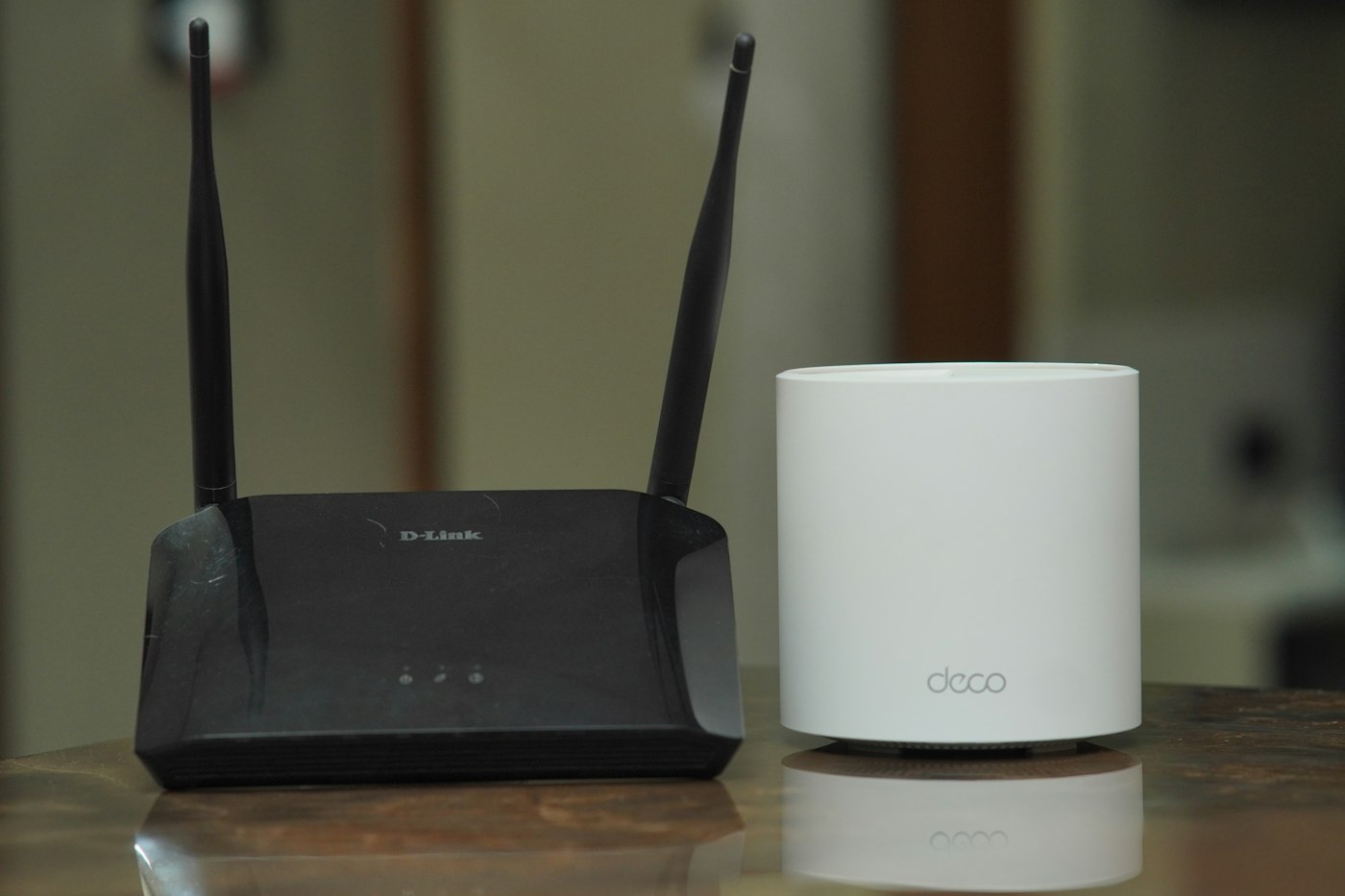
A mesh node serves nearby devices and carries their traffic back towards the rest of the network. When Ethernet provides the second part, it is called wired backhaul. This can help where a substantial wall or ceiling weakens the wireless connection between units. The final wireless link from the node to a phone still remains.
Check the equipment precisely
Not every mesh point has Ethernet sockets. Routers and additional points within one product family may look similar while offering different capabilities. Check the exact model and whether the manufacturer supports wired backhaul with that combination. A socket alone does not explain which role it can play in the selected operating mode.
Read the supported connection order. A common arrangement runs from the main router's LAN through a suitable switch to additional nodes, but the required ports and setup sequence depend on the system. Some equipment needs initial configuration before the cable is added. Follow the diagram for your product rather than connecting each unit to whichever socket is nearest.
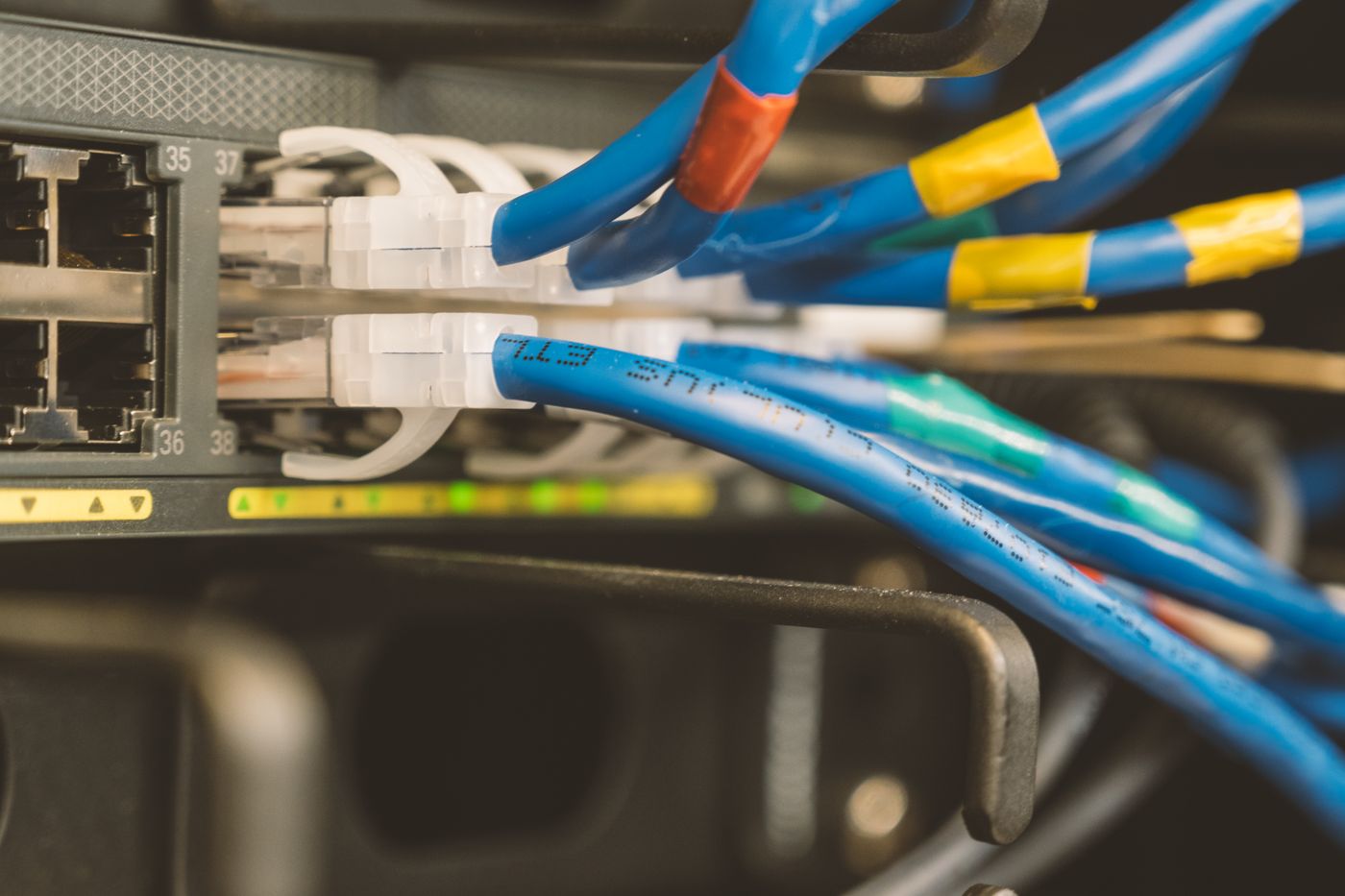
Avoid unintended cable loops. Two connections between ordinary network components do not automatically double performance. Without an explicitly supported arrangement, a loop can disrupt the network. Each cable should have a defined purpose rather than merely filling a spare port.
Prove the short connection first
Set up one node using a short cable known to work. Check the management app or interface to see whether it reports a wired connection, then test a client near that node. This establishes the basic configuration before introducing a long cable run through several rooms.
Repeat after connecting the permanent route. If the system continues to report wireless backhaul, investigate the port, cable and supported topology. The fact that internet access still works is not proof that traffic is using your intended Ethernet route.
Port and switch speeds can also constrain the result. A link negotiating a lower speed may limit the benefit of a fast broadband plan. Keep that separate from the client's wireless capability: an older phone does not acquire a faster radio because the backhaul is improved.
Once the cable works, you can position the node more around coverage in the destination room, rather than needing a strong wireless connection to the previous unit. Keep the case ventilated and test several actual seats. Label the backhaul connection so a future rearrangement does not accidentally undo it.