Separating Matter and Thread when choosing devices
Matter describes a shared way to control devices; Thread is one possible network path. Check the two roles separately when planning equipment.

A smart-home box may display Matter, Thread, Wi-Fi and a platform name together. These are not four interchangeable alternatives. Shopping only for a familiar badge can leave you with a device that needs an additional component before it can be set up at home.
Ask two different questions
Matter concerns interoperability and device control at the application level. Thread is a network used by compatible devices. Matter can operate over Thread, Wi-Fi or Ethernet, among its supported connection arrangements. A Matter device therefore does not require Thread simply because it carries the Matter name. The actual product's connection type matters.
Start with two questions: how will this device reach my home network, and what will I use to control it? The first concerns connectivity; the second concerns the platform and its supported functions. An answer to one does not replace the other. A phone with the right app does not automatically satisfy every requirement for a component that needs to remain present in the home.
Controller and border router describe roles
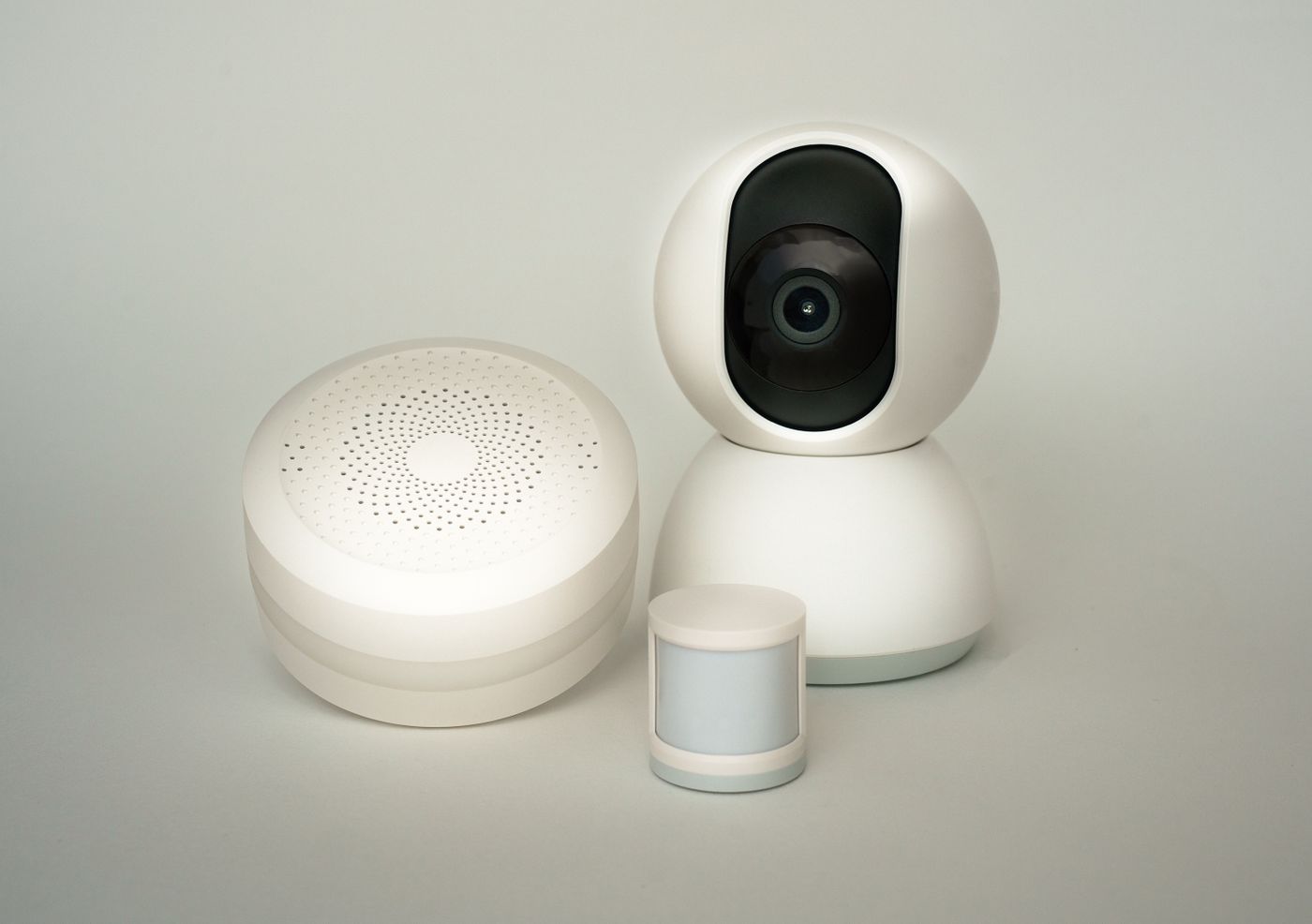
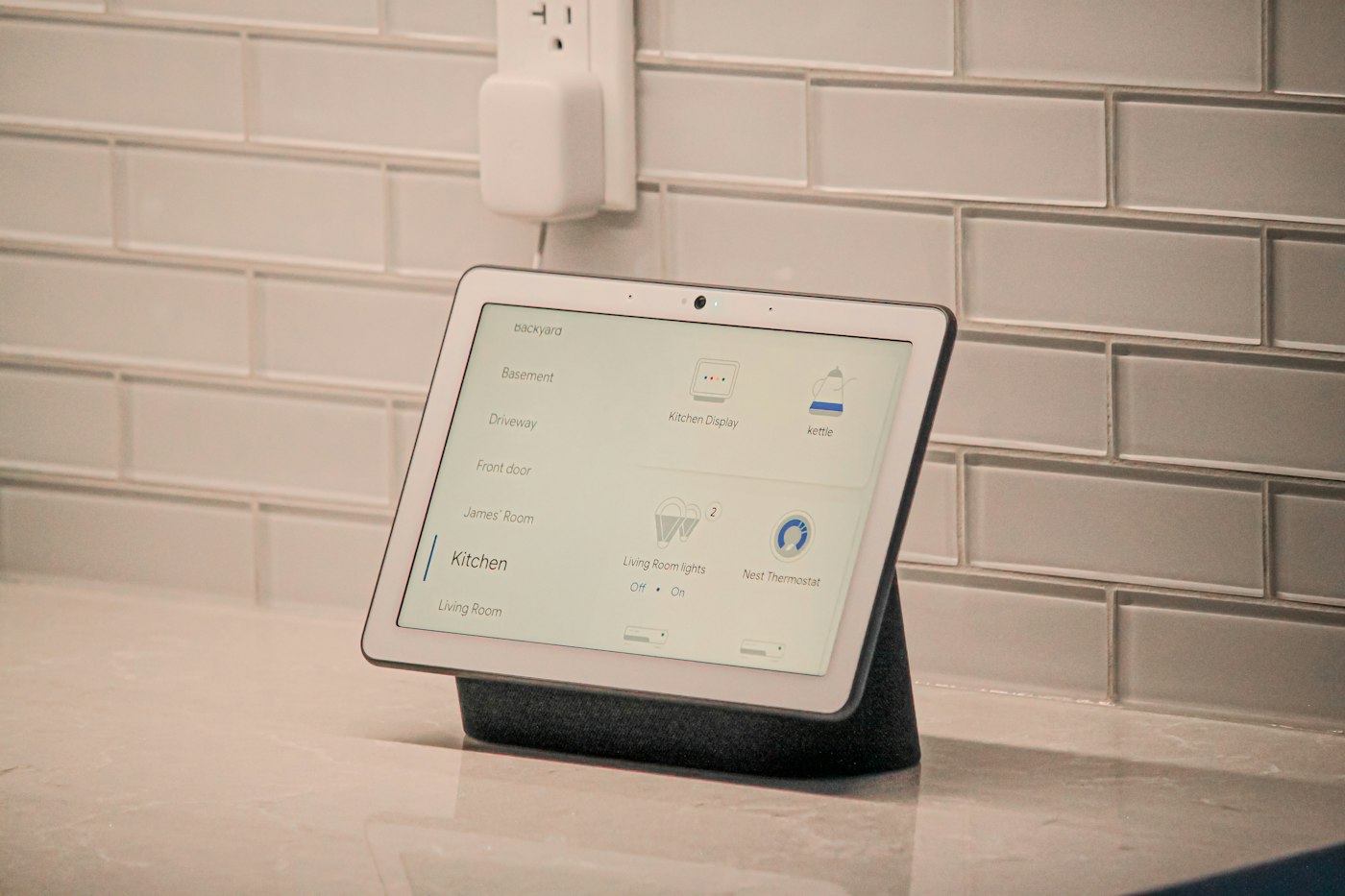
A Matter controller and a Thread border router do different jobs. The border router connects the Thread network to the wider IP network. The controller belongs to the device-control side of the arrangement. One product can contain both roles, but not every product does. Labels such as hub, bridge or smart speaker are not enough on their own to establish the capabilities inside.
Write down the full model of any central device you already have, including its generation. Check the current manufacturer documentation for the roles you need. An older and a newer version may look similar while containing different wireless hardware. Treat an announced update as a future possibility until it is actually available and installed on your model.
Walk through a purchase before making it
Suppose you want to add a door contact sensor to an existing platform. Its description says Matter over Thread. First establish whether a compatible Thread border router is already present. Then check that the platform supports the device type and the events you intend to use. The goal is not merely seeing a tile in an app, but making the sensor perform the intended role in a routine.
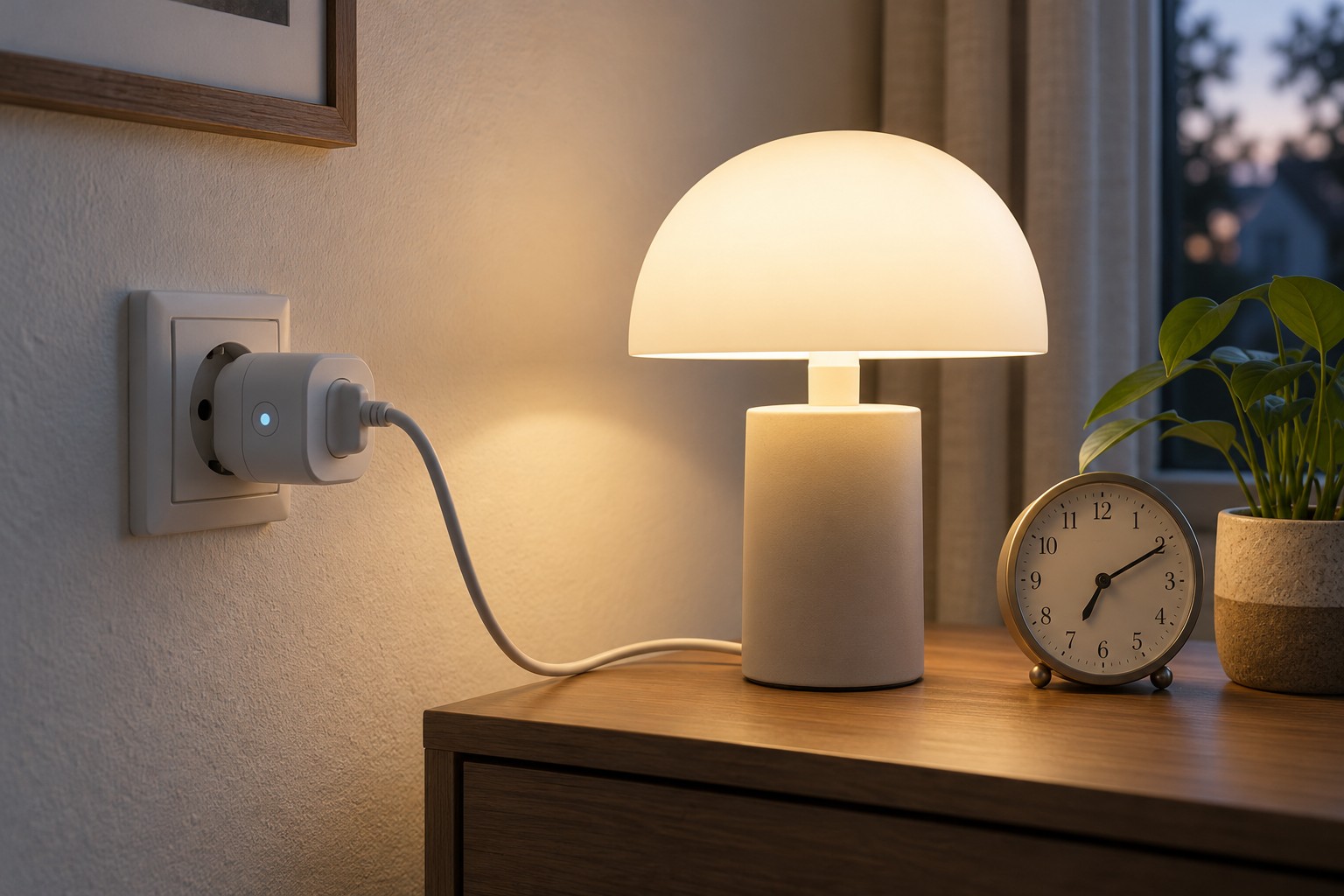
A Matter smart plug using Wi-Fi has a different connection path. It does not require a Thread border router solely for that plug. The product and chosen platform still have other requirements, however. If you expect energy readings, history charts or manufacturer-specific settings, investigate each function separately. A common standard does not mean that every app presents every additional feature in the same way.
Before buying, list three outcomes you want, such as manual switching, a particular automation and a displayed measurement. Look for explicit confirmation of those outcomes in the documentation. This avoids treating a general compatibility statement as a promise about your whole use case. It also helps distinguish a missing feature from a connection fault after installation.
It is still a network after setup
A suitable protocol does not remove the need for sensible placement. A device behind metal or beyond a usable radio connection can still have trouble. Likewise, do not accidentally power essential central equipment through a smart plug whose operation depends on that very equipment. Draw the power and network relationships if the arrangement is becoming difficult to follow.
Keep setup codes securely with the device documentation. Do not publish photographs of them in a publicly shared equipment list. If several people or platforms receive access, record which relationships were established. That makes a later platform change or device removal easier to understand.
Finally, distinguish operation inside the home from access while away. A local connection does not imply that every remote-access function works without an internet connection. Check the particular action you need instead of describing the entire system as either online or offline. A useful shopping list therefore names roles, connection paths and intended functions, rather than simply collecting as many logos as possible.