Keeping an inventory of connected devices
A short equipment list helps with updates, changes and eventual handover. Keep passwords out of any openly shared inventory.
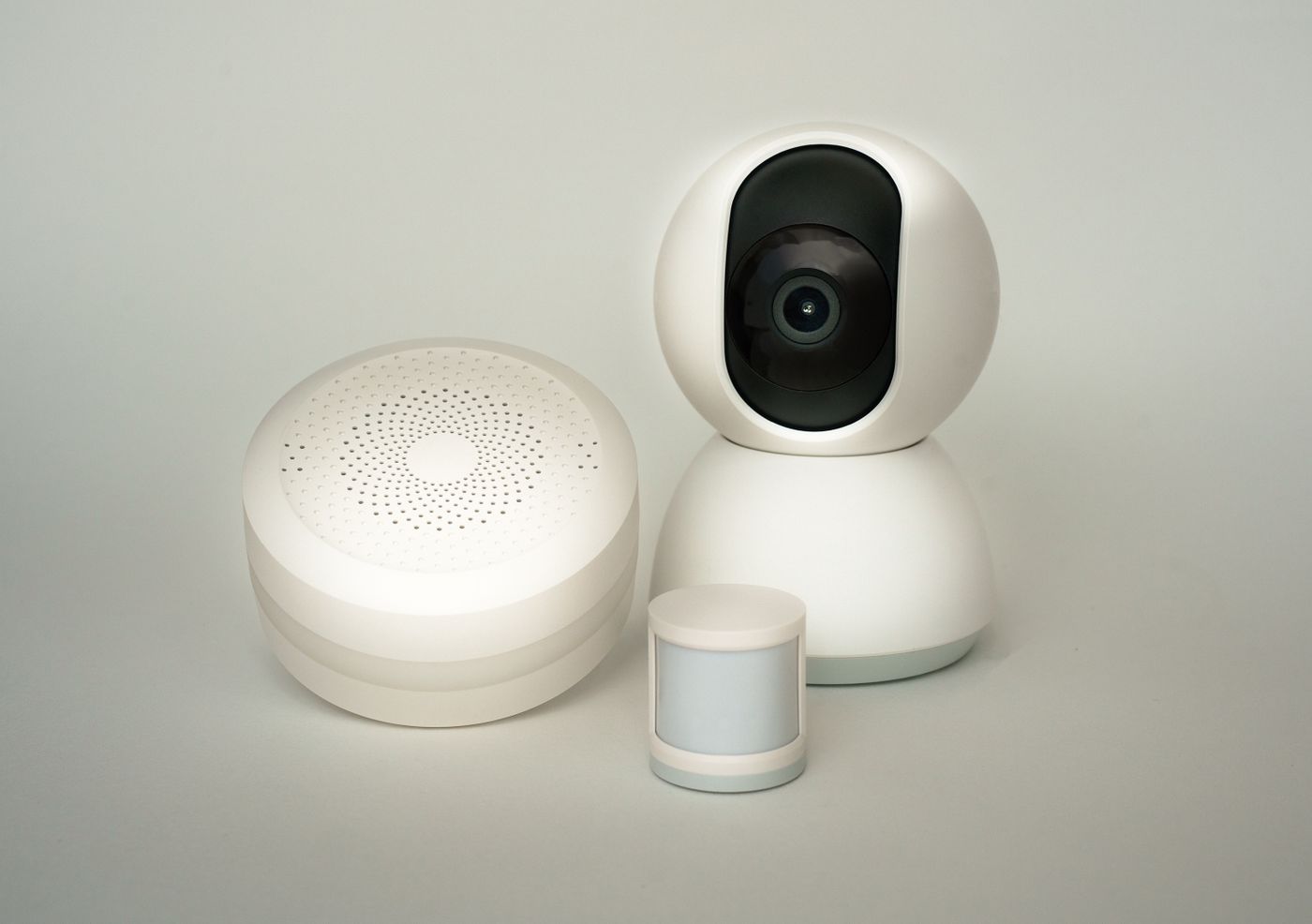
Smart-home equipment often accumulates gradually. A few years later, it may be unclear which app belongs to a sensor or which adapter powers the small box on a shelf. An understandable inventory prevents every change from beginning with the same search.
Start with the devices already present. Record room, chosen nickname, manufacturer, exact model and associated app or platform. It should be possible to match the app name to the physical object. Two entries both called Plug will be difficult to distinguish later.
Record relationships, not just products
Note which hub or connection each device requires. A simple table can show that a door contact uses a particular hub and triggers a particular light. When the hub is replaced, that relationship reveals which functions may be affected. A list of product names alone does not show those dependencies.
Add a link to the correct manual and any manufacturer-provided software-support information. Record when you checked it. An undated note saying receives updates quickly becomes ambiguous. Keep the specific information and a reminder to review it later instead.
For a device with a replaceable battery, the required type may be useful. A permanently fitted bracket may warrant a note about its mounting hardware. Avoid filling the inventory with every possible technical specification, however. It should answer questions that arise during real changes, not become another unreadable product database.
Keep access secrets elsewhere
Do not store passwords, recovery codes or setup codes in an unprotected shared spreadsheet. The inventory can point to their secure storage location without containing the secrets themselves. Check photographs of labels for such codes before sharing them.
Decide who records changes. When a device moves, is passed on or is retired, update the list too. Mark removed equipment as removed rather than leaving it listed as part of the household. Review associated routines and access permissions at the same time.
Test the inventory with a small real task: find a sensor's manual or a hub's power connection without relying on memory. If the necessary information is missing, add that particular detail. A short list that people maintain is more useful than an elaborate document that is never updated.