Adding ports with an Ethernet switch
A small switch adds LAN connections, not extra bandwidth to your internet plan.
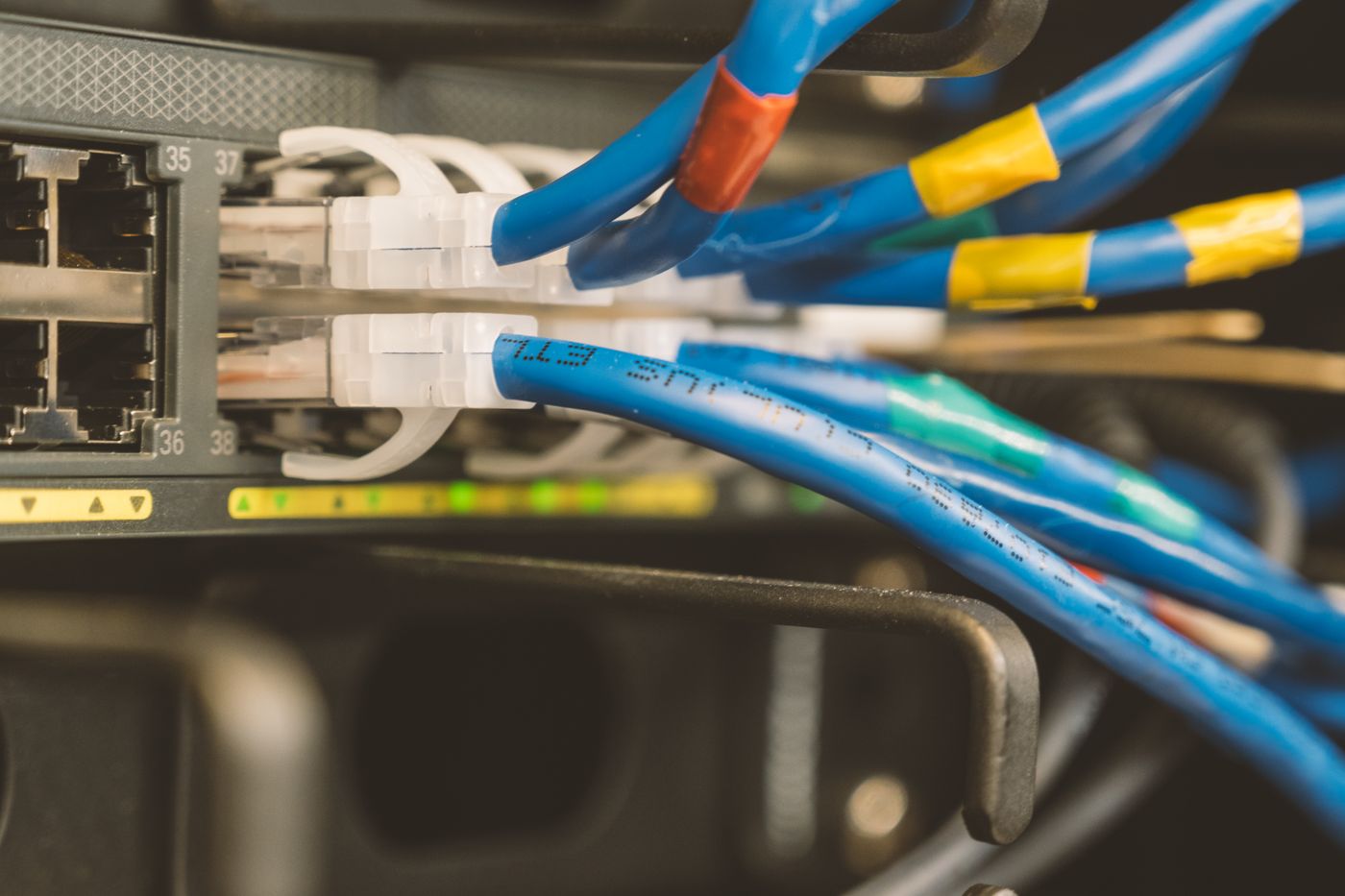
An Ethernet switch provides more connections when the router's LAN ports are occupied. One cable links the router's LAN to the switch, with other cables running to computers, televisions or network devices. A suitable unmanaged switch is often enough for a straightforward home arrangement. Management features are useful only when you have a reason to configure them.
Count the current connections and a realistic amount of spare capacity. The cable back to the router occupies a port too. A five-port model therefore does not provide five additional places for client devices in this layout. Include any planned network storage or wired access point in the count.
Choose the ports and location together
Check the supported speed of each intended connection. A switch cannot accelerate a slower router socket or old client adapter. Several simultaneous transfers may share the link towards the router. A local file transfer and an internet download also use different portions of the network.
Power over Ethernet is an additional capability, not a feature of every switch. If a camera or access point needs power through its cable, the supported standard, power budget and device must match. An ordinary LAN socket does not automatically supply electricity. Computer and television connections may need no PoE at all.
Choose a position where the power supply and cables can connect without strain. Do not cover the housing with fabric or spare cable coils. A fanless unit may suit a quiet desk, but it still needs the manufacturer's operating conditions. Avoid a loose position where tugging one cable could pull the whole switch off a shelf.
Check after connecting
Initially connect only the router and one client, then try a normal task. Add the remaining cables one at a time. This makes a troublesome cable or device easier to identify. Do not add a second parallel connection to the router unless that arrangement is explicitly supported and configured.
Label the router uplink and important destinations. If one device later loses connectivity, you can trace its cable. If everything connected to the switch fails together, start with its power supply and uplink instead. This simple distinction keeps the expanded network understandable during a fault.