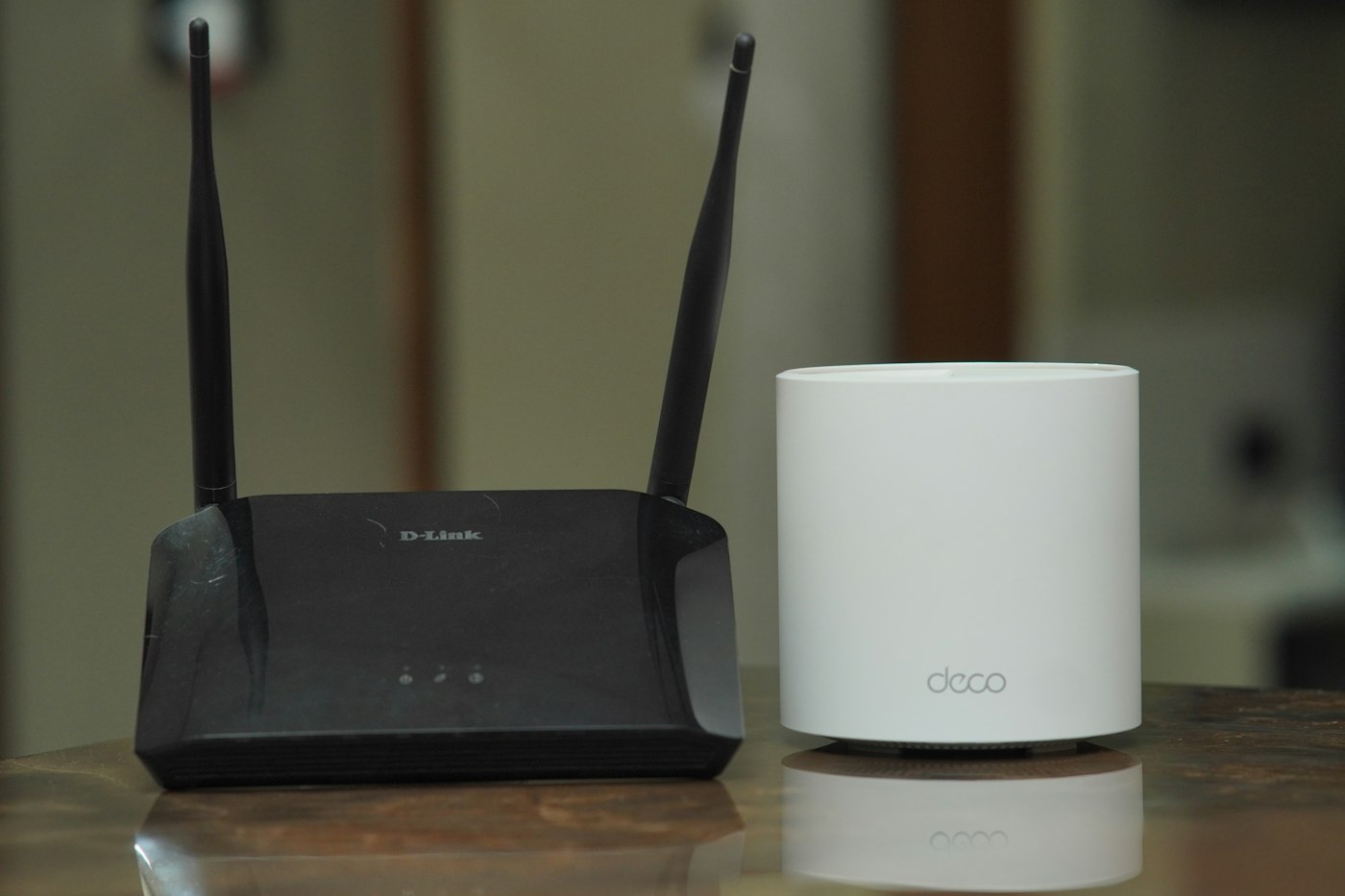
Planning mesh Wi-Fi across two floors
The weakest room is not automatically the best place for another node. Its connection back to the network matters just as much.
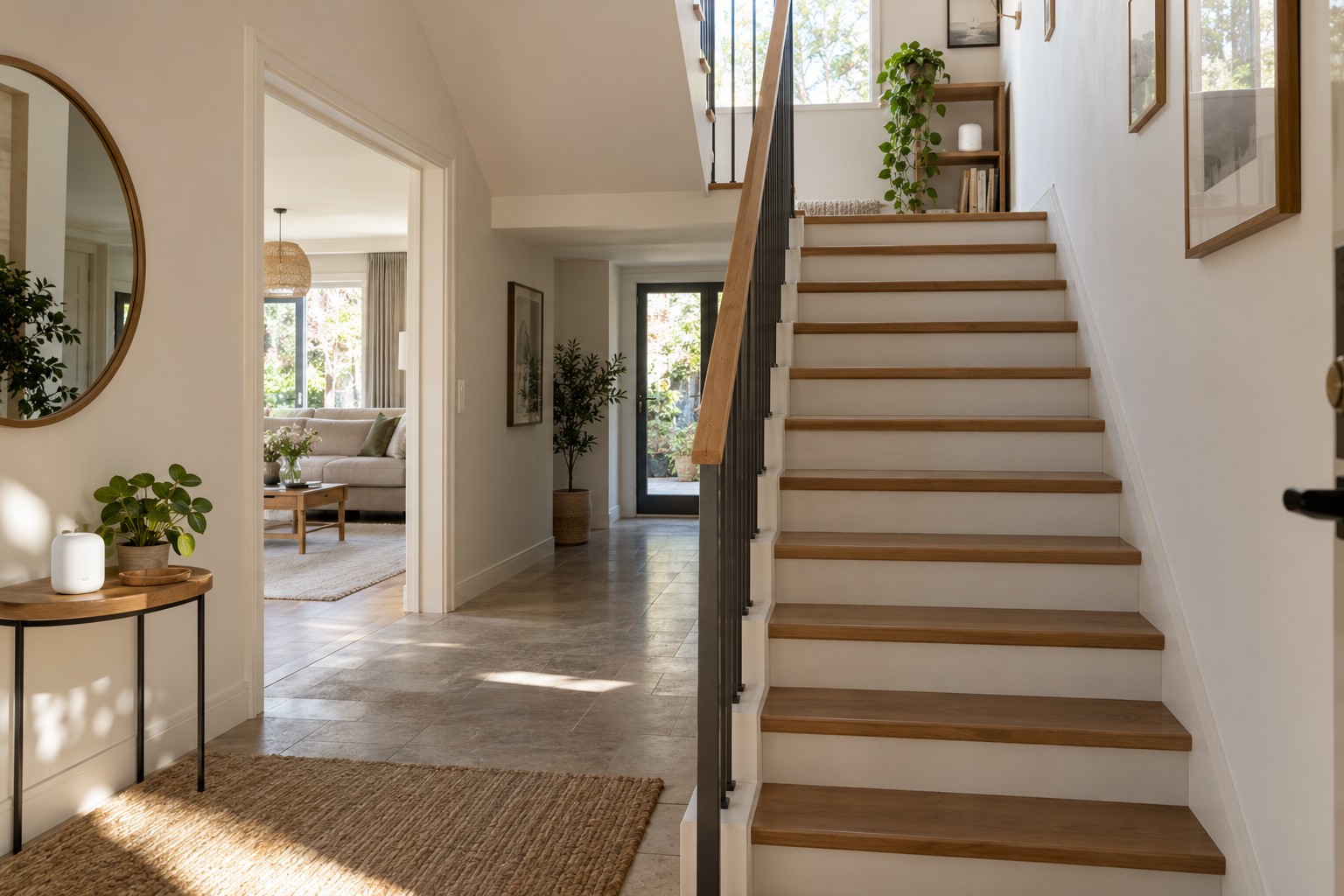
A film plays downstairs while a video call breaks up upstairs. Across two floors, a mesh system has to deal with ceilings and different room layouts as well as distance. Putting an extra node in the most remote bedroom may not solve the problem: that node still needs a usable connection to the router or another node.
Try the route through the stairs
Sketch both floors and mark the incoming internet connection, the places where people use devices and the available sockets. An open staircase may offer a different radio path from the direct route through a ceiling. Treat this as a location to test, not a guaranteed solution. Nearby masonry, metalwork and closed doors can still affect the result.
Start with the main router in an open, raised position. Place the second node somewhere that still has a healthy connection downstairs. The manufacturer's mesh test or link indicator helps assess this part of the journey. It does not replace testing in the actual office: a good connection between nodes does not establish the quality of the final wireless hop to a laptop.
Make the comparisons repeatable
Use the same phone or laptop for each comparison. Test beside the second node first, then at the intended desk or seat. Close doors as they normally stand during use. Alongside a short speed measurement, try the activity that fails: a real call, a sustained download or the television's streaming app. Note the location, whether the connection stays usable and which node serves the device if your management app shows this.
Move only the additional node for the next comparison. Changing the router position, network names and channel settings at the same time makes an improvement difficult to explain. A mesh system may need time to rebuild connections after a move; follow its instructions before judging the new position.
Consider a third node only after identifying the part of the route that remains weak. More units do not automatically provide more usable capacity. An extra wireless hop can complicate the arrangement without bypassing the difficult ceiling. Check the manufacturer's supported combinations and network-size guidance rather than assuming that all products bearing the same brand can join one mesh.
When the ceiling remains the obstacle
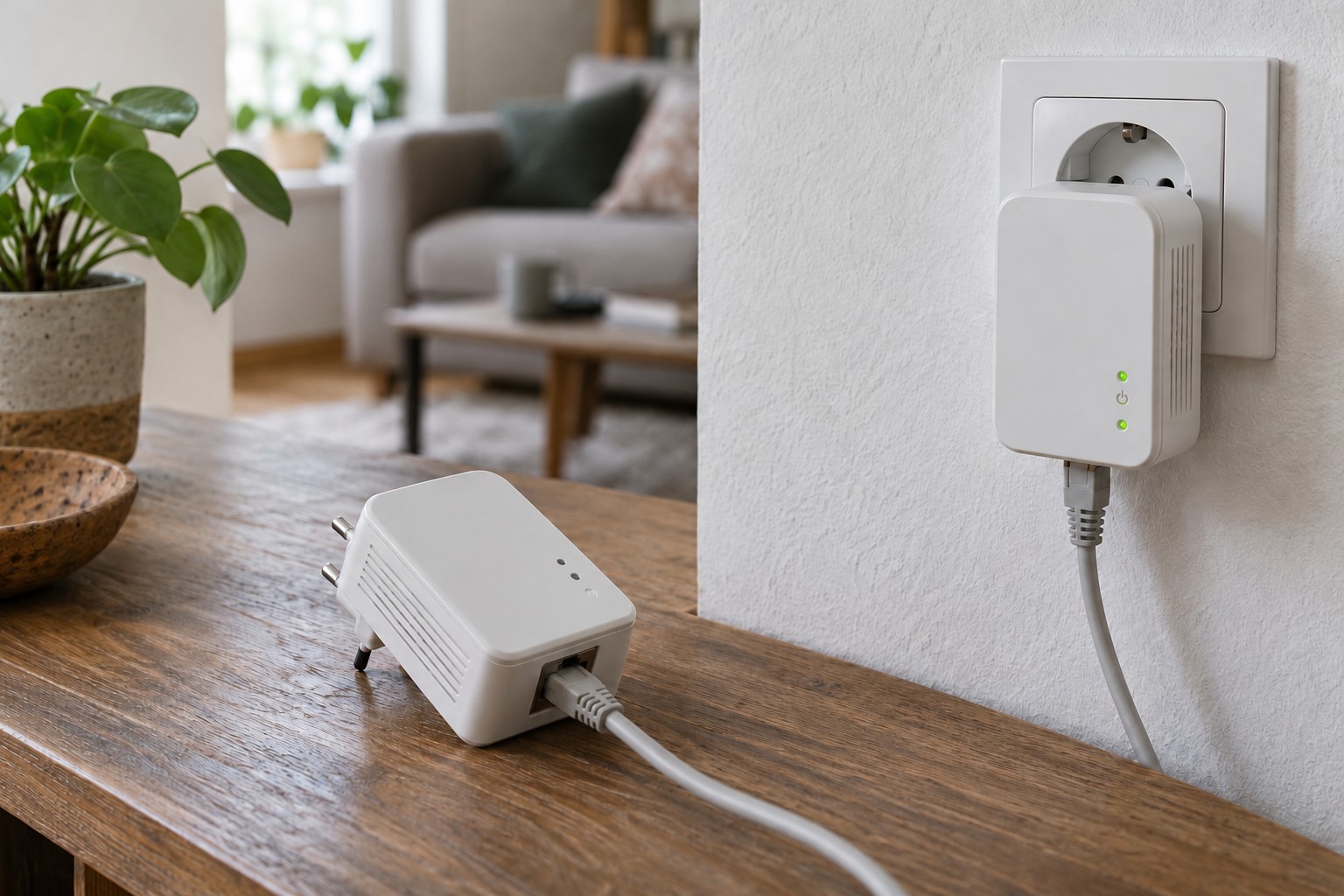
If Ethernet already runs between floors, a compatible mesh node can use it for its connection back to the network. That removes the need for that particular link to travel wirelessly through the ceiling. However, some mesh points have no Ethernet sockets, and supported connection layouts vary. Confirm the exact model and port arrangement before installing a permanent cable.
Finish with a walk through both floors, including a journey up the stairs during a call. The client device also influences when it changes access points. A successful stationary test at a desk is useful evidence, but it is not a promise of seamless movement everywhere in the house.