Making space for a home printer
The closed footprint is only part of the requirement. Allow for paper paths, maintenance access and ventilation too.
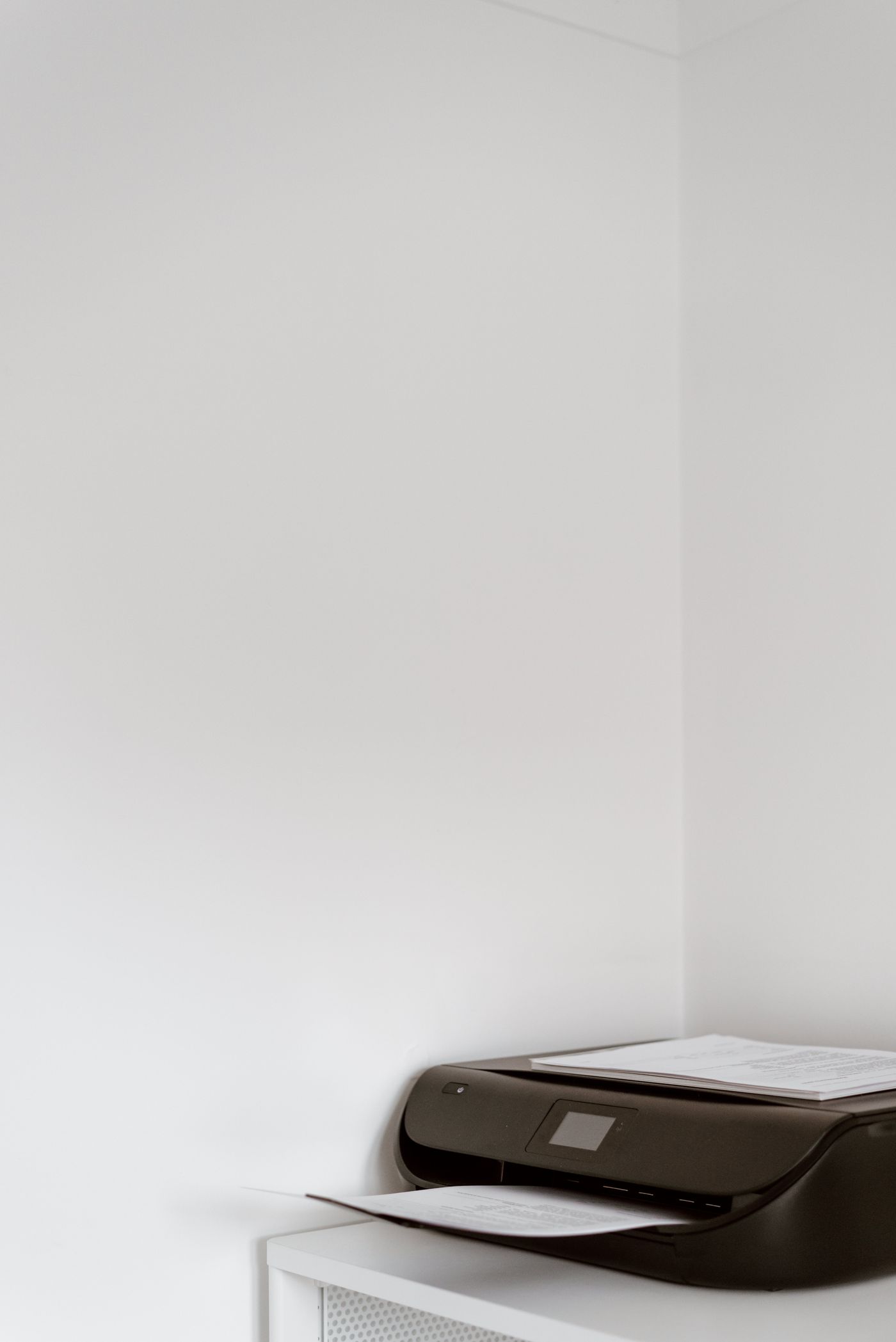
A printer can fit a recess on paper and still be awkward to use there. Product dimensions often describe the closed machine. Feeding paper, collecting output, opening a scanner lid and carrying out maintenance may require substantially more room.
Before buying or moving it, consult the exact model's manual. Mark out not just the footprint but opened covers and extended trays. A simple outline on the intended surface quickly reveals whether everyday operating space exceeds the available recess.
Follow the complete paper path
Where does paper enter, and in which direction does it emerge? A front-loading tray is not sufficient if clearing a jam regularly requires rear access against a wall. Keep the documented access areas available.
For a multifunction machine, the scanner lid must open far enough. A shelf above may permit copying a loose sheet while preventing thicker originals. Check the tasks you intend to perform, not just the most frequent printing function.
Store spare paper dry and away from ventilation openings. Piles on the printer can conceal covers or enter moving areas accidentally. Use only the intended trays and storage surfaces.
Check ventilation and support
Maintain the model-specific clearances. A laser printer can generate heat during larger jobs and may slow or pause when ventilation is inadequate. Closing a cupboard door after starting a job is therefore not automatically harmless. Operating conditions matter, not simply whether the machine fits while switched off.
The supporting surface must handle the weight and normal operating forces. Consider pulling out a full paper tray or opening a cover. A narrow unstable side table is unsuitable even if its top appears large enough.
Power and data leads need an unpinched route. Pull the printer forward for maintenance only as far as the cables allow, or disconnect it according to the instructions first. A taut connector must not act as the movement stop.
Test the location in use
For a network connection, check reachability at the final position. A closed metal cupboard can present different conditions from the desk used during setup. Run an ordinary print job and, where relevant, a scan transfer.
Assess noise and access during normal work too. If someone must squeeze past the chair for every printout, another position may be better. A suitable location allows refilling, collection and maintenance without dismantling the workstation each time.