Planning an air purifier filter change
A display reminder prompts maintenance, but does not always directly measure the filter's condition.
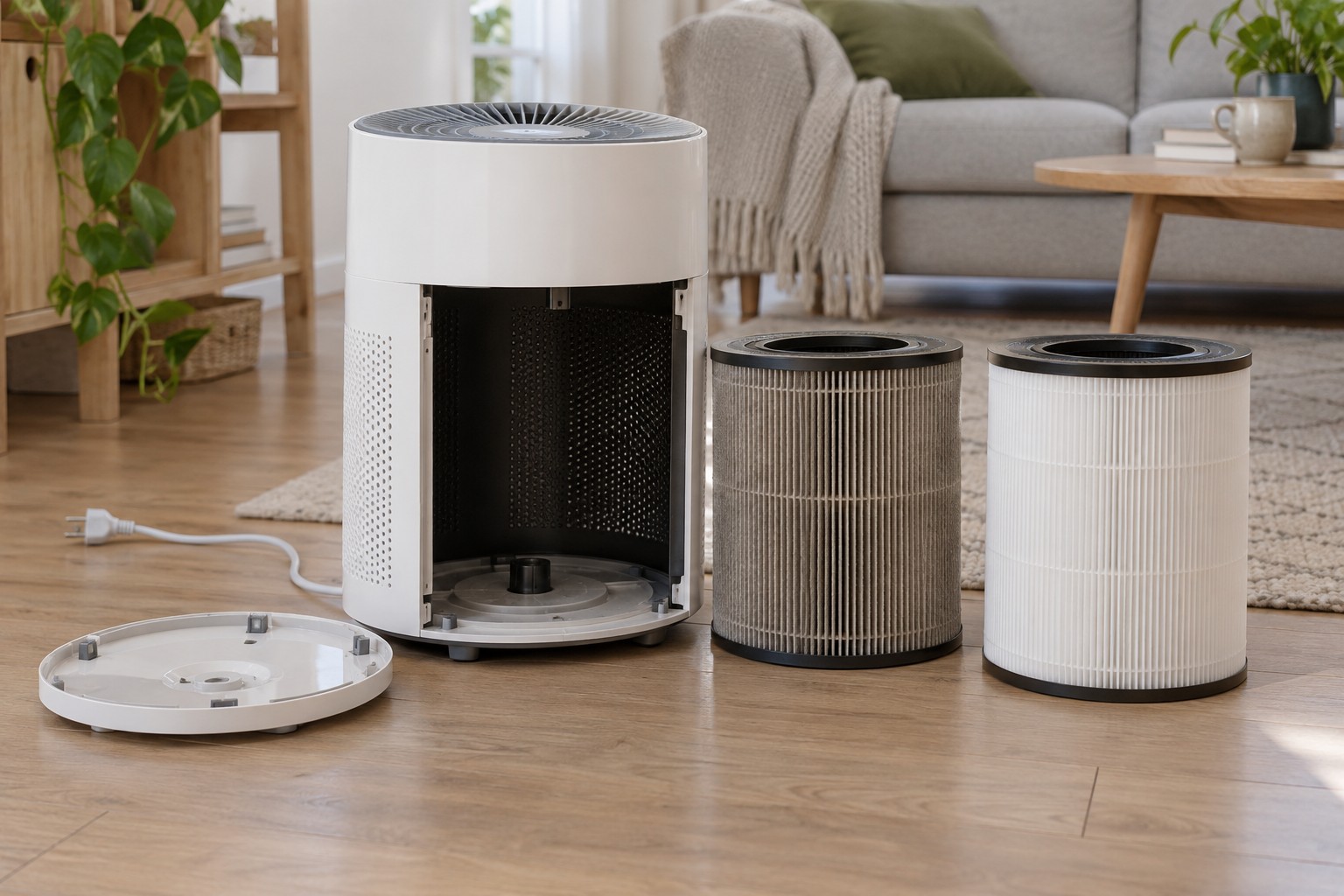
Before using a purifier routinely, inspect its filter arrangement. Some combine a pre-filter, particle filter and a layer intended for certain gases. These components can have different cleaning and replacement requirements. A clean-looking outer case tells you little about them.
Record the appliance model and compatible filter identification. Check whether components are available separately or only as a complete cartridge. A similarly sized replacement is not automatically equivalent or suitable. Correct sealing and the intended airflow path are part of its function.
Understand the indicator
Read what drives the replacement reminder. Depending on the model, it may account for operating time, usage or other factors. A percentage is therefore not necessarily a direct measurement of every remaining filter property. Reset it only after carrying out the required maintenance.
Loading changes with location and use. Frequent nearby cooking, dust or longer running hours create different conditions from occasional bedroom operation. Follow the manufacturer's inspection and replacement guidance instead of treating a general number of months as an unchanging rule.
A washable pre-filter does not mean the particle filter behind it may also be washed. Check each component separately. Airing an activated-carbon medium does not reliably restore it to new condition.
Prepare the replacement
Switch off and disconnect the unit as instructed. Open the intended compartment and remove the old cartridge carefully without unnecessarily spreading deposited dust. Follow the disposal instructions for the particular material.
Check whether the new filter has transport wrapping that must be removed. A cartridge left inside plastic can obstruct the intended airflow. Observe installation direction, seals and fully closed covers. Only then reset the maintenance reminder using the documented procedure.
During initial operation, check normal airflow and listen for unexpected noise. If an error remains, inspect fit and compatibility rather than bypassing a sensor. Obtain the next suitable replacement in good time if necessary, storing it dry and protected. A clear maintenance routine matters more than merely making a symbol disappear from the display.