Building a robot vacuum maintenance routine
An app reminder is only a starting point. Bins, brushes, wheels, sensors and the station need model-appropriate checks.
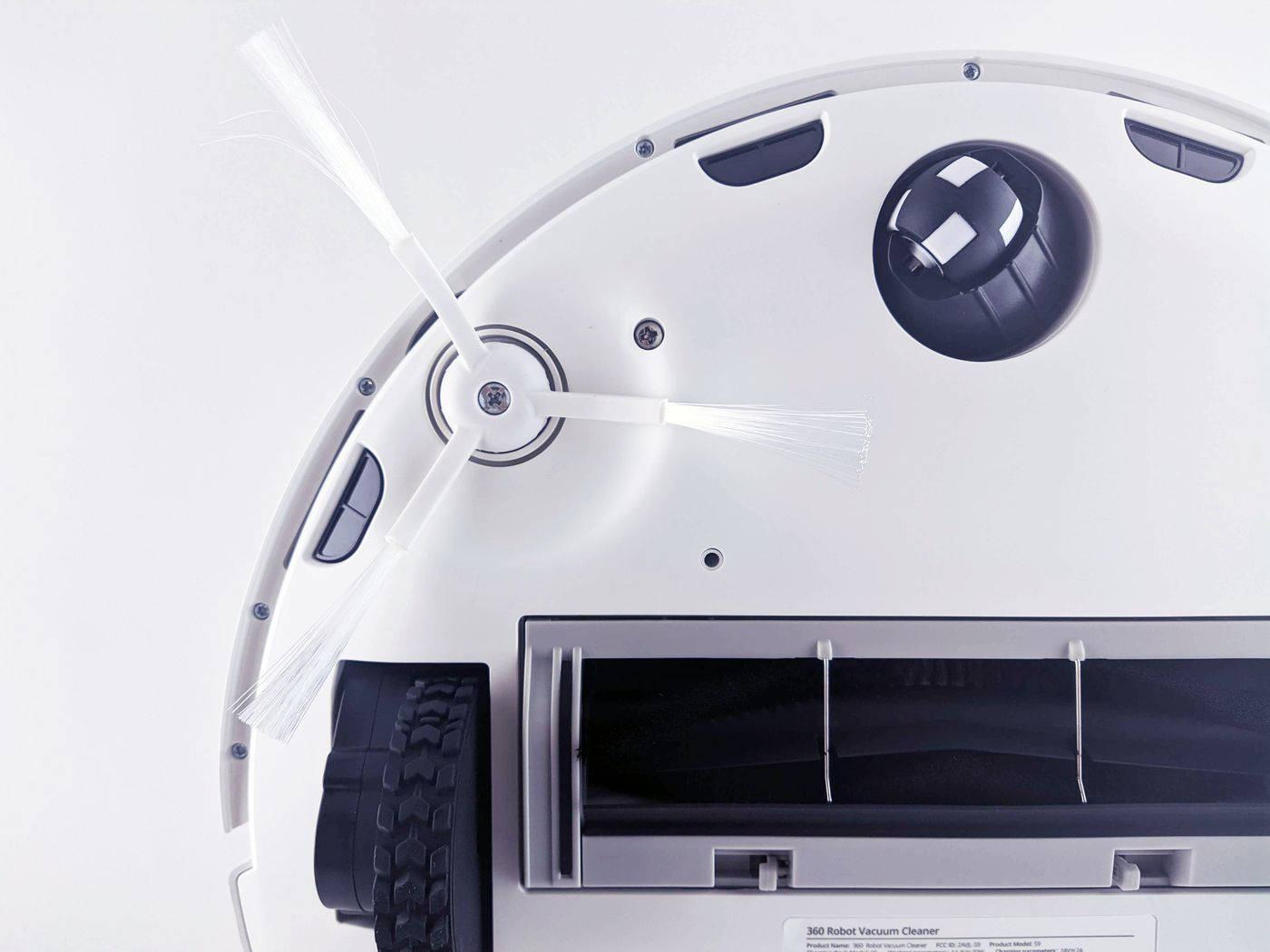
A robot can start every day while gradually cleaning less effectively. Its bin fills, hair accumulates around rollers and dust settles on accessible sensor surfaces. Maintenance should identify those changes early without requiring complete dismantling after every run.
Begin with the manual and a list of parts explicitly intended for user care. A basic robot has different requirements from one with automatic emptying, water tanks and pad washing. Do not import a complete checklist from another model. Record approved methods and compatible replacement-part details.
A brief check after use
A quick inspection can accompany normal emptying or station care. Is there adequate bin capacity? Is a thread caught around the side brush? Has the machine collected something unsuitable for its airway? With mopping, include pad condition and the required handling of dirty water.
Do not interfere with moving components. Stop as instructed and prevent an accidental start before touching brushes or wheels. Never pull a trapped cord against a running motor. Handle sharp or unsuitable debris carefully using the documented procedure.
This brief inspection need not trigger the same extensive cleaning every time. Its purpose is to catch obvious problems. Where floor contamination varies considerably, actual loading may be more informative than a rigid weekday in the calendar.
Schedule focused care
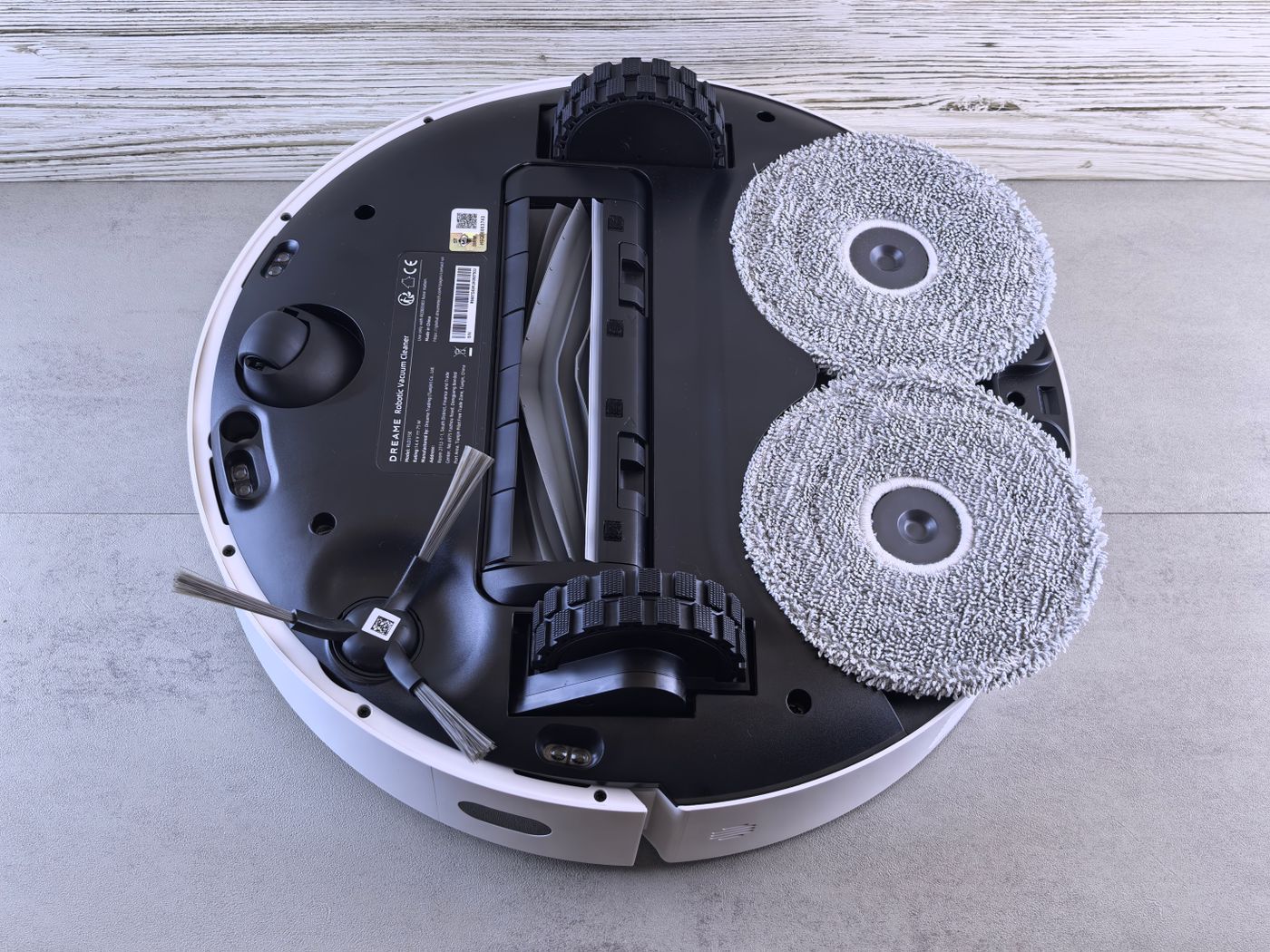
Set aside time for the specified maintenance items. Remove and clean brushes only as described. Inspect their ends for hair, not just the visible middle of the roller. Check wheels for accessible debris without dismantling drive assemblies beyond the permitted procedure.
Filters need a separate decision. Washable, dry-cleanable and replaceable are different categories. An app icon does not replace the manual. Washed components must dry completely before refitting. A damp filter is not an acceptable shortcut because the next scheduled clean is approaching.
Clean sensor windows and charging contacts using the manufacturer's intended method. Some instructions specify a dry soft cloth, while others name particular materials for certain contact surfaces. Do not transfer advice for metal contacts to an optical cover. Avoid spraying liquid into openings or using aggressive cleaners on sensitive finishes.
With an emptying station, include accessible air paths, bags or bins. Automatic emptying moves dust rather than making it disappear. Washing stations add tanks and wash areas to the routine. Check seals and seating after removing components, so an incorrectly fitted part is discovered before the next unattended run.
Match symptoms to a likely area
When cleaning declines, first distinguish poor pickup from poor navigation. Dirt left along the route suggests checking the bin, filter, brush and documented airway. If the robot no longer visits certain places, obstacles, mapping rules or dirty sensors may be involved. Repeated filter washing will not fix a blocked doorway.
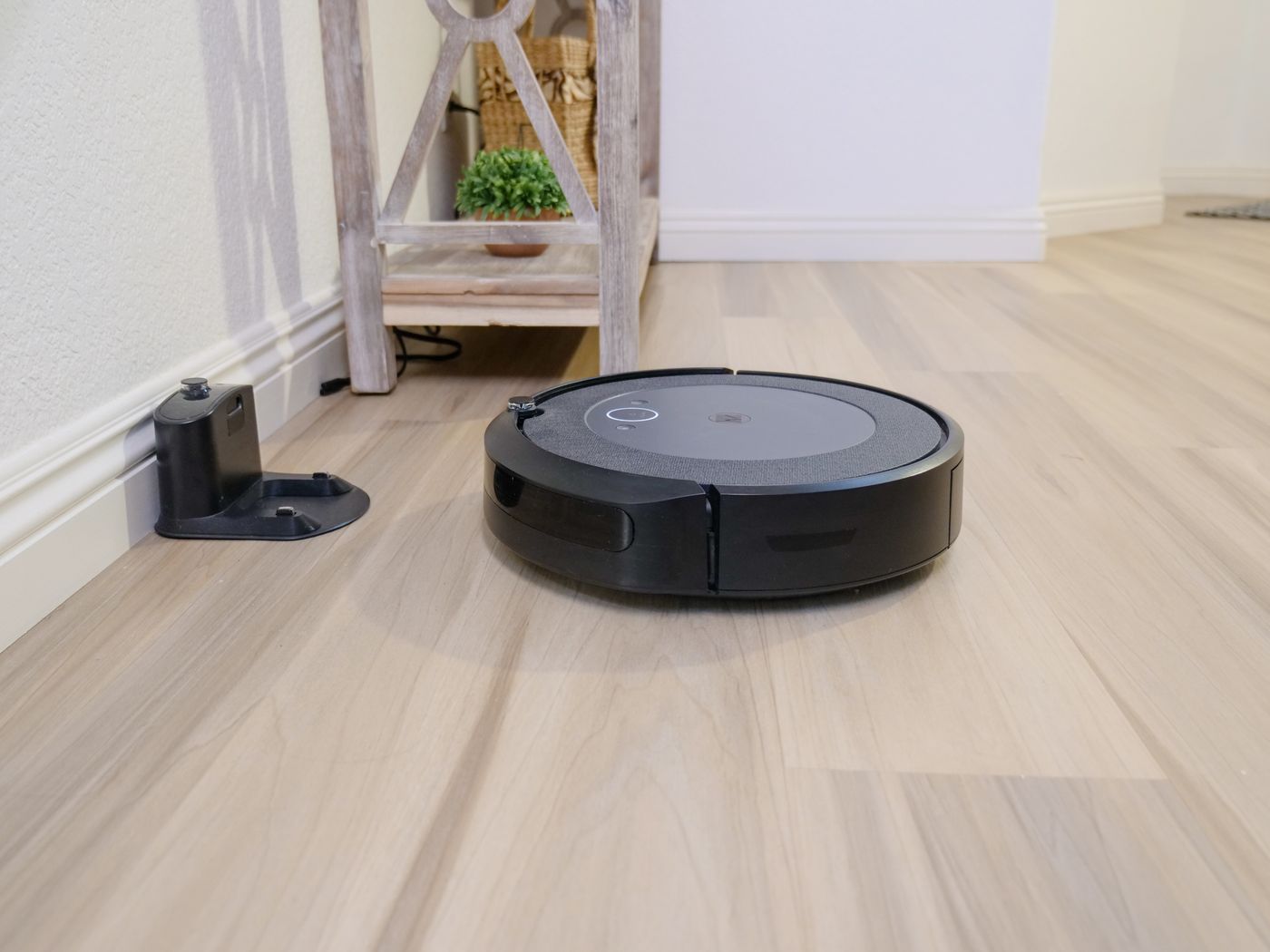
If docking becomes unreliable, inspect the approach, station stability and accessible contacts as instructed. Was the dock moved during housework? Has a rug edge appeared in front of it? Resolve those changes before resetting a map.
A new clicking sound may come from collected debris, but can also indicate mechanical damage. Stop the appliance and inspect only permitted areas. Do not repeatedly run it in the hope the noise disappears. Unusual heat, smell or damaged parts call for an appropriate assessment rather than further cleaning experiments.
Reset reminders meaningfully
Maintenance indicators may be based on time or usage. Reset one only after completing the corresponding action, and distinguish cleaning from replacement. Resetting a counter does not renew an old component. Keep a short note if several household members share maintenance.
Follow servicing with a brief supervised run. Check correct assembly, normal travel and return to the dock. Remove temporary test schedules or settings created during the work. On a mopping system, also confirm water appears only where intended.
The right routine is neither maximally elaborate nor entirely automatic. It reflects the model and the amount of dirt encountered. A short consistently maintained list with clear responsibilities is more effective than rare major cleaning sessions that begin by searching for instructions, replacement parts and the date of the last service.