Reading the lights on a router
Colour, label and blink pattern belong together. A red light does not have one universal meaning.
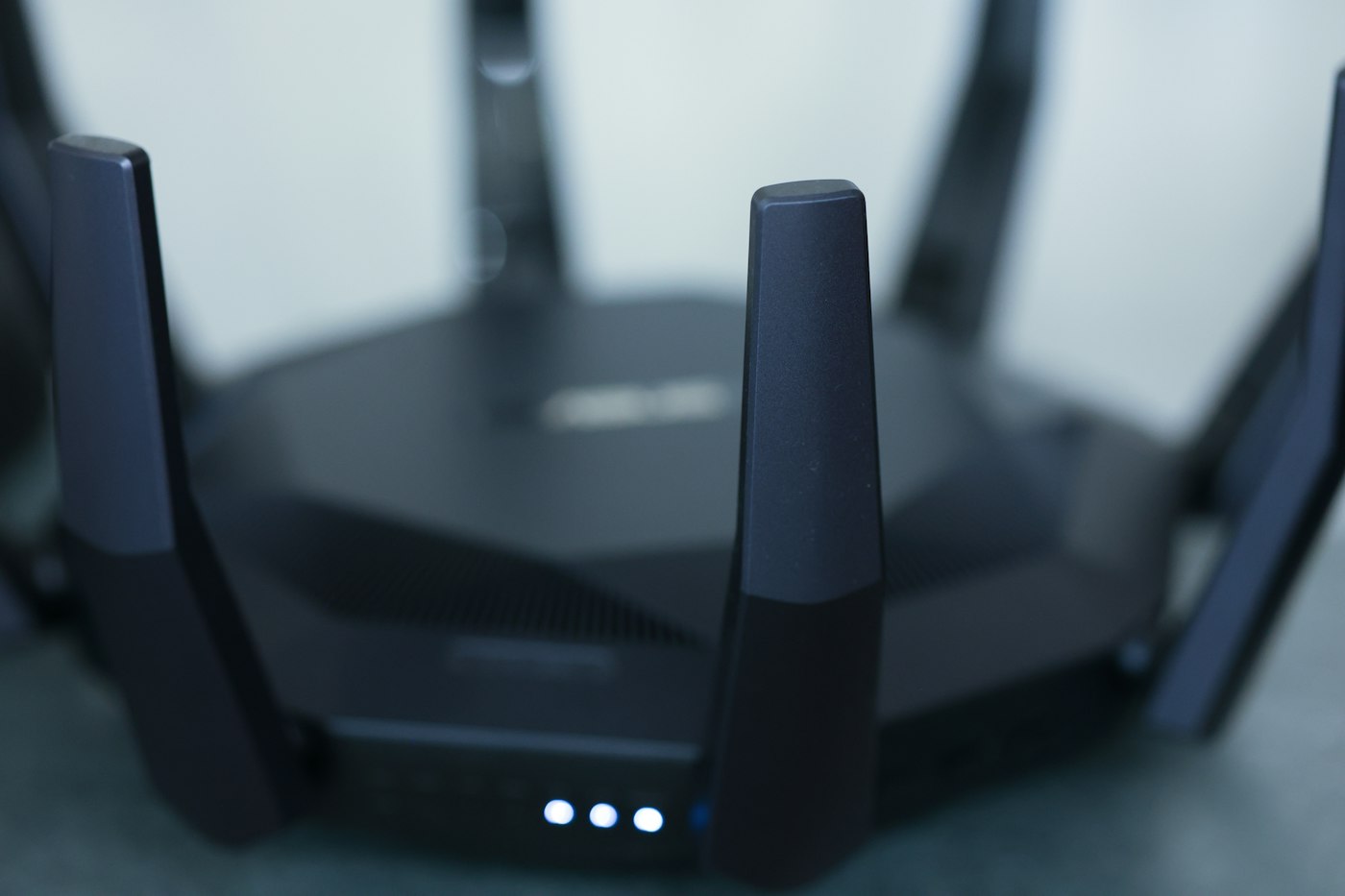
An unusual router light is a clue rather than a diagnosis. Blinking can mean a connection is starting on one model, ordinary traffic on another, or an unread notification on a third. Even products from the same manufacturer can differ. Find the exact model name on the case or in your paperwork first.
Record the label beside the light, its colour, whether it is steady or flashing and when the change began. A short video can be more useful to support staff than a description that everything turned red. Avoid including passwords or setup codes printed on the device in a photograph you intend to share.
Which connection does it describe?
A wireless indicator refers to the local Wi-Fi network. It does not automatically confirm a working internet service. Conversely, a wired computer may remain online while Wi-Fi is disabled. A light beside an Ethernet port may indicate only that a device is connected or that data is passing through the socket.
Check the actual behaviour on two devices. Can they join Wi-Fi? Can you open the router's local management page? Do several unrelated websites work? These observations help interpret the indicator without making an unsupported conclusion from its colour.
Immediately after power-up, changing lights can be part of the normal start sequence. Allow the time specified in the manual. Do not interrupt the power speculatively during a firmware update. If the router reports an update in progress, follow the manufacturer's instructions for that state.
Use the correct reference
Open the official manual for the exact product version. A similarly named router in search results may have a different indicator table. Distinguish a single general status light from separate power, line, internet, telephone or mesh indicators. A scheduled night mode may also explain why the lights are not visible.
If an error persists, record the time, affected devices and any relevant event-log entry. This is more useful for a focused support request than several restarts in quick succession. A factory reset should not be the first response to an unfamiliar light: it can erase your configuration without correcting the cause.
After resolving the issue, take a moment to observe the ordinary light pattern. Knowing the normal state makes it easier to recognise a genuine change later, rather than worrying about routine activity flashes.