Setting up a guest Wi-Fi network
Visitors need internet access, but not necessarily access to printers, files or the router's administration page.
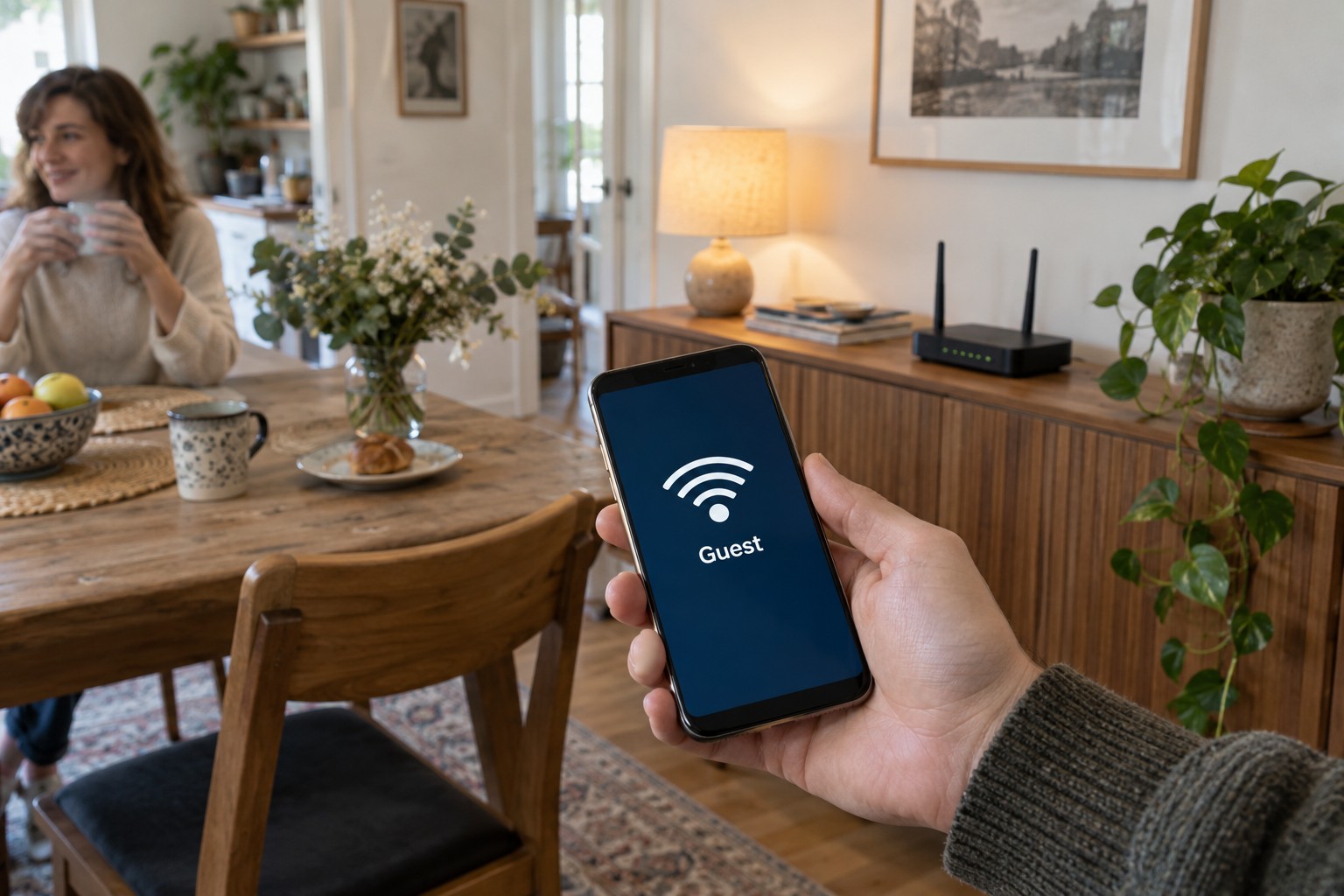
A guest network can separate visitors from the household's private network. The important part is the separation, not just a second wireless name. Check what your router actually isolates and whether that protection also applies through its mesh nodes or an additional access point. A differently named wireless network is not automatically a separate one.
Decide what guests should reach
For an occasional visitor, internet access may be enough. They should be able to browse and exchange messages without reaching your private storage device or router controls. Settings may refer to guest access, client isolation or access to the local network. Manufacturers use these terms differently, so read the description for the exact model.
Choose a recognisable network name without unnecessary personal details and give it its own strong password. An unprotected network is not a sensible shortcut even for a short visit. Use a current security mode supported by the router and the intended devices. Do not weaken the whole main network simply because one old device has difficulty joining.
A QR code can make joining easier, but it still provides access to the credentials. Treat it like the password. A permanently visible printout in a window or a photograph shared publicly is not appropriate for a network intended only for invited visitors.
Check with a guest device
Connect a phone to the guest network and turn off mobile data during the test. Open a website to establish that internet access works. Then check whether private devices such as a printer or media server appear and whether their services can be reached. An absent listing is not a comprehensive security test, but it can reveal whether the expected separation works in everyday use. The router's documented behaviour remains important.
Casting to a television or printing can be blocked by that same isolation. This is not necessarily a fault. Decide whether to provide a limited supported exception, print the document yourself or use another supported connection. Giving the entire guest network unrestricted access to the home network is a much broader change than enabling one task.
With several wireless points, check that guest access works consistently across them. It should not be isolated in the living room but unrestricted through an old access point in the office. Changing equipment to another operating mode can also change which guest features are available.
A guest network used only occasionally can be switched off after the visit. If it stays available for regular visitors, keep the router updated and the access details controlled. Change credentials when they have spread beyond the intended audience. An extra wireless name does not replace that ongoing care.