Why a router should not live inside a cupboard
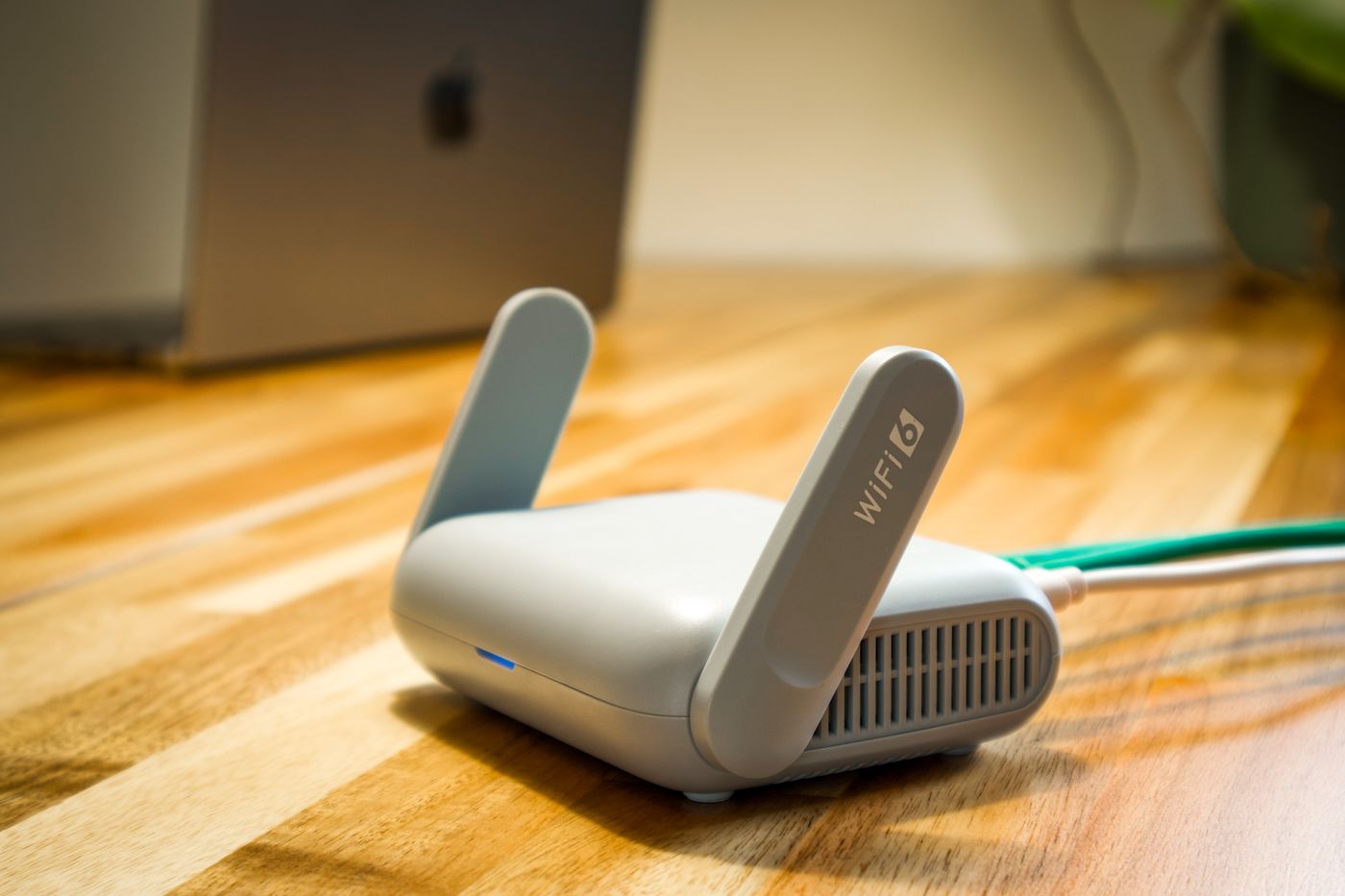
A temporary open placement helps separate a reception problem from the wish to hide the equipment.
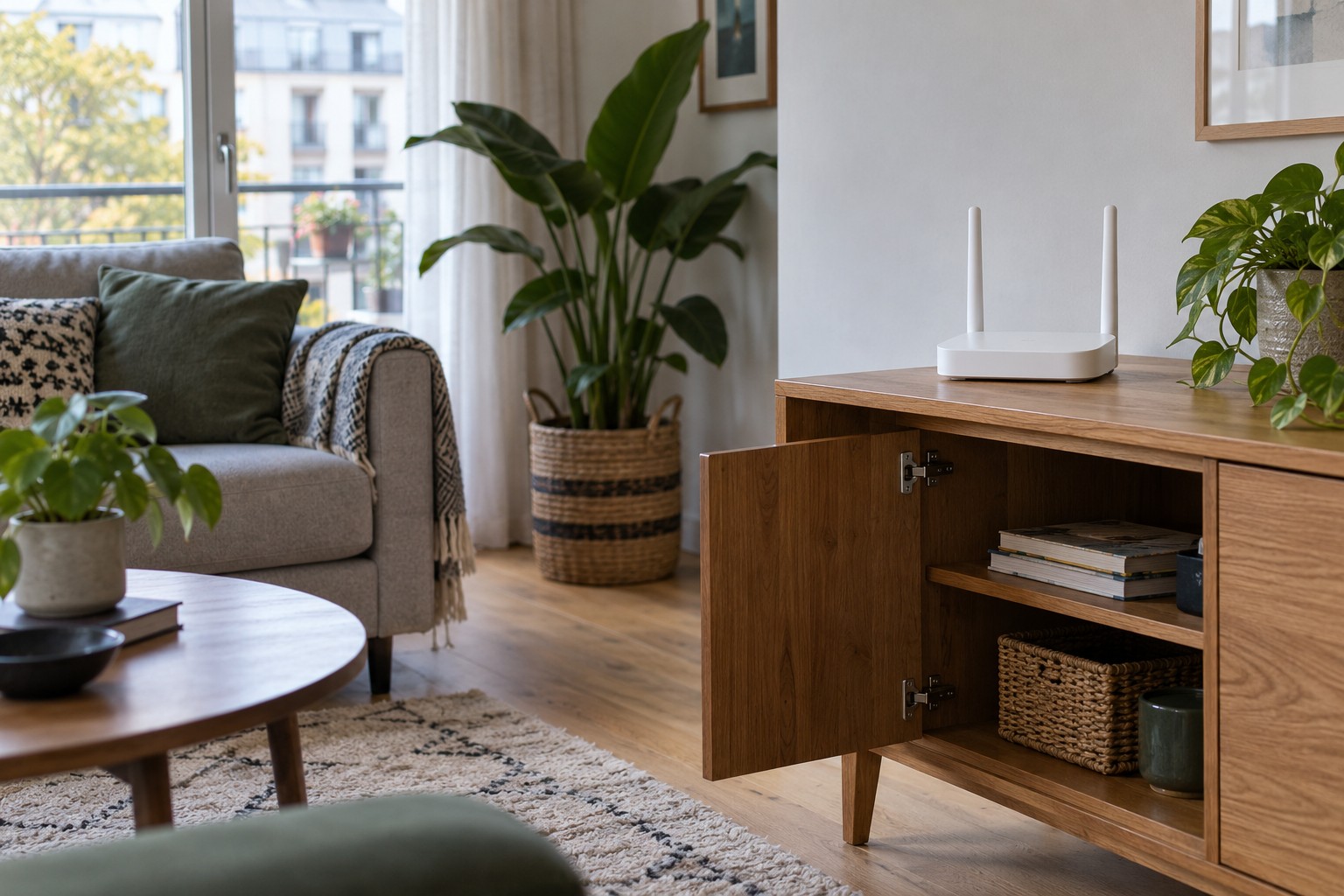
A cupboard hides cables and blinking lights, but it can introduce two separate problems for a wireless router. Furniture and stored objects sit in the radio path, while the enclosure may restrict airflow around the case. The effect in a particular home cannot be predicted simply from the style of the furniture.
Begin with a comparison rather than a purchase. Temporarily move the router onto a safe, open surface outside the cupboard. Leave other settings unchanged where possible. Use the same client device in the locations that have been unreliable. This helps show whether the enclosure contributes to the weak coverage.
Opening the cupboard door a few centimetres is not an equivalent test. Metal fittings, books and other equipment can remain immediately beside the router. A genuinely open position gives a clearer comparison and is easier to reproduce.
The furniture need not contain every function
Consider separating the equipment by role. Cable slack and a suitable Ethernet switch do not necessarily need to share the position of the wireless access point. Whether the main router, an additional access point or a compatible mesh node should sit outside depends on your connections and equipment. Buying a more expensive router does not make a closed cupboard a good radio location.
Follow the exact manufacturer's guidance for ventilation. Leave openings unobstructed, avoid stacking equipment on the case and use its intended orientation. A noticeably warm case is not automatically a fault. Repeated shutdowns, an unusual smell or a damaged power adapter deserve attention beyond rearranging the furniture.
Keep the visible arrangement restrained
A small clear shelf can look less cluttered than a bundle of cables on the floor. Bring the cables together along a controlled route, then leave enough slack at the ports to prevent strain. Some routers provide a setting to dim status lights. Tape over vents or a decorative cover around the case is not a substitute.
Repeat the reception checks after settling on the final arrangement. A plant, metal storage box or books added later can turn an initially open location into an obstructed one. Keep the space immediately around the router clear, and revisit changes there if coverage deteriorates.