Planning a network after moving home
Understand the new connection and rooms before reusing the old layout or installing permanent cables.
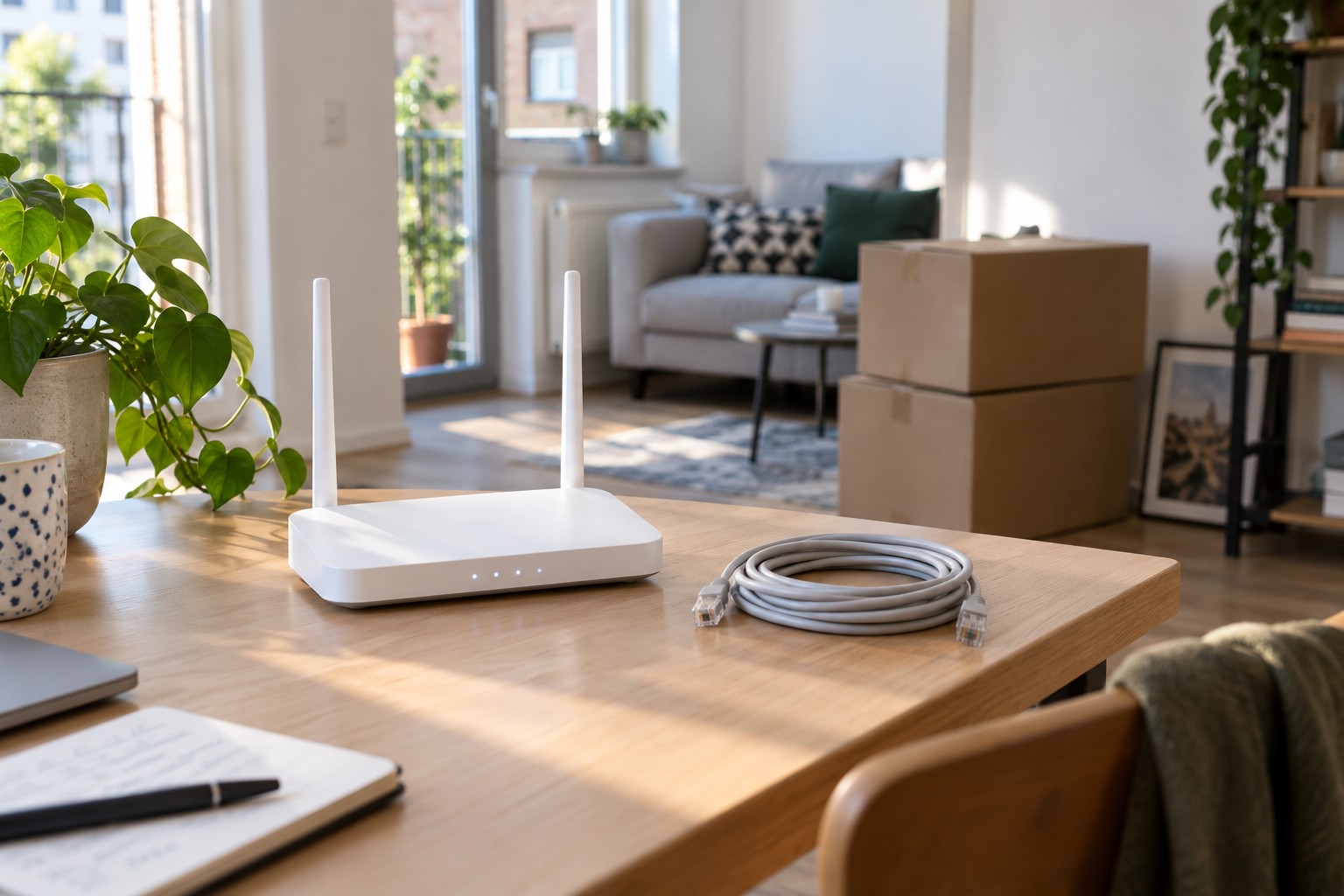
The moving boxes may still fill the hallway when internet access becomes necessary. At this stage, a working temporary arrangement can matter more than perfectly concealed cables. Start with the new property's connection point and the provider equipment it requires. A router from the previous home is not automatically suitable for a different access technology.
Prepare before the move
Pack the router, its correct power supply, required cables and setup documents together in a clearly labelled box. Retain the exact model name and a supported configuration backup if available. Store credentials securely rather than writing them outside the box. Confirm the activation date and any own-router requirements with the provider.
Include telephone service, a separate fibre terminal and other relevant equipment in the plan. Successfully opening a website does not confirm that a telephone number or every additional service is ready. Establish which equipment must be returned and which belongs to you.
Build a temporary baseline
Put the router in a safe, open position near the intended connection point. Use the appropriate cable and follow the new service's instructions. Previous settings can be a useful reference, but cannot be assumed to apply unchanged to another provider or connection type.
Test with a suitable wired computer first where possible, then examine wireless coverage in the important rooms. Sketch the desk, television, regular seating and existing network outlets. Identify where built-in outlets terminate: a wall socket without the required connection at its other end is not an active network service.
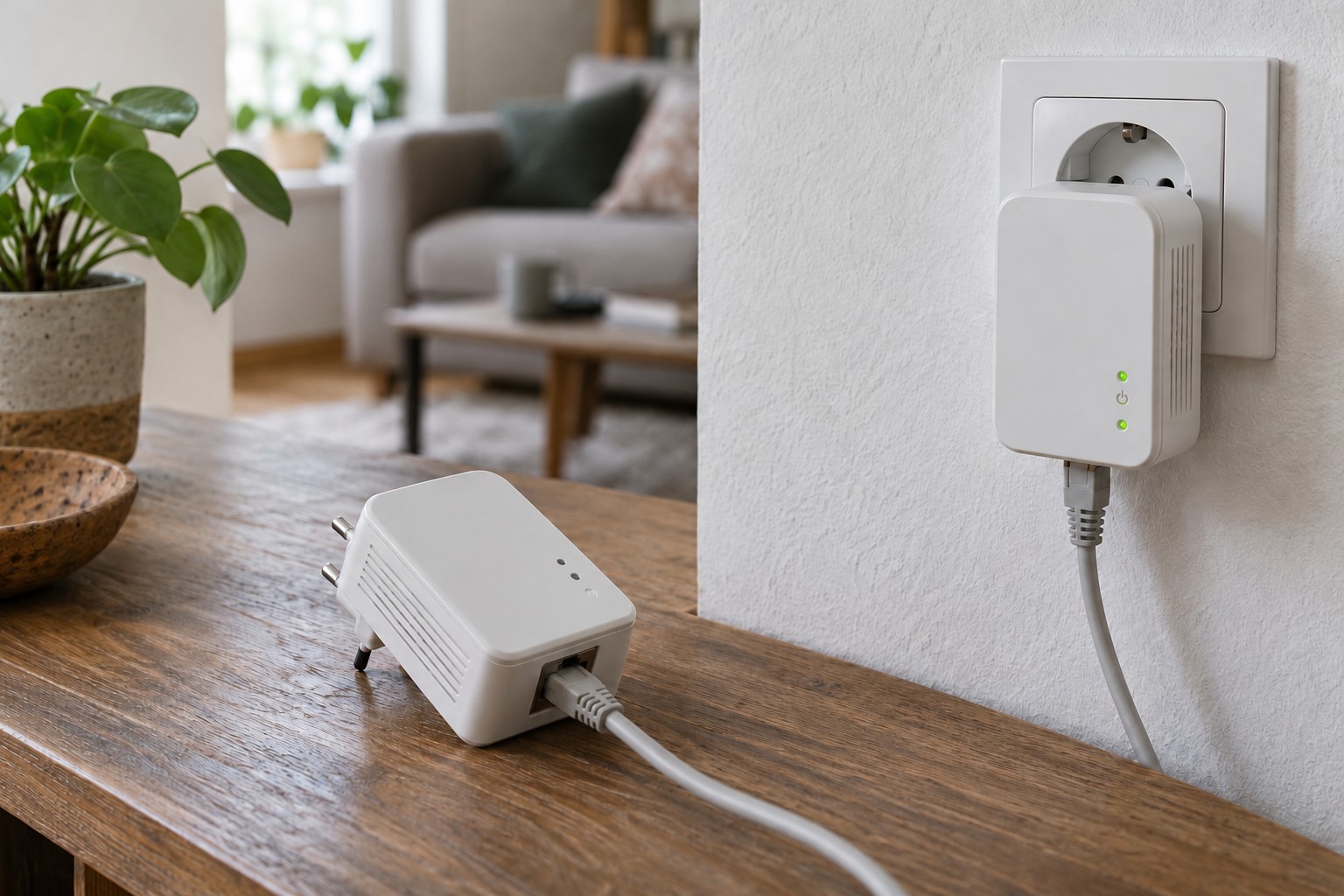
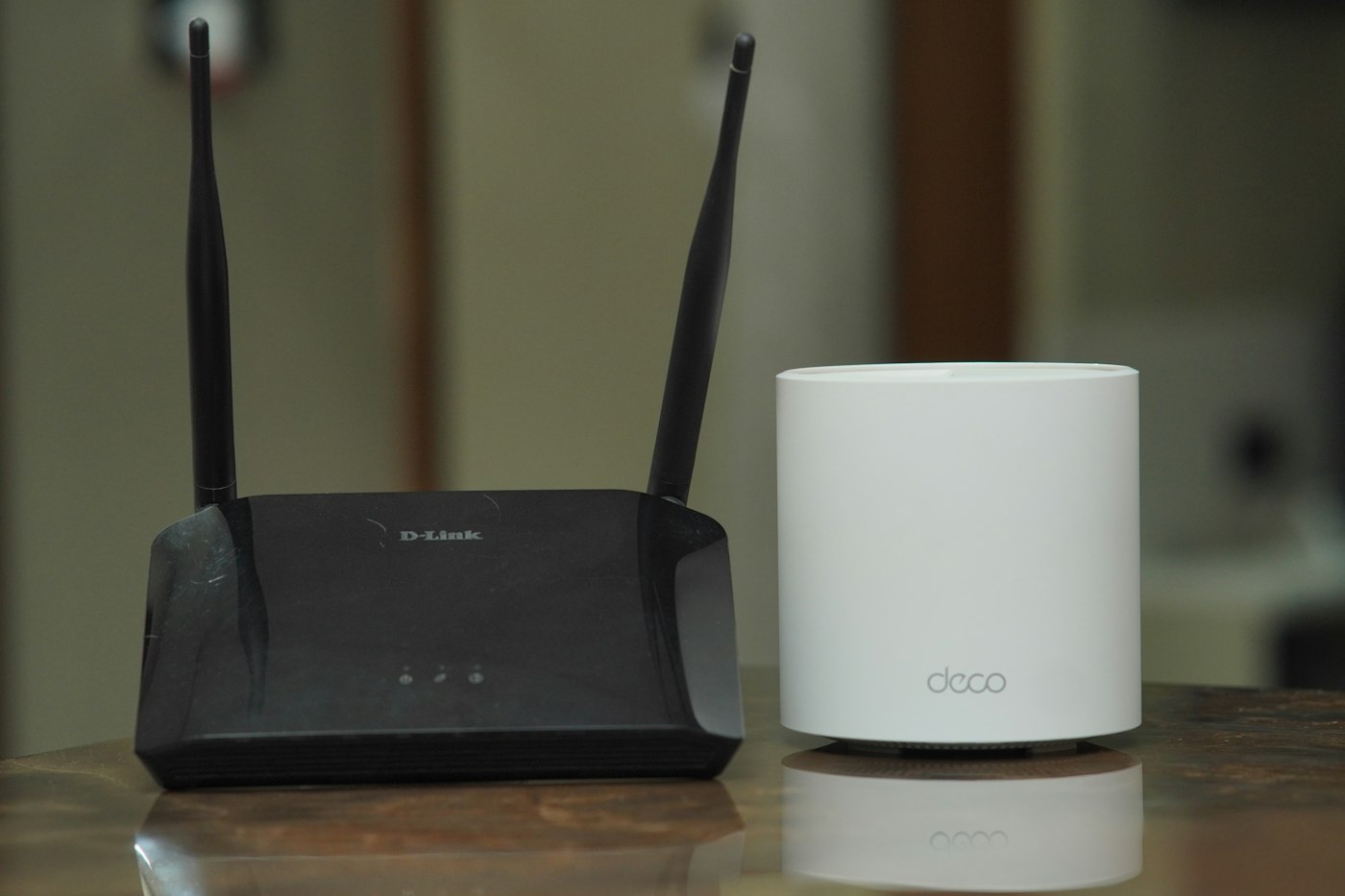
The old mesh equipment may be reusable, but its positions need reconsidering. Do not copy the previous home's arrangement automatically. Each additional point needs a usable route back to the network, and different walls or ceilings can change the outcome.
Let the layout settle
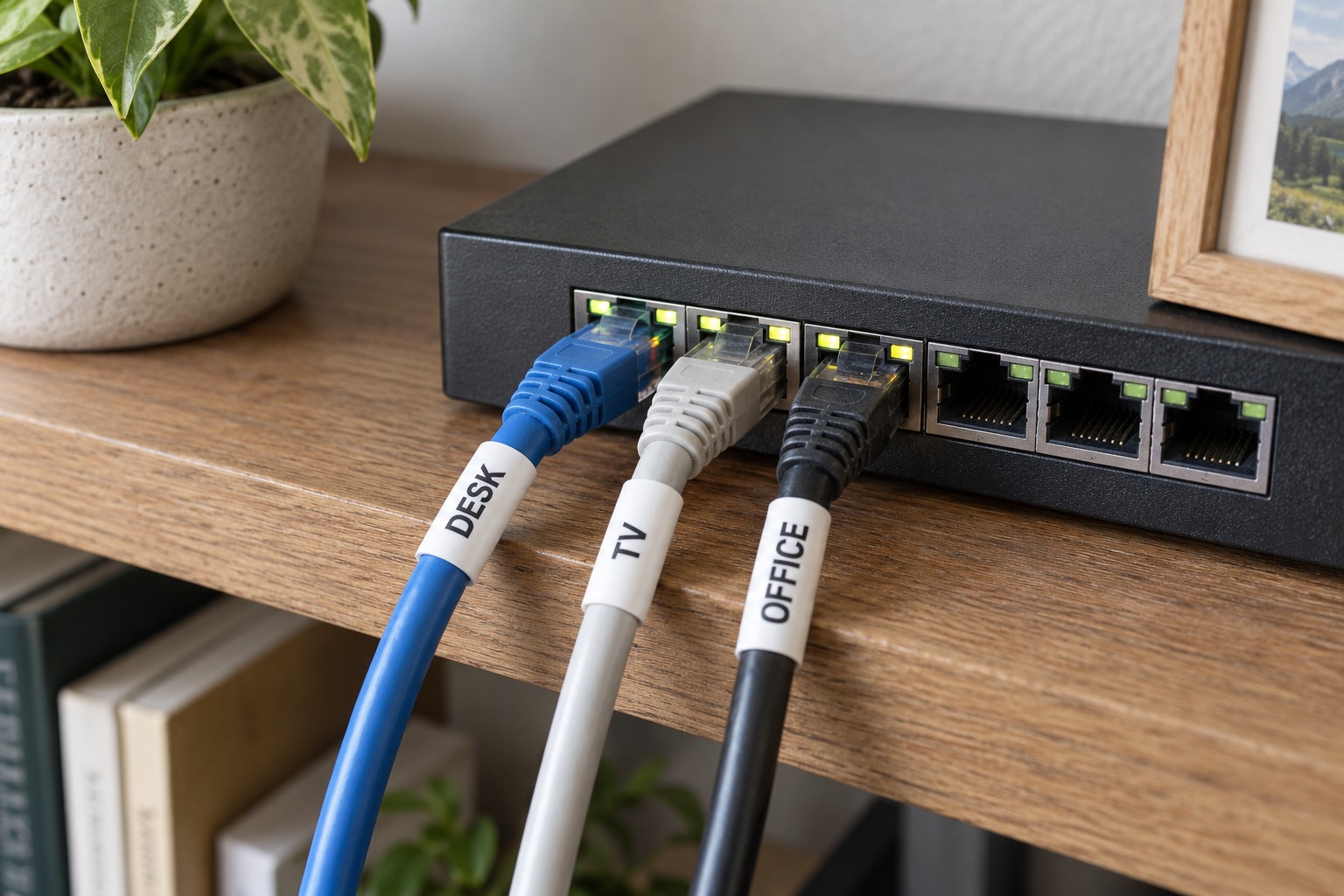
Repeat the tests after large furniture arrives. A cupboard between router and desk can change the radio path. Install permanent cables once desk locations and walking routes are reasonably settled. Allow movement at furniture and label both ends of longer runs.
Reusing the previous wireless name and password can help some clients reconnect, but does not guarantee a complete migration. Check printers, cameras, speakers and other equipment individually even if the phone joins immediately. Changed security modes or network separation can prevent automatic reconnection.
Arrange an acceptable fallback for the first working day if activation is uncertain. Depending on the situation, this might be mobile data whose coverage and allowance have been checked beforehand. Mark temporary arrangements clearly in your notes. That makes it less likely that an unsafe cable crossing or unnecessary duplicate setup quietly becomes permanent.