Labelling home network cables
A small, stable naming system is more useful than a colour code nobody remembers.
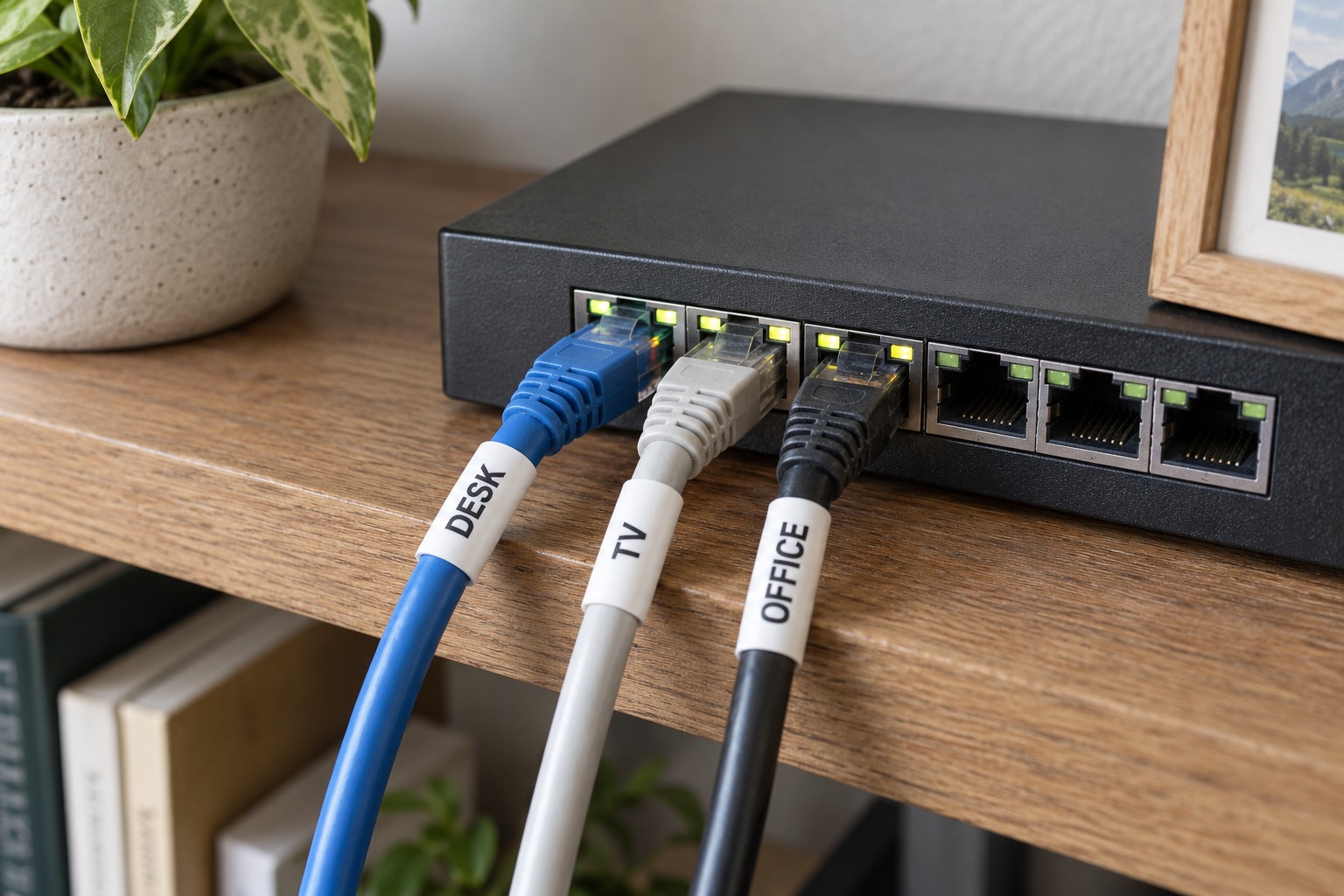
Three grey cables behind a router can look identical. One leads to the office, another to the television and another to the provider's connection. While everything works, the difference is easy to ignore. During a fault, simple labels can prevent the wrong connection being removed.
Start with the installed cables rather than a theoretical numbering scheme. Trace one cable at a time to its destination. If the route is concealed, use existing documentation or an appropriate test. Do not unplug several unknown connections together while other people depend on the network.
Name both ends
A label at the router helps select a cable. A matching label at the far end helps identify it after equipment moves. Use short, understandable names such as office PC or living-room AP. Where devices change often, a stable room-and-socket identifier may be better than the current computer's name.
An extra number helps when several cables share a destination, provided it also appears in a small reference list. Colour can supplement the text, but should not carry the whole meaning. Replacement cables may be a different colour, and people do not all distinguish colours equally well.
Keep the marker clear of the connector and its release tab. Attach it without crushing the jacket. Leave enough room around a bundle for individual plugs to remain accessible. A neat label is not useful if you must remove every neighbouring connector to read it.
A short reference is enough
A record might say router LAN 1 to office socket A, and switch port 3 to television. Distinguish the incoming internet connection from local outgoing connections. Record power-adapter assignments if several similar adapters sit together. A label does not replace checking the electrical specification before substituting a supply.
Keep the reference somewhere accessible during an internet outage. Passwords do not belong on visible cable labels. After deliberately moving a connection, update that particular entry. A small record that stays current is more useful than an elaborate diagram that quietly becomes misleading.