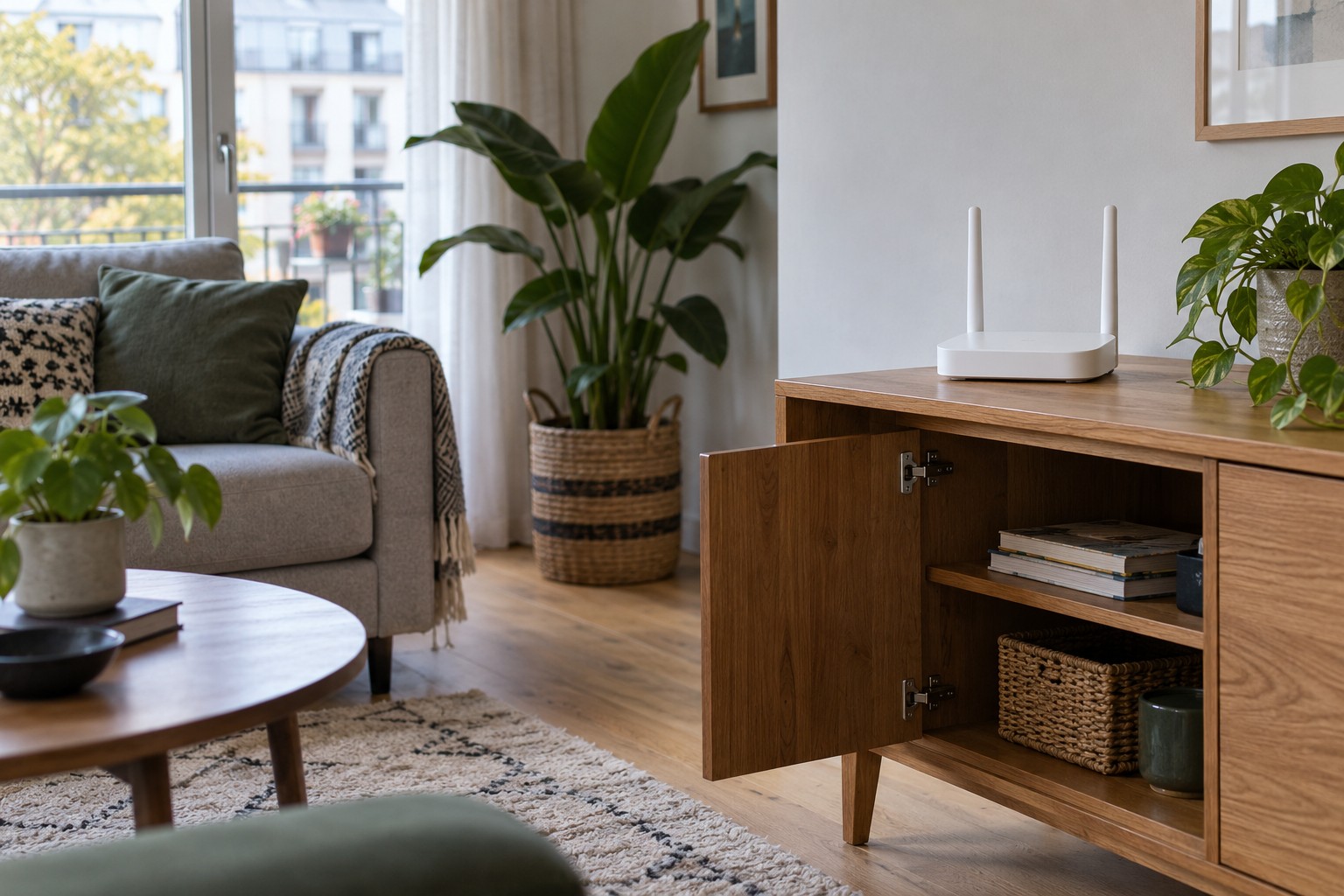
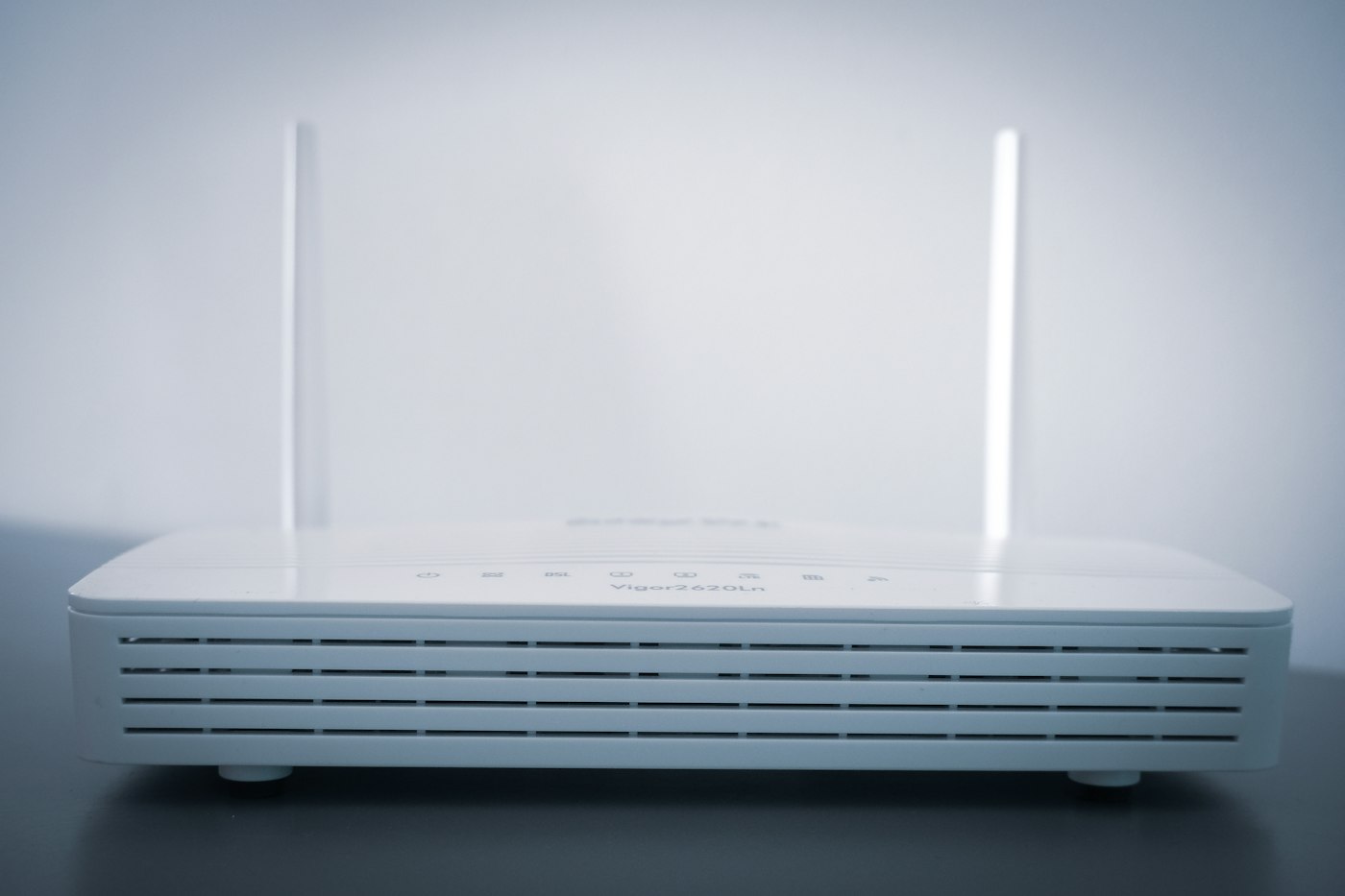
Positioning a router in an open-plan home
An open room can still contain obstacles to Wi-Fi. Compare workable locations before adding more networking equipment.
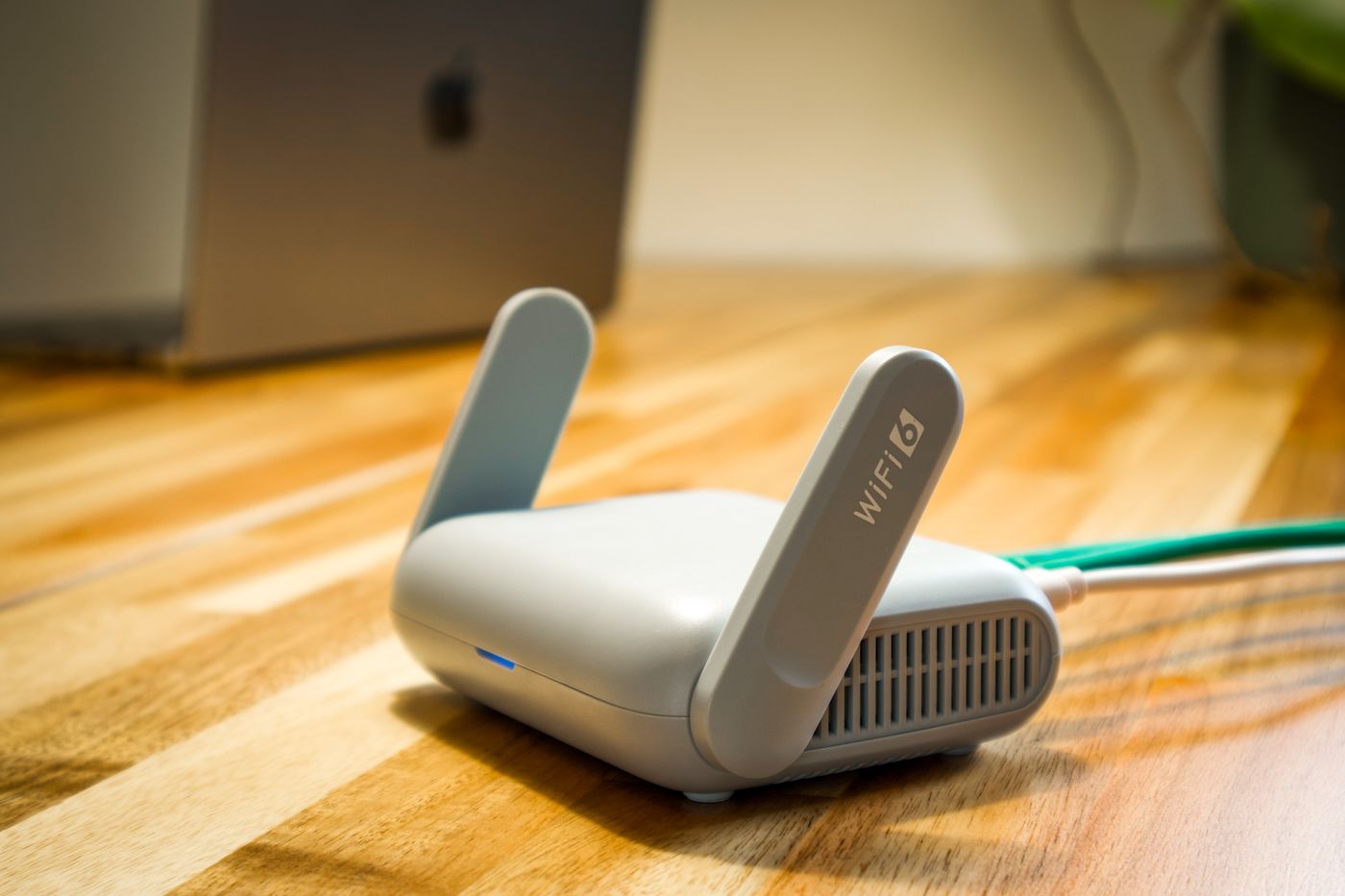
The broadband connection often enters a home where a cable happens to arrive, rather than where wireless coverage is needed. An open kitchen and living area can look easy to cover, yet a metal kitchen island, a large television or a solid wall at one end can still affect the signal path. Start by investigating the physical location before changing advanced settings or buying another access point.
Find a position you can actually keep
Sketch the room and mark the places where people regularly use the connection. Add the incoming connection and available power sockets. A reasonably central, elevated and open position is a useful starting point. A shelf can work, provided the router is not squeezed between books. Follow the device manual for its intended orientation and ventilation clearance.
Then look at the cable route. If a separate fibre modem connects to the router by Ethernet, a suitable longer Ethernet cable may offer flexibility. A router with a built-in modem has different constraints, depending on the connection type. Do not assume every incoming cable can simply be extended. A lead stretched across a doorway is not a sustainable location, however promising its wireless performance.
Compare two locations, not six settings
Choose two realistic positions. After moving the router, let it finish starting and connect the same test device to the same network. Try a normal activity at the sofa, dining table and desk. A video call can expose interruptions that a single webpage download does not reveal. Write down disconnects, unexpected pauses and approximately when each check took place.
Keep other variables steady. Changing the channel, network name and antenna positions during the same test makes it difficult to explain an improvement. A speed test can add information, but one impressive result does not establish consistent coverage. Repeat the comparison under similar conditions, then check again at a different time.
Make the test resemble daily use. If a cupboard door normally stays shut, leave it shut. Sit on the side of the desk where the computer is actually used. A measurement beside the router says little about a distant chair that needs dependable service. Also distinguish a slow internet service from a local wireless problem: moving the router cannot increase the speed of the connection arriving at your home.
When repositioning reaches its limit
If one area remains troublesome, a wired access point may be more appropriate than a larger router in the original corner. A wirelessly connected mesh node still needs a usable connection back to the network. Putting it in a complete dead spot does not create that upstream connection. Look for an intermediate position and follow the system's placement guidance.
Keep the notes from your comparison. They turn an intermittent complaint into a clearer description and save repeating the same experiments later. The final position should balance coverage, safe cable routing and access to the equipment. After a successful test, resist hiding the router behind the television again: that changes the very conditions you have just established.