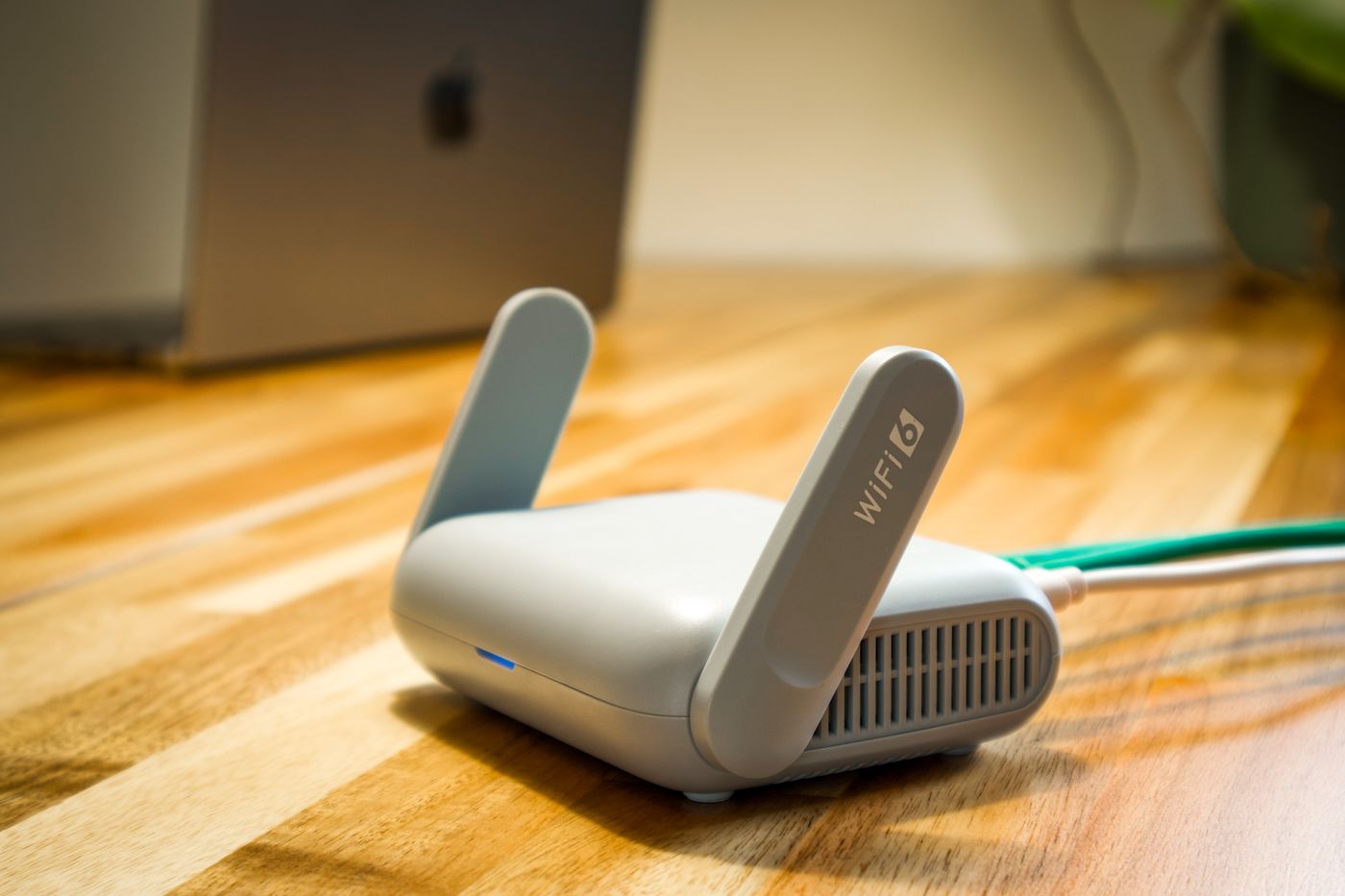
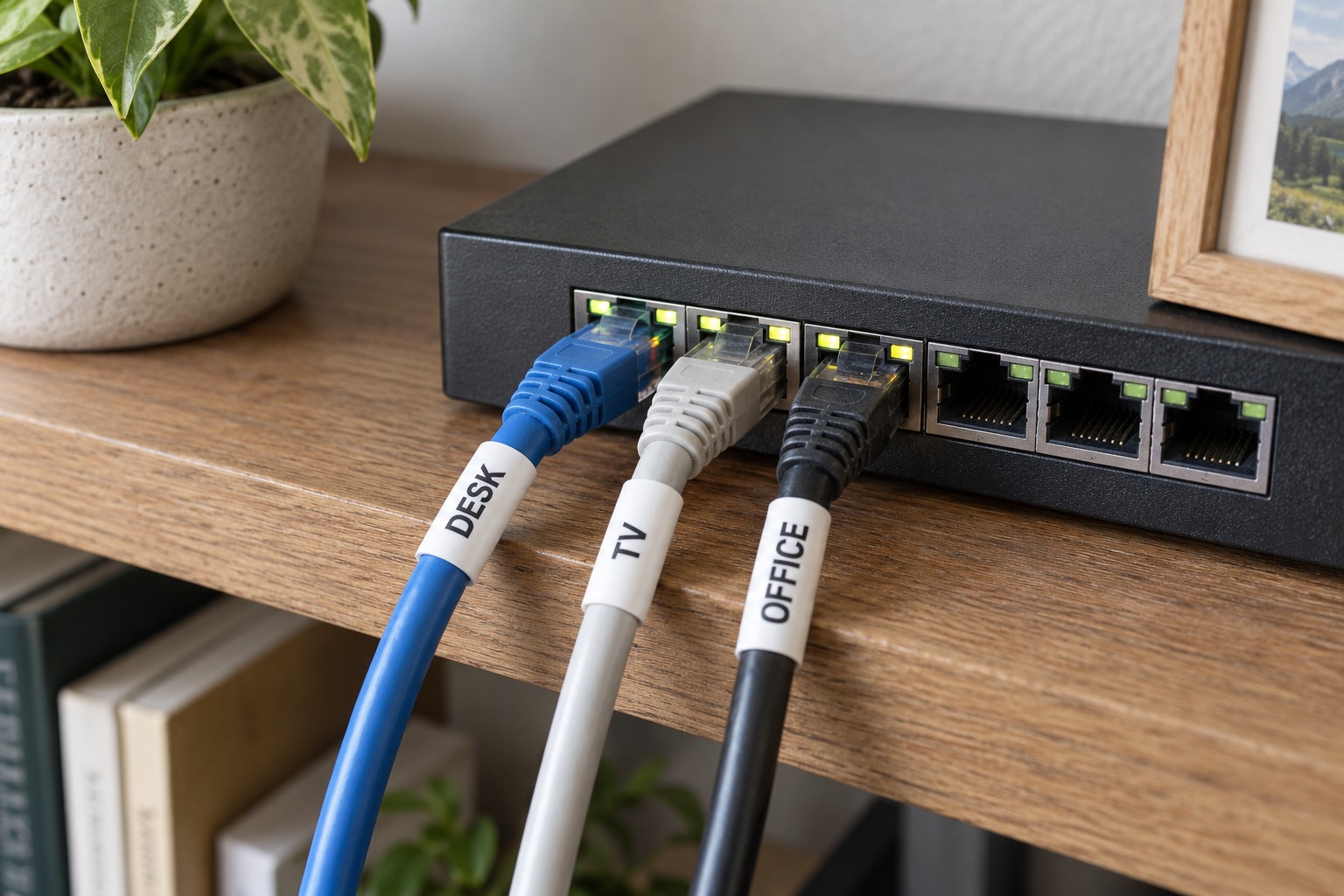
Giving a router room to breathe
Clear ventilation openings and the intended mounting position matter more than improvised cooling.
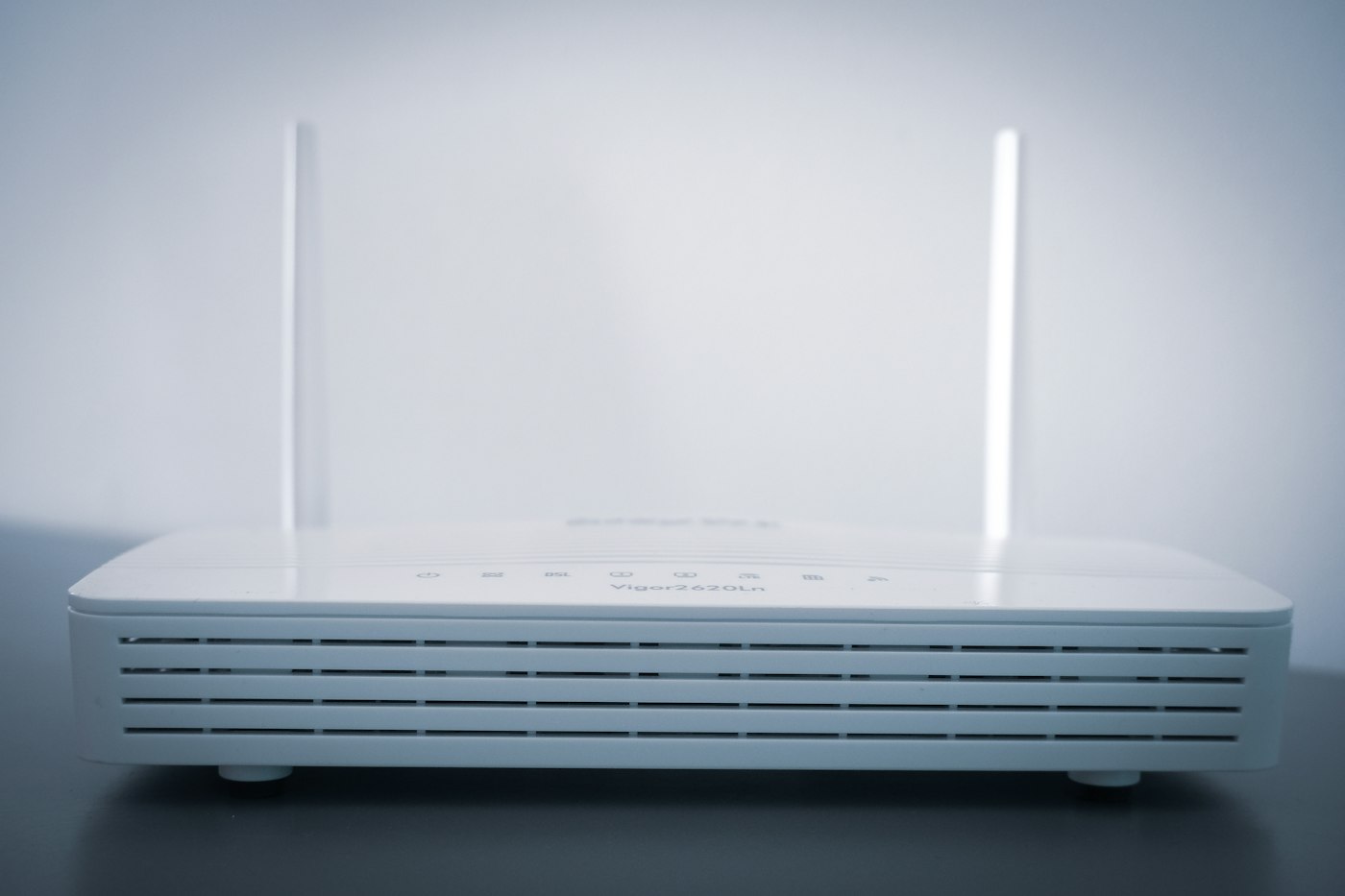
A router often runs continuously and can feel noticeably warm. Warmth alone does not prove a fault. Its intended operating conditions, clear airflow paths and changes such as repeated shutdowns matter more. Before buying an extra fan, examine the location carefully.
Is the router sitting on a soft cushion, under papers or between other warm devices? Are lower vents covered? Has its power adapter disappeared into a tightly packed cable box? These details can change unnoticed after installation. Clear the area so the device's actual ventilation paths remain open.
Follow the device's arrangement
Routers are designed for different orientations. One lies flat, another stands upright or uses a particular bracket. Do not turn the case on its side simply because it occupies less space that way. Check the permitted mounting position and any clearance stated in its manual rather than adopting an invented universal distance.
Avoid strong direct sunlight and positions immediately beside a heater. Consider whether closing a furniture door changes air circulation. A tidy compartment is not automatically well ventilated. The same location also needs to provide suitable wireless coverage, so heat and reception should be considered together.
Clean external openings only as directed by the manufacturer, with power safely disconnected where the instructions require it. Do not open the housing for improvised maintenance. Liquids, conductive tools and an unsuitable replacement power adapter are not solutions.
Record unusual behaviour
If the router repeatedly fails, note the time, workload and surroundings. Does it happen after long transfers or immediately after starting? Has anything changed around the device? Event logs may provide clues, but do not by themselves establish overheating. Power, connection and software faults can produce similar symptoms.
Stop using equipment with damaged wiring, deformation or an unusual smell and contact the manufacturer or a qualified service provider. A larger desk fan is not a repair for those conditions. For an otherwise normal router, keeping its specified space clear and not treating the case as a shelf is often the relevant task.