Tracing streaming interruptions on a television
Separate a single app problem from the wireless path and the shared internet connection.
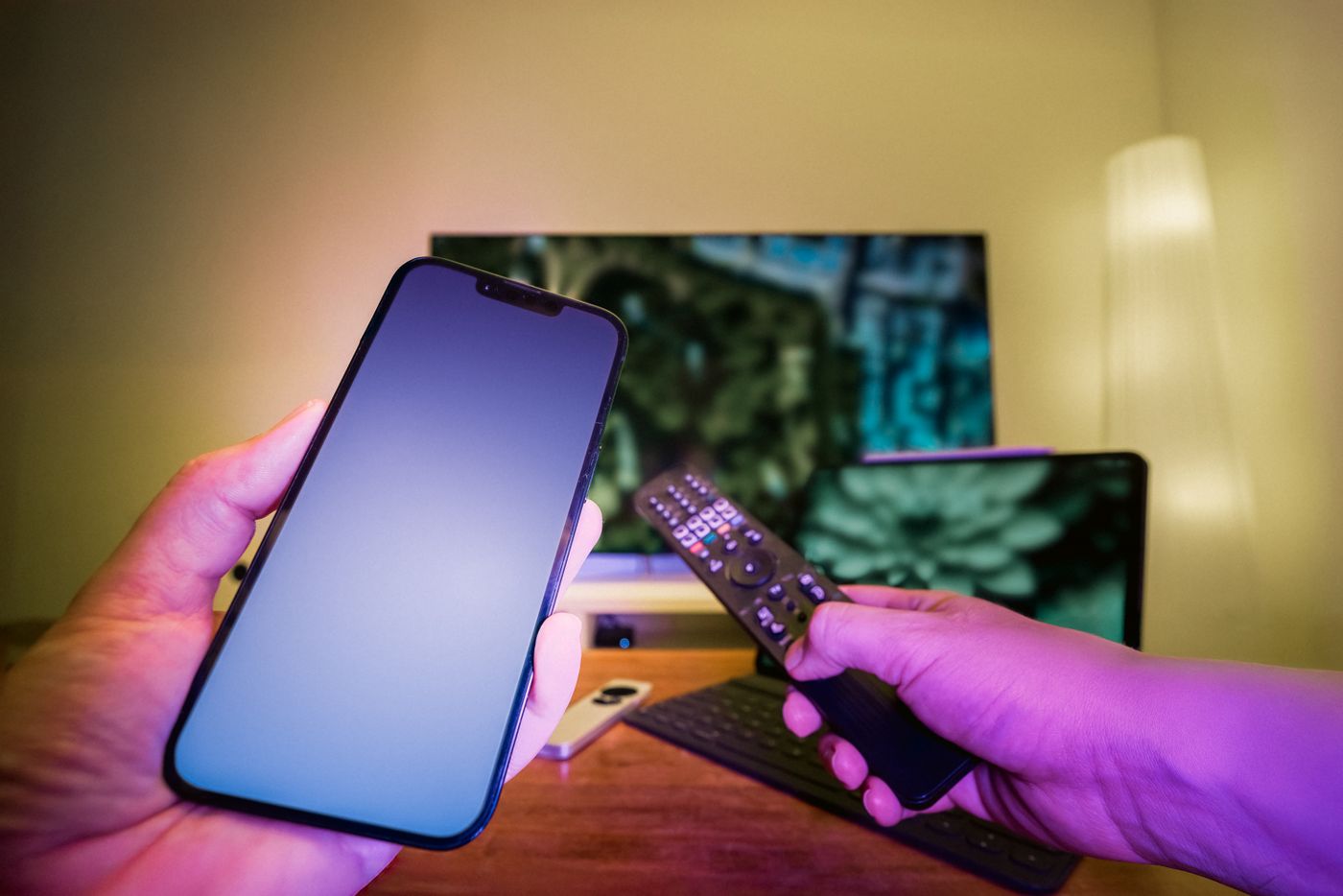
A film pauses while the phone beside the television opens pages normally. That does not establish that the television is faulty. Brief browsing differs from a sustained video stream, and the two devices may have different radios or connect through different wireless points.
First note whether every streaming app fails or only one service. Does it affect every programme, happen at particular times or begin after prolonged viewing? An exact error message and approximate time are more useful than saying that the internet is bad.
Compare another connection
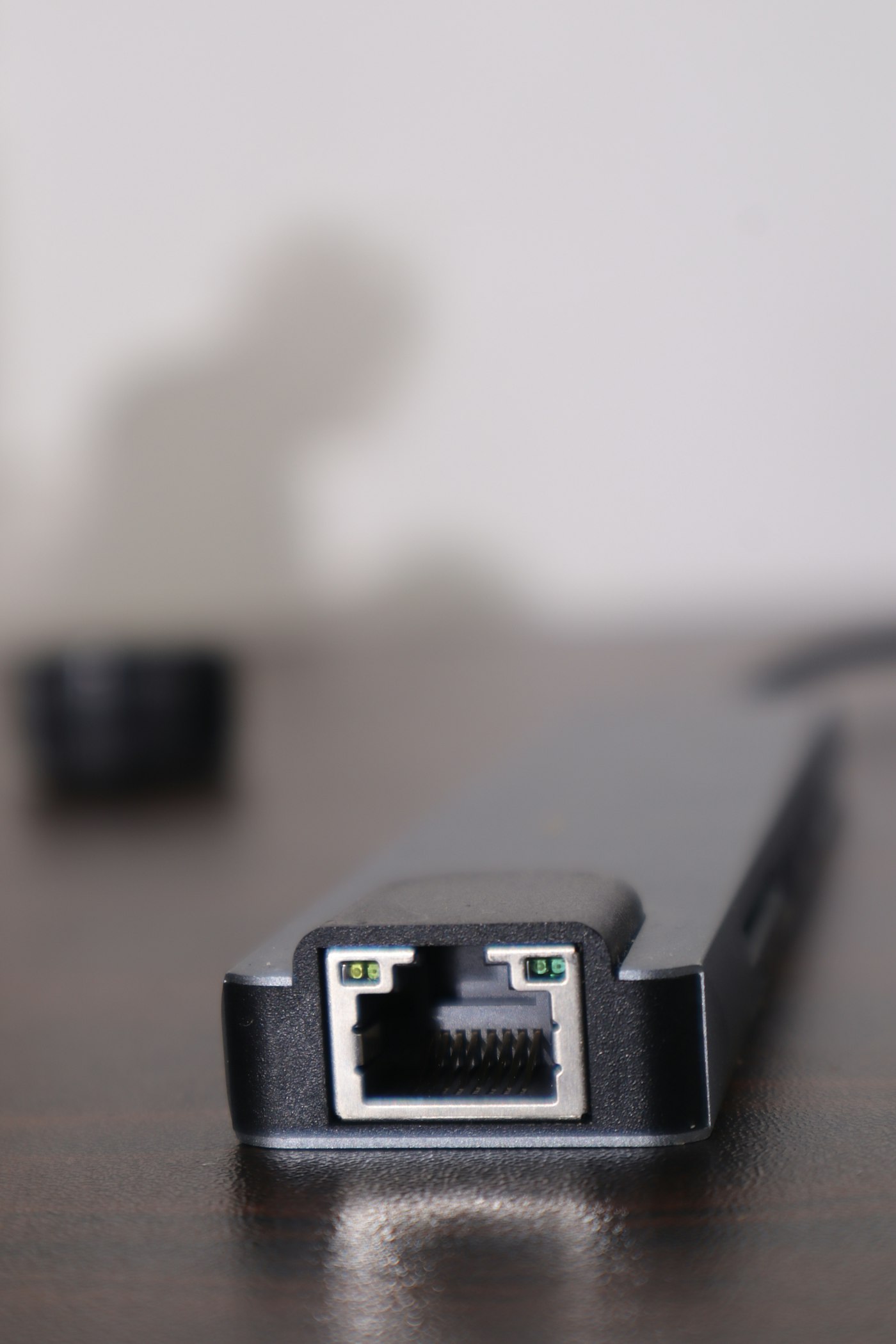
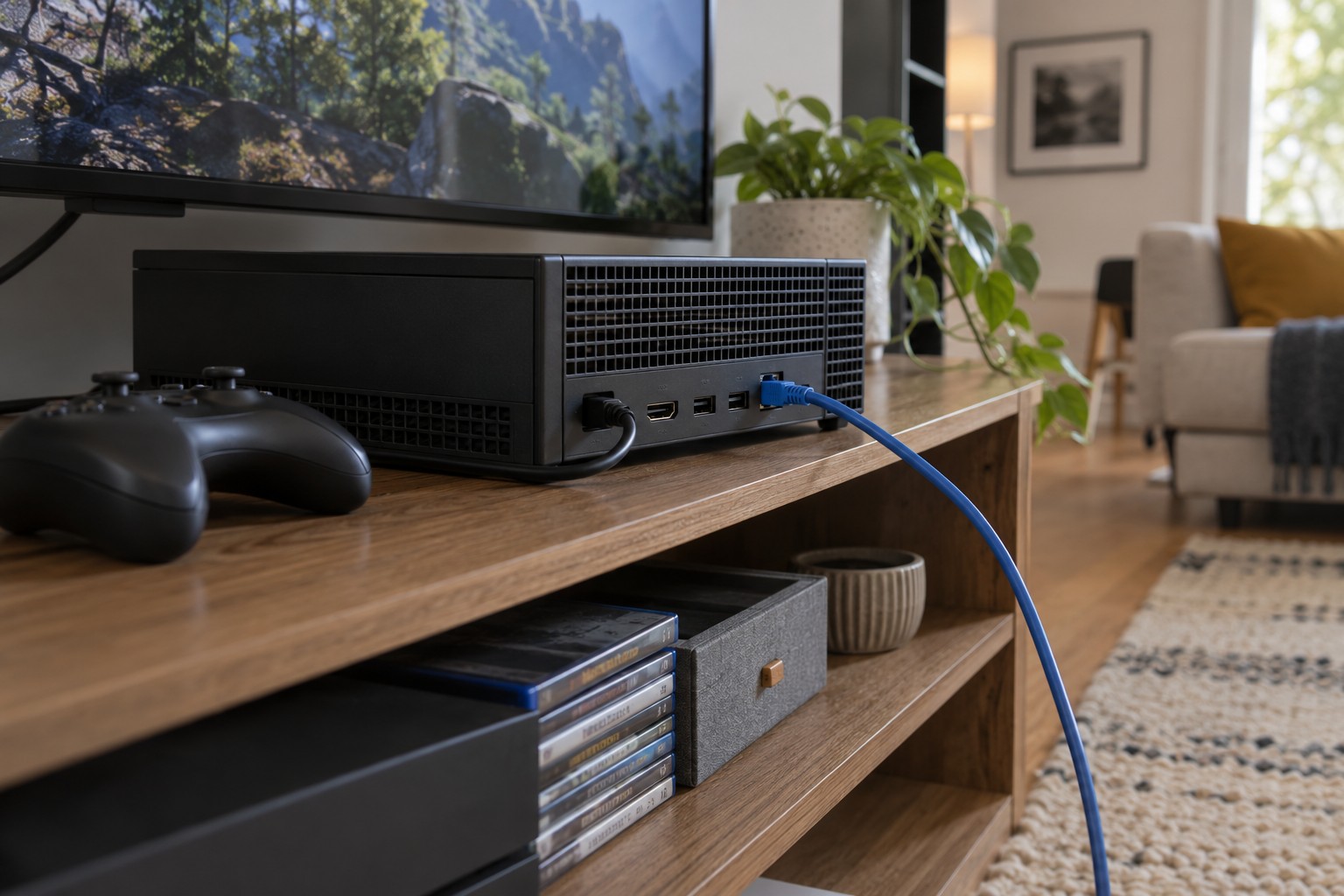
If the television has Ethernet, temporarily try a safely routed cable to the router or switch. Select the appropriate network mode in the TV settings if required. Compare the same service without also changing picture quality, app version and several router settings.
If playback improves substantially, investigate the wireless path. Check router placement and any mesh point involved. The point needs a good connection back to the main network. A node immediately behind the television may be poorly positioned despite being close to the client.
If the cable makes no difference, check for simultaneous large transfers on other devices. An evening game update or backup can share the same connection. An agreed short comparison without those activities is more useful than randomly switching off everything in the house.
Do not overlook the app and television
For a problem confined to one service, consult its official status information and TV-app troubleshooting guidance. Keep software updated through the supported route. Restarting the television differs from erasing all its settings. Prepare credentials and setup details before any factory reset; it is not the first answer to every stalled film.
The television's ports also have their own capabilities. A wired socket may not support the same maximum rate as a new laptop's port. The relevant outcome is reliable playback, not necessarily reproducing the largest speed available from your broadband plan.
Once the cause is narrowed down, change the permanent arrangement accordingly. A cable route, better wireless placement and an app correction solve different findings. Afterwards, watch for a normal sustained period. Successfully starting a title sequence does not establish stability throughout an evening.