Adding an access point to a home office
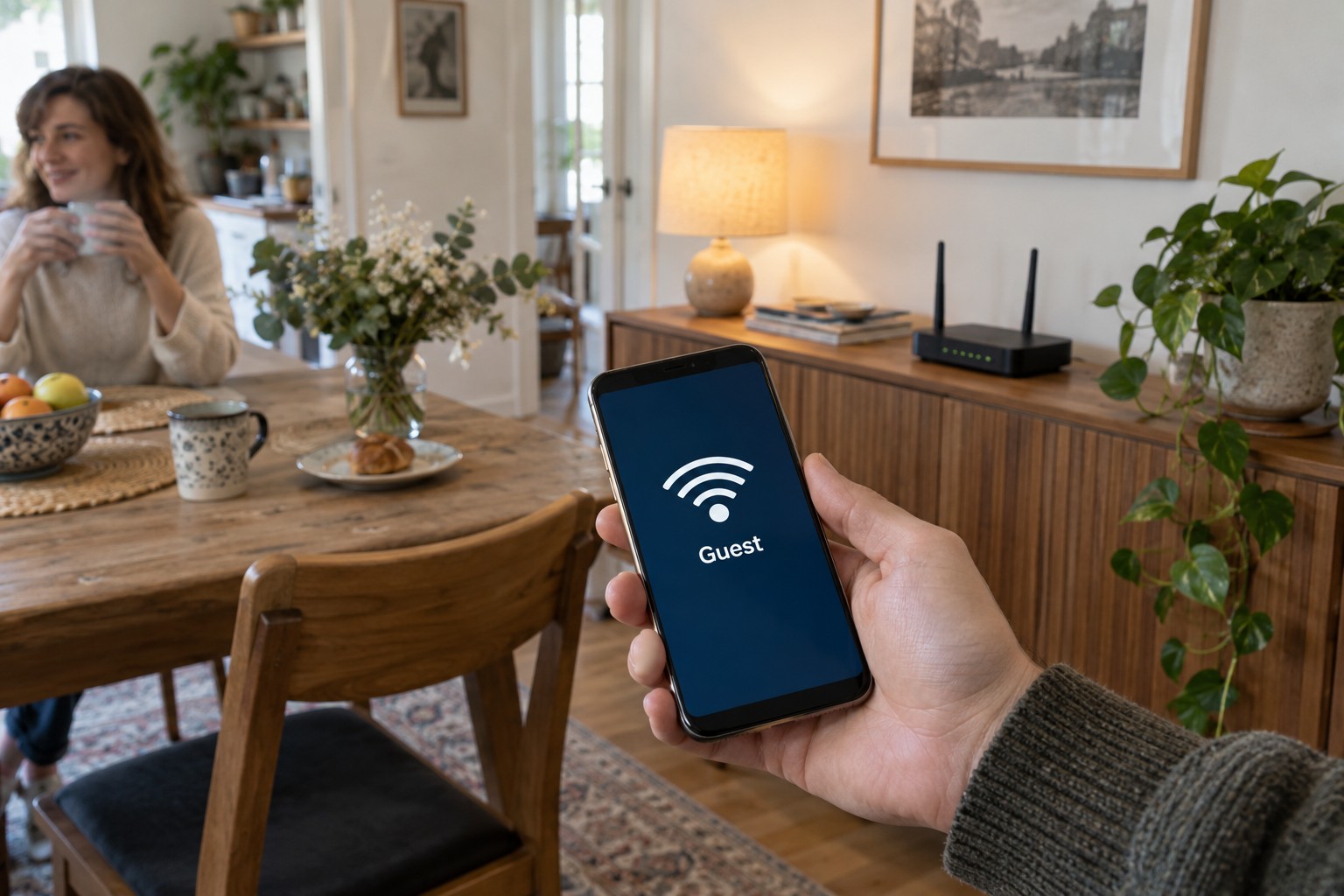
A wired access point can provide wireless coverage at the desk without creating a second independent home network.
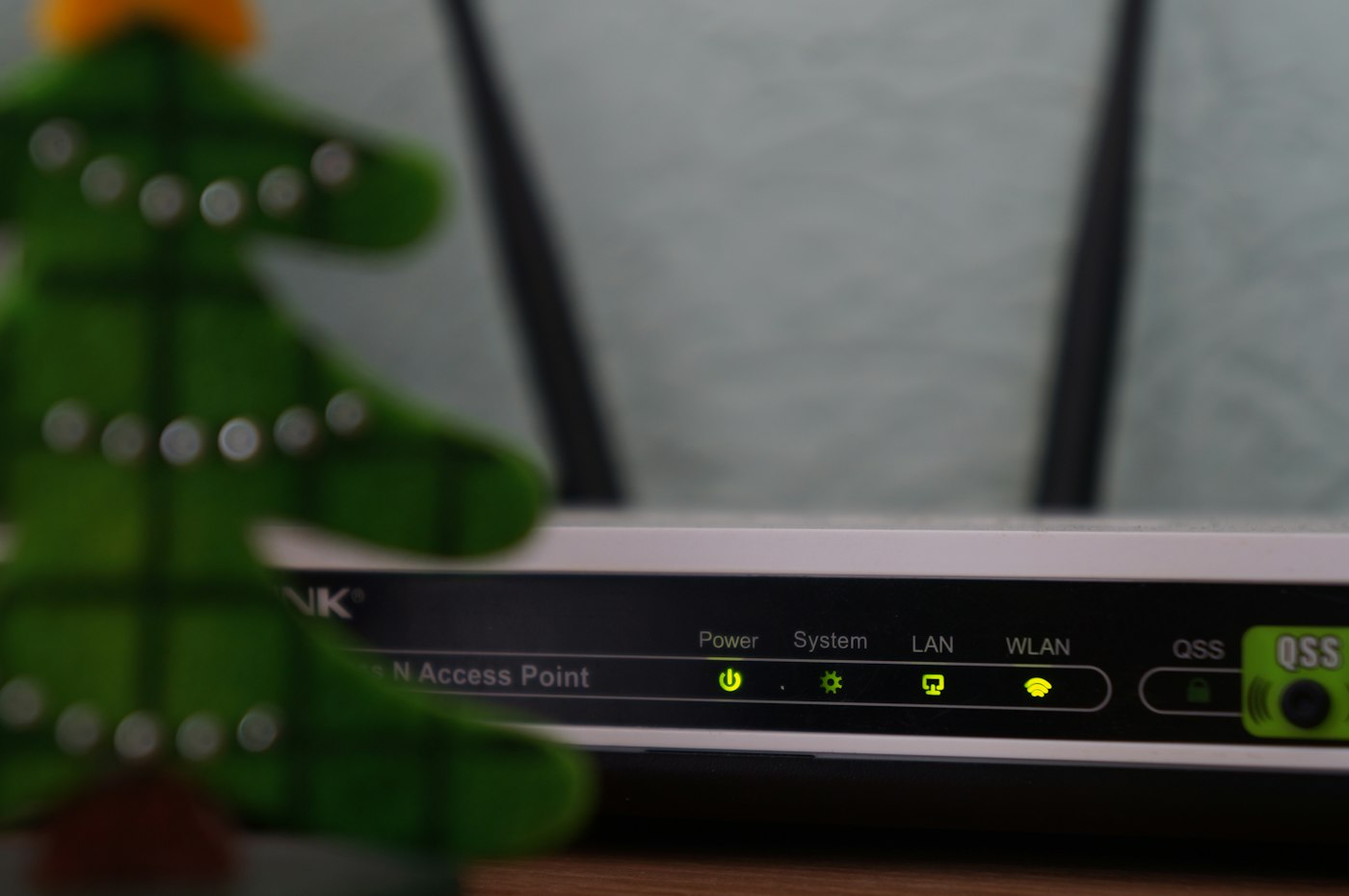
If Ethernet already reaches the office, a suitable access point can provide Wi-Fi there for phones, tablets and laptops. Its connection to the rest of the network travels over the cable. This differs from a wireless extender that still needs its own radio link back to the router.
Check the existing cable first
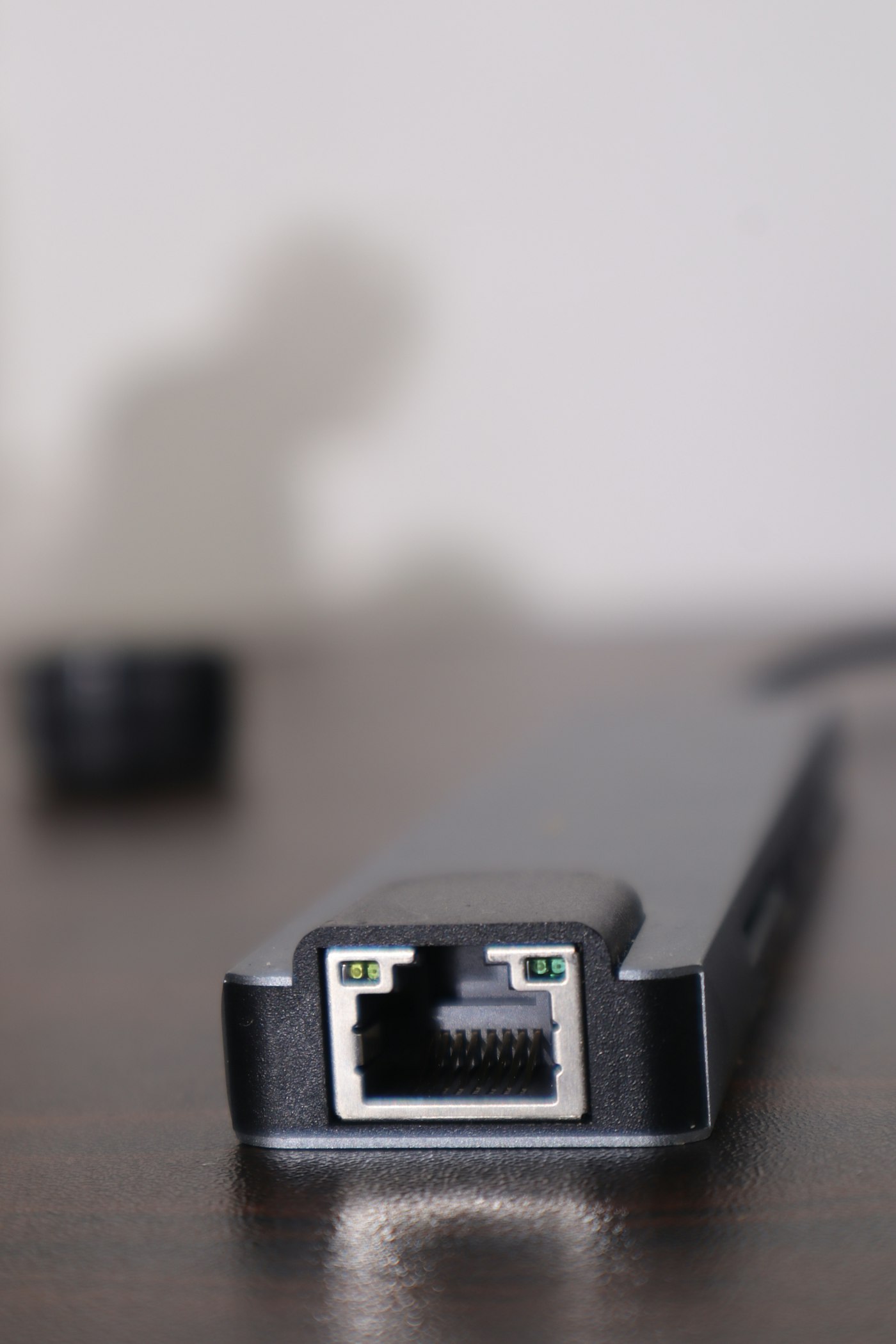
Connect a computer to the intended socket or cable and try an ordinary network task. Establish where the cable ends and whether that end connects to the router's LAN or an appropriate switch. An unconnected patch panel can explain why a neatly installed wall outlet provides no service.
Choose equipment whose power and data connections fit the room. Some access points use a power adapter; others use PoE. With PoE, the supplying switch or injector and the device must support the appropriate standard and power requirement. An arbitrary Ethernet port cannot power every access point.
Use the intended operating mode
An explicit access-point mode extends the existing network. If reusing a router, do not assume its default settings perform the same job. A second router can introduce another network boundary and DHCP service. Clients may then have internet access while reaching each other differently from what you intended.
Follow the exact model's instructions. The port used for the uplink and the later management route depend on the mode. Keep a record of the management address or documented access method. Equipment no longer receiving security support should not be reused solely because its radio still operates.
A shared Wi-Fi name is convenient, but does not guarantee seamless handover as part of a coordinated system. The client influences when it changes access points. Separate names may help a diagnostic test but add another choice during everyday use. Decide deliberately and keep security settings understandable.
Demonstrate the benefit in the room
Position the access point openly, rather than directly behind a large metal surface or inside a drawer. Test at the desk and other actual working positions. Include local tasks such as printing or reaching household storage if these are required, not just internet browsing.
Then walk with a connected phone into the adjoining area. Observe whether the connection stays usable for your activity. A client lingering on a distant point is a different issue from a failed cable. Record the successful arrangement and label the access-point cable so it is not accidentally reassigned later.