Sharing smart-home access with household members
Share the required functions through individual accounts and inspect the additional powers an invitation actually grants.
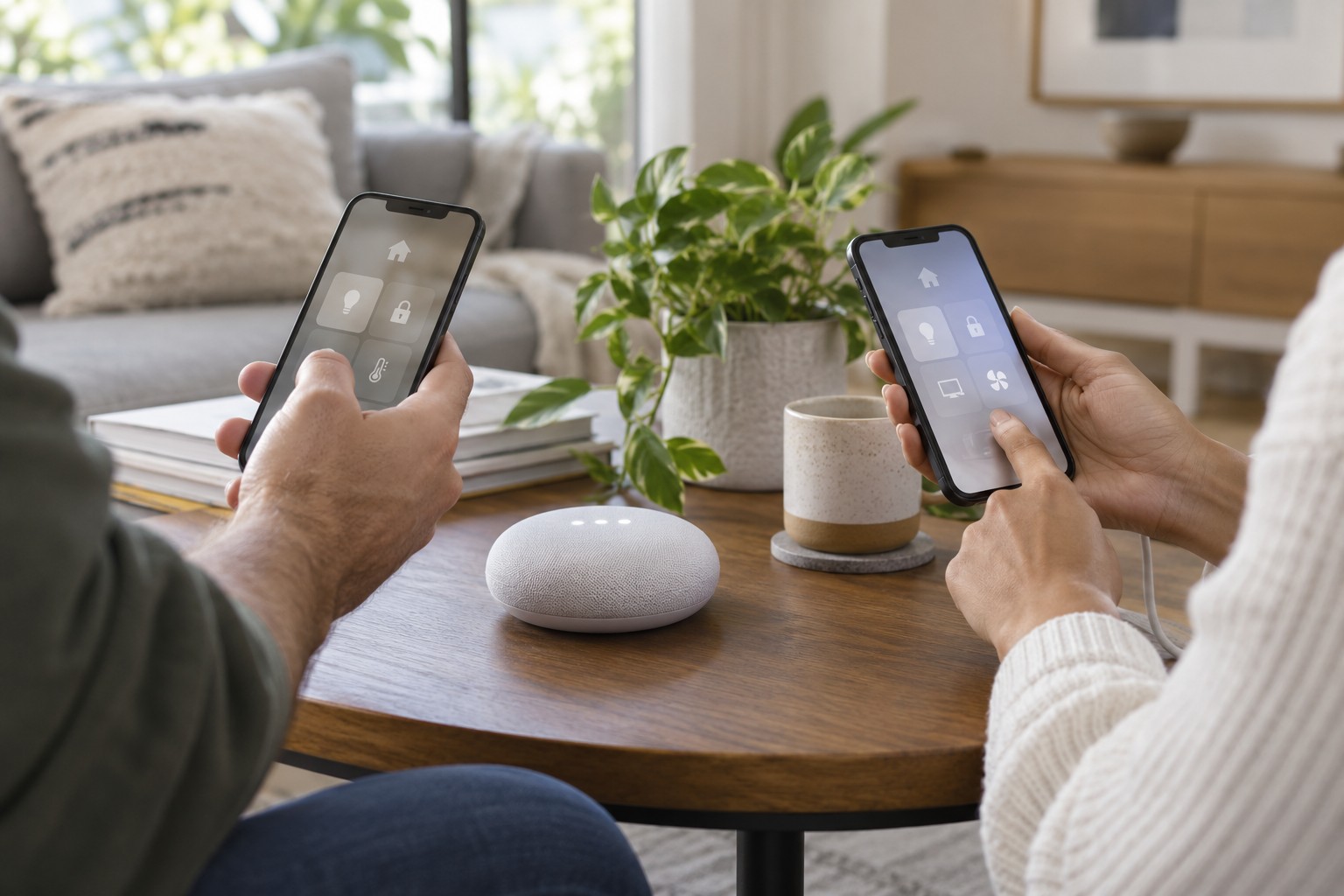
One person needs to operate the hallway lights. Another needs to receive an outside camera's alerts during a trip. Those tasks do not automatically require the same access. Before inviting someone into a smart home, describe the intended job precisely. A role called member or guest does not by itself explain which devices, recordings and settings become available.
Separate the task from the permission
Write a short requirement list for the person: devices to operate, need for remote access, permission to read past events and ability to change settings. Some platforms allow finer distinctions than others. If the available role grants substantially more than required, that is a limitation to consider, not a detail to ignore.
Camera access can treat live images, audio, history and configuration differently. A general household role may also apply to equipment added later. Read the current invitation screen and official permission description. An older tutorial may describe roles that have since changed.
Administrator rights deserve a separate decision. They can extend beyond device control to managing invitations or the household itself. Reserve that role for people who should genuinely co-manage the installation. A temporary visitor has different needs from someone permanently responsible for the system.
Use individual accounts
Where available, use the intended invitation process with the other person's own account. Copying the owner's login onto several phones makes later withdrawal harder and mixes recovery, personal services and device administration. Send invitations to the correct address and have the recipient accept them deliberately.
Review the visible permissions together, including presence information, camera events or information about other residents. The recipient should not discover unexpectedly weeks later that the app exposes more than intended. Location sharing, if offered, is an additional decision rather than an automatic requirement for every device-control task.
Initially configure access around the specific job. Use understandable device names and demonstrate the expected controls. Someone responsible for opening a door needs a clear route for that action and an independent fallback. They should not have to learn which app controls which part while an outage is already happening.
Check using the invited account
On the recipient's device, verify the required function. Also check that unnecessary history and administration features are absent. This negative check matters: a working light button does not prove that the invitation is limited to lighting. Avoid changing the person's unrelated personal settings during testing.
If remote operation is required, test it separately from the home Wi-Fi connection. Confirm that notifications reach the intended phone as well. Operating-system notification permissions can act independently of the household role, so accepting an invitation is not the end of setup.
For temporary access, agree an end date. If automatic expiry is unavailable, create a reminder to remove it. Afterwards check the intended state and recognise that previously exported files may exist outside the system. Revoking an account does not necessarily delete every copy someone already made.
Allow for household changes
Review access when someone moves out, equipment is sold or responsibility changes. Avoid removing the only account able to manage the installation. Ownership transfer may follow a different process from an ordinary invitation. Read that process before deleting the previous account.
Keep recovery options and important administration information secure without exposing them to every role. A second trusted administrator may suit the household, but should be chosen deliberately. The aim is neither one shared all-purpose password nor dependence on one unavailable person for every necessary function.
Keep a concise record of person, purpose, role and any expiry date, without passwords. Revisit especially powerful roles after platform changes. Their everyday names can stay the same while additional capabilities are introduced.
Finally, distinguish access from responsibility. Giving someone camera notifications does not mean they have agreed to respond at all hours. Discuss what to do with an alert, whom to contact and when the temporary arrangement ends. A technically correct invitation can still fail its purpose if both people assume the other is responsible for acting.