Planning backup access for a smart lock
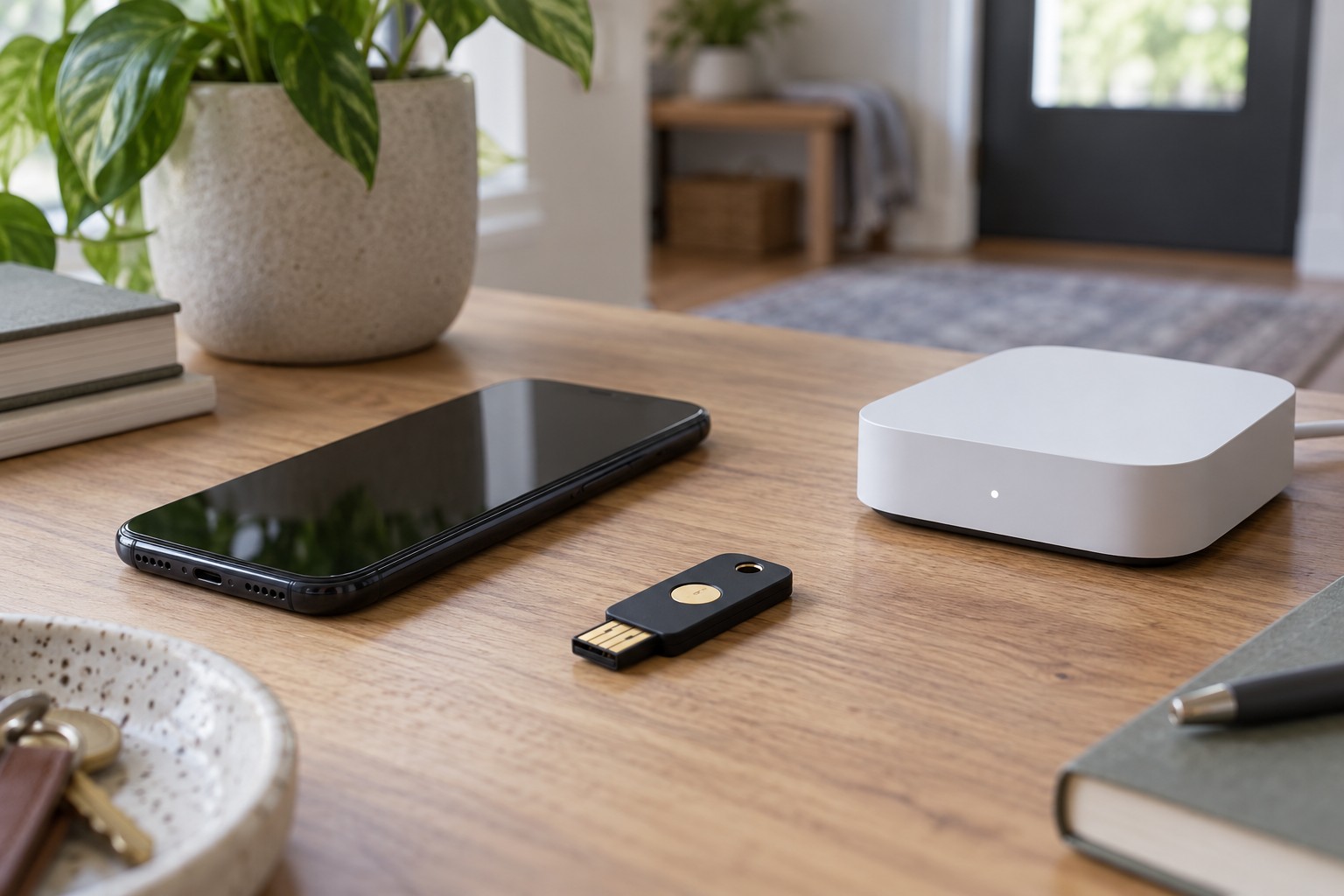
A second phone is a fallback only when it does not depend on the same failed component.
The phone battery is empty, the lock has no power or the internet service is unavailable. Those situations may look similar in an app but call for different fallback arrangements. Plan by failure type rather than simply counting available apps.
Name the dependencies
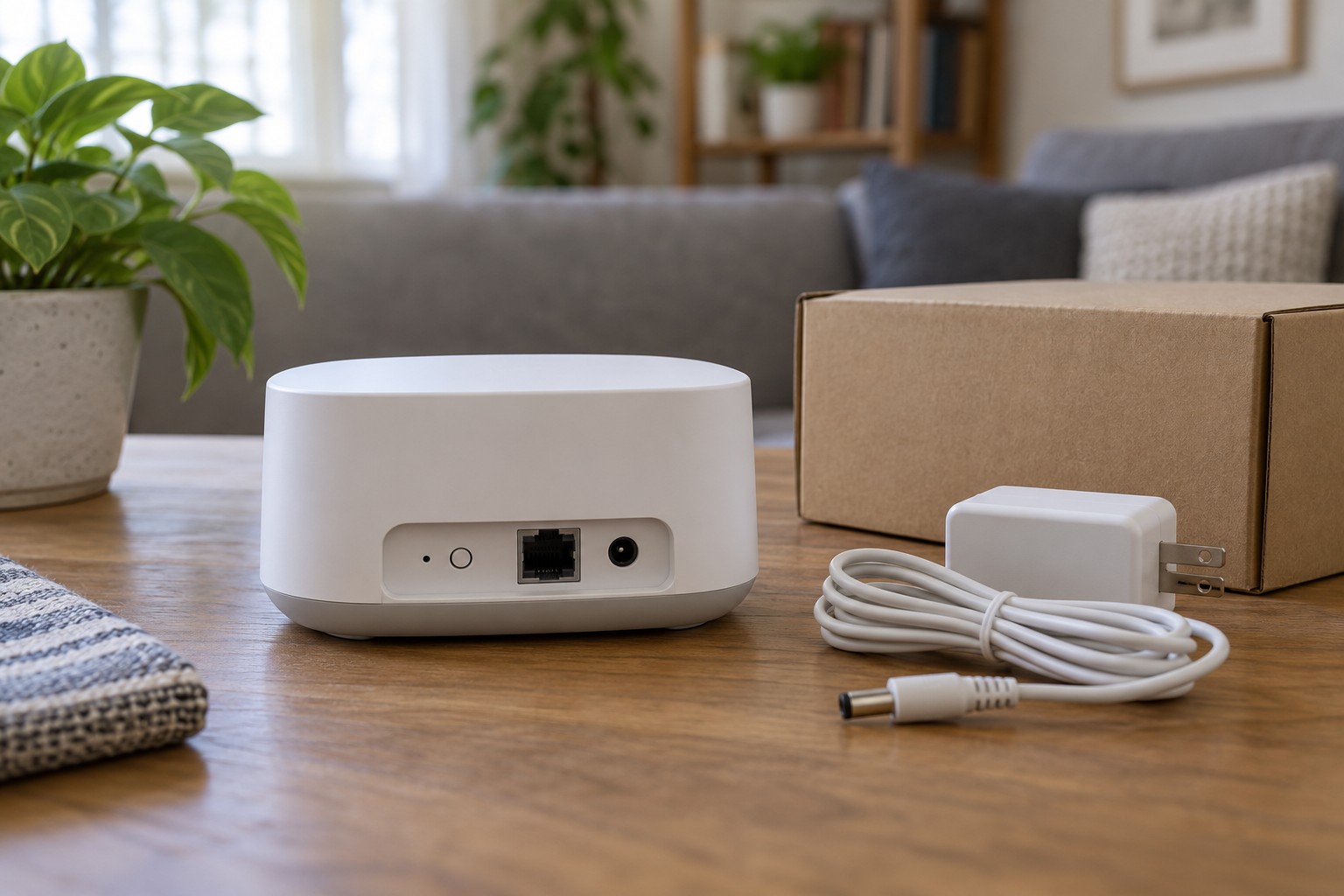
List what ordinary entry requires: perhaps a charged phone, local radio connection, account, hub and powered lock motor. Another phone can help when the first is lost, but not necessarily when the lock battery is empty. Another cloud service may not help when the internet connection fails.
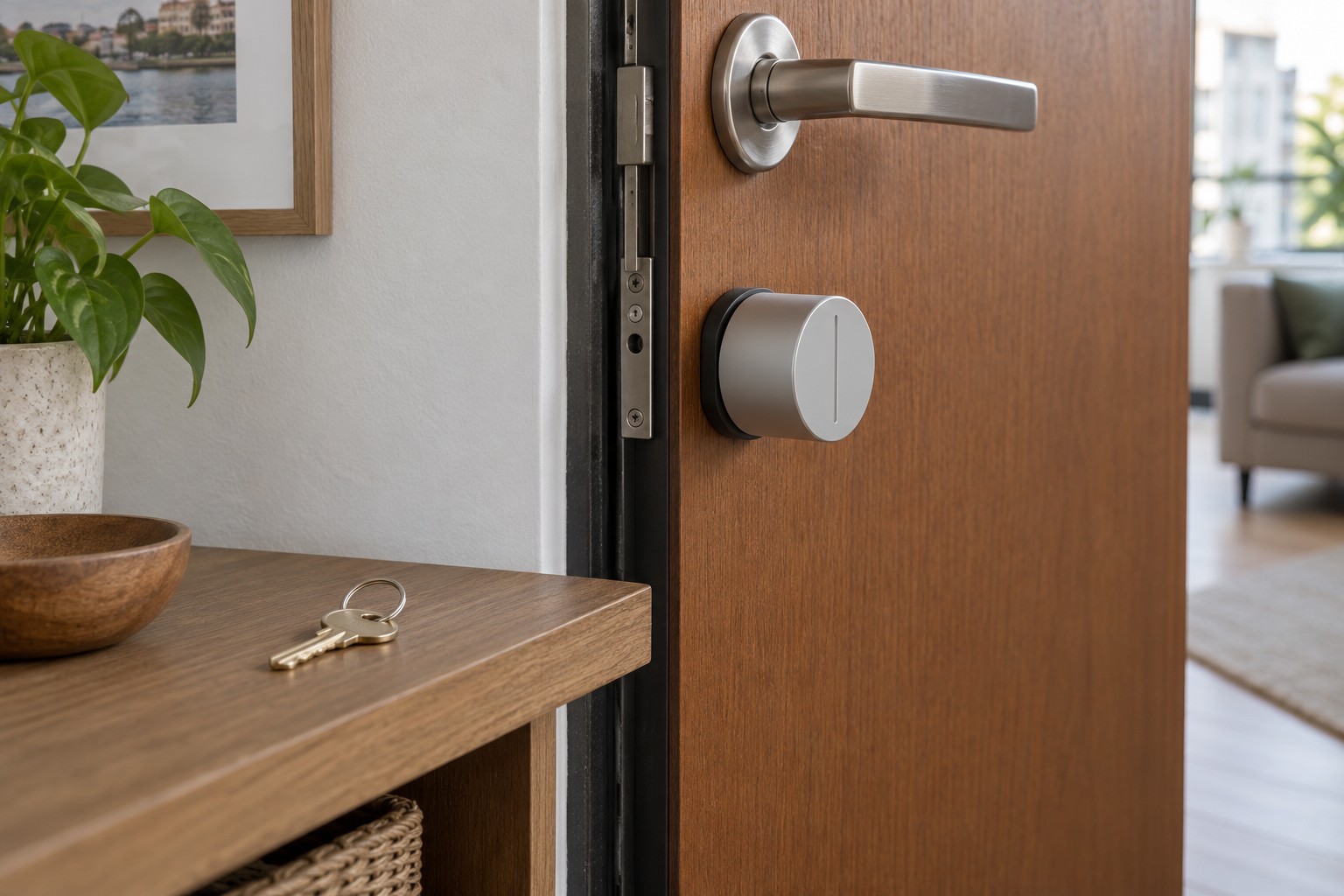
Check the exact model's documented alternatives. A mechanical key, intended local control or another manufacturer-described method can have different prerequisites. Not every smart lock offers the same fallback. With some retrofit systems, an outside key works only if the cylinder permits operation while a key remains inserted inside.
Test without locking yourself out
Follow the approved mechanical checks with the door open. Do not deliberately lock yourself out to simulate a failure. If cylinder suitability or door mechanics are uncertain, obtain a qualified assessment. A stiff or sticking mechanism should not be compensated for by forcing the motor harder.
Consider leaving the property as well as entering it. Residents need to understand the intended ordinary operation without first recovering an account. Requirements for escape routes or special doors must not be casually changed by a retrofit; consult the appropriate qualified party where relevant.
Keep the replacement key or specified accessory reachable when needed without hiding it insecurely outside. A backup left behind the locked door beside the failed phone does not solve the problem. Where appropriate, arrange responsible access with a suitable trusted person.
Turn warnings into action
A battery alert should lead to a specific task: charge or replace as instructed, then verify operation. Do not assume every household member receives the same message. Agree who acts and how completion is recorded.
After changing batteries, phones or accounts, recheck ordinary access and the planned fallback. Some products have an initialisation process after power is restored. Follow it instead of ignoring an incomplete status indication.
Keep a short, non-public reference describing the problem, approved response and support contact if it remains unresolved. It should describe intended operation, not ways around the lock. A useful backup is understandable, available and sufficiently independent of the particular failure.