Protecting a smart-home account
Review sign-in, recovery, active devices and shared access, rather than treating password length as the entire task.
A smart-home account can expose device controls, camera recordings, presence information and management of other users. Do not treat it as an unimportant login needed only during installation. Useful protection begins with understanding its actual role in the household.
Identify the right accounts
A manufacturer login, platform account and local administrator interface may coexist. Record which account manages which equipment and which email address it uses. Keep this reference separate from publicly visible device labels. It need not contain written-out passwords.
Examine recovery as well. An inaccessible email address or one belonging to a former workplace can make a later phone replacement difficult. Update details through the official interface while ordinary access still works. Do not remove the old method before the new one has been established through the intended process.
Strengthen sign-in and recovery together
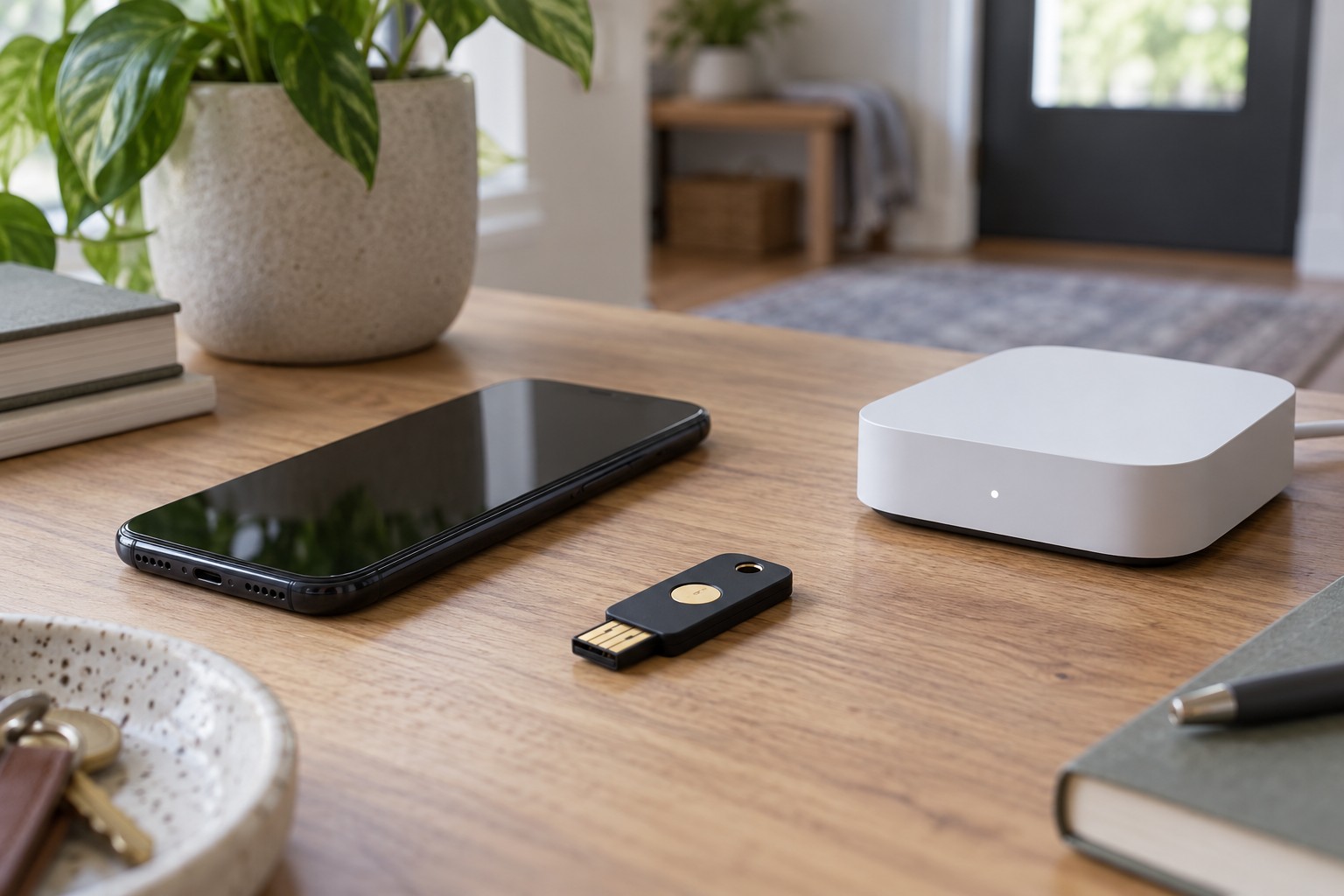
Use a long password unique to the account rather than reusing one from another service. An appropriate password manager can help create and store it. Where the provider supports passkeys or an additional authentication factor, select a suitable option using the current instructions for that account.
Setup is not complete merely because the existing phone signs in successfully. Consider access after losing it. A backup code, another supported factor or a documented recovery route may be needed. Store recovery material securely, and not exclusively on the same device whose loss you are planning for.
Protect the recovery email account with comparable care. A strong smart-home password provides less benefit if someone can take control through a weakly protected reset address. Check that details on both accounts remain current and genuinely belong to you.
Inspect sessions and integrations
Review active sessions or signed-in devices where the provider exposes them. Is there an old phone already sold, or a browser on a formerly shared computer? Remove unnecessary access through the intended controls. Investigate an unfamiliar entry: names can be imprecise, but that is not a reason to ignore it.
Next examine external associations. A voice platform, automation service and manufacturer app may provide different routes to the same equipment. Remove unused integrations carefully because one association can operate several devices. Establish the consequences before disconnecting an entire service.
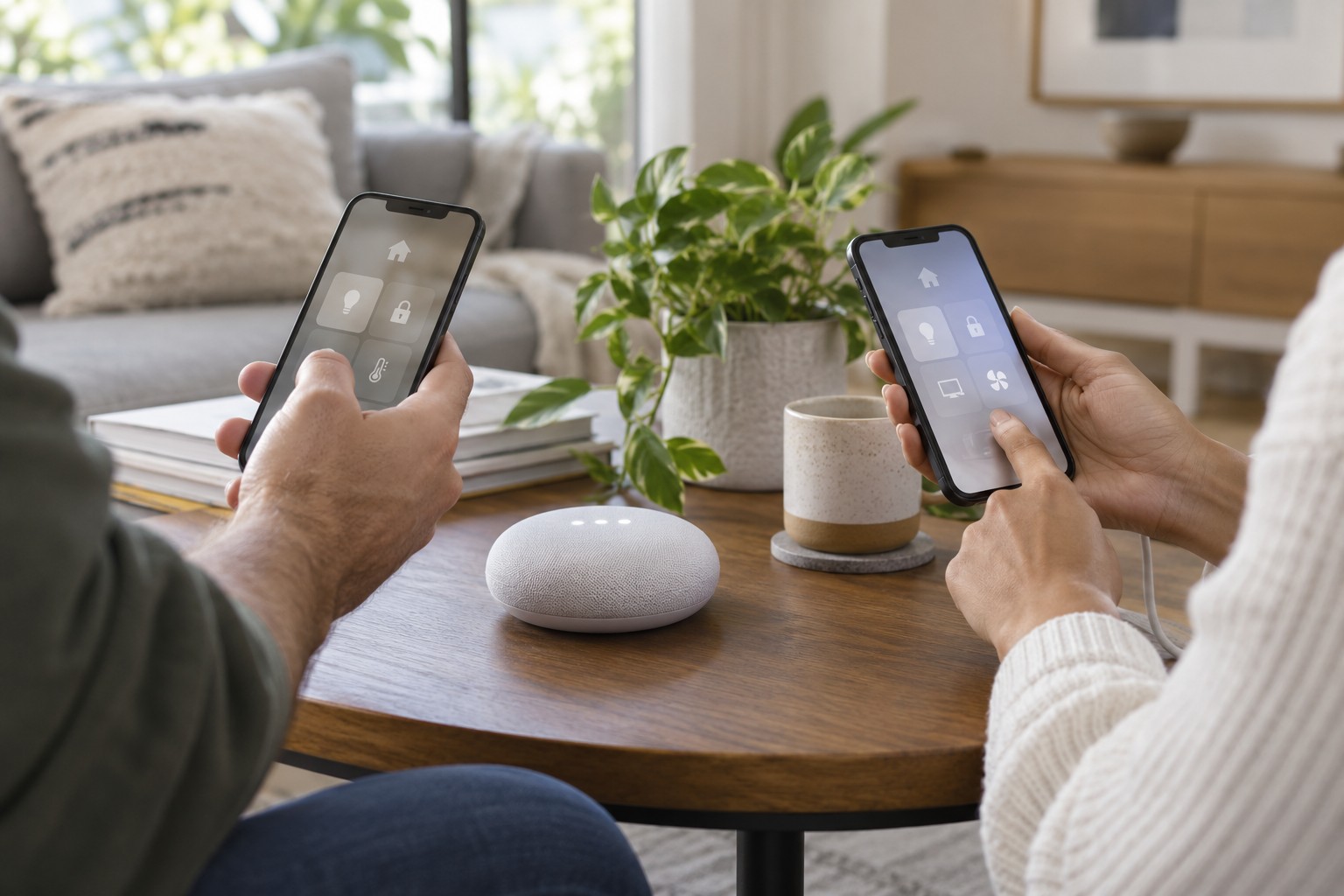
For other household members, intended individual invitations are easier to manage than sharing the owner's password. Review their roles and access to history. Wanting someone to operate a lamp does not automatically justify administration rights over cameras and accounts.
Recognise unexpected requests
Do not approve a sign-in prompt you did not initiate. Do not disclose one-time codes to an unsolicited caller claiming to be support. Open the known official app or enter the familiar provider address yourself when a message demands urgent account action. Convincing presentation does not establish a message's origin.
If unauthorised access is suspected, use the provider's security or recovery process. Secure the associated email account, review sessions and permissions, and follow official instructions. Restarting a physical device does not automatically revoke an outsider's account session. Preserve relevant messages without posting sensitive credentials in public forums.
Include everyday devices
Protect the phone with an appropriate screen lock and keep its software and apps current. Review what notifications reveal on its locked screen. Account settings can be correct while an unattended unlocked phone still permits direct control.
Repeat the short review after a phone change, someone leaving the household or adding a significant integration. A rigid daily audit is unnecessary; meaningful changes are useful prompts. Keep recovery information current so stronger authentication does not accidentally leave the legitimate owner unable to return.
No individual setting guarantees complete security. A combination of distinct credentials, prepared recovery, limited sharing and maintained devices reduces avoidable dependencies. It also makes the appropriate place to investigate clearer when something unusual happens later.
Keep emergency access to the physical home separate from account recovery. A delayed login process should not be the only way to operate a necessary door or essential household function. Review those device-specific manual alternatives independently, without weakening the online account to compensate for an inadequate physical fallback.