Tracing lip-sync delay on a television
First establish whether sound is early or late, and which sources show the problem.
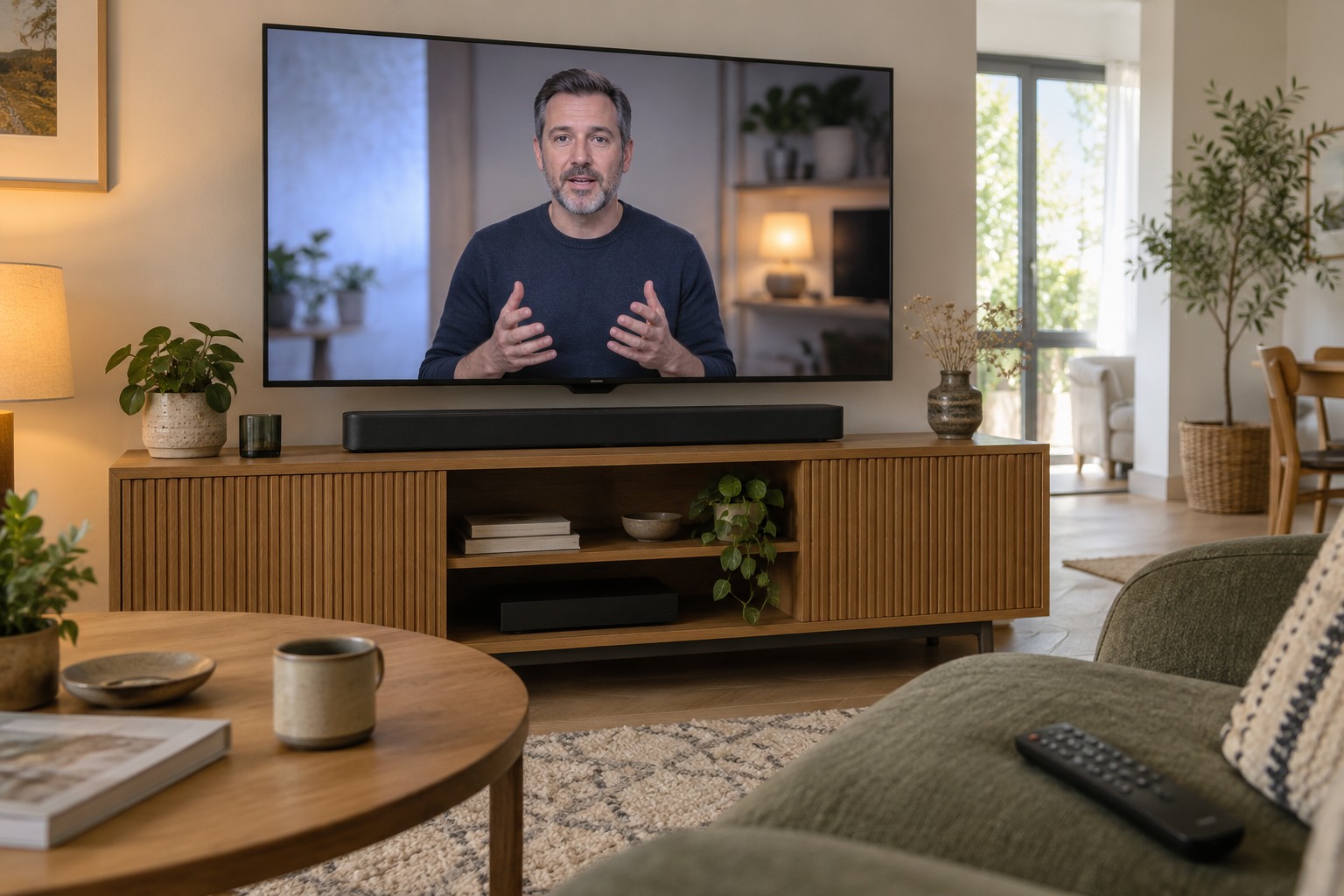
When speech and lip movement disagree, it is tempting to change an audio-delay slider immediately. That can help or make the mismatch worse. Adding delay does not correct both directions. First observe whether the voice is heard before the visible movement or afterwards.
Use a familiar scene with clearly visible speech and keep it consistent while comparing settings. One poorly synchronised programme or dubbed track may have its own problem. Check a second source before reconfiguring the whole system.
Write down the signal path
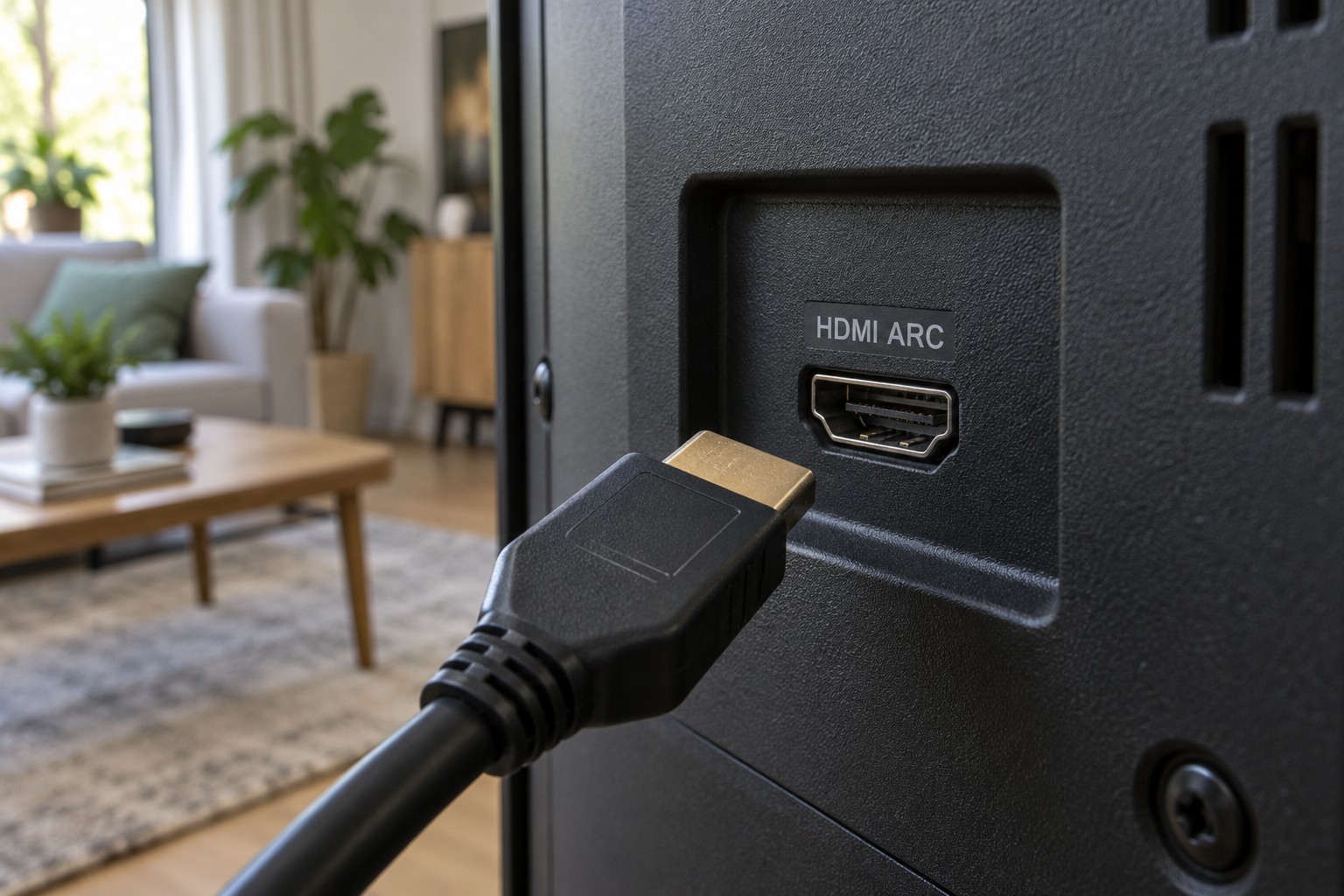
Identify the route taken by picture and sound. An internal app using television speakers differs from a console passing through the television and then over eARC to a soundbar. Bluetooth headphones introduce another path. Without this distinction, adjustments can be made in the wrong place.
Temporarily try internal speakers where possible. If timing is correct there but not through the external system, the added audio route deserves attention. If the mismatch already exists internally, the soundbar is not automatically responsible.
Compare an internal app with an external player next. If only one fails, record that boundary. A broad complaint becomes a more specific question, such as audio from an HDMI source through the television output rather than the whole television being out of sync.
Understand the correction direction
If sound is early, an appropriate audio delay can play it later. If sound is already late, adding more delay to that same route increases the gap. Some televisions offer picture adjustment or automatic synchronisation instead. Available options depend on model, input and operating mode.
Sony explains that A/V synchronisation on certain televisions can delay the picture. This may suit films while affecting response to game inputs. Judge lip sync and gaming responsiveness separately. A film-night adjustment is not necessarily suitable for a console.
Record the starting value and change one control at a time. Use small steps and the same scene. Continue if the direction improves; restore the original value if it worsens. Changing several controls together makes it difficult to know which one helped.
Formats and processing
Audio formats and processing modes can take different paths through equipment. A manufacturer-recommended PCM output can provide a diagnostic comparison, but may alter multichannel or other format capabilities. Treat it as an intentional test rather than a universal improvement.
Review optional sound processing and picture modes against the manuals. Do not disable everything at random. Retest the affected input after a mode change. Some televisions store settings per source, so an app adjustment may not apply to HDMI.
If the soundbar has its own suitable input, a supported direct source connection can provide another comparison. It may also change the chain's picture capabilities. Recheck resolution and refresh rate so solving sound does not quietly violate another requirement.
Constant offset or increasing drift?
A roughly constant gap differs from one that grows during playback. For increasing drift, record elapsed time, source and the effect of a normal restart. A fixed correction value cannot reliably compensate for a moving problem.
Check official updates and support notices for the exact models. Install only approved software and preserve important settings where possible. A factory reset should not be the first step because it removes many working assignments.
Support benefits from a concise record of tested routes: internal speakers correct, internal app through soundbar correct, external console through soundbar late. Add connections, software versions and tests already reversed. This reduces repeated guesswork.
Finish by checking ordinary sources and returning to a documented, manageable configuration. Correct film sound should not come at the cost of duplicate output, extreme delay settings or unnoticed limitations elsewhere. The goal is a signal chain whose behaviour you can explain.