Connecting headphones to a television
Before pairing, decide the audio route, volume control and whether other people should listen through speakers simultaneously.
Televisions do not all support the same headphone connections. A Bluetooth specification may concern remotes or accessories rather than wireless audio output. Check the exact function in the television manual.
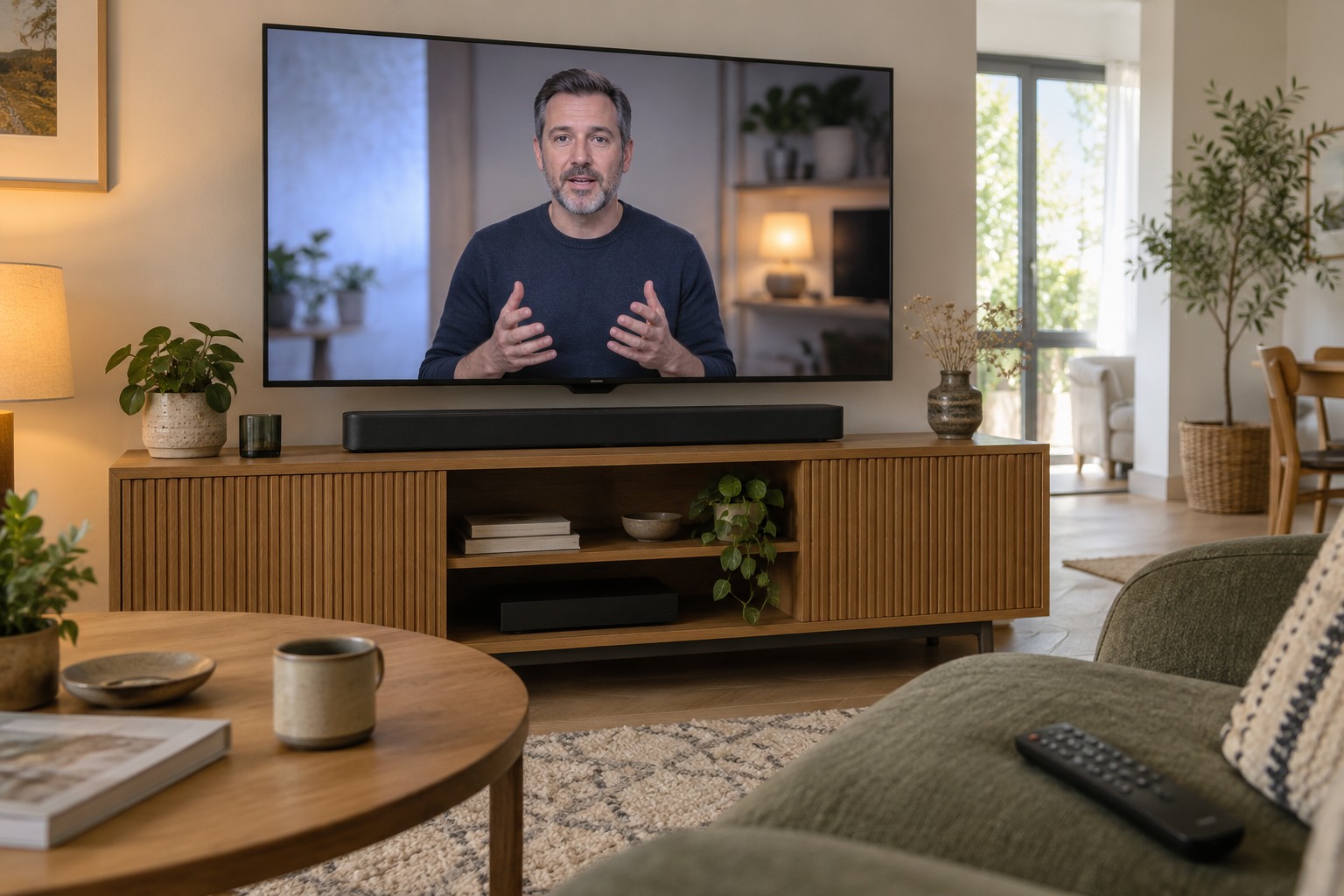
Decide whether listening will be through headphones alone or alongside speakers. Some sets mute their speakers when headphones connect; others offer separate outputs or special settings. Establish this before purchasing a transmitter or headset.
Use an appropriate existing connection
A suitable headphone socket is often the simplest wired option. Check the plug, lead length and safe route to the seat. Do not stretch a cable across a frequently used walkway. Start at low volume and adjust after confirming playback.
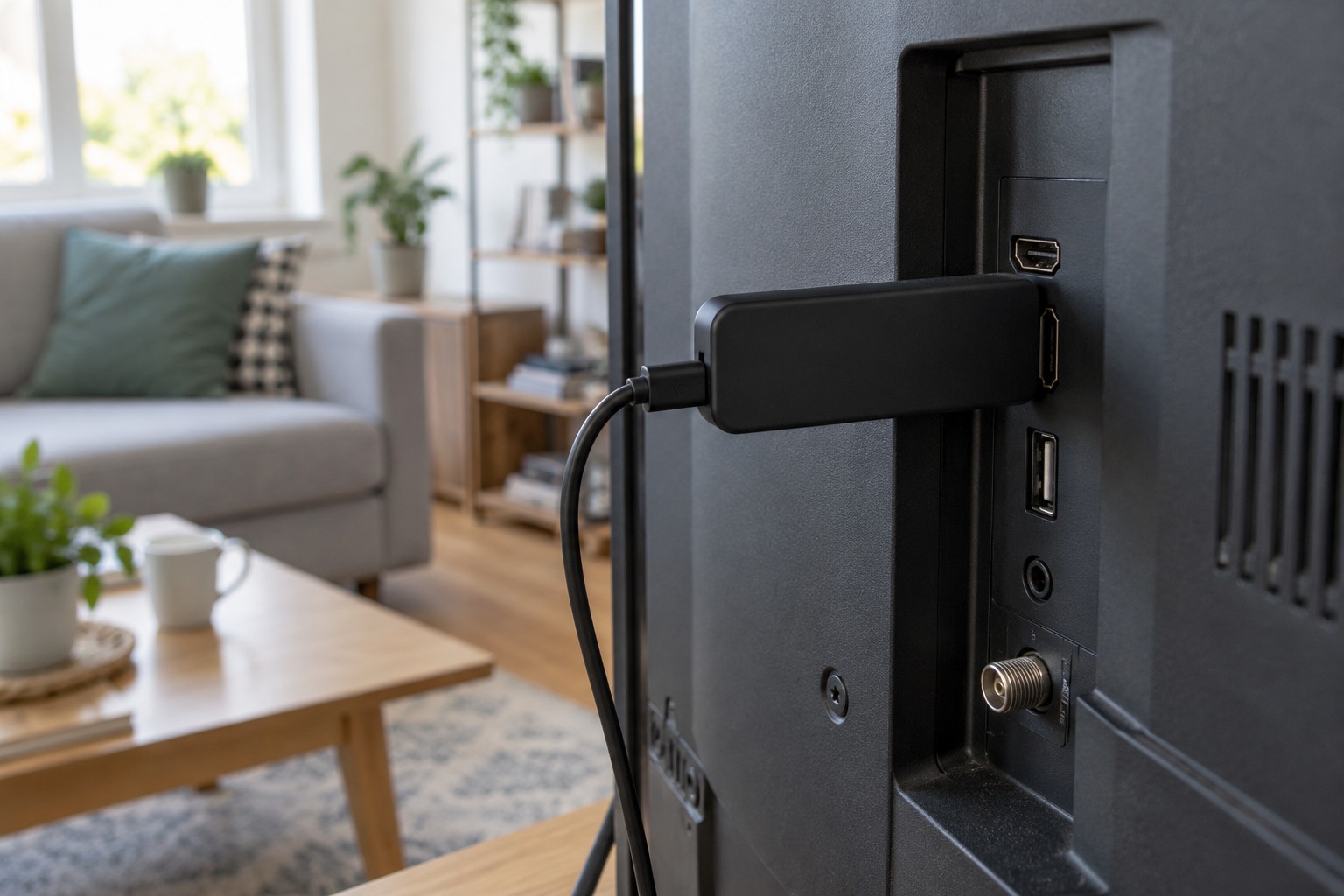
An optical output is not merely a headphone socket in another shape. Headphones need an appropriate intermediate device, whose supported formats must match the television output. A mechanical adaptor alone cannot perform arbitrary signal conversion.
For Bluetooth, put the headphones into their documented pairing mode and select them in the audio menu. An existing phone connection may interfere with setup. Disconnect it as instructed rather than immediately resetting the headphones completely.
Test picture and sound together
Use a scene with clearly visible speech. A connection may sound uninterrupted yet have noticeable timing differences from the image. Sony explains that relevant synchronisation settings can delay the picture, which may then affect gaming response. Test the real activity rather than music without video.
If delay appears, identify its direction first: does sound arrive before or after the visible action? Change one supported setting at a time. Adding audio delay does not solve every direction of mismatch.
Try the normal sources too. An internal app and external console can use different paths. A setting that works for a film should not quietly worsen other uses.
Make returning to speakers simple
Check how output changes after the headphones switch off. Other household members should be able to restore ordinary sound without repeating pairing. Record the simple output-selection route if necessary.
Include battery life, comfort and safe storage between programmes. Use a comfortable volume rather than unnecessarily high levels. A suitable connection is not just technically possible; it makes everyday switching between headphones and speakers understandable.