Using a smart-home button for everyday actions
An accessible button can replace opening an app. Its value depends on whether everyone in the household understands the assigned action.
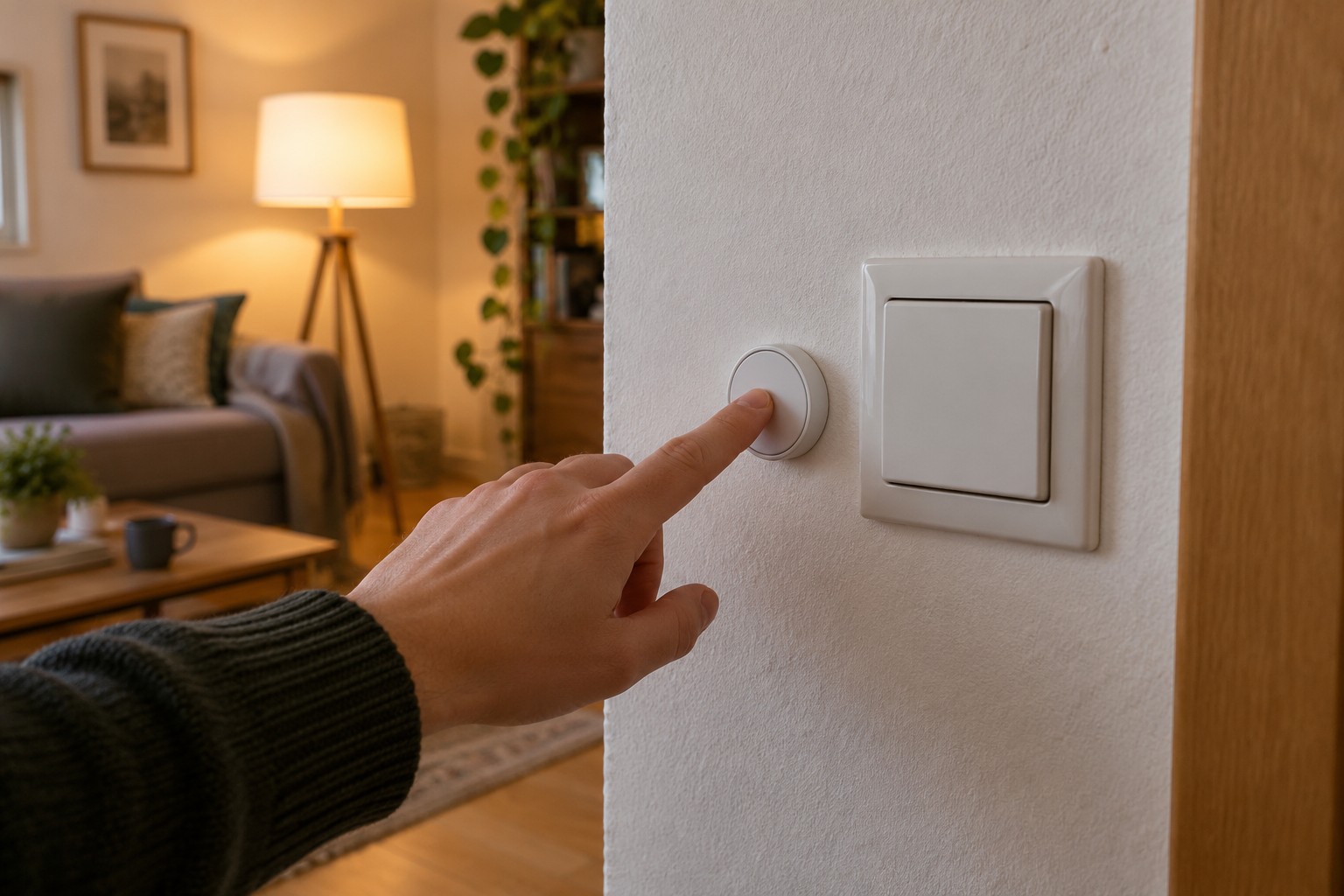
A smart-home button is useful when a frequent action otherwise requires several steps on a phone. Switching the light beside a favourite reading chair is an obvious example. Start with one clear task instead of assigning a different scene to every possible press pattern.
Connect the press to an action
The button reports an event; another component or a direct association may turn that event into the intended action. The required connection depends on the system. Before buying, check that your platform supports the exact button and the events you want. A short press, long press and double press are not necessarily exposed in the same way everywhere.
Describe the first assignment in a simple sentence: this button controls this lamp. Leave time and presence conditions out initially. That establishes whether the basic relationship works. Add a condition later only if it solves a specific everyday problem.
Let the position explain the purpose
A button beside the reading chair is easier to interpret than an anonymous control on a shelf full of equipment. Check that it can be reached from the normal sitting position and will not disappear beneath a cushion. An adhesive mounting needs a suitable surface and fixing method. Keep battery replacement possible.
Try the control with the people who use the room. If someone repeatedly turns a double press into two separate commands, the assignment may be too sensitive or complicated. An occasional extra function can be less obvious, but an important everyday light should not depend solely on a difficult press sequence.
Check what happens when the button is pressed a second time during an action. Some assignments toggle between states; others always request a specific state. For a definite switch-off function, an explicit off command can be more understandable than a toggle whose result depends on the previous condition.
Keep another means of control available. A depleted battery, a missing wireless link or an unavailable hub can stop the button working. Add a discreet label if useful and keep the assignment in your equipment notes. If the associated lamp later moves, review the routine: the button should still do what its position in the room leads people to expect.