Using a Bluetooth speaker at home
Pairing, connecting and selecting the audio output are different steps.
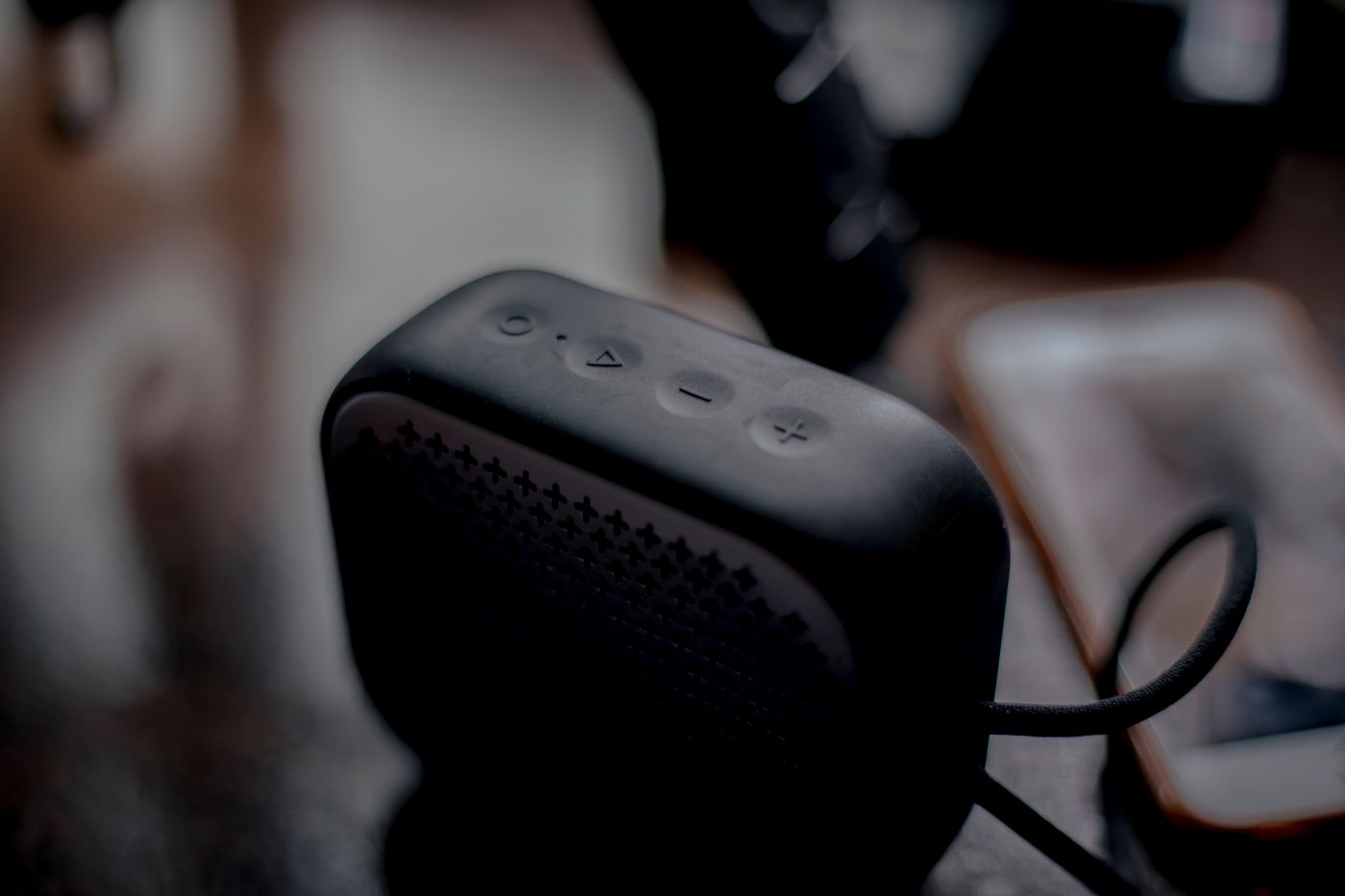
A Bluetooth speaker can play music from a phone without configuring home Wi-Fi. That does not guarantee the intended connection whenever it powers on. The phone may already use another output, or the speaker may reconnect to a previous source first.
Begin with the pairing-mode instructions. A powered speaker is not necessarily discoverable for a new pairing. Keep the phone nearby during setup and choose the clearly matching device name. Do not accept an unknown connection merely because its name looks similar.
Check the actual output
After pairing, audio still needs to be directed to the speaker. Check volume and mute on both phone and device. Start at a moderate level so a restored connection does not unexpectedly become very loud.
If household members take turns, establish the handover procedure. Some products store several sources or support particular multiple-connection features; others do not. Disconnect the previous source as instructed instead of repeatedly erasing every pairing. A factory reset is not usually the first step for an ordinary user change.
Test the speaker's intended position with the phone where it normally rests. Walls, bodies and radio conditions affect the link. An advertised range does not describe every home. If interruptions occur only beyond one wall, investigate placement before declaring the speaker faulty.
Positioning and limitations
Use stable support and leave the intended openings clear. A tight recess can sound different from an open surface. Listen to speech and music at ordinary volume before making large equalisation changes. Identify vibrating objects separately.
A portable enclosure is not automatically moisture-resistant. Even a protected model may have particular restrictions around charging connections. Follow charging instructions and do not use wet ports where prohibited.
Bluetooth delay may become noticeable with television or games. Reliable music playback does not establish suitable picture-and-sound timing. Test the actual combination if video is part of the plan, and use an explicitly supported alternative where necessary.
The daily sequence should be clear: power on, connect the intended source and confirm its output. Remove personal pairings as instructed before passing the speaker to someone else. That keeps a supposedly simple wireless connection genuinely manageable.