Connecting a streaming stick
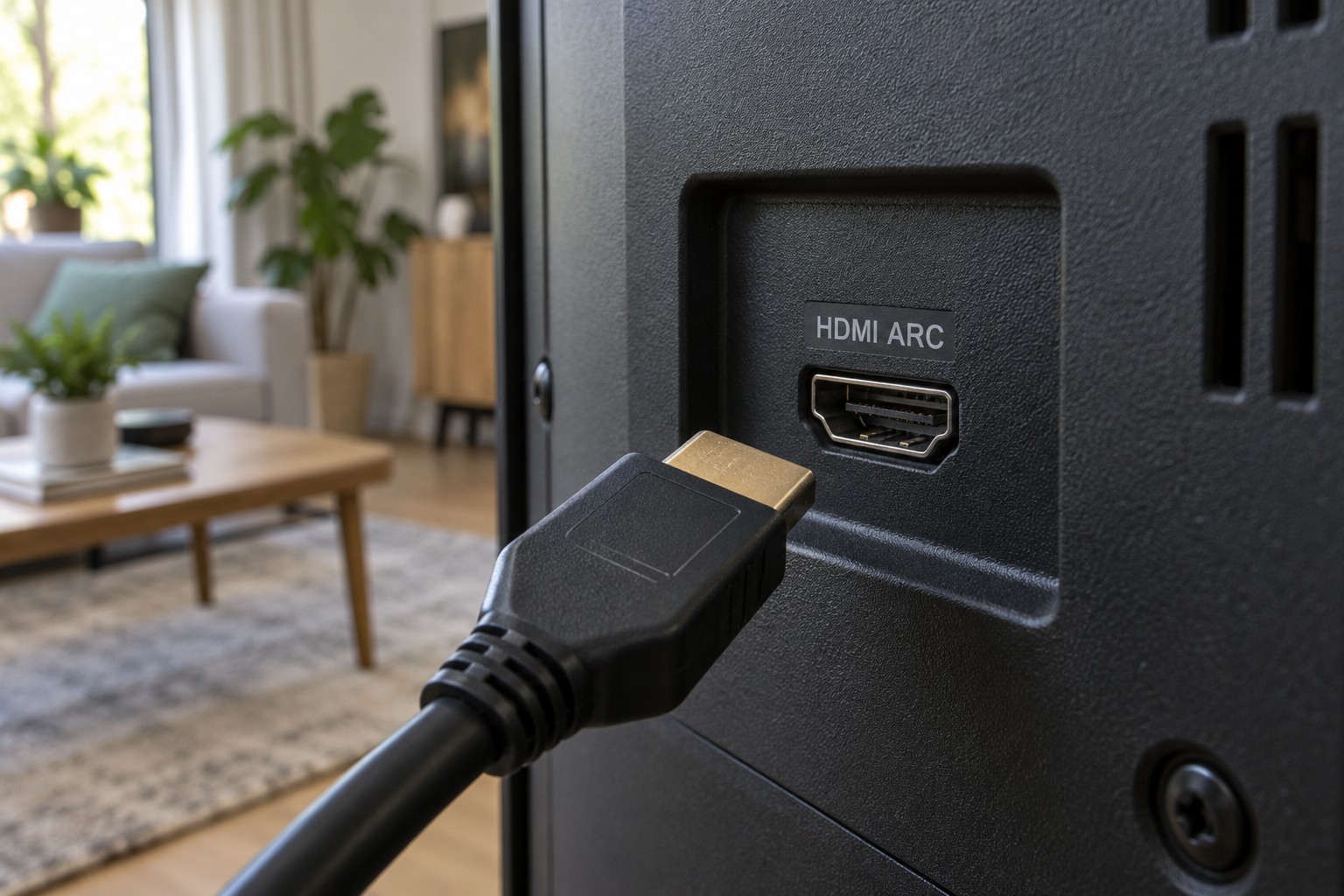
HDMI carries the picture, while an appropriate power supply keeps the stick running. Check both separately.
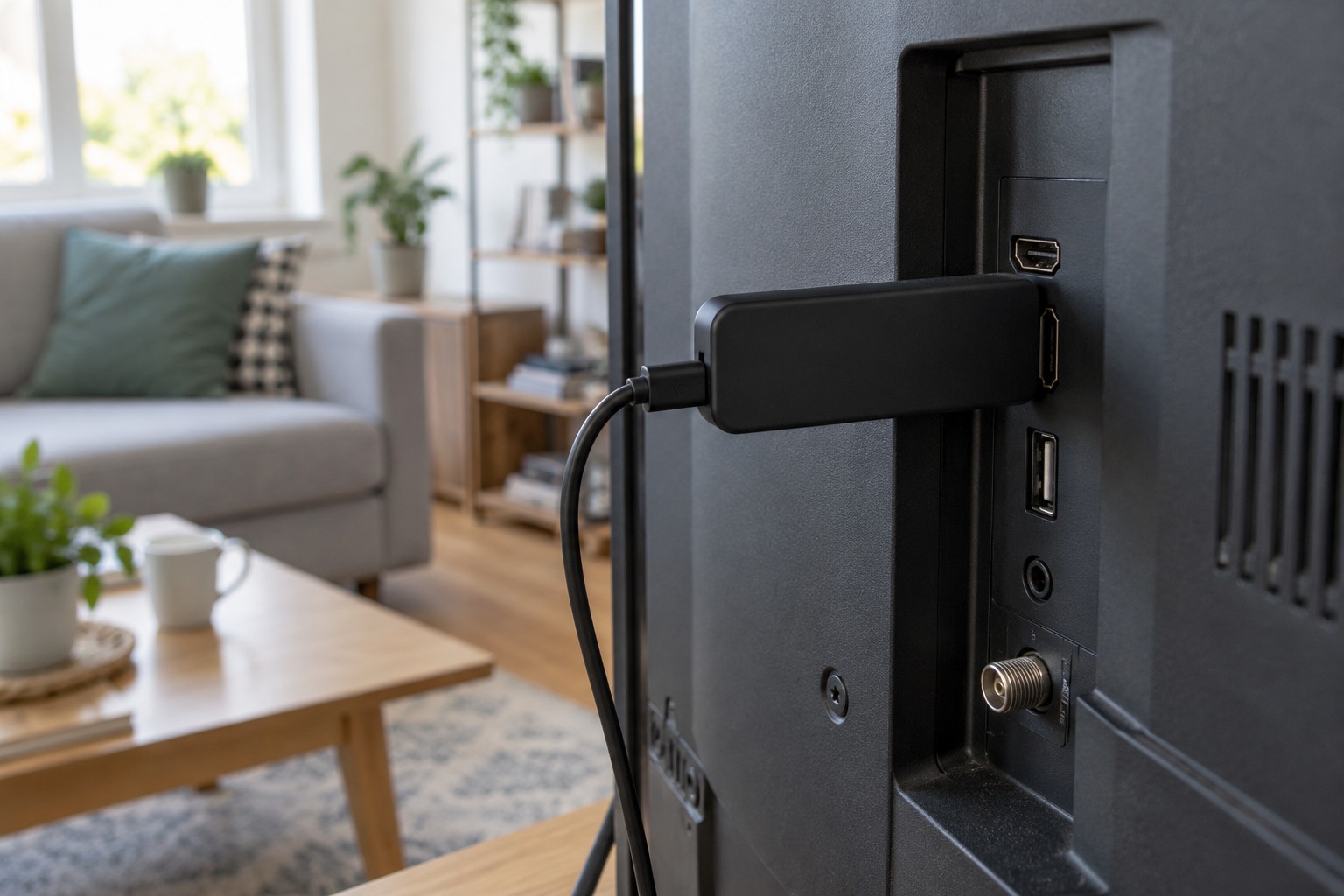
A streaming stick can use a free television HDMI input for its picture connection. It also needs the intended power supply and usually network access. Plugging in the HDMI end alone does not complete installation.
Before connecting, check the resolution and features supported by both television and stick. A new source cannot add capabilities absent from the display or selected port. App availability and account access are separate questions from hardware compatibility.
Space and power
Follow the television's shutdown instructions before changing connections. Insert the stick without sideways pressure. If it blocks adjacent sockets or hits the wall, a manufacturer-supported extension may be needed. Do not make the port carry an awkward hanging cable assembly.
Use the recommended supply. A television USB port does not necessarily provide enough power or remain active when the screen is off. Inadequate supply can cause restarts or unstable behaviour. Check the stick's requirements rather than treating all USB sockets as interchangeable.
Keep unnecessary heat and tight covers away. A hidden position behind the display can also change wireless conditions. Route leads without tension and preserve access to the power adapter.
Set up in stages
Select the HDMI input actually used, then follow remote, network and account setup. Use your own credentials and review optional data settings. Do not sign in through an unfamiliar link in an unexpected message.
Test ordinary playback before adding more apps or audio options. For no picture, check input and power first. If menus appear but programmes stall, network or app conditions deserve attention before the physical HDMI connection.
After updates, recheck volume, power and input selection. HDMI control may automatically switch the television to the stick. Decide whether that is wanted, especially when other sources such as a console are used.
Before passing the device on, sign out and reset it as instructed. Remove it from the associated account management where appropriate. A small stick can retain personal sign-ins despite looking like a simple connection accessory.