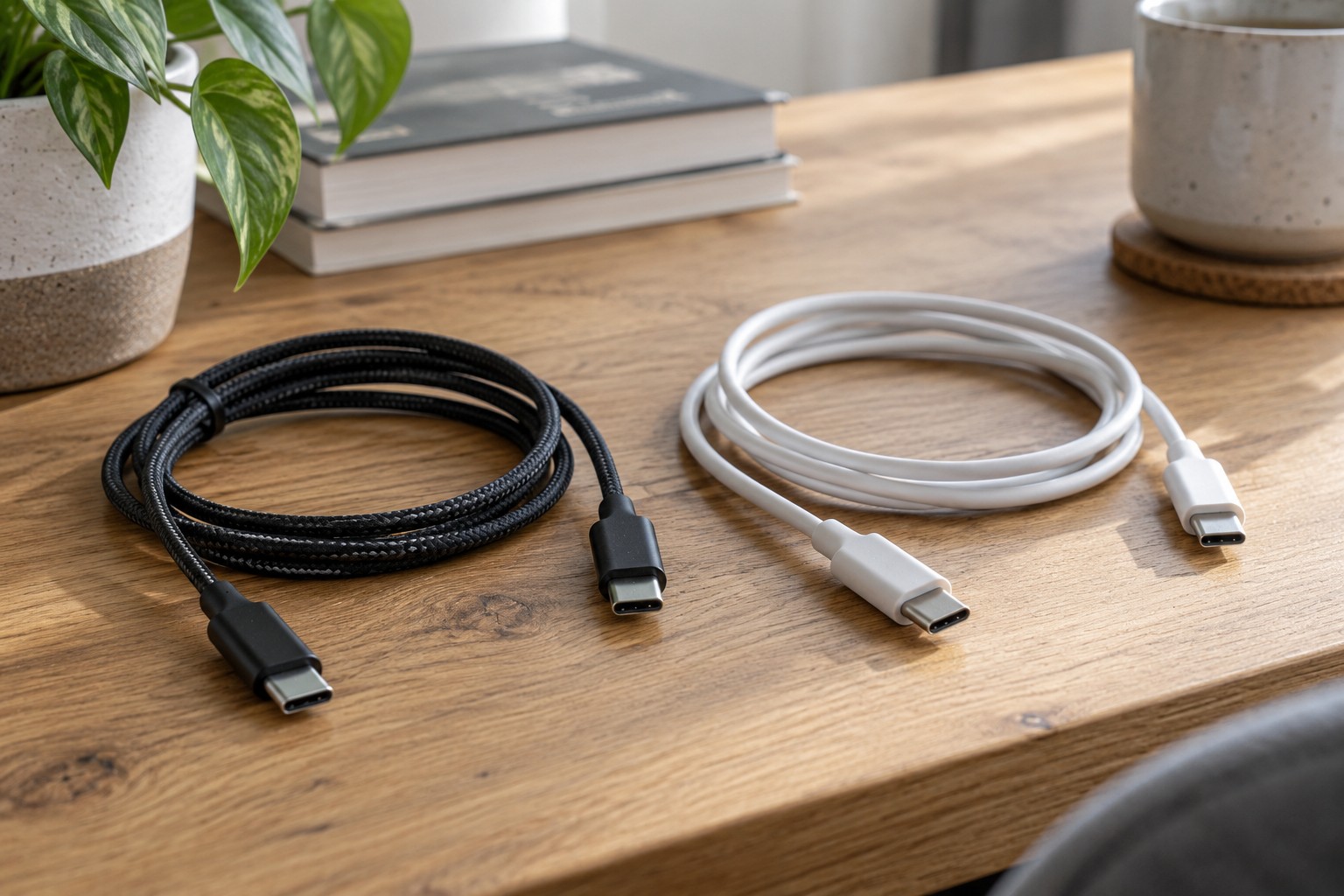
Choosing a charger for home and travel
A travel adaptor answers the socket question, but not every question about power and device compatibility.
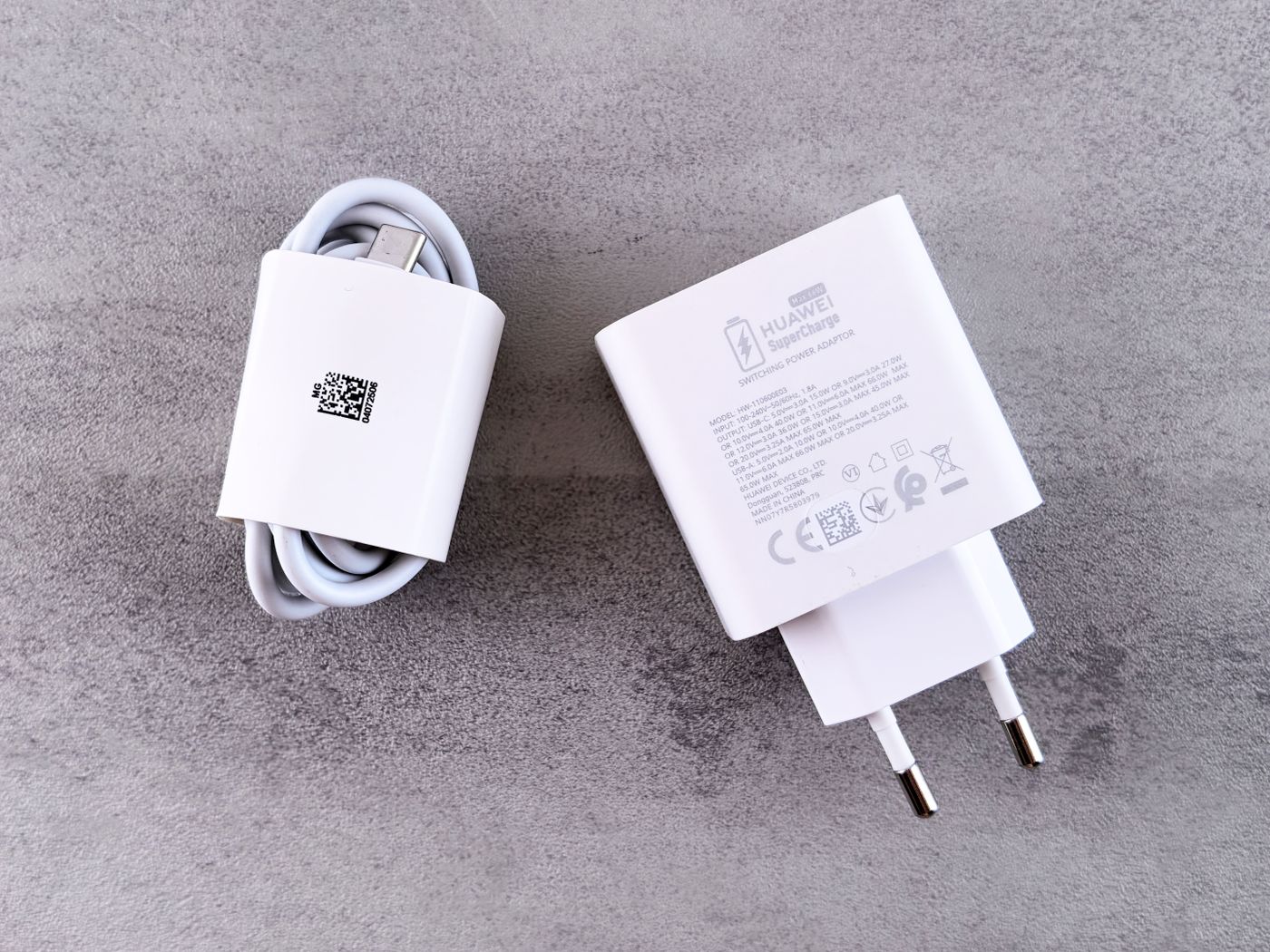
One charger for a laptop, phone and tablet can reduce luggage if it can supply the combinations you actually use. The largest number on the box does not answer that question. What matters is the power available to each device through a particular port, including what changes when another cable is connected.
Start with the devices that charge together
Write down your normal combination. A laptop used during the day and a phone charged overnight create different demands from three devices charging during a short stop between trains. Check the charging requirements in each manufacturer's documentation. For a laptop, the rating of its existing suitable charger is a useful starting point, not proof that any replacement with the same wattage will behave identically.
USB-C identifies a connector, but the charger, cable and device must also support the required charging function. USB Power Delivery negotiates power between compatible components. A high advertised rating does not force a phone or computer to charge at that rate, and particular fast-charging features may have additional manufacturer requirements.
Read the port allocation table
Look for the output available when several ports are occupied. A multiport charger may divide its total power, and its outlets do not necessarily offer equal capabilities. Check your intended combination explicitly, such as a laptop on USB-C 1 with a phone on USB-C 2. A specification covering only one connected device is not enough.
Include the cable in this check. A plug that fits does not establish the cable's power capability or all its supported functions. If you charge through a hub, check its pass-through specification as well: the hub may reserve some incoming power for its own operation.
Try the planned arrangement at home with the laptop open, a normal application running and the phone connected alongside it. Watch the charging indicators and any warnings. A computer that charges slowly while switched off has not thereby demonstrated that the same arrangement can sustain it during work.
Check the input side before travelling
Read the input voltage and frequency marked on the charger and compare them with the electricity supply at the destination. A travel plug adaptor ordinarily changes the physical connection; it does not convert voltage or frequency. A different electricity supply therefore cannot be made suitable simply by finding an adaptor with the right shape.
The adaptor must suit the destination socket and the electrical requirements of the equipment. Do not bypass a required protective earth connection. If the markings are unclear, consult the product instructions or manufacturer instead of improvising a chain of adaptors.
Think about daily handling
A heavy charger with several adaptors attached can sit awkwardly in a loose hotel socket. Consider its shape and the cable length you will need, without running leads across walking routes. A small pouch keeps the cables together, while accessible ports make repeated packing and unpacking less fiddly.
Check the cables and casing for damage before travelling. Use the charger as instructed, keep it dry and allow heat to escape rather than covering it with bedding. Having already checked the actual device combination at home leaves fewer questions about port allocation and cable choice when you arrive.