Lighting a desk without screen reflections
A bright work surface and a readable display do not necessarily need light from the same direction.
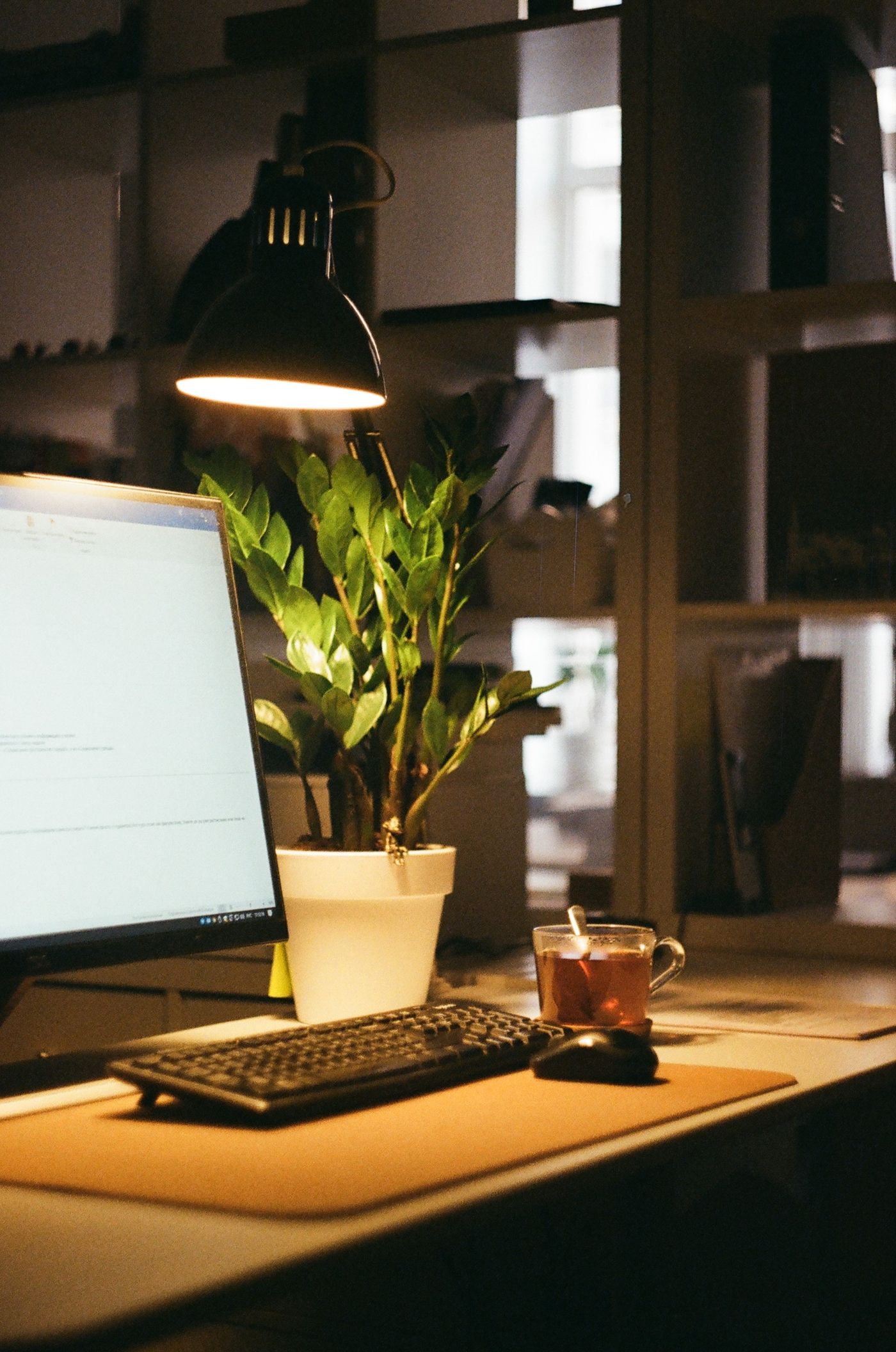
A desk combines two different lighting tasks. Paper needs illumination, while a monitor produces its own light. A powerful lamp placed directly in front of the display may light a notebook well but also create an irritating reflection. Start with viewing angles and surfaces rather than a higher wattage.
Find the reflected source
Open a dark document or briefly turn the monitor off. Reflections from windows, ceiling fittings and the desk lamp become easier to identify. Look from your normal seated position, not while standing above the desk. Then move just one light source or change its angle. If the reflection disappears, you have isolated the cause.
A desk positioned side-on to a window is often easier to manage than a display directly in front of or opposite one. OSHA's workstation guidance recommends placing bright windows at right angles to the screen. Treat that as a starting point rather than a guarantee: another glazed surface or a glossy desktop may still reflect light. Adjustable blinds help with changing daylight without requiring a permanently dark room.
Aim the desk lamp at the area where you actually read, write or handle small objects. For handwriting, positioning it opposite the writing hand can reduce the shadow cast by that hand. Reverse the arrangement for a left-handed writer. What matters is the shadow that appears on the page, particularly when an adjustable arm reaches far across the desk.
Distribute light rather than simply increasing it
An adjustable arm lets you move the pool of light without repeatedly shifting the base. Check that its joints hold their position and that leaning back does not expose a bright source directly to your eyes. A shielded or diffused head may be more comfortable than visible individual LED points. Inspect reflections on glossy book covers and coated worktops as well as on the monitor.
A desk lamp should not create the only bright patch in an otherwise completely dark room. Modest background lighting can reduce the contrast between screen, paperwork and surroundings. Adjust the display brightness to the situation instead of turning it to maximum to compete with a badly aimed lamp. Increase small text before accepting a position that makes you lean forward continually.
For a monitor-mounted light, check the fit around the bezel, webcam and any screen curvature. It should illuminate the keyboard and work surface without shining directly onto the display. A clamp must not squeeze a sensitive screen surface or rely on a frame shape it was not designed to grip.
Include an evening check
An arrangement that works in the morning may feel different after sunset. Try a normal task in daylight and again in the evening: read a page, make a note and switch between paper and screen. If you keep moving your head to escape reflections, change the positioning again. Only then decide whether you need a different colour temperature, a wider dimming range or an additional lamp.