Checking software support before buying a device
Working hardware may depend on apps, services and updates with a shorter useful life than its case.
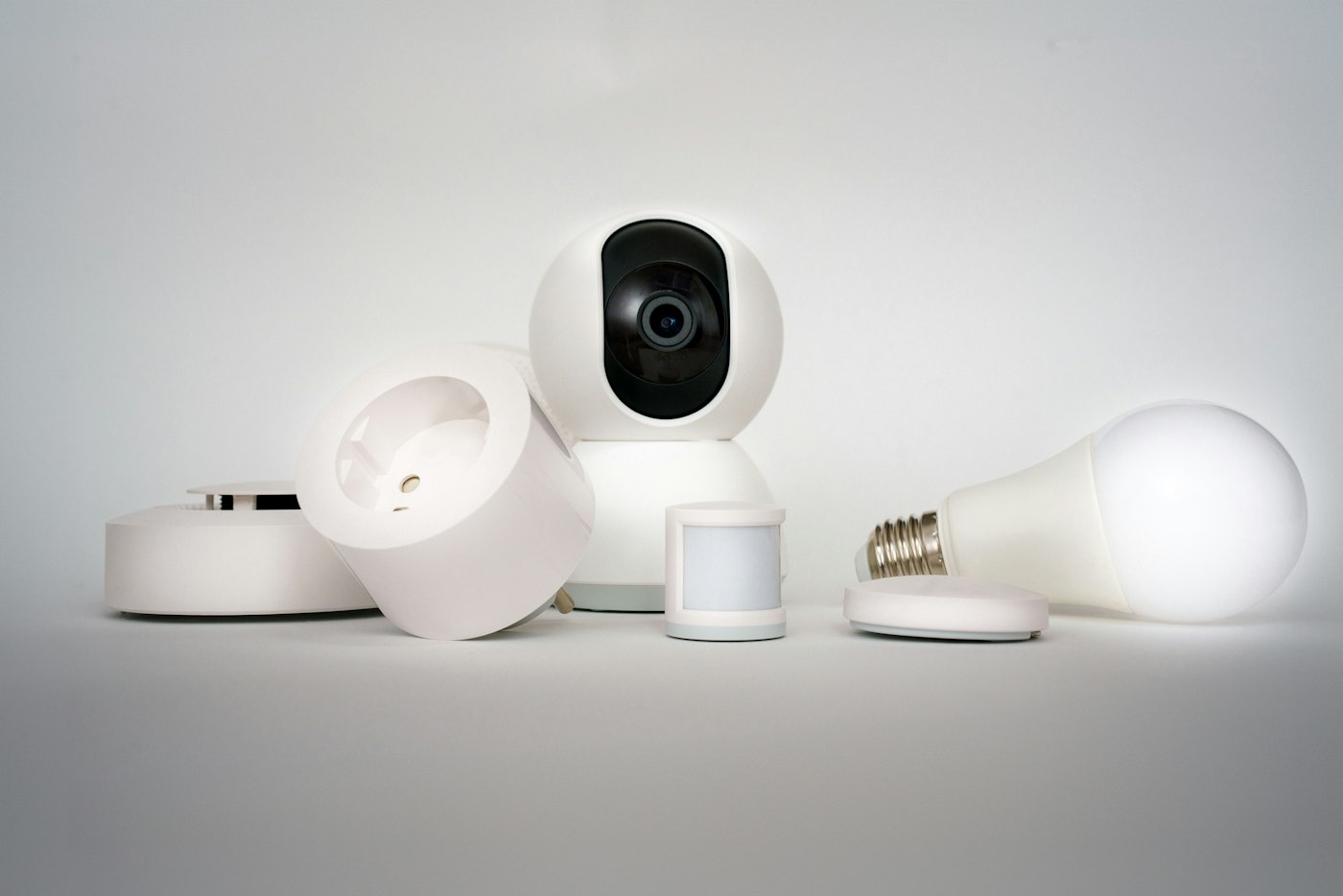
When choosing a light or contact sensor, size, radio compatibility and price are immediately visible. Connected equipment adds another question: how long can its software remain usefully supported? An intact case and healthy battery are not enough if an essential app disappears or known software weaknesses no longer receive fixes.
Check the product, not just the brand
Find the exact model, generation and relevant regional version on the manufacturer's official site. A general brand statement need not apply to every older device. A similarly named successor can have different requirements and support.
Look for a specific security-support end date or clearly explained duration. Note its starting point: launch, a particular date or another defined event. Buying old stock today does not automatically restart the full original support period from your purchase date.
Retain the relevant product information for your decision. Where details are absent or contradictory, ask the manufacturer about that exact model. A vague promise of regular improvements is not the same as a defined support period. Treat the ambiguity as unresolved rather than filling it with an assumption.
Understand the update route
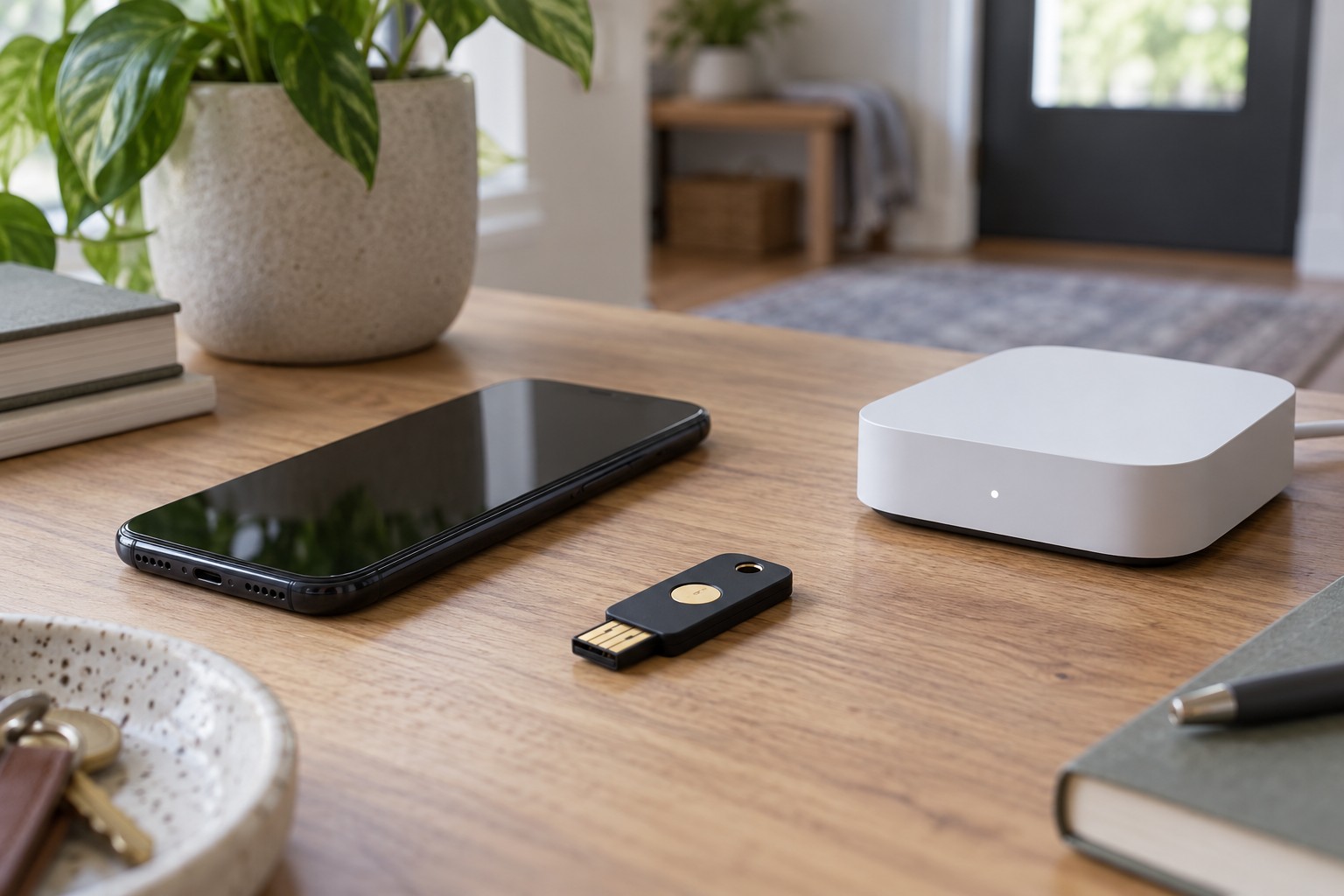
Establish how software reaches the device: automatically, through an app, via a particular hub or by a manual process. Check that you can maintain the required equipment. A device whose updates need a manufacturer-specific hub can have additional requirements even when a basic function works through another platform.
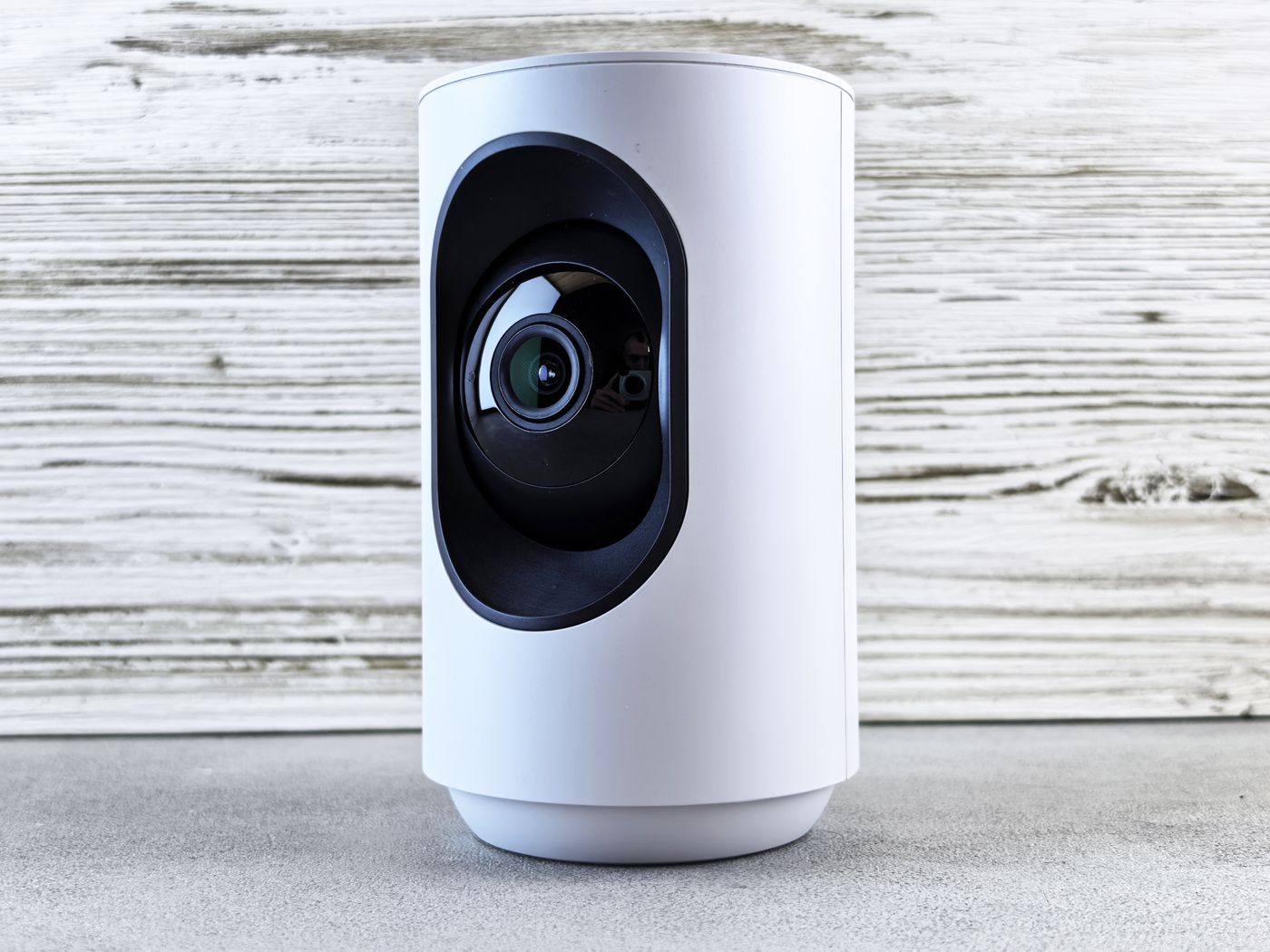
Inspect supported phones and operating systems too. A camera may initially work with an old phone, then require an app version the phone cannot install. That is not necessarily a reason to reject it, but belongs in the real costs and dependencies.
A standardised wireless protocol does not fully answer these maintenance questions. It may assist communication without unifying every extra feature, update mechanism or account association. Assess required functions separately from the logo on the packaging.
No service is not the same as no internet
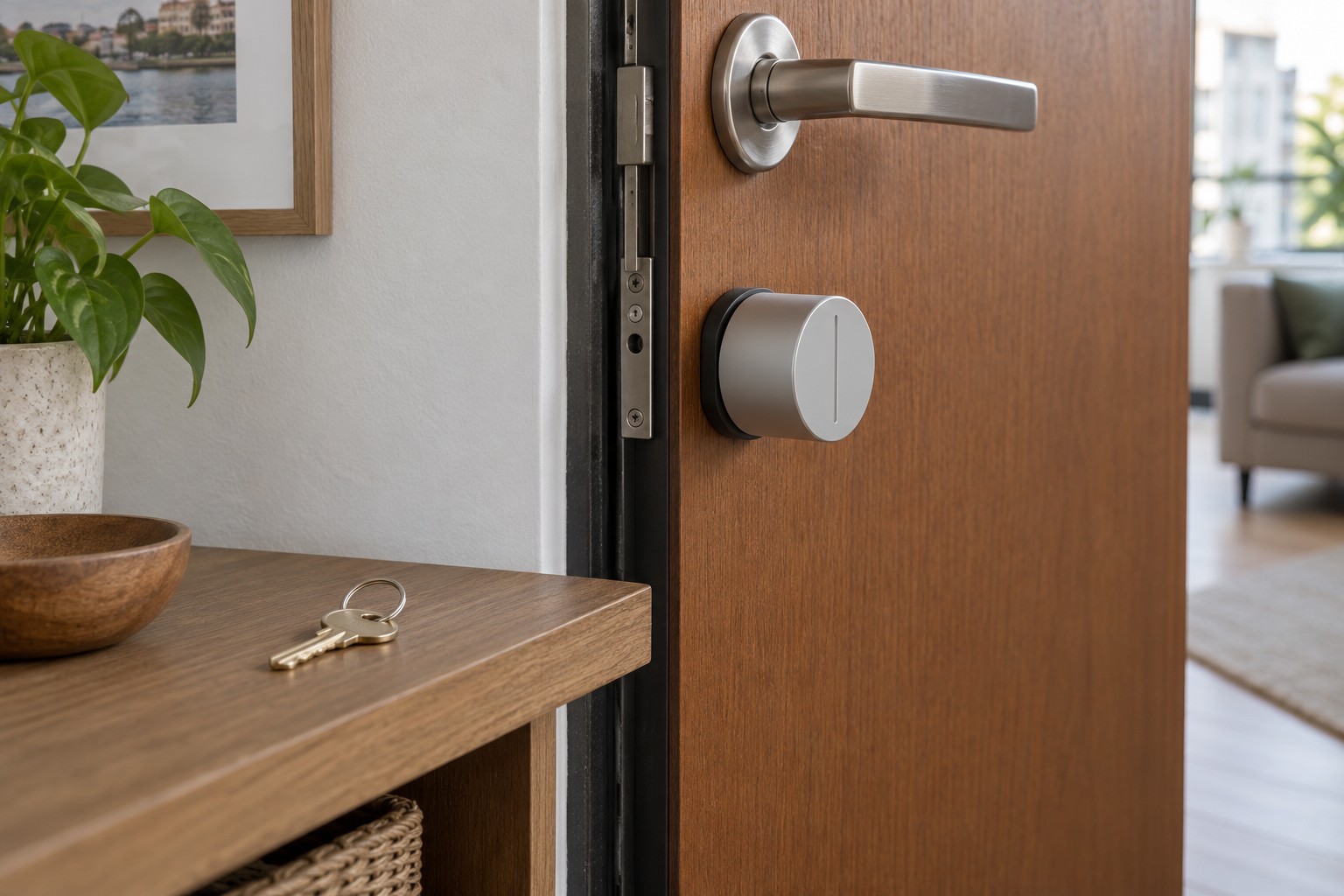
Ask what works during a temporary internet interruption and what would remain if the manufacturer's service ended permanently. These differ. Equipment can continue during a short outage but still require an unavailable account service for later setup.
Examine local controls, schedules, remote access, notifications and export individually. A claim about local operation may cover only some of them. A normal button may be sufficient for a lamp, while access to recorded history may be central to a camera. Evaluate around your actual task rather than a generic feature ranking.
Consider recovery after a fault or factory reset. Can the device be paired again without the service? Can required information be exported in a usable format? If the documentation does not answer, keep the uncertainty explicit. A promise of a possible future release is not equivalent to functionality available now.
Plan for the end of use
A product no longer receiving security updates should not remain connected without consideration merely because its physical switch still works. Use official security guidance to assess replacement, a supported alternative mode or retirement. Disconnecting it from the internet is not automatically a universal repair; required functions and local exposure still need review.
A hub can have wider consequences than one sensor. List the equipment and rules that depend on it. An inexpensive accessory can become costly to replace if it operates only with a retiring platform. Compare the full required combination and plausible replacement routes.
After purchase, add the model, support information and update route to your inventory. Set a reminder before a known end date. The aim is not to replace every usable product pre-emptively, but to make an informed decision before an unexpected service closure or unsupported system creates pressure.
For a second-hand purchase, repeat the same checks rather than relying on the seller's original receipt alone. Confirm that transfer to a new account remains supported and that the device is no longer bound to someone else's account. Software support and successful ownership transfer are separate requirements; satisfying one does not establish the other.