Planning the view from a video doorbell
Check faces, the button and the doorstep together before fixing the mount permanently.
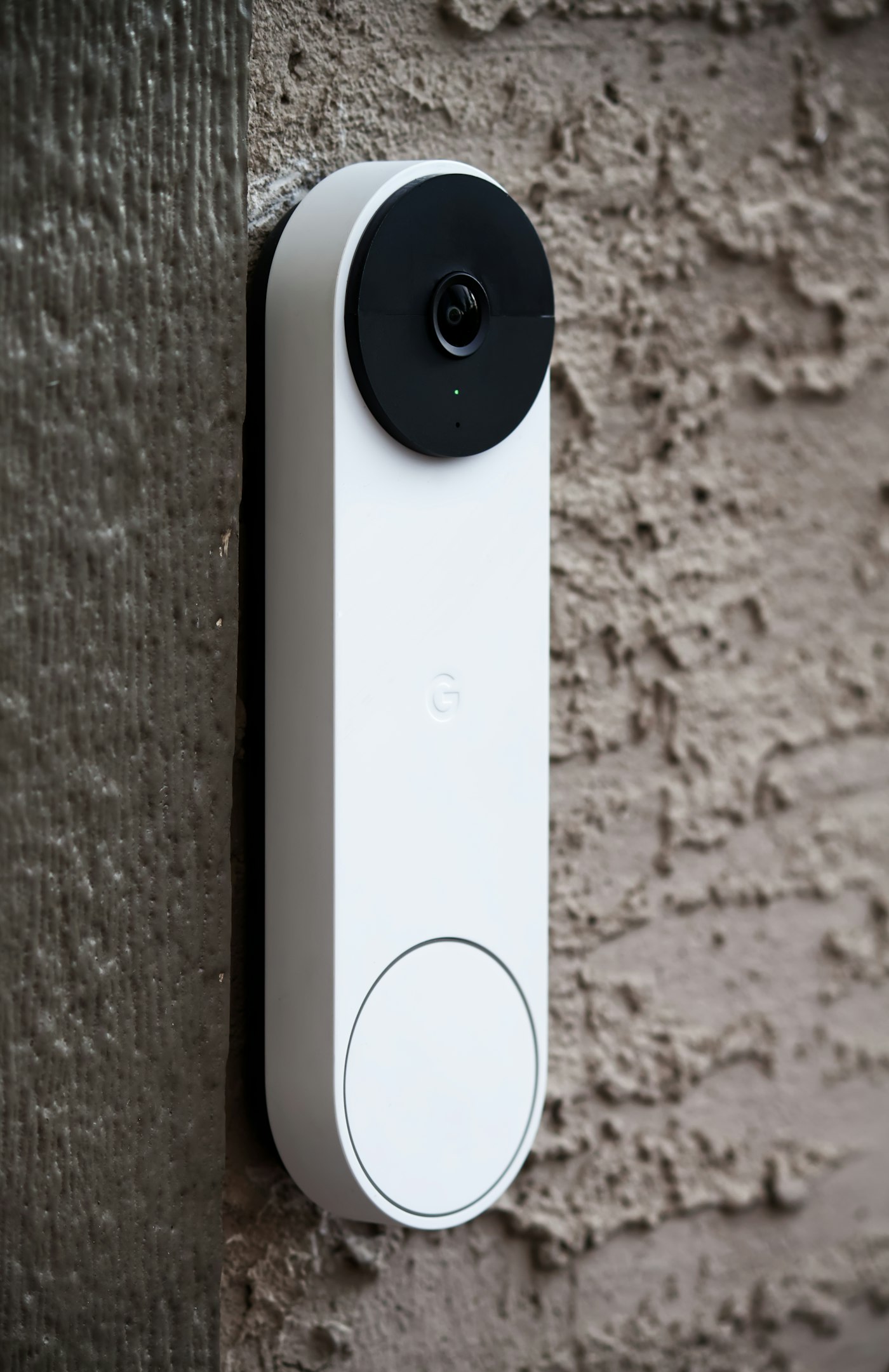
A video doorbell needs to show a specific event: someone approaching the door and using the button. The widest possible view is not automatically the most useful. It may capture more of the road, neighbouring windows or a shared corridor while cutting off the face of a visitor standing close by.
Decide what you actually need to see. Is the purpose a conversation with visitors, a delivery area immediately outside the door, or both? Those tasks may call for different angles. Resolution alone does not establish whether both fit within the view at the available distance.
Try the position before drilling
Temporarily and safely position the device where you intend to mount it. Ask someone to approach normally, stop and press the button. Inspect the live image rather than judging only the direction of the lens. A side wall, deep canopy or bright background can change the result.
Repeat after dark. A nearby reflective surface or wall may affect the night image. Use only a suitable mount for the model and follow its installation-height guidance. One universal height cannot suit every doorway, lens and direction of approach.
Constrain the view to the area actually needed. If a useful position also captures neighbouring or shared spaces, the installation question remains unresolved. Check relevant local requirements and responsibilities before recording. A motion-detection zone is not the same as limiting the recorded image.
Include use and maintenance
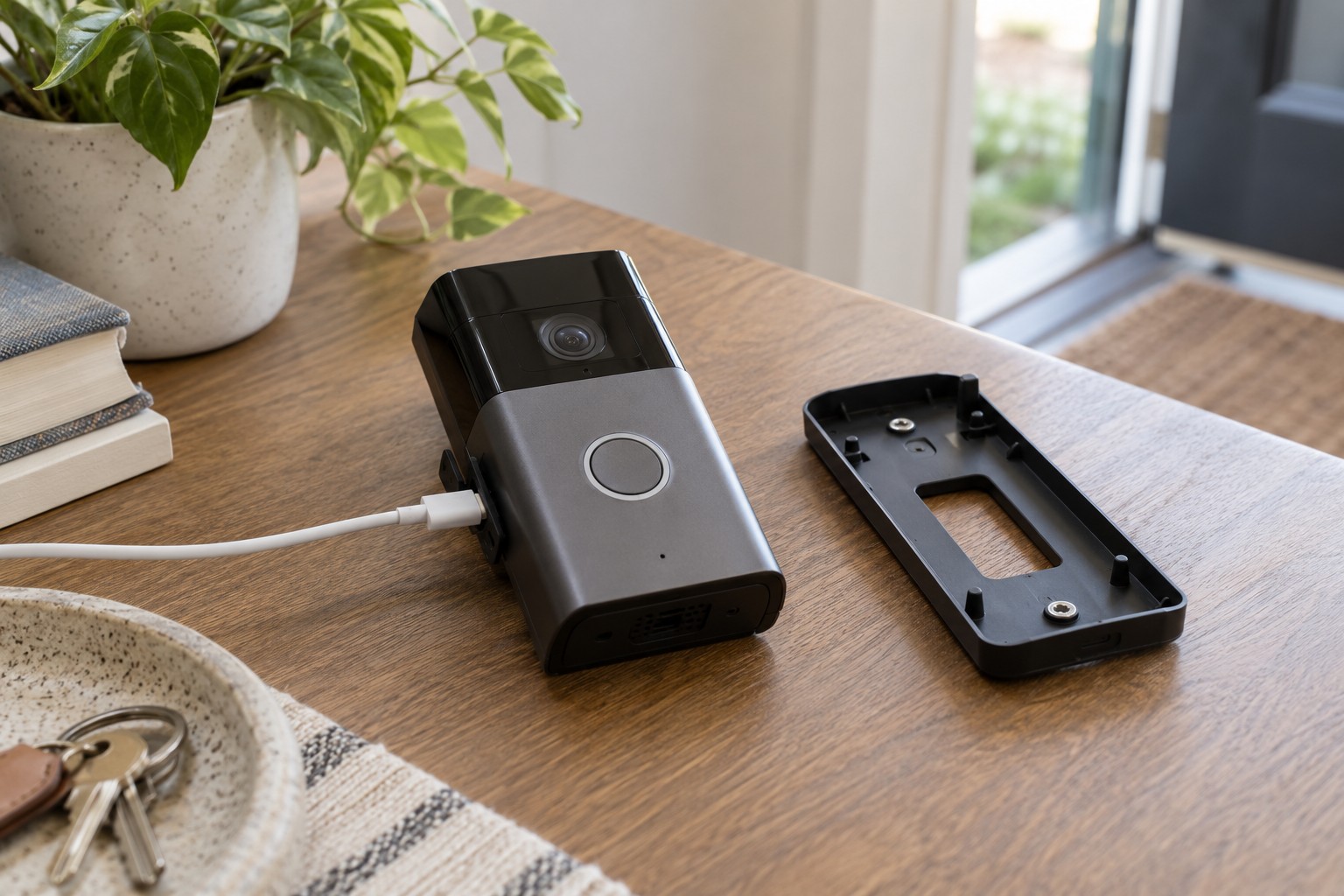
Visitors should be able to find and reach the button. Check door movement, existing fittings and the letterbox. A battery model must remain removable for charging as instructed. An attractive installation is less useful if each recharge requires dismantling another fixture.
Test Wi-Fi at the actual mounting position with the door closed. Then check notifications and two-way conversation. A clear still image does not demonstrate that a ring reaches the phone reliably.
Save the final settings after these tests. Recheck the view when plants, decorations or a new light are added nearby. A small change close to the lens can alter the useful framing or night image.