Arranging two monitors on one desk
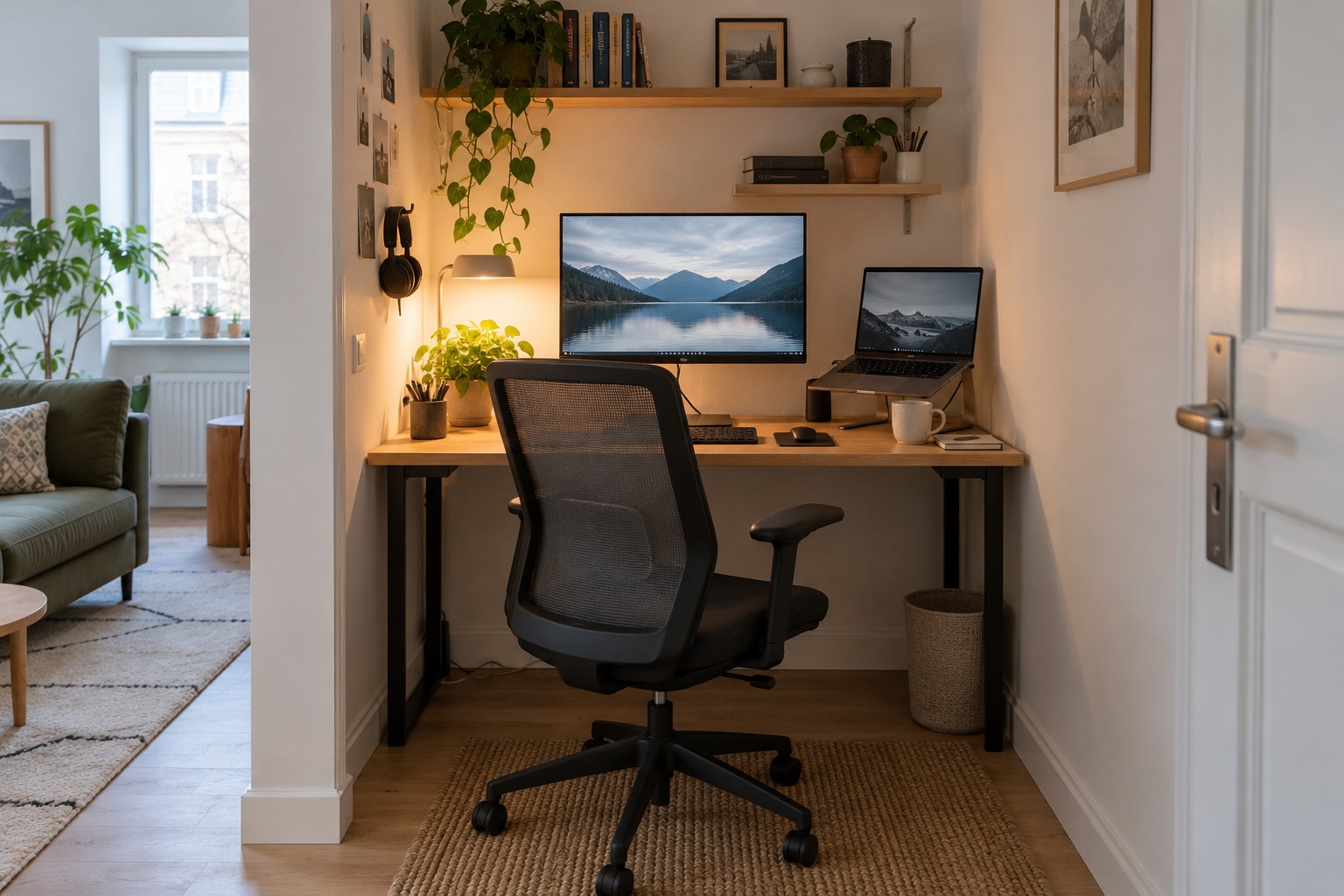
Let the main task define the centre of the workstation; visual symmetry is not always the useful arrangement.
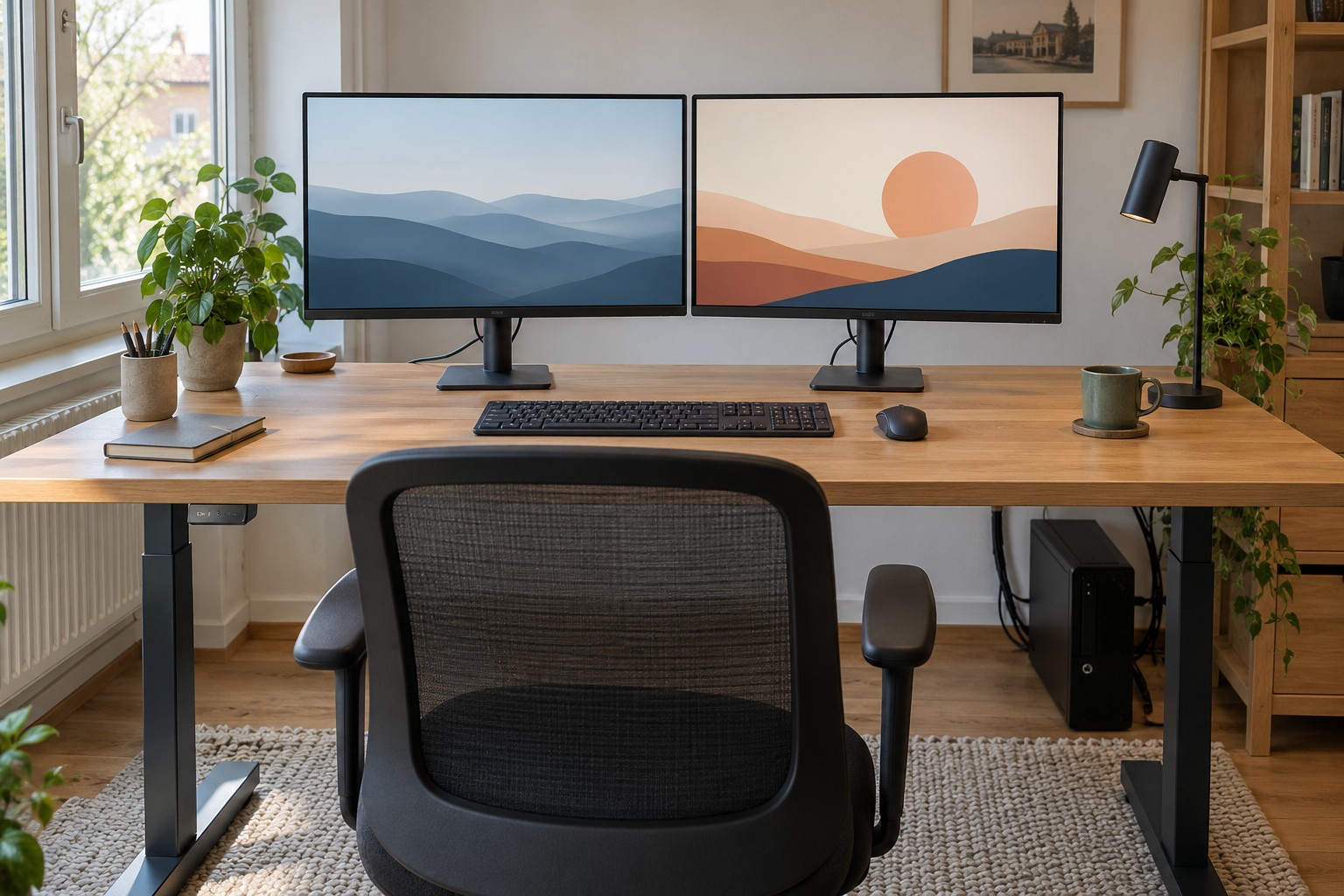
Two displays provide more visible workspace, but can also leave you continually sitting sideways. Start with how they are actually used. Do you write mainly on one and occasionally consult the other, or move repeatedly between equally important material?
Find the centre of the work
With a clear primary screen, position it in the main viewing direction and align keyboard and chair accordingly. The secondary display can sit to one side, angled towards you. If both receive similar use, a centred arrangement with complementary angles is a useful starting point. The test is whether you can move between them without persistent twisting.
Try the existing stands first. Do not automatically raise displays high above the desk simply to gain storage beneath them. Height and distance need to suit the user and readable content. Increasing text size may be more useful than continually leaning forward. Different corrective lenses can also call for a different position.
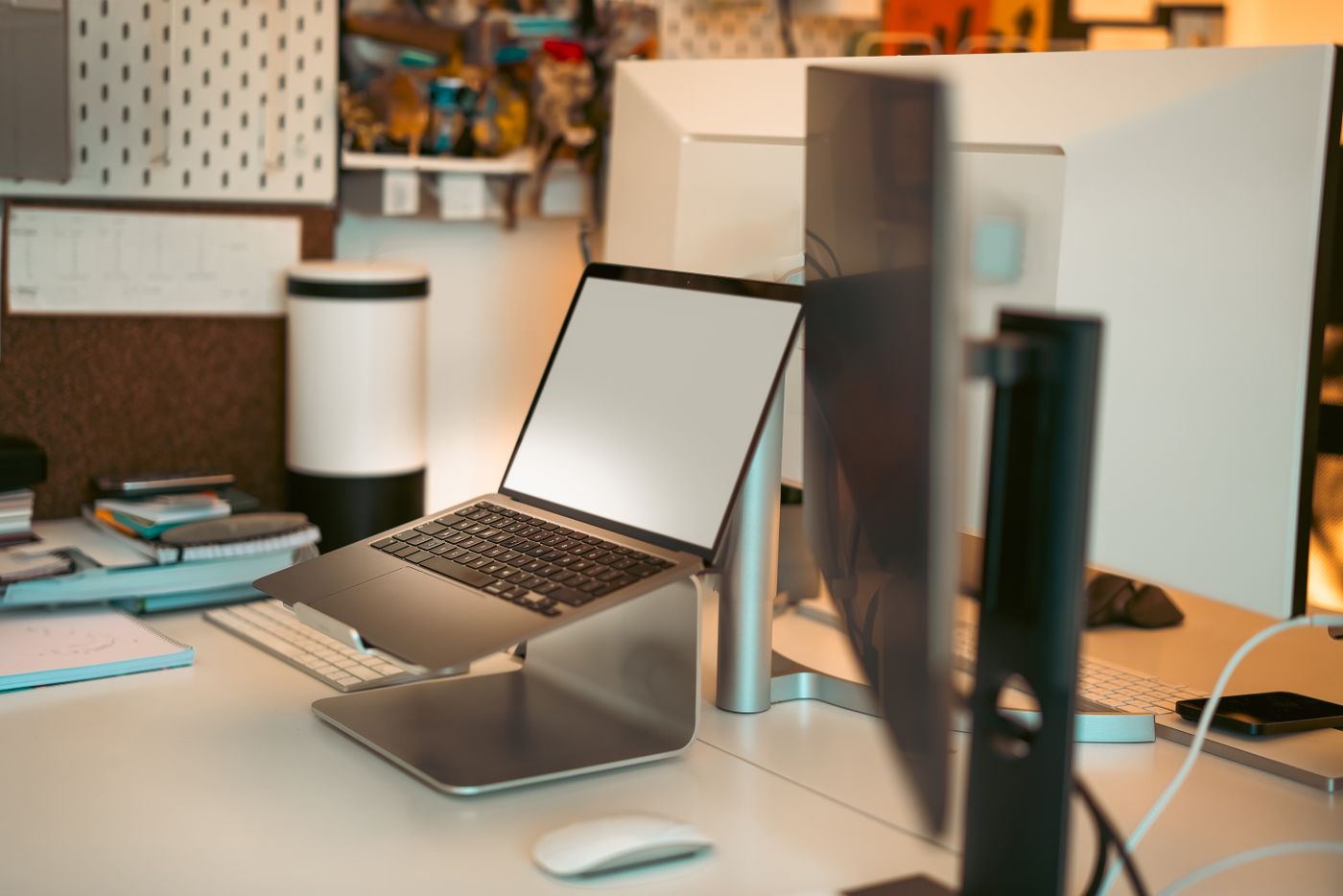
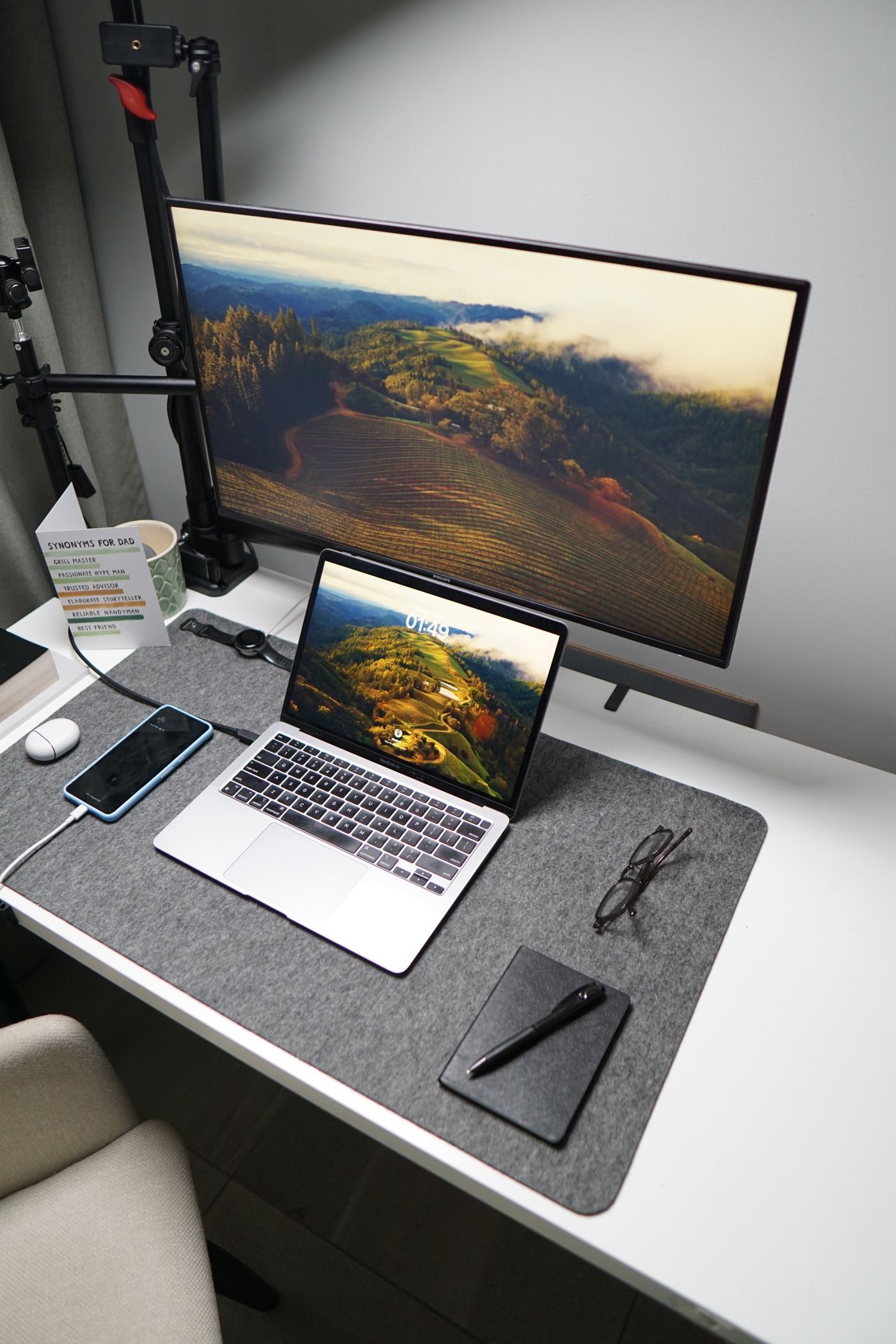
The cases do not need to be identical. What matters is where the working content appears. A small laptop beside a large display may prompt frequent downward glances; decide whether it supplies occasional reference material or an equally important work surface.
Match the digital arrangement
Arrange displays in the operating system to reflect their physical positions. Identify them with the provided numbering feature and test pointer movement. A pointer leaving the right edge and appearing unexpectedly may indicate a layout setting rather than a cable problem.
Choose deliberately between duplication and an extended desktop. Two different working areas normally require extension; duplication shows the same content rather than adding space. Check resolution and scaling individually instead of assuming identical percentages suit both.
For a monitor arm, confirm load capacity, mounting compatibility and suitability of the desktop. Measure the space needed behind the desk as the arm moves. A thin or unsuitable edge is not a secure fixing merely because the clamp opens wide enough. Follow the desk and mount instructions.
Finish with a real task
Edit a document, move windows and try a short call if relevant. Check which display holds the camera and whether you continually look away from it while speaking. Look for reflections at your normal working time. Two correctly connected monitors become a useful setup only when the daily task and freedom of movement fit together.