Positioning a monitor on a desk
Seating position, viewing distance and text size work together. A useful screen height is not determined by one rigid number.
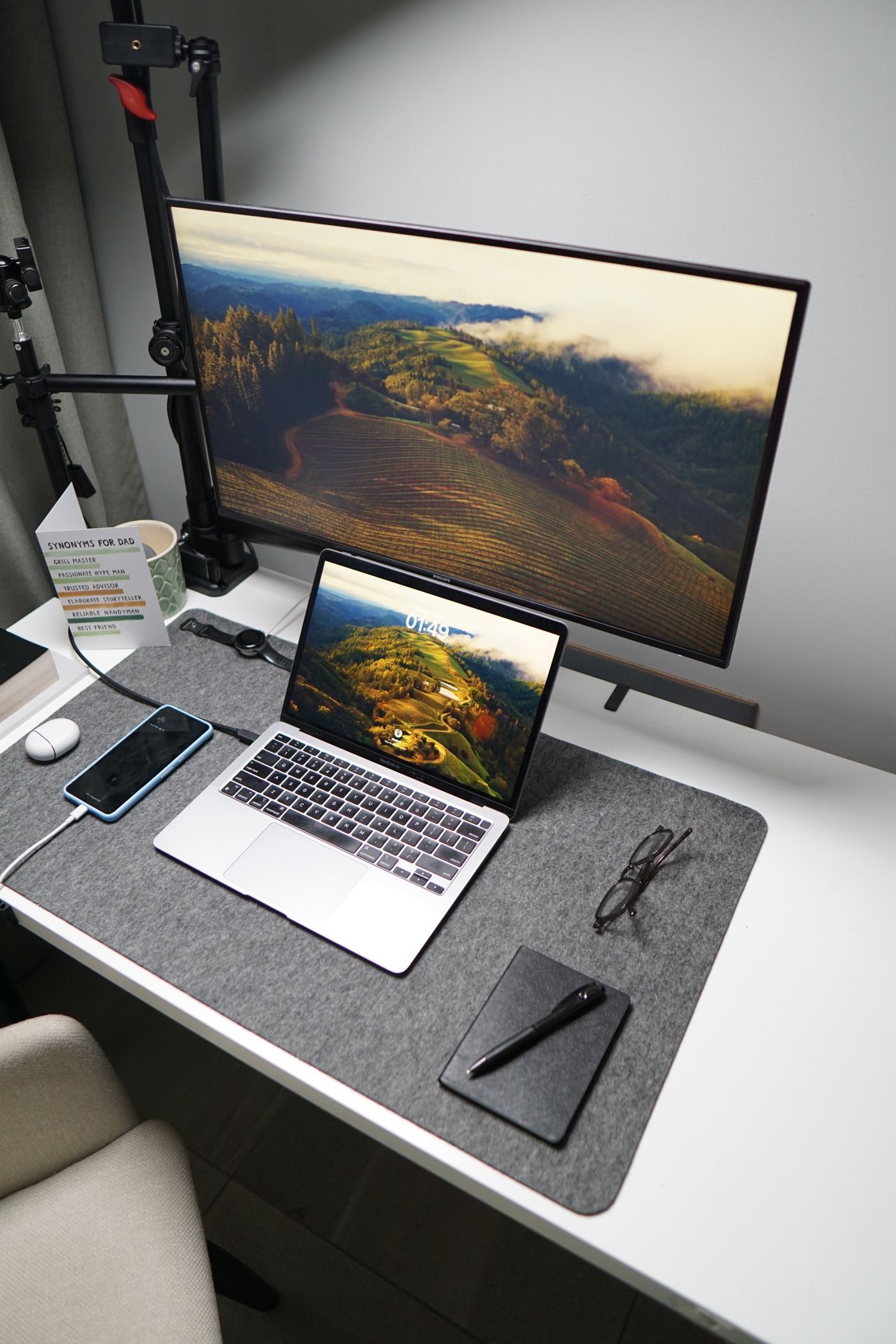
Do not place a monitor solely according to how neatly it fits between other objects. Its position must suit your seating, keyboard and the material you actually read. Arrange the chair and input devices for normal work first, then assess the display from that position.
A useful starting point is a screen directly in front of you, with its upper area around or below eye level. This is not an individual medical prescription. Height, display format, eyesight and glasses can require different adjustments. Persistent discomfort warrants appropriate professional advice rather than increasingly improvised monitor supports.
Adjust distance and readability together
Start at a distance where the relevant screen area is readable without leaning forward. OSHA gives roughly 50 to 100 centimetres as general guidance. A larger screen does not automatically mean that every application should occupy its full width.
Open a typical document or everyday application. If you move towards the screen, first increase text size or interface scaling and reassess. Bringing the display progressively closer enlarges small lettering but also changes the overview and available desk space.
Watch your actual eye position. An arrangement that works while reclining may not suit normal keyboard use. Spend a few minutes on real tasks rather than judging the result from an empty desktop background.
Check the support and desk
Use the stand's existing height and tilt adjustments first. If these are insufficient, consider a stable suitable riser or compatible monitor arm. Check load capacity, attachment and desk material. Loose stacks of books are not a dependable permanent support, particularly where cables pull against them or children can reach the desk.
An arm must support the weight and reach the intended position within its permitted movement range. Before moving it, check that cables have sufficient slack. A power or display lead should not stop movement by pulling against its connector.
If the desk changes height, reassess the display in both working positions. A setting suitable for sitting does not automatically remain appropriate when standing. Shared desks also need an adjustment routine rather than one fixed arrangement for everyone.
Distinguish glare from height problems
If you keep moving your head to avoid a bright reflection, the window or a lamp may be the real issue. Try positioning the display at right angles to the window and using adjustable shading. Strongly tilting the screen is not always the best answer because it can create an awkward viewing direction or affect the image.
Assess the result under the lighting you actually use. A position that works at night may reflect strong daylight at noon. Keep the final arrangement reasonably easy to adjust so different users and tasks can be accommodated without dismantling the desk.