Running Ethernet to a home desk
Plan the cable's physical route and the desk's movement before choosing its length.
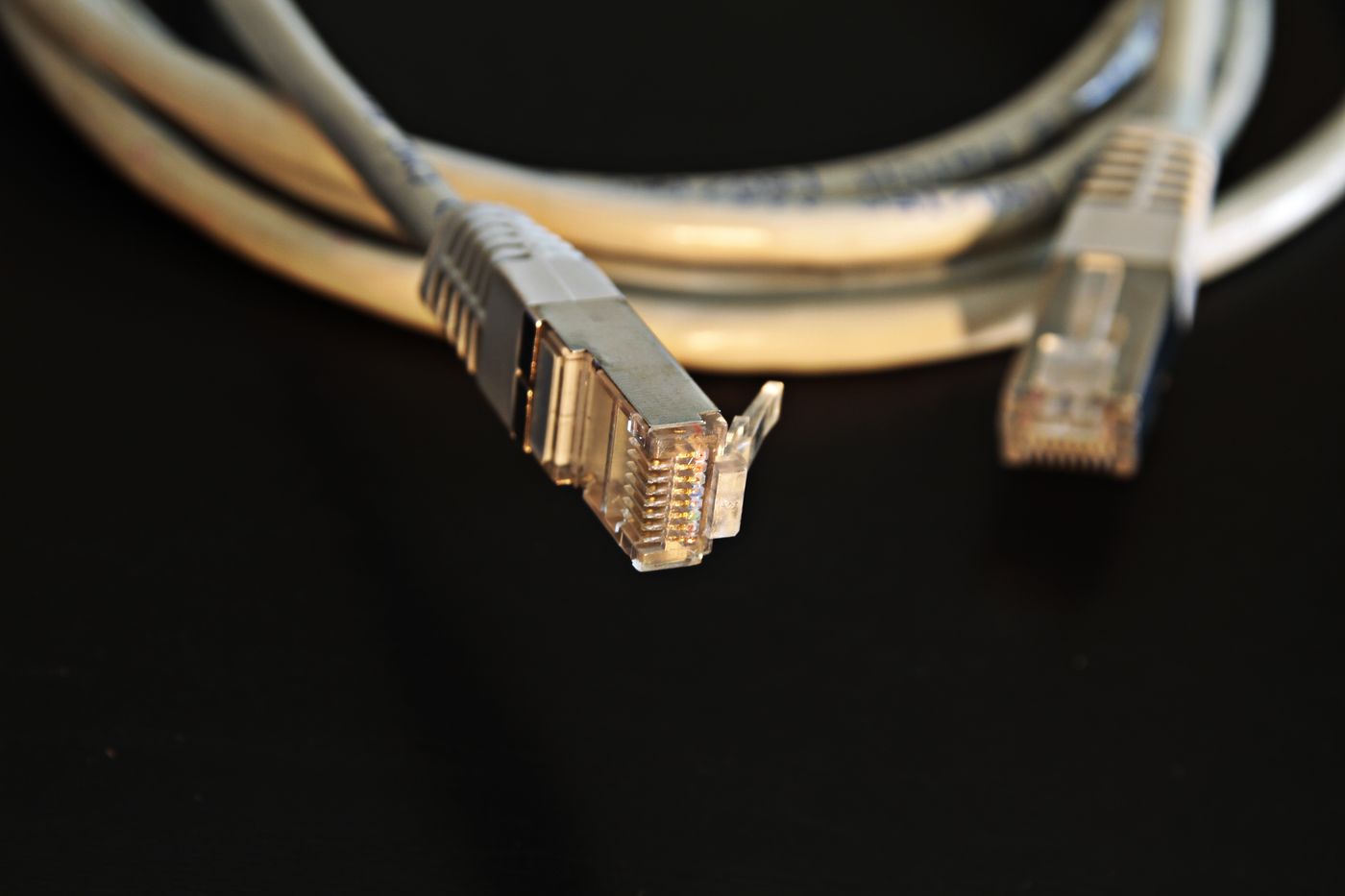
An Ethernet cable can remove the desk computer's dependence on an unreliable wireless link. It still needs a sensible route from the correct port to the computer, without obstructing doors or pulling on a connector whenever the desk moves. Measure along the intended edges with a tape or a piece of string. The straight-line distance across a room is rarely the cable length you actually need.
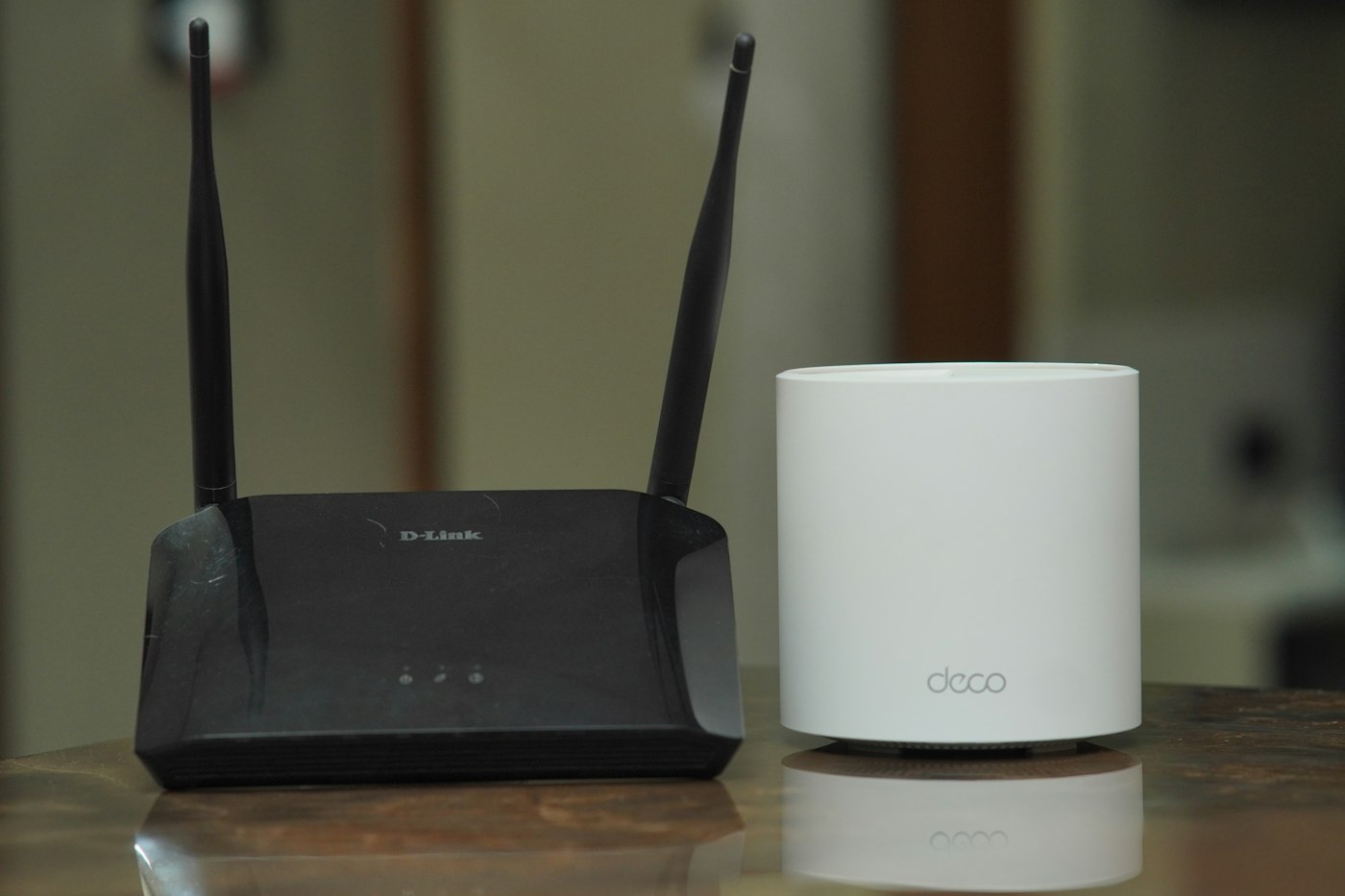
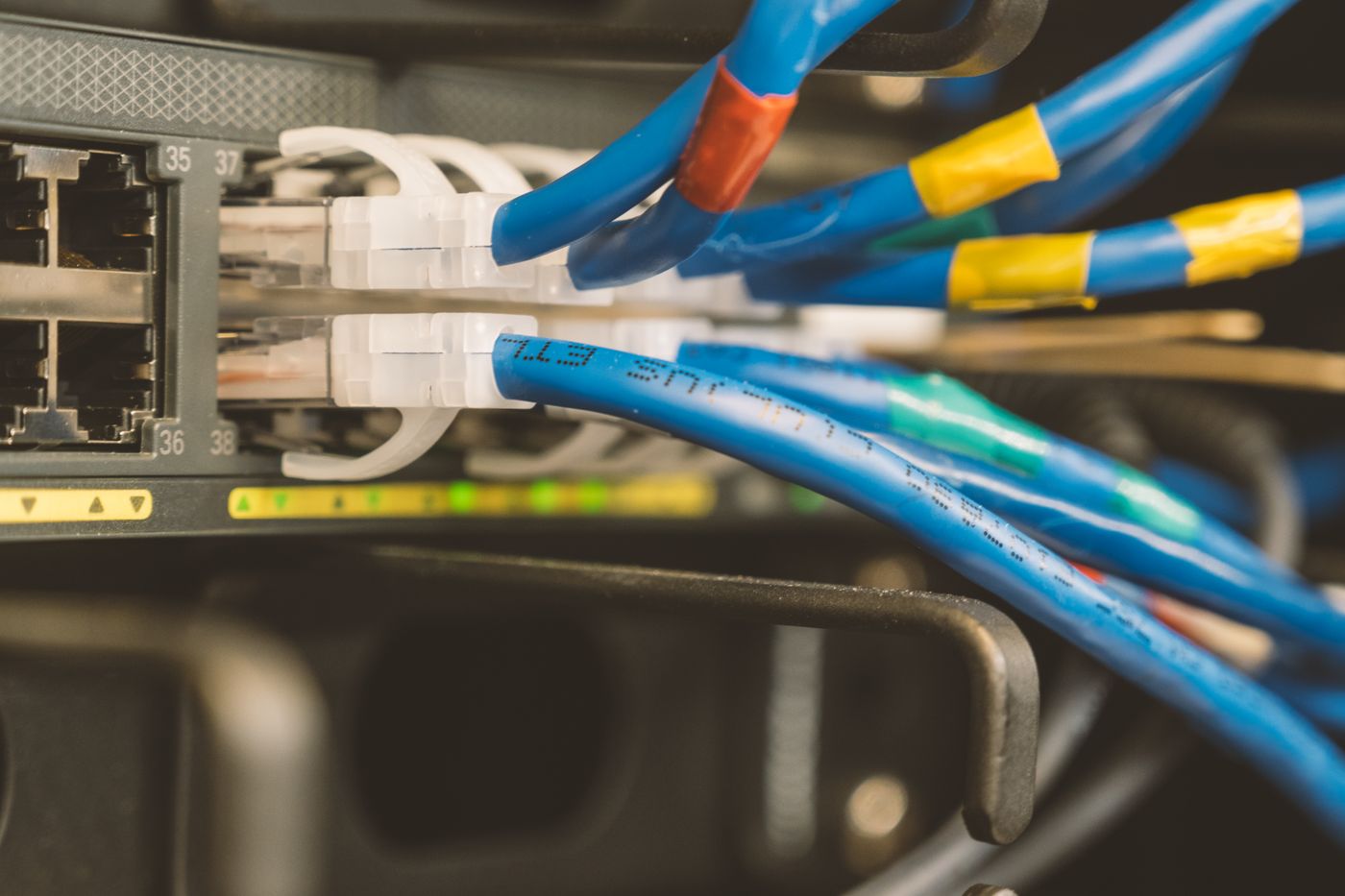
The starting point will normally be a LAN port on the router or a switch connected to it. A socket labelled internet or WAN is not simply another interchangeable output. A laptop may need a compatible USB network adapter or dock. Check its supported connection speed and operating systems before concealing the cable behind furniture.
Allow the desk to move
A height-adjustable desk needs enough slack at both ends of its travel. Arrange suitable strain relief so the connector's small retaining clip does not carry the weight of the cable. Leave a controlled loop that cannot enter the lifting mechanism or trail onto the floor. Even a fixed-height desk may move when someone cleans behind it.
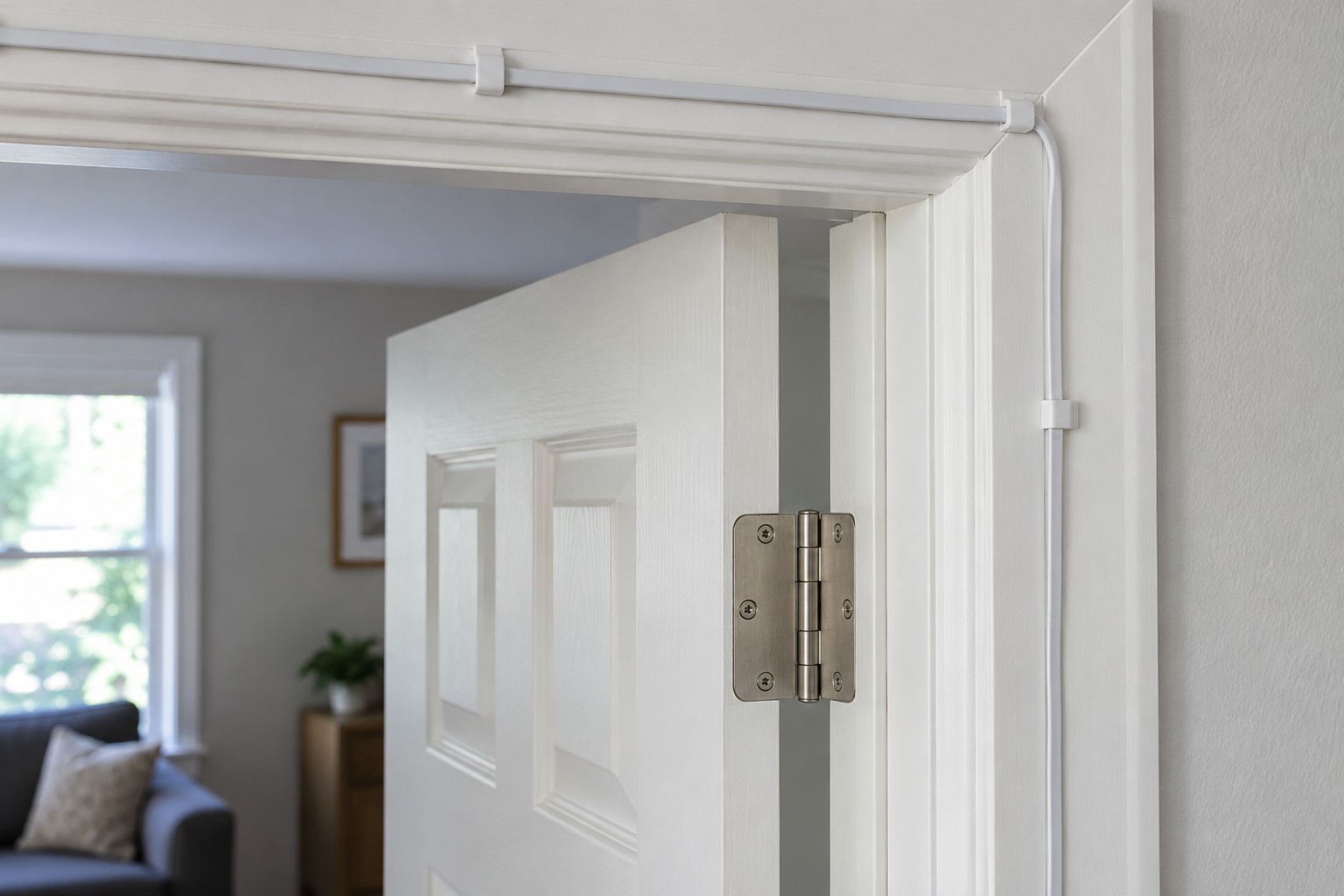
A route around a wall is easier to inspect than a loose cable running under a rug. Doorways deserve particular attention: a closed door must not squeeze the cable against its frame. Choose clips that do not damage the jacket, and avoid sharp folds or overtightened ties. Permanent penetrations, fire-rated areas and routes shared with electrical wiring call for appropriate professional planning.
Test before making the route permanent
Temporarily connect the proposed cable between the network and the desk. Check that the operating system is actually using Ethernet, then try the work the connection is intended to support. A large transfer within the home network and an internet speed test answer different questions. The latter also includes your broadband connection and a remote server.
Look for the slowest part of the chain. A fast broadband plan cannot compensate for a dock, switch port or faulty connection negotiating a lower speed. Substituting a short cable known to work can help identify a problem. Change one component at a time so the result remains interpretable.
Repeat the same checks after securing the cable. Move the chair and desk through their normal range, checking for tension and snagging. Label both ends with a useful destination such as home office. A little spare length at a connector helps future rearrangement; a large loose coil beneath the chair creates another hazard.
Finally, keep the scope of the improvement clear. Wiring the laptop does not also repair the wireless connection used by a phone or tablet beside it. Ethernet addresses one specific path, which makes its benefit straightforward to test and document.