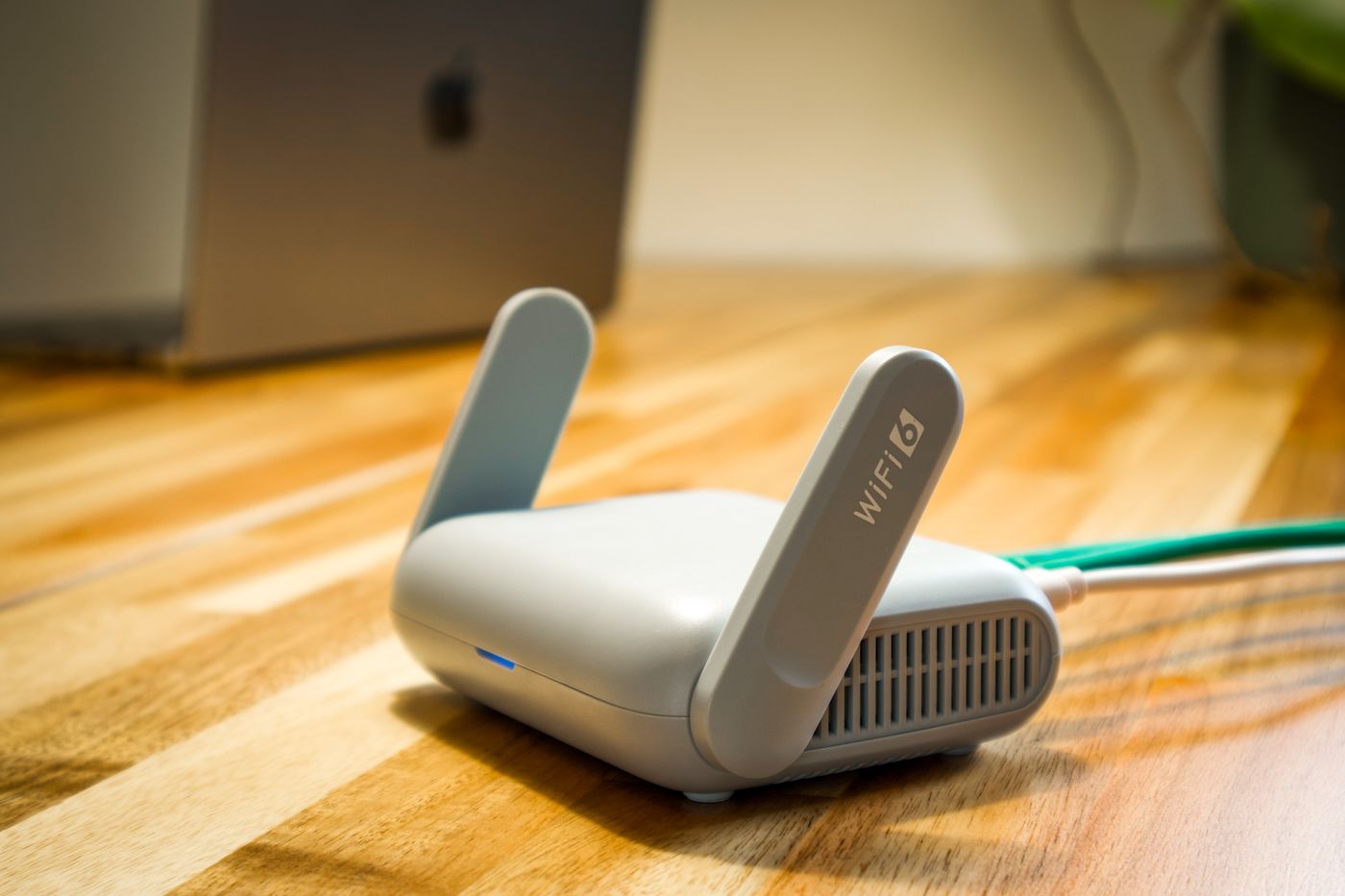
Preparing for a router firmware update
Keep access to the management interface and plan the interruption before maintenance begins.
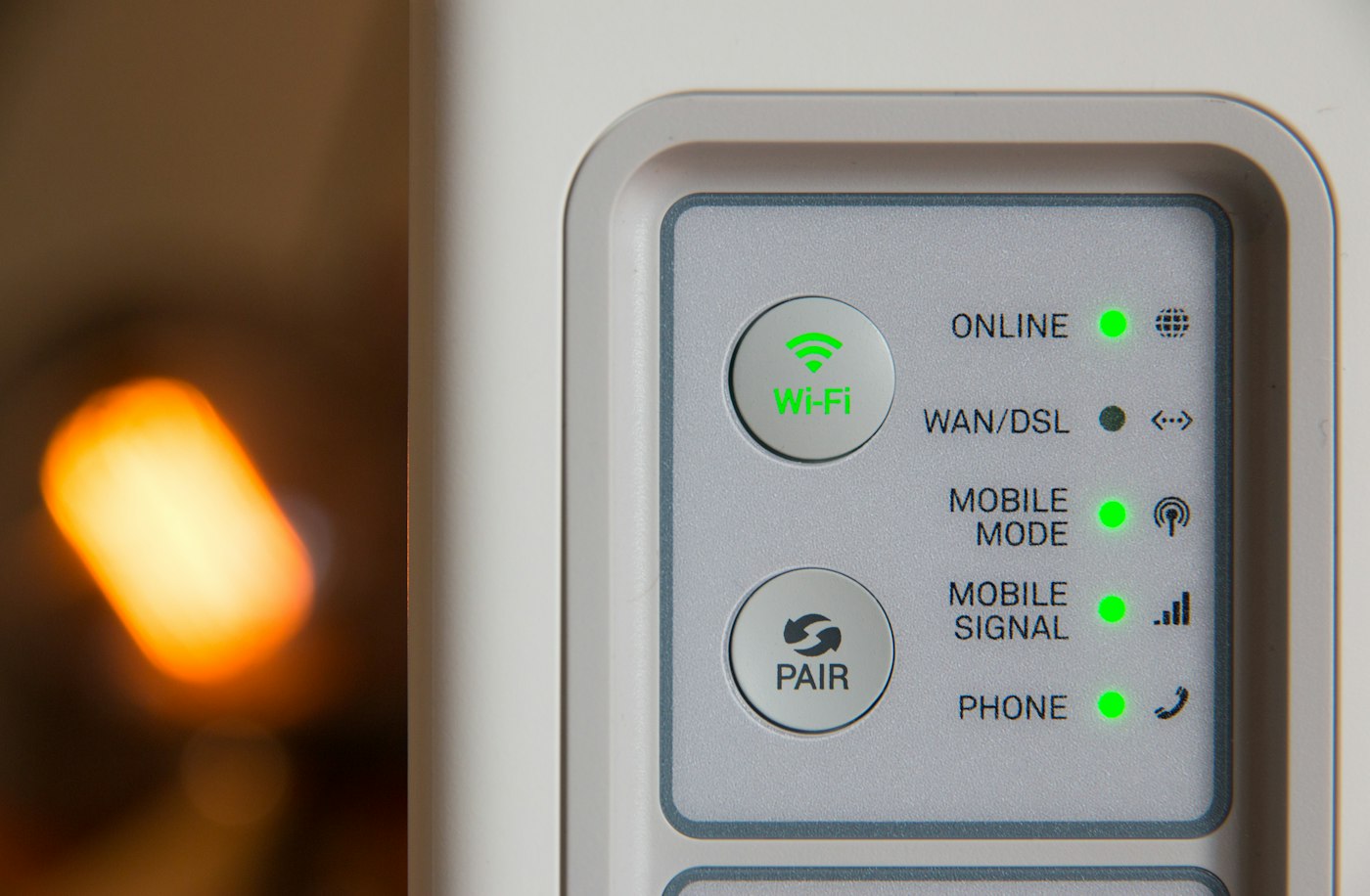
Router software is not a permanent, unchanging part of the box. Updates can correct faults, change features and address security weaknesses. Preparation should make that maintenance manageable, rather than turning a short interruption into an unexpected outage during a working day.
Identify the exact equipment
Check the model, hardware revision and installed software in the management interface. Similar model names can require different files. Use only the manufacturer's or provider's intended update route. A forum download is not an equivalent source, even when someone reports that it worked.
A provider-managed router may update automatically or follow particular requirements. Establish this before starting a manual process. With several mesh units, also check whether the management system updates the whole network or one point at a time.
Preserve access and the starting configuration
Make sure you can sign into the router controls. The Wi-Fi password and administrator password may be different. Keep the required credentials secure and available offline. If configuration backup is supported, create one as directed and protect the file because it may contain sensitive settings.
A backup is not a promise that it can be restored to every later software version or another router. Read the documented recovery process. Separately note meaningful custom settings such as device reservations, telephone setup and additional access points. The aim is not to transcribe every screen, but to retain the changes that matter to your household.
Read the release notes for changes affecting your setup. A new feature may matter less than a note about the VPN, telephone arrangement or mesh mode you use. A work-managed connection may have internal requirements; do not change it without appropriate authority.
Choose a quiet maintenance window
Tell other household members and finish important transfers. Avoid starting immediately before a meeting that requires internet or telephone service. Keep an alternative way to reach the instructions if the local interface becomes unavailable during the process.
Maintain stable power and leave the reset button alone. Do not disconnect the router merely because a progress display appears unchanged for a while. The manufacturer's guidance determines normal timing and what to do after a genuine failure. Interrupting an update too soon can turn a slow process into a more serious problem.
Check more than web browsing afterwards
Allow the expected restart and confirm the installed version. Then test the functions actually used at home: a wired client, Wi-Fi through another point and, where relevant, telephone service or a local printer. Opening one website does not check all those paths.
Confirm that personal settings remain and additional nodes have reconnected. If one device does not return, investigate that route before resetting the whole network. Record the time, version change and error message. These details make a support request more useful.
Automatic updates can simplify ongoing care when the router supports them. Still check occasionally that the feature is active and that security updates continue to be provided. Preparing for one update does not replace noticing when the product's software support ends.