Storing headphones at a desk
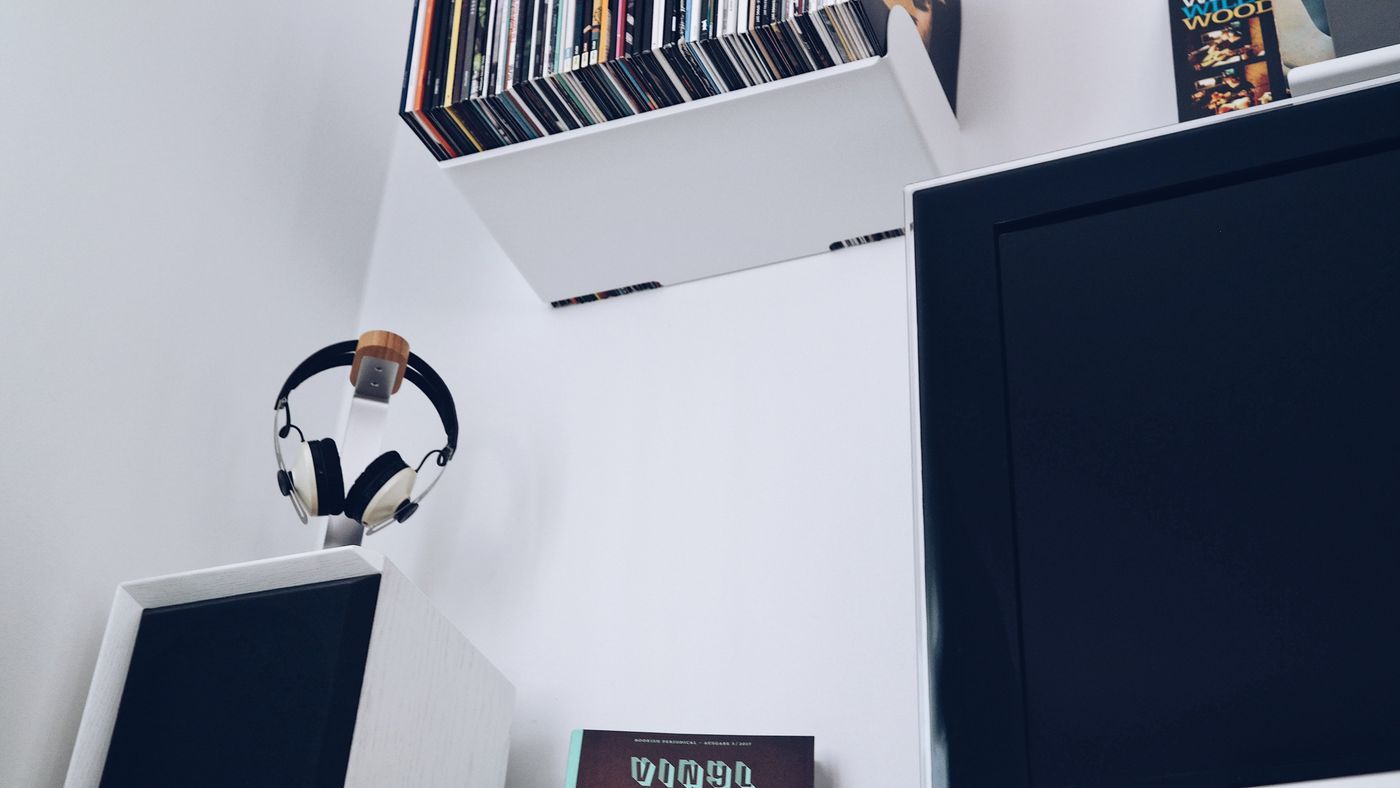
Support the headband, cushions and cable without making the headphones awkward to reach.
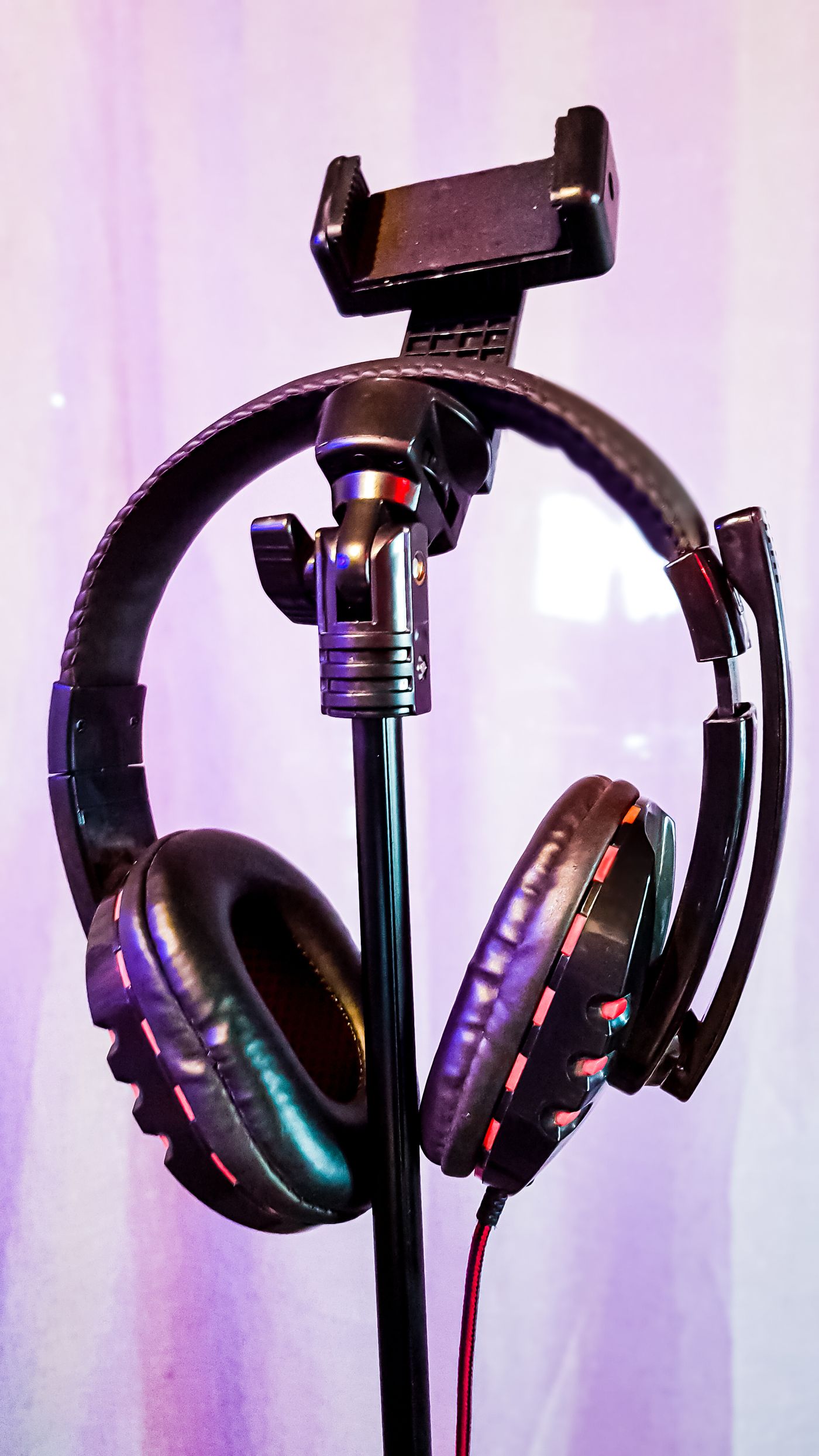
Headphones easily end up between a keyboard and a cup. A consistent resting place helps prevent knocks and frees the desk. It does not necessarily require a large stand. The headphone design and available space matter more.
Check which part can safely support hanging. A narrow hook concentrates pressure on a padded headband. Designs with a separate suspension strap should not be stretched inappropriately. Follow care guidance and choose a sufficiently broad, smooth support.
Balance access and protection
An under-desk holder saves surface space but may occupy the knee area. Check sitting, moving the chair back and standing up. The headphones should not strike a drawer or catch their cable on an armrest.
A desktop stand keeps them visible but needs a stable base. Avoid placing it immediately at an edge. A light stand that lifts whenever the headphones are removed may be less useful than a simple flat resting area. A case can suit a heavily used desk or frequent transport.
Allow damp cushions to dry after use according to their care instructions before enclosing them. Strong direct heat is not a general drying method. Avoid storage beside a heat source or in persistent sunlight.
Keep cable strain low
Route a connected lead away from chair wheels. Leave relaxed slack near the connector and do not wind it tightly around the earcups. Remove a detachable cable by its plug, not by pulling the wire.
Wireless models also need an appropriate charging position. A constantly strained charging connector remains undesirable on an attractive stand. Follow the product's charging requirements and avoid damaged cables.
Try the arrangement during a normal working day. Can the headphones be picked up and returned easily? Are microphone arms and hinges free of pressure? A suitable solution keeps them available without creating a new collision or cable hazard around the desk.