Grouping smart lights by room
A group should represent an understandable shared action, rather than a collection of technical device names.
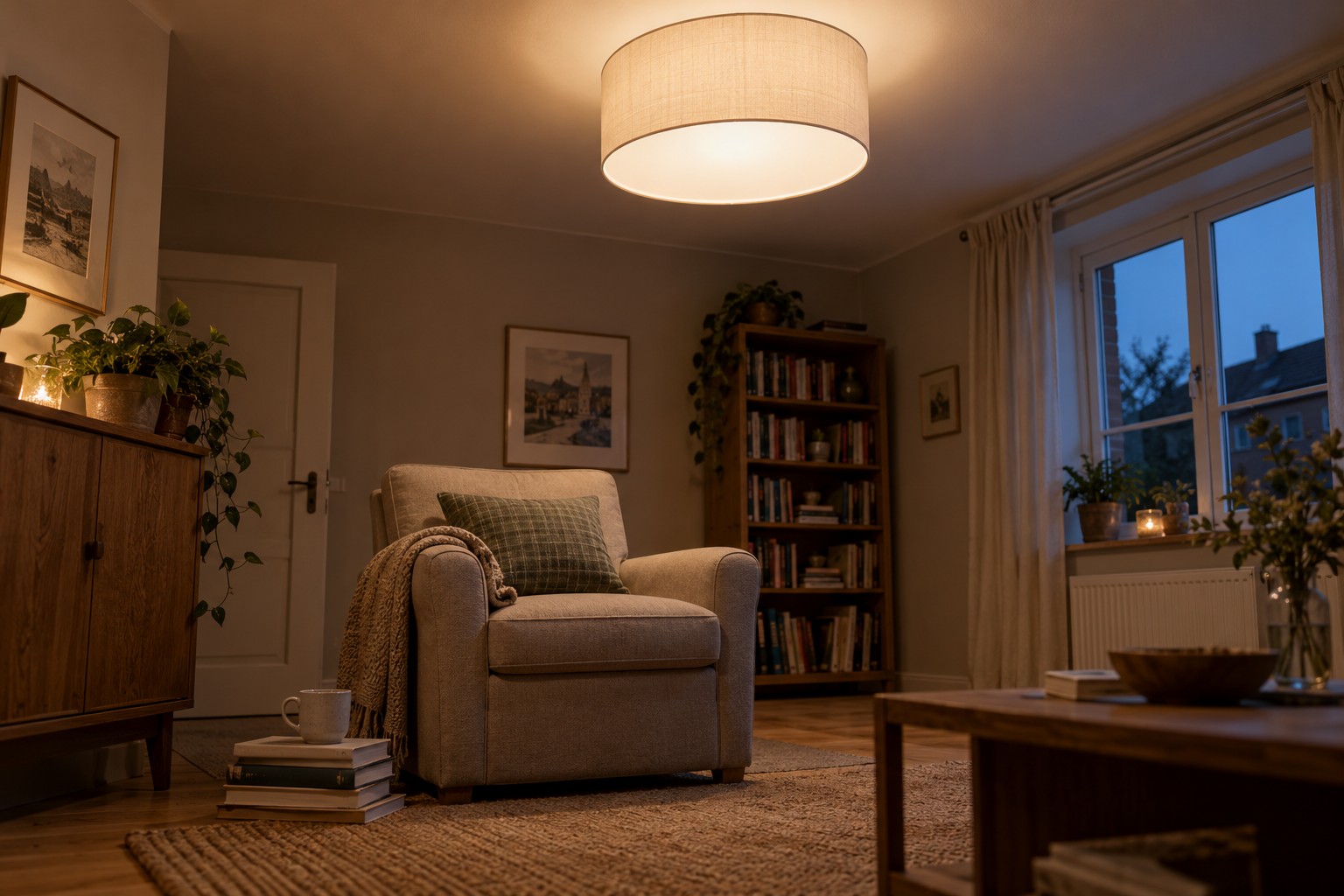
If turning off the living room also switches off another person's reading lamp, the group does not match the way the space is used. Before collecting lights in an app, decide which ones should genuinely operate together. A room name is a useful starting point, but not always the whole answer.
Give each light a clear individual name first, such as ceiling, left shelf or reading lamp by the window. Avoid names like lamp two that explain little after furniture moves. Add a new light to a group only after you can reliably identify and operate it on its own.
Distinguish rooms, zones and scenes
Systems may offer rooms, zones or other grouping types, with different rules about overlap. A scene usually stores particular lighting states instead. The group therefore identifies the lights involved, while a scene can describe how they should look. Check the terms used by your own app rather than copying settings literally from instructions for another platform.
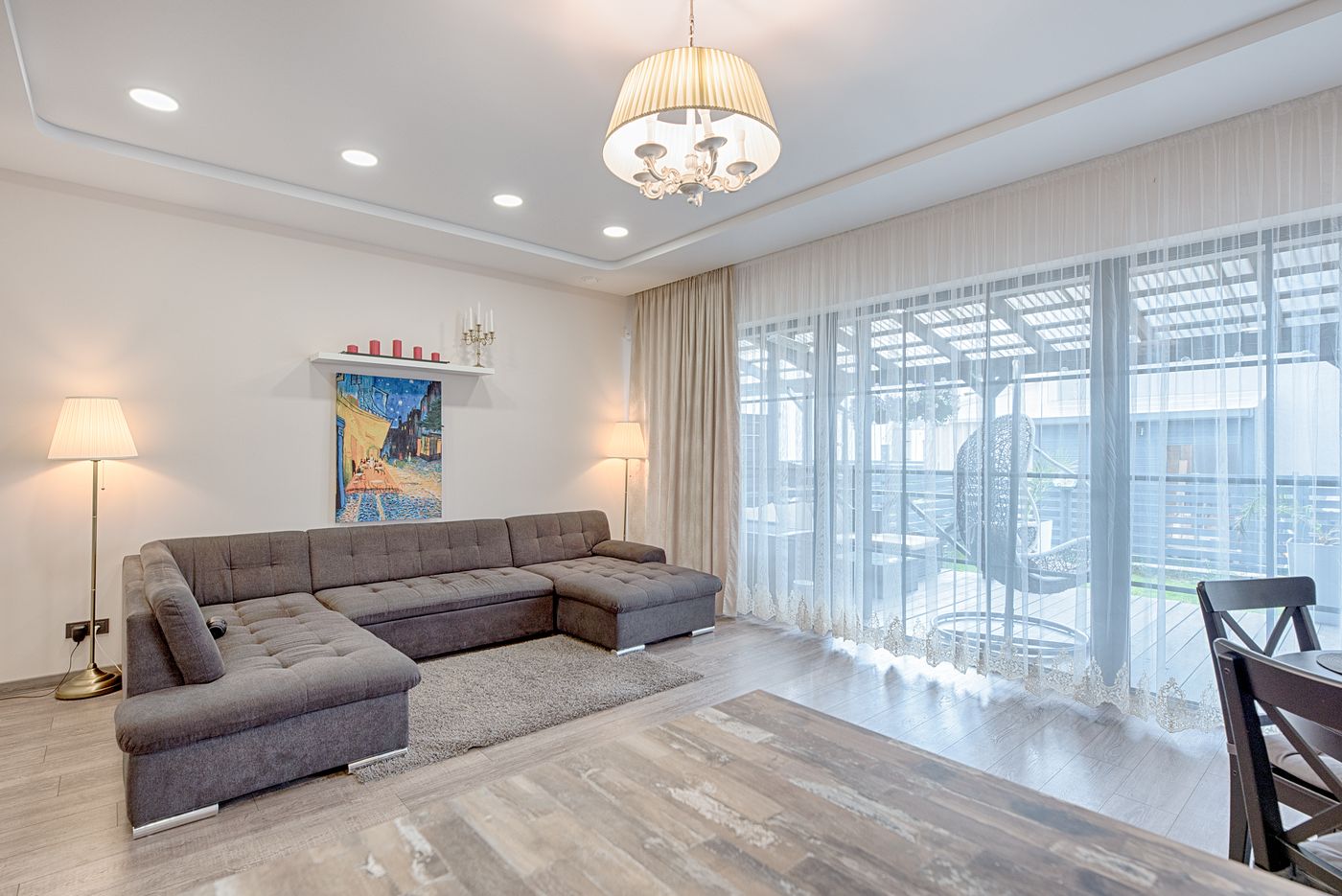
In an open-plan room, one group might control background lighting and a smaller zone the dining table. A reading lamp may remain separate. Every additional group should have a concrete purpose. Several almost identical groups with slightly different names tend to create confusion rather than useful control.
Test the most important shared command next. Do only the intended lights respond? If one does not, check its individual power and connection first. A switched-off wall supply can look like a grouping fault. There is no need to rebuild the entire arrangement when only one bulb is unreachable.
Check the other controls
A group can work correctly in the manufacturer's app while having a different name or a duplicate in a linked voice platform. Test the controls you actually use: the app, physical button and any voice assistant. Avoid overlapping routines that change the same room at competing times.
With shared access, other household members should be able to operate ordinary groups without necessarily receiving administration rights for every setting. Available permissions depend on the system. Agree which lamps are personal and which belong to the shared background lighting.
After moving home or replacing a bulb, changing its name is not the only task. Review scenes, button assignments and schedules that included the old device. A short record of the groups you actually use makes that maintenance easier without turning a simple lighting setup into an administrative project.