Organising a small home networking corner
Make connections understandable and equipment accessible without obstructing radio coverage or airflow.
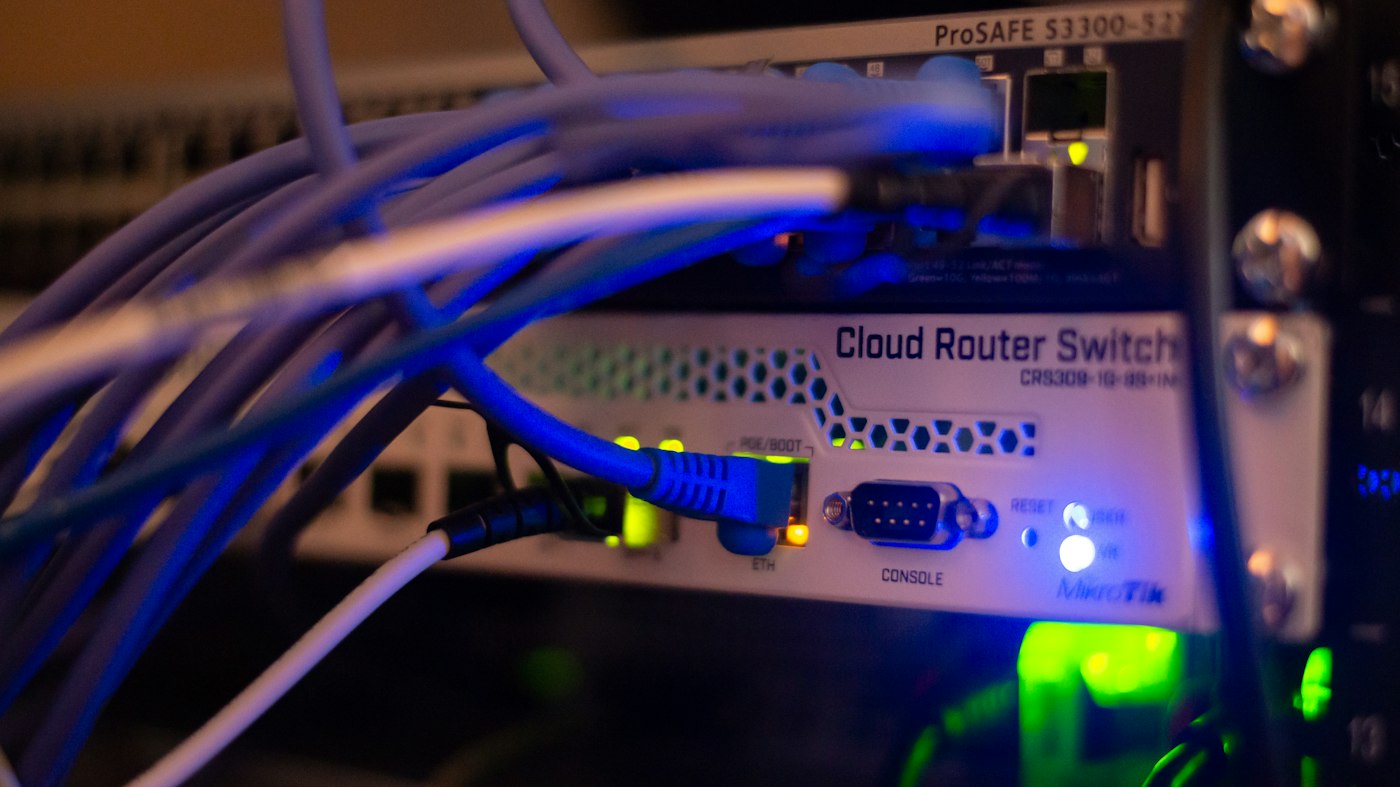
A home networking corner need not resemble a server cabinet. It may contain only a router, small switch and two power adapters. The aim is to understand every connection and reach one device without dismantling everything. Hiding as much equipment as possible inside a tight box does not necessarily achieve that.
Separate the roles
Identify the incoming connection, any separate modem, the router and downstream devices. Sketch the connections as they really exist. Where a cable disappears into a wall, mark its known destination or the unresolved question. An honest incomplete diagram is better than an attractive guess.
Next identify which equipment transmits Wi-Fi. A router or access point needs an appropriate open position; cable distribution has a different purpose. It may make sense to keep the radio outside furniture while organising spare cable and suitable components inside.
Leave ventilation openings clear and use intended device orientations. Do not bury warm power supplies inside a tightly packed cable box. Manufacturer operating conditions still apply to decorative storage. Never alter an electrical device merely to make it fit the furniture.
Keep cables traceable
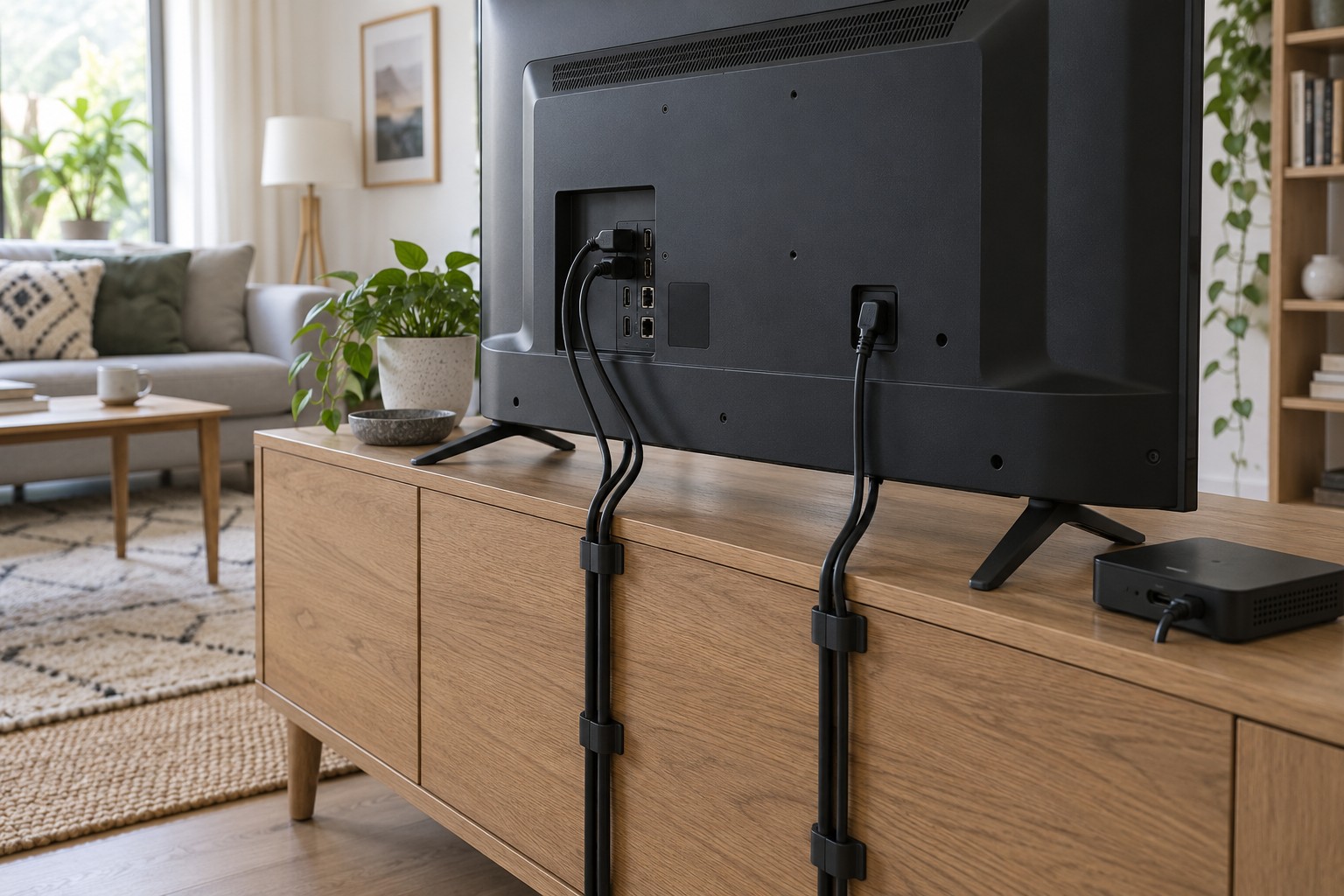
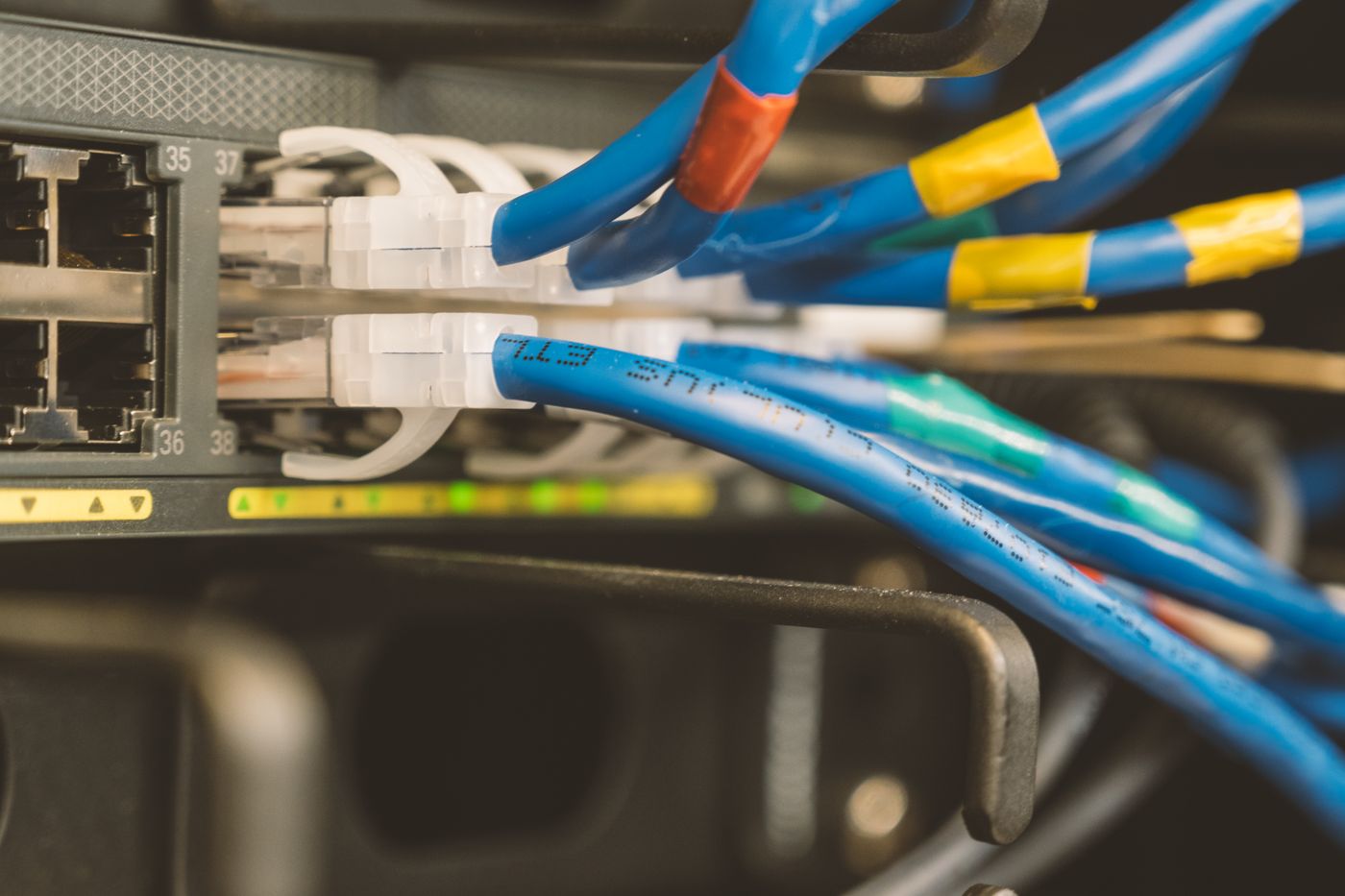
Trace and label connections individually, especially the incoming service route and switch uplink. Bundle only enough to keep individual plugs accessible. A little slack lets you pull equipment forward for inspection; large loose loops collect dust and conceal other ports.
Identify which adapter belongs to each device rather than relying on matching connector shapes. Labels help prevent confusion but do not replace checking voltage, current and manufacturer compatibility. Keep the power connection accessible for safe disconnection when required.
Store the diagram and model names somewhere available without internet access. Passwords do not belong on a sign visible to visitors. Device function and destination room normally provide enough information for routine identification.
Finish with a maintenance rehearsal
Try finding one particular LAN cable and reading a device label without taking the arrangement apart. If that requires disconnecting several unrelated plugs, it is still too crowded. Check that closing a furniture door neither pinches cables nor encloses the wireless router. The corner is well organised when it remains understandable after the next small change.