Organising cables behind a television
Make connections understandable and accessible without restricting cooling or movement.
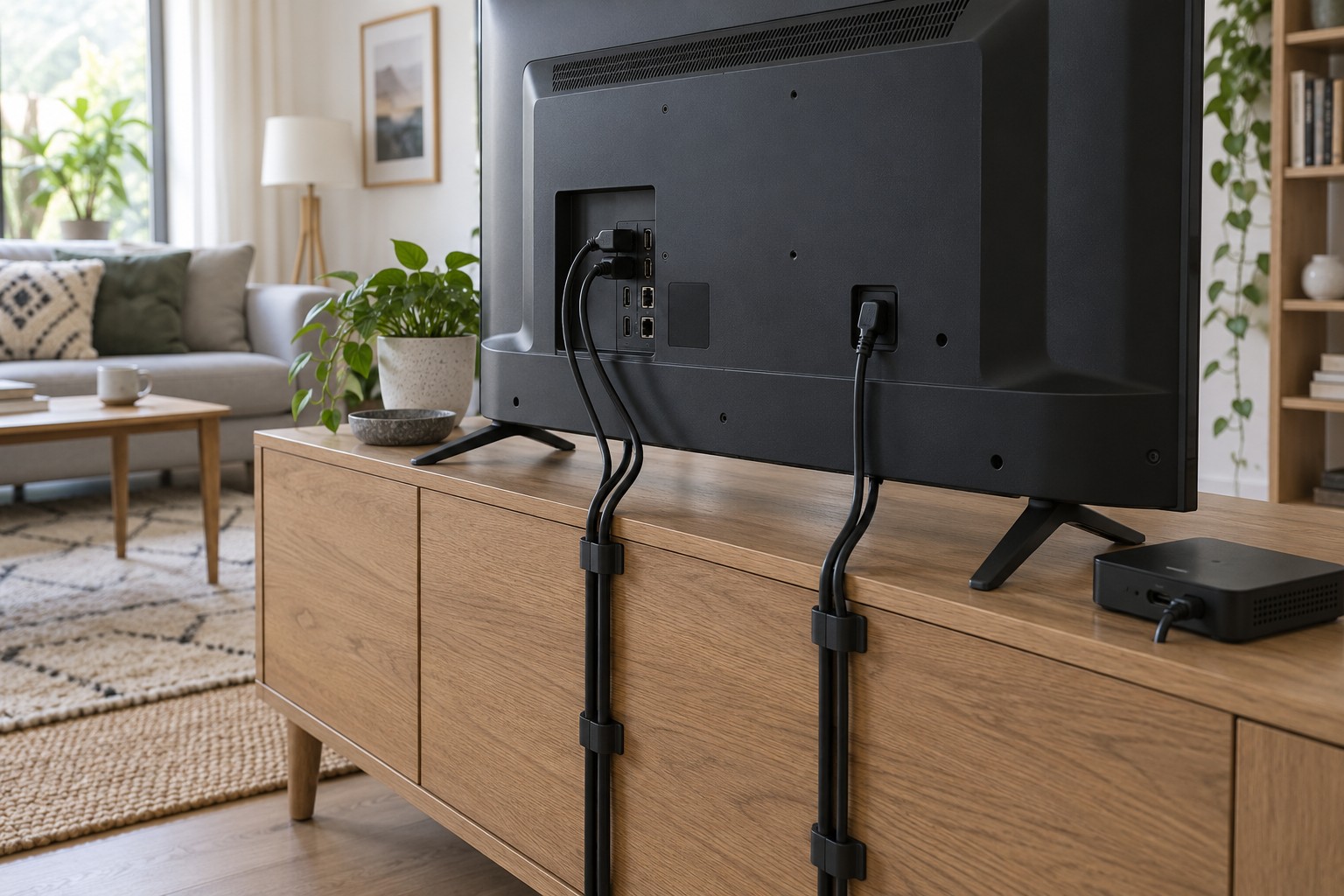
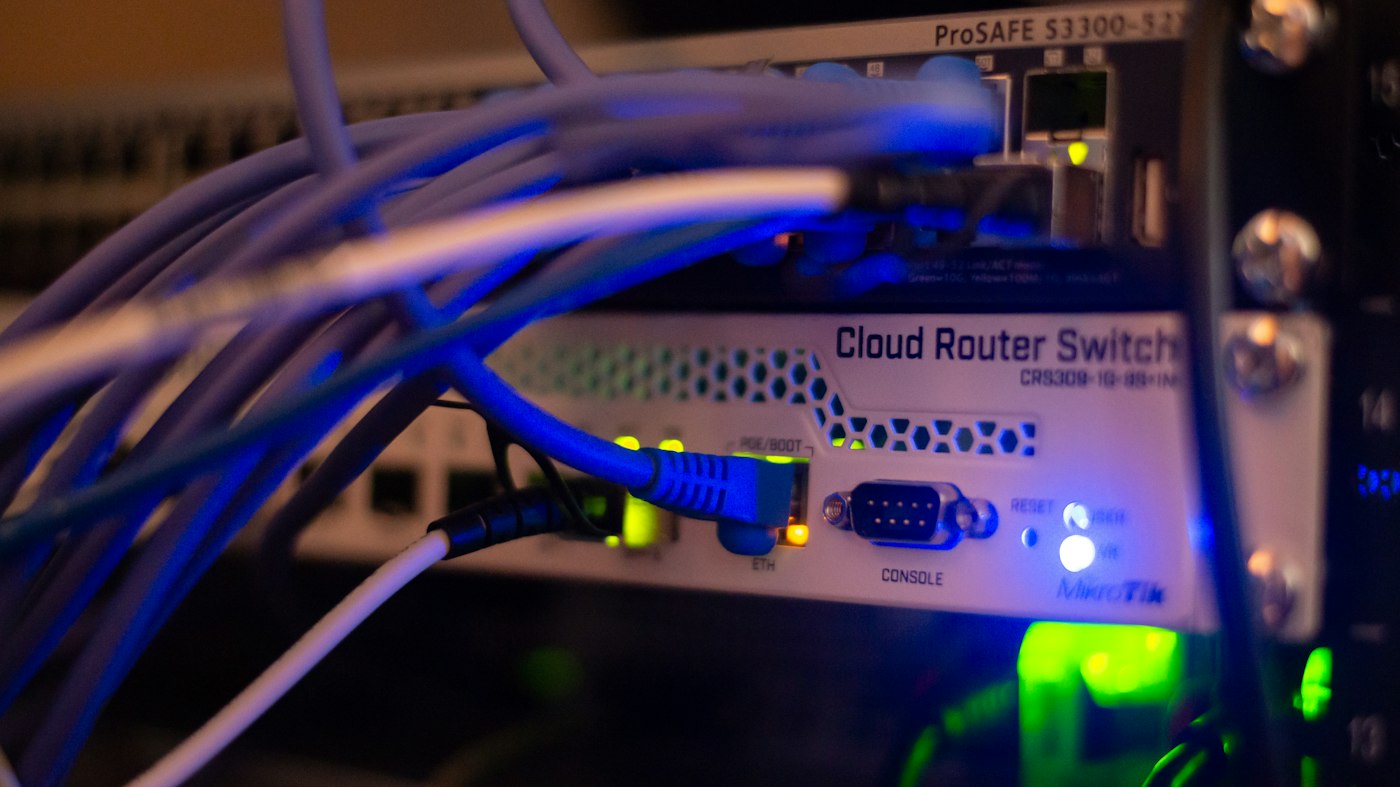
A cable cluster behind a television can look untidy while serving several different jobs. Identify power, picture, sound, aerial and network leads before putting everything into one narrow sleeve. An attractive but inaccessible arrangement can make the next fault much harder to investigate.
Photograph the working setup and record each route. Label both ends with understandable descriptions such as console to HDMI two. Avoid attaching labels to hot surfaces or sensitive contacts. Clear device identification is particularly useful for similar-looking power supplies.
Remove uncertainty before bundling
Follow shutdown instructions before changing connections. Remove only leads whose purpose you have established. An apparently unused cable may serve an occasionally used source. Store those parts separately and labelled rather than leaving an unexplained connection in place.
Group the remaining cables by destination and route. A lead regularly used for a laptop needs different access from a permanent aerial connection. Keep frequently handled plugs reachable without moving heavy equipment every time.
Reusable straps are often easier to maintain than tightly pulled ties. Do not crush the cable or force a bend at its connector. Respect bending limits, especially for delicate optical leads. A kink does not become harmless because it is hidden behind furniture.
Allow movement and cooling
A swivelling bracket needs sufficient slack through its full permitted travel. Check carefully without pulling on connectors. Leads must not become trapped in joints or restrict the television. Arrange spare length neatly rather than leaving a heavy loop hanging from a socket.
Preserve vents and required clearances. Do not wrap power supplies, receivers or consoles tightly in fabric or unsuitable boxes to hide cables. Trunking routes wires; it does not provide ventilation for equipment.
Power strips also need an appropriate position and permitted loading. Do not chain them together arbitrarily. Damaged, discoloured or unusually hot plugs need attention, not concealment deeper inside the cabinet. Have fixed electrical alterations carried out properly.
Test the complete everyday setup
After tidying, check every source you actually use. Confirm picture, sound, network access and remote control. A working home screen alone does not establish that the ARC audio path or games console remains correctly connected.
Open and close furniture doors, then move the bracket through its intended range again. Correct any cable that pulls tight or catches. Update labels or the connection photograph afterwards. The aim is an understandable installation that remains accessible during a future equipment change without complete unravelling.