Setting up a portable projector at home
Portability does not remove placement checks. A small projector still needs suitable distance, ventilation and stable support.
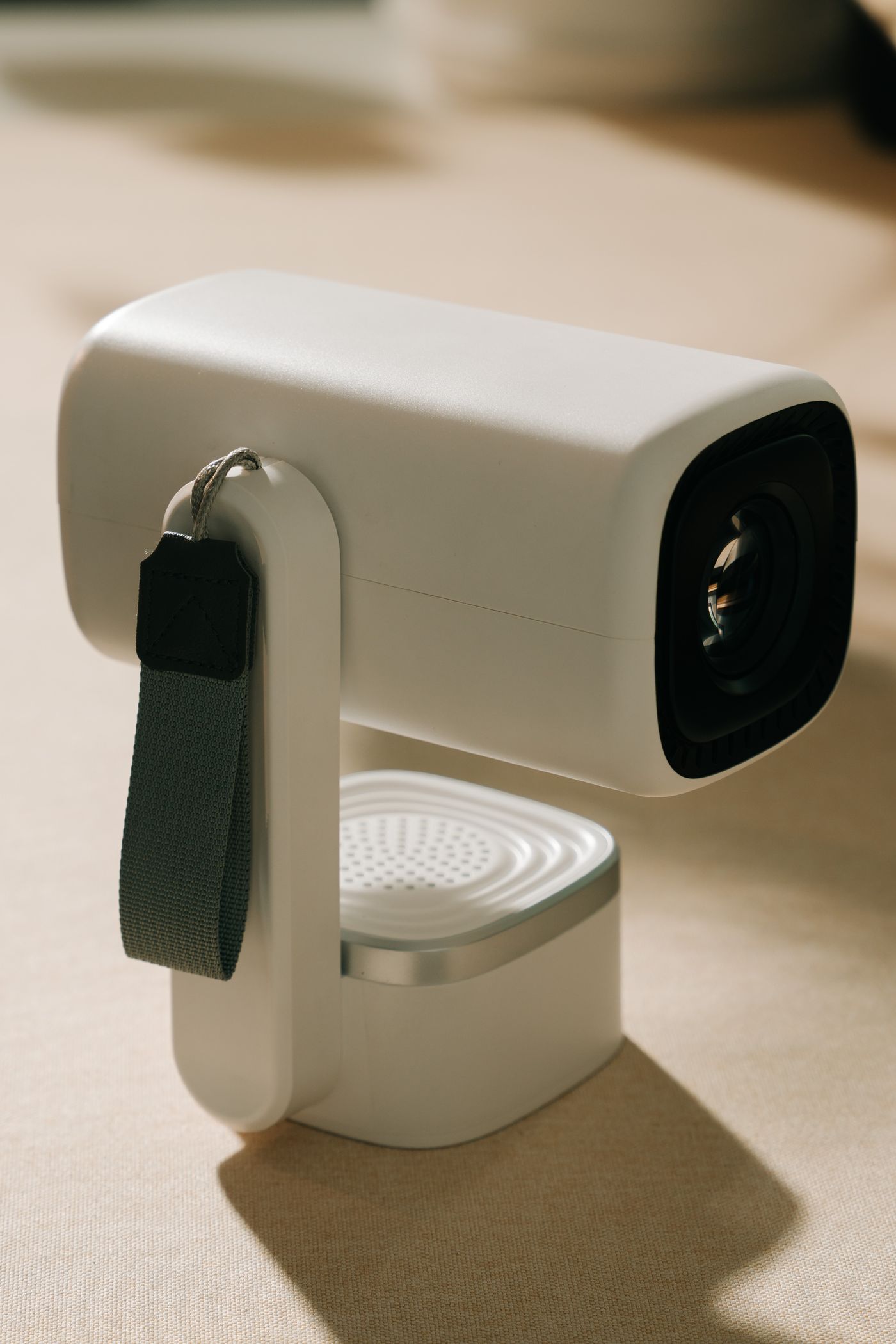
A portable projector can move between rooms, but each location changes image size, lighting and sound. Do not treat it like a lamp that behaves approximately the same everywhere. Establish a simple repeatable arrangement for the places used most often.
Check what portable means for the actual product. Some include a battery, while others still need an adapter despite their compact shape. Brightness or runtime may differ between battery and mains operation. Compare figures for the mode you intend to use.
Choose a repeatable temporary position
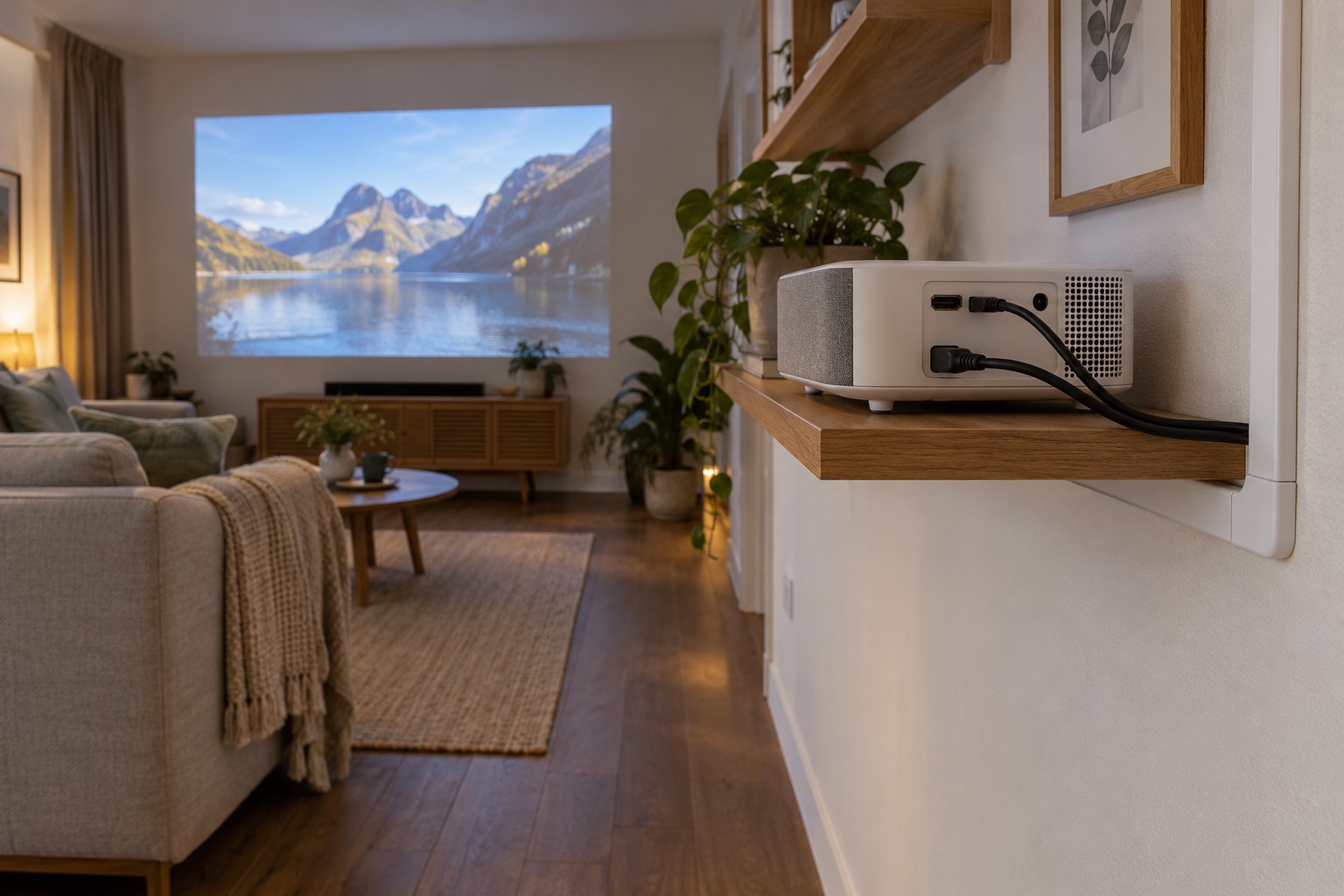
Use a stable table or explicitly suitable stand. Book stacks and soft cushions are inappropriate if they block ventilation or allow tipping. Preserve required clearances and permitted orientation.
Set distance and image area using the model's specifications. Automatic keystone correction can assist setup but does not replace sensible alignment. Start reasonably square to the surface and inspect focus and readability at the edges. A sharp central menu does not prove a consistently useful image.
Avoid walking routes through the beam. Follow safety instructions and never look into the lens. Leads must not create trip hazards between seats and equipment. Change an unsuitable position rather than covering the route with an improvised obstruction.
Test source and sound before viewing
An integrated app platform does not guarantee every desired service. Check the exact app, account and supported playback. External sources need compatible connections and picture settings. Install necessary updates before the planned session rather than while others are waiting.
Test speech and picture together. An external Bluetooth speaker may add different delay from the built-in speakers. If timing is distracting, investigate a supported wired or other documented option. Extra volume does not correct delay.
A short note of distance, support and source can help with regular room changes. Do not alter saved settings blindly when only the room has changed. Inspect physical positioning before applying strong digital correction.
After use, allow the documented shutdown and cooling process. Do not put the projector into a tight bag while still operating or hot. Protect the lens appropriately and avoid tight cable bends during packing. A repeatable arrangement makes portability useful without reinventing basic safety and picture checks each time.