Setting no-go zones for a robot vacuum
A virtual boundary needs the correct map and a real-world test. It is not a physical safety barrier.

A no-go zone can keep a robot out from beneath troublesome furniture or away from a delicate area. It operates within the model's supported mapping and navigation features, however. Check which exclusion types the device actually provides.
A general exclusion, virtual wall and no-mop area are not identical. A wall may block a line, whereas a zone excludes a surface. A no-mop rule may affect passage differently on different robots. Read the corresponding instructions rather than inferring behaviour from a coloured rectangle alone.
Start with a clear area
Select a small, identifiable location and confirm the correct floor or map is active. Draw the exclusion with adequate space around the real obstacle. Brushes and mop assemblies can extend beyond the body, and the map display is not a millimetre-accurate building drawing.
Save the change and supervise a nearby clean. Watch where the robot actually turns. If the boundary behaves unexpectedly, stop and check map alignment, active map and rule type. Do not enlarge every exclusion randomly before identifying the cause.
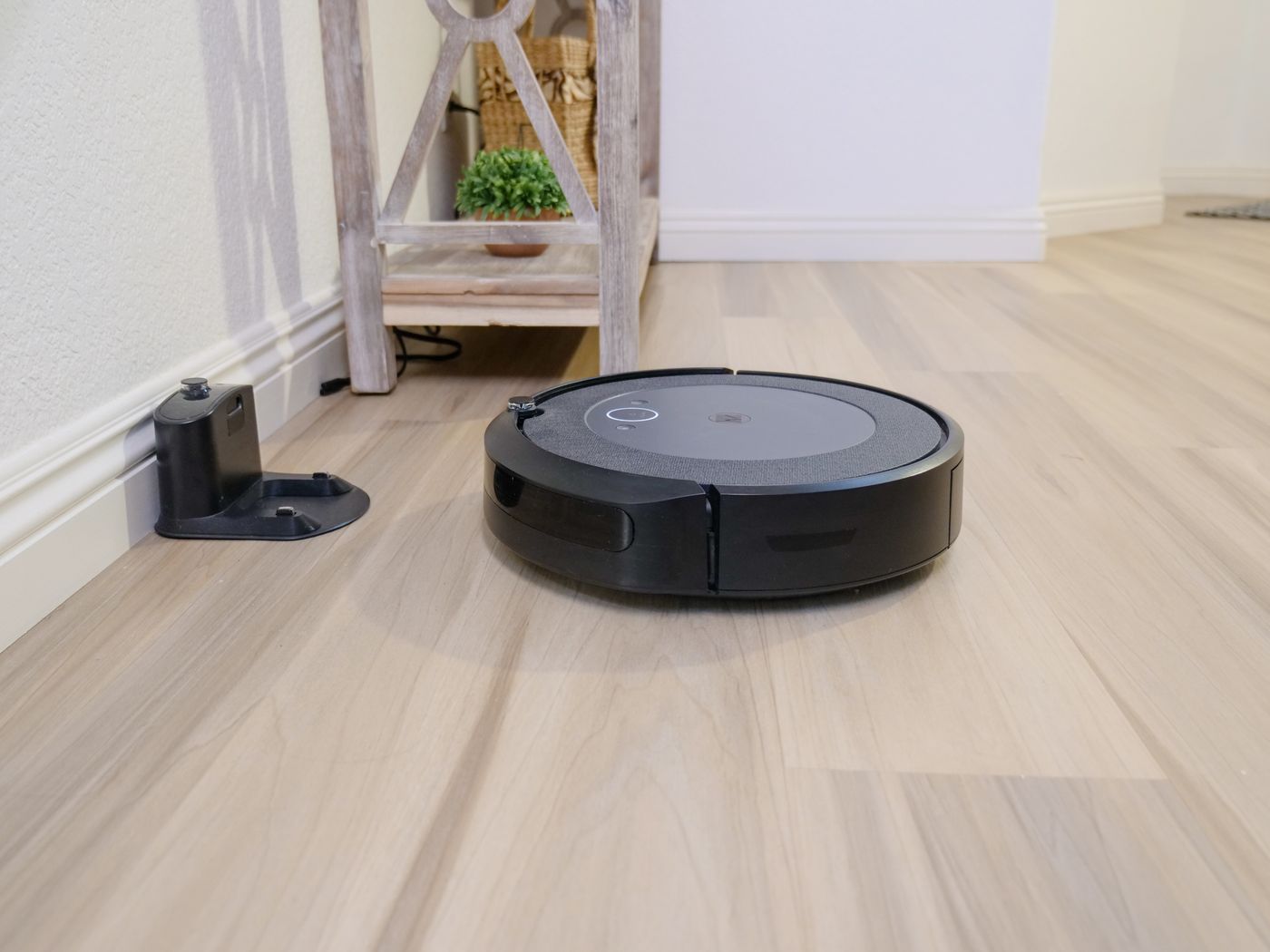
Consider the remaining routes as well. A zone by a doorway may block access to the whole next room. One in front of the dock may prevent a successful return. After editing, test a complete outward and return route, not just the excluded patch.
Retest after changes
A moved rug or relocated dock can make a previously suitable boundary ineffective. Remapping may require exclusions to be recreated. Also check scheduled jobs that depend on a particular room layout.
Virtual boundaries are convenience features, not sole protection against hazardous situations. Do not substitute them for necessary physical precautions or alter cliff sensors. Remove dangerous or unsuitable objects from the driving area instead of relying entirely on an app marking.
Keep the number of zones manageable. If nearly an entire room needs exclusion, different preparation or separate cleaning may be more sensible. A useful no-go zone resolves a particular problem without making the remaining navigation unnecessarily complicated.