Preparing a robot vacuum's first mapping run
A useful map starts with a dock, door positions and floor conditions that resemble everyday use.
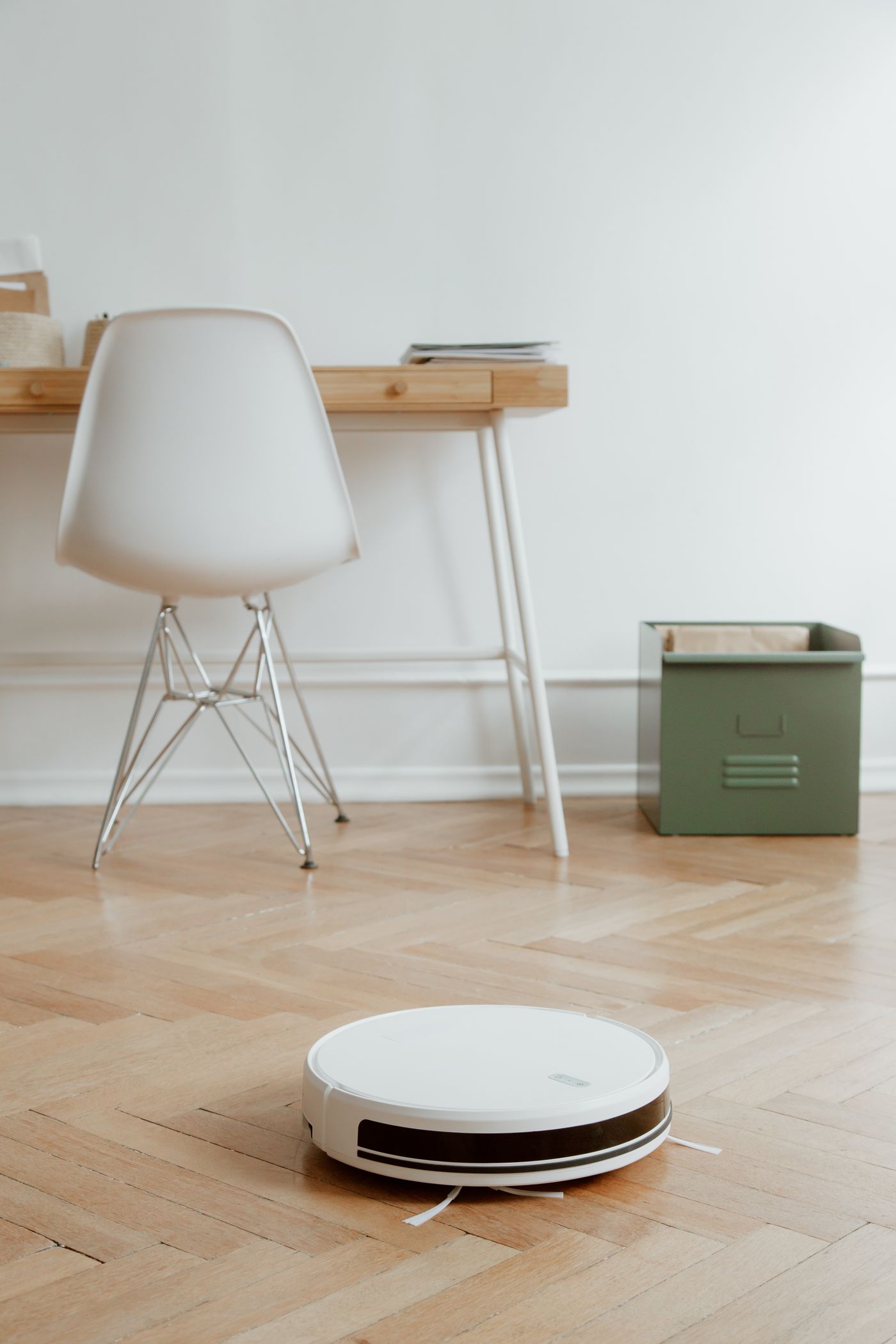
The first map is more than an attractive floor plan in an app. On supported machines it becomes the basis for room selection, exclusions and targeted cleaning. Poor preparation can therefore look like a later navigation fault when the original problem was simply a closed door or a dock that has since moved.
First check whether the model stores a persistent map and offers a dedicated mapping run. Robots do not all provide the same features. Some map while cleaning, while others offer a quicker exploration mode. The instructions also determine required lighting conditions and preparation.
Represent the future arrangement
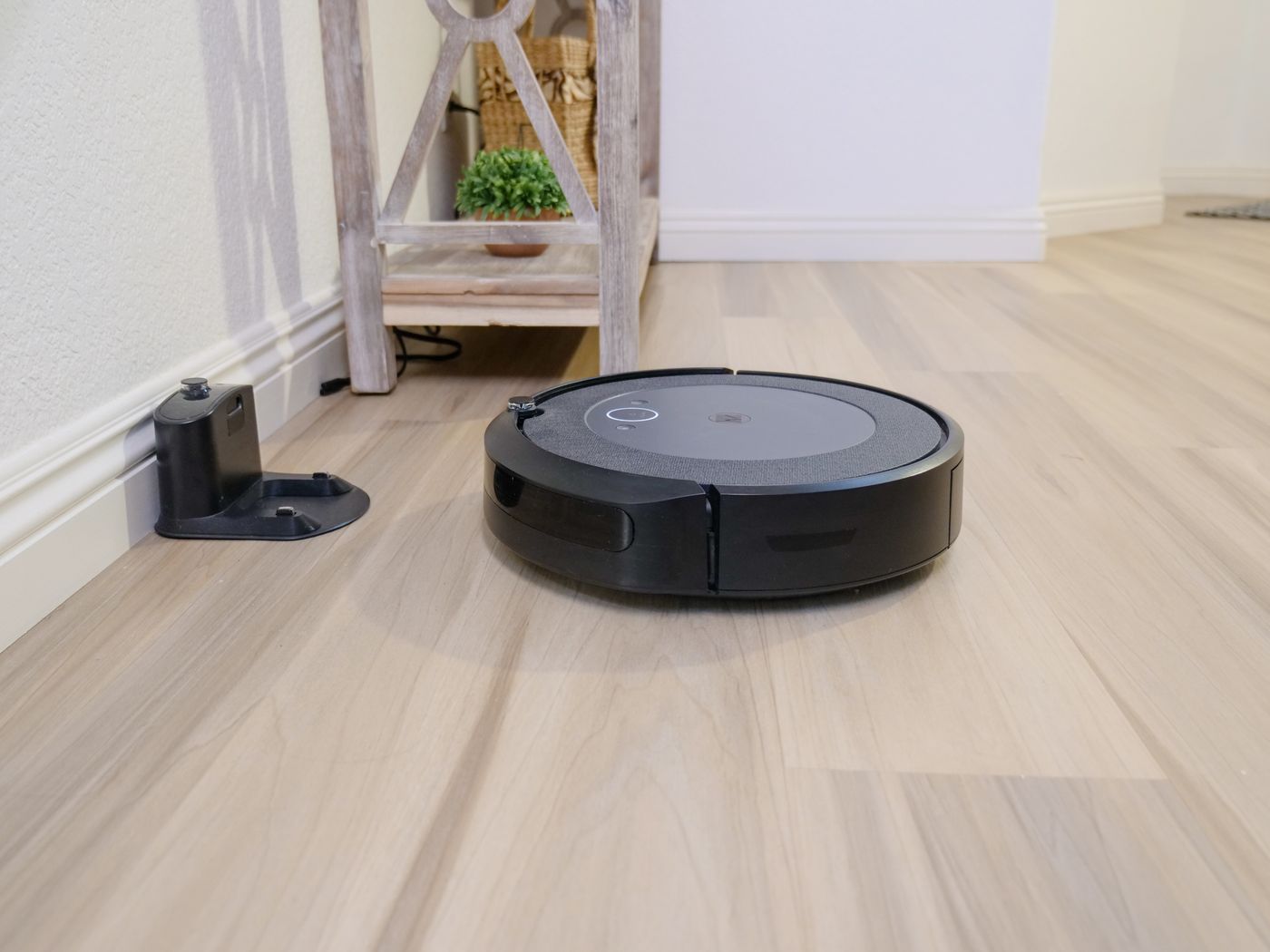
Choose the dock's lasting position before mapping. It should be stable and have the specified clearances. Charge the robot adequately and complete required setup or updates. Creating a new map is not a substitute for finishing basic installation.
Open doors to the rooms that should be cleaned. Exclude spaces that are unsuitable or not ready. Remove loose leads, clothing and small objects, but leave large furniture close to its normal position. An entirely empty room gives clear routes yet may poorly represent the later environment.
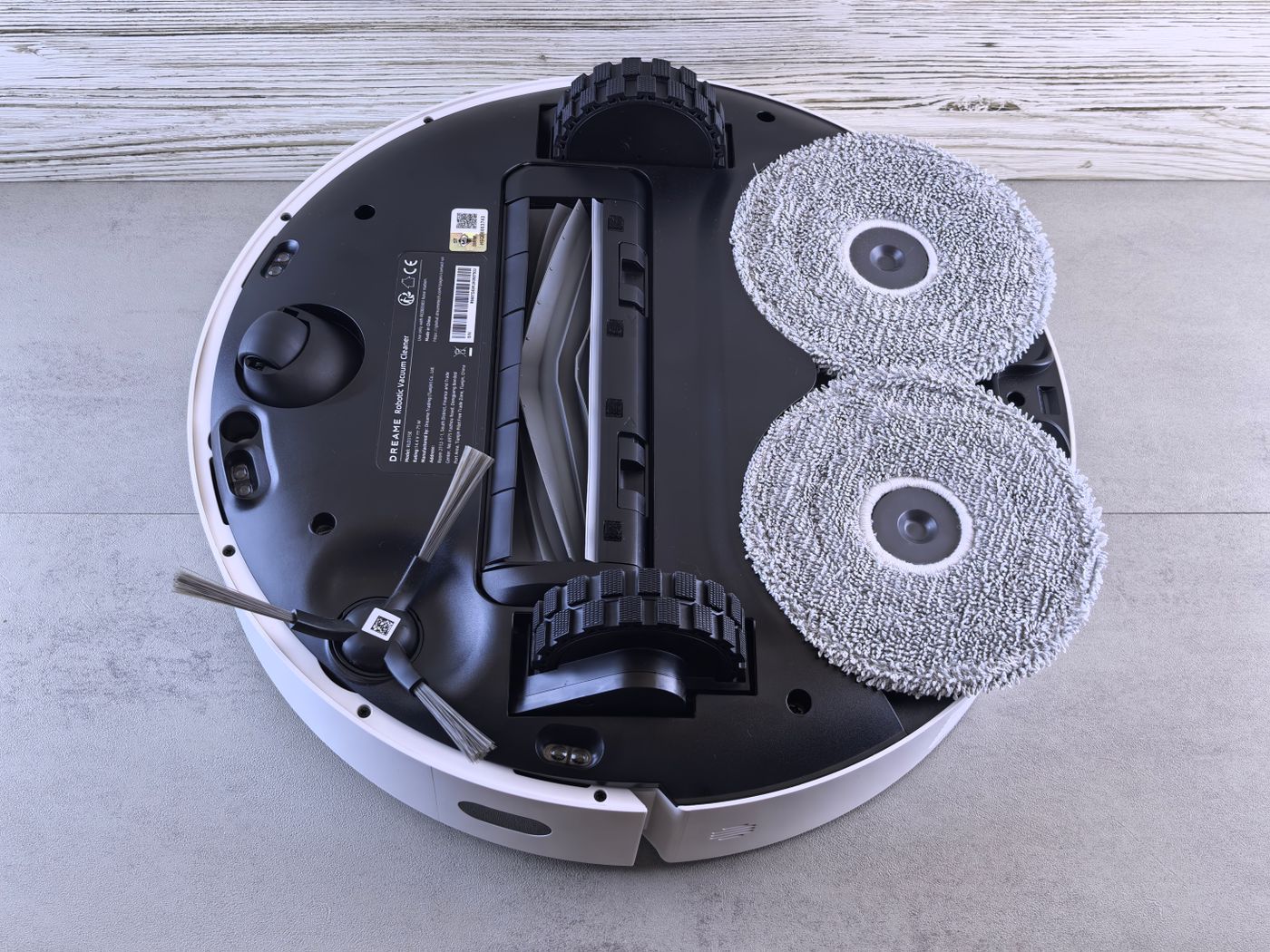
Pay particular attention to high thresholds, rug fringes, floor-length curtains and low furniture. Follow the manual for those areas. A virtual exclusion can only be configured usefully once the system supports it and does not replace necessary physical precautions. Never cover cliff sensors to keep a run going.
Observe without constantly relocating the robot
Start the documented run from the dock. Supervise it without repeatedly picking the robot up. If a problem appears, stop it as instructed and address the actual cause. Carrying it into a missing room may affect localisation and is not automatically the correct repair.
For example, suppose it repeatedly passes the bedroom doorway. First check that the door is open sufficiently and that a threshold or cable is not blocking access. If the route is available, read the instructions for exploring additional rooms. Do not immediately draw a room boundary around an area the robot has never entered.
Another example is an apparent extra space behind a mirror or glass panel. The reason and appropriate treatment depend on the navigation system. Do not modify sensors. Read model-specific advice and establish whether the map artefact actually causes a problem. An irregular line does not always justify complete remapping.
Inspect the saved result
After a normally completed run, check broad coverage first. Are the intended rooms present, are doorways plausible, and is the dock correctly located? Name rooms afterwards. A short descriptive name is easier to use than an automatically assigned room seven.
When splitting or merging rooms, place virtual boundaries at physically usable transitions. Then request a single-room clean and watch whether the robot reaches it, cleans and returns. A visually correct floor plan alone does not prove that the division works.
Exclusions also need a real test. Avoid drawing them unnecessarily tightly around delicate objects. Brushes and mop assemblies may extend beyond the body. Do not use virtual boundaries as the sole protection around hazards or wherever a positioning error could cause damage.
Decide whether remapping is necessary
A slightly moved chair does not always require a new map. A lasting layout change, relocated dock or unusable localisation may require an update. Check whether the model can edit, extend or restore maps before deleting one that broadly works.
Record important room names, exclusions and schedules before a major change. Recheck those assignments afterwards. Finish with a supervised clean under ordinary conditions, not merely a successfully saved graphic. A useful map should simplify the household rather than create work through constant unnecessary rebuilding.