Preparing to replace a home router
Plan for the incoming connection, telephone service, local devices and a recovery route if setup fails.
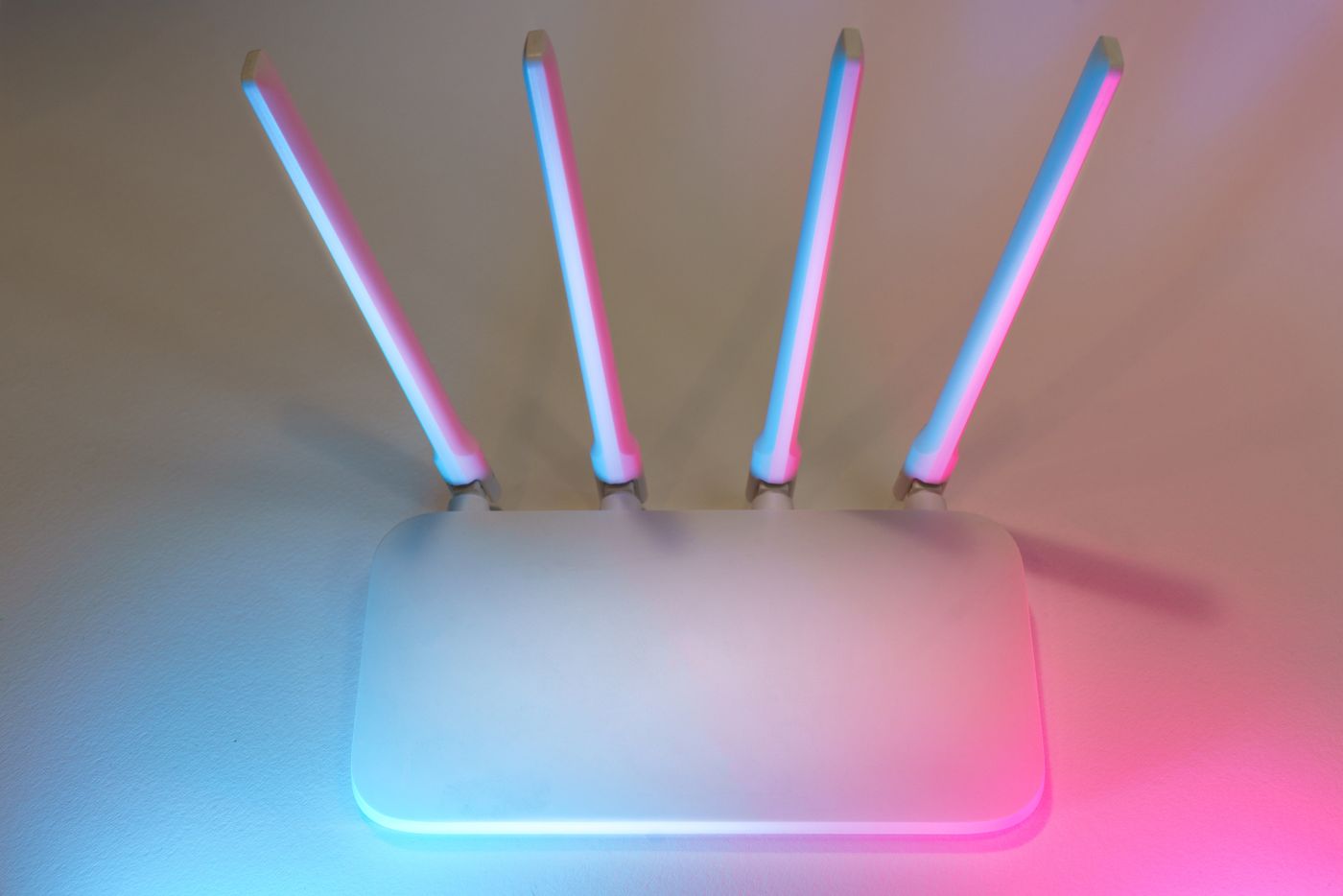
A new router is more than a different wireless box. Depending on the household, it manages internet access, telephone service, local addresses, sharing rules and additional wireless points. Replacing it without preparation can interrupt more than browsing. Review the functions you actually use before disconnecting the old equipment.
Does it fit the incoming connection?
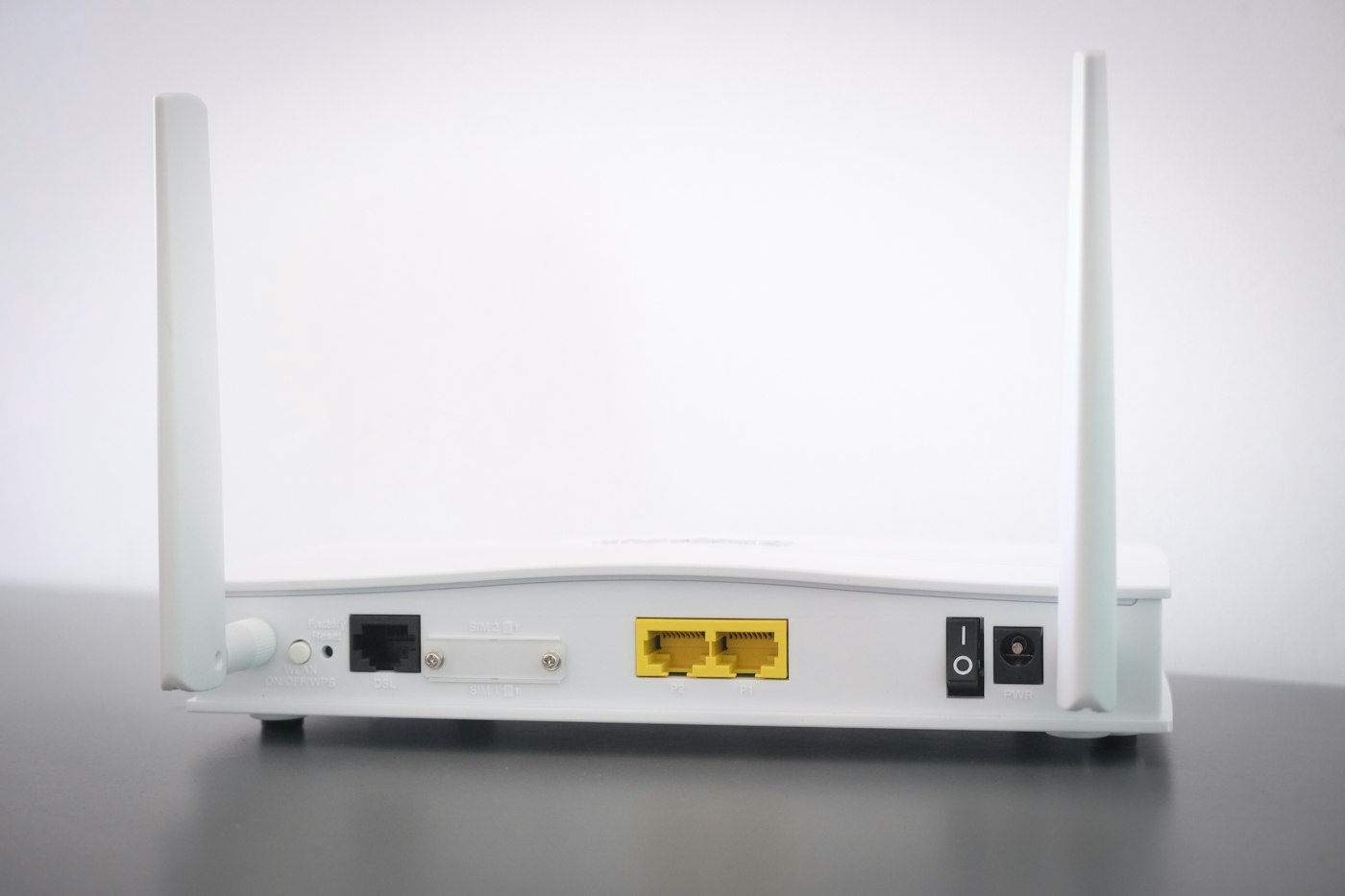
Confirm the access technology and provider requirements. DSL, cable service and Ethernet behind a fibre terminal are not interchangeable. A router without the required modem may be suitable behind another device, but not directly at the incoming socket. Establish the intended layout from official documentation for the specific service and model.
Find out whether credentials, activation or registration of the replacement are required. Telephone service may need additional settings, so successful internet access is only part of the final check. If the previous router is rented, confirm ownership and return requirements before selling or passing it on.
Record the settings that matter
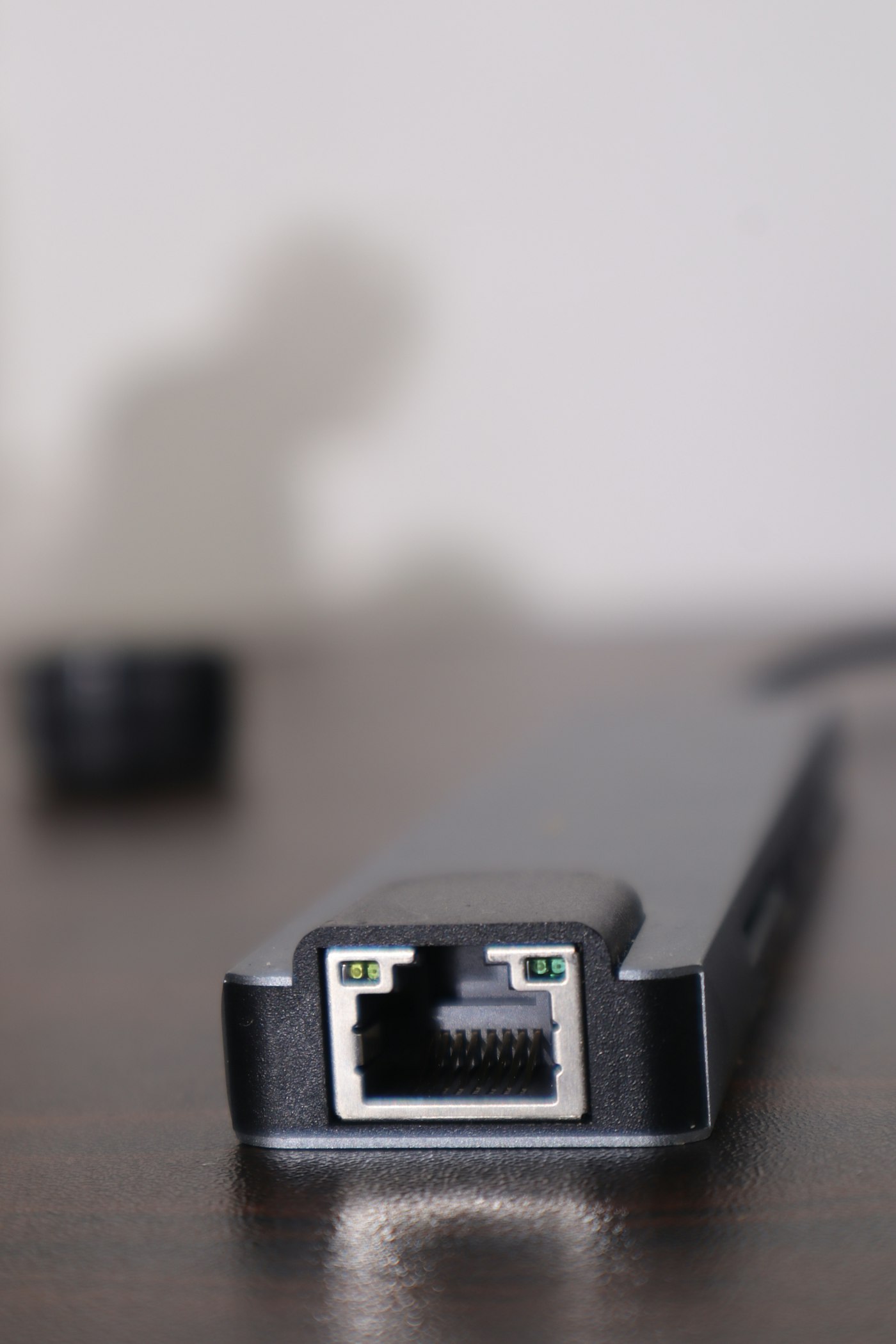
Make a short list of configuration beyond the basic setup. This may include address reservations, a guest network, printers, storage, a telephone base, VPN connections or sharing rules. Record whether additional boxes operate as routers, access points or mesh nodes. A photograph of the connected cables can help preserve their physical arrangement, but should not expose visible credentials publicly.
A configuration backup is useful where the manufacturer supports it. It is not automatically portable to a different model or brand. Use the documented migration procedure and protect the backup file. Do not put sensitive passwords into an unprotected general moving checklist.
While documenting, consider whether each old exception is still needed. A forwarding rule created years ago for a retired device should not be copied blindly. However, do not remove an unfamiliar setting without checking if another person or work application depends on it. Replacement is an opportunity to review, not a reason for indiscriminate deletion.
Choose a manageable changeover window
Pick a time without important calls or transfers. Inform other household members and retain an alternative way to read the instructions. Keep the old router unchanged initially where provider activation and the connection allow. It is a possible recovery route, not a guarantee of immediate restoration; some service changes need further steps.
Connect the replacement as instructed and establish the incoming internet connection first. Test it on a suitable client, initially through Ethernet if possible. Apply official software updates where required by the setup process. Do not interrupt an update in progress.
Then configure Wi-Fi. Reusing the previous name and password may help some clients reconnect, but does not guarantee that all return automatically. A changed security mode, supported band or network layout may require new setup. Do not preserve insecure settings merely for convenience.
Test groups of devices deliberately
Begin with a computer and phone. Next check equipment that needs local communication, such as printers and storage. Continue with additional access points, media equipment and smart-home devices. Test actual functions: a printer appearing in a list is not a successful printed page, and a camera showing Wi-Fi does not establish working remote access.
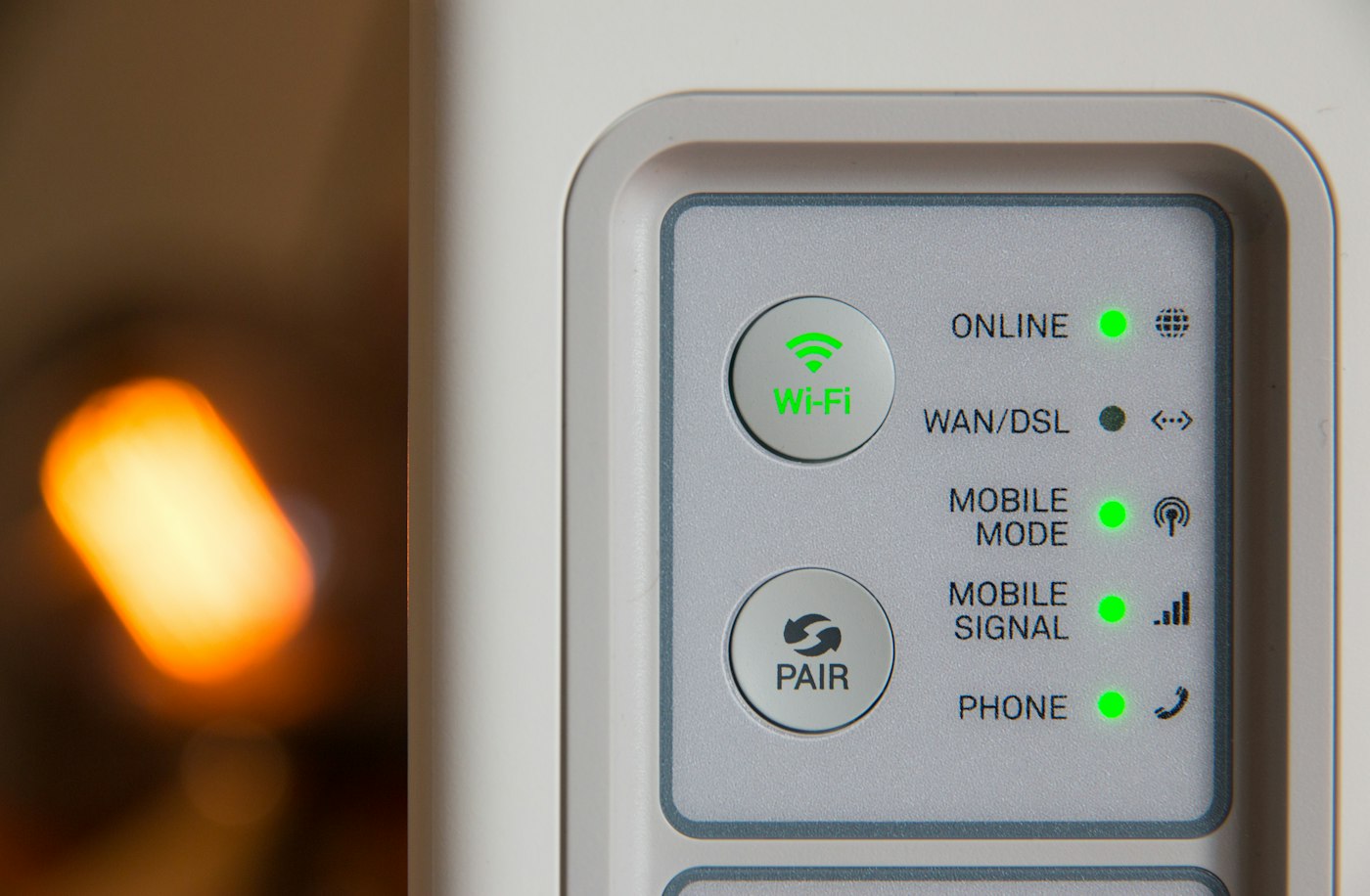
Where relevant, test telephone calls in both directions and inspect important saved settings. For a guest network, check both internet access and the intended separation again. If a device is missing, investigate its current network membership and setup before disabling broad security controls.
Only after an appropriate period of normal use should the old router be prepared for return or transfer. Remove personal configuration and account associations according to the manufacturer. Factory reset and removal from a cloud account may be separate tasks. Preserve anything still needed and confirm that you are entitled to pass the equipment on.
Finally update the small network record: model, management route, port assignments and software maintenance, with credentials stored separately and securely. The replacement is then not merely connected, but checked as part of the household's complete arrangement.